Skip to content
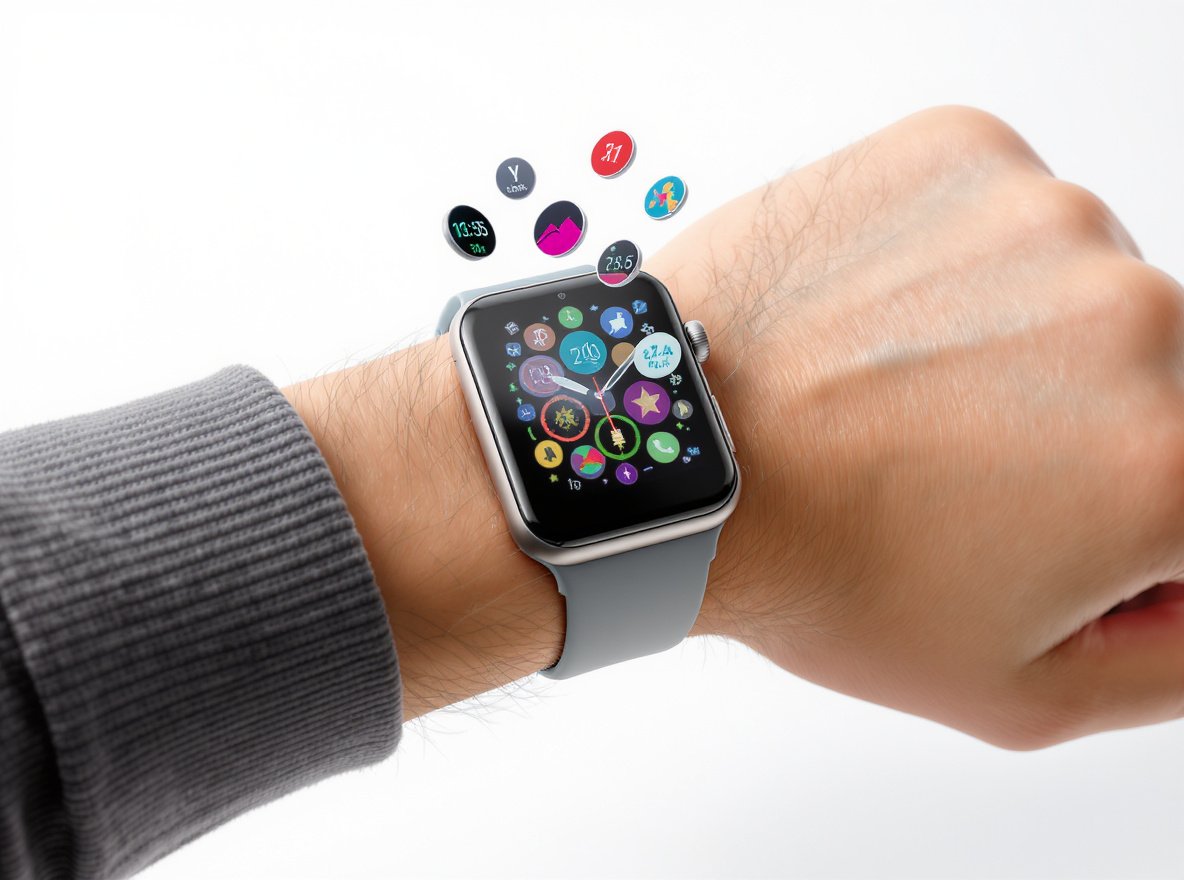
Stuck with the same boring watch face every day? You’re not alone – millions of smartwatch users never explore their device’s customization potential. Whether you need a professional display for business meetings or a fitness-focused face for workouts, changing your smartwatch face can transform your entire user experience.
Most smartwatches let you change faces by pressing and holding the current display, then swiping through available options. You can also use companion smartphone apps for more extensive customization, downloading new faces, and managing your collection across different platforms.
Ready to unlock your smartwatch’s full personalization potential? Let’s explore every method across all major platforms.
What Are the Universal Steps for Changing Any Smartwatch Face?
Understanding the core process helps you navigate any smartwatch brand with confidence, regardless of operating system.
Nearly all smartwatches follow two main methods: on-device changes through press-and-hold gestures, or smartphone app management through companion applications. The on-device method typically involves holding the current face, swiping to browse options, and tapping to select your preferred design.
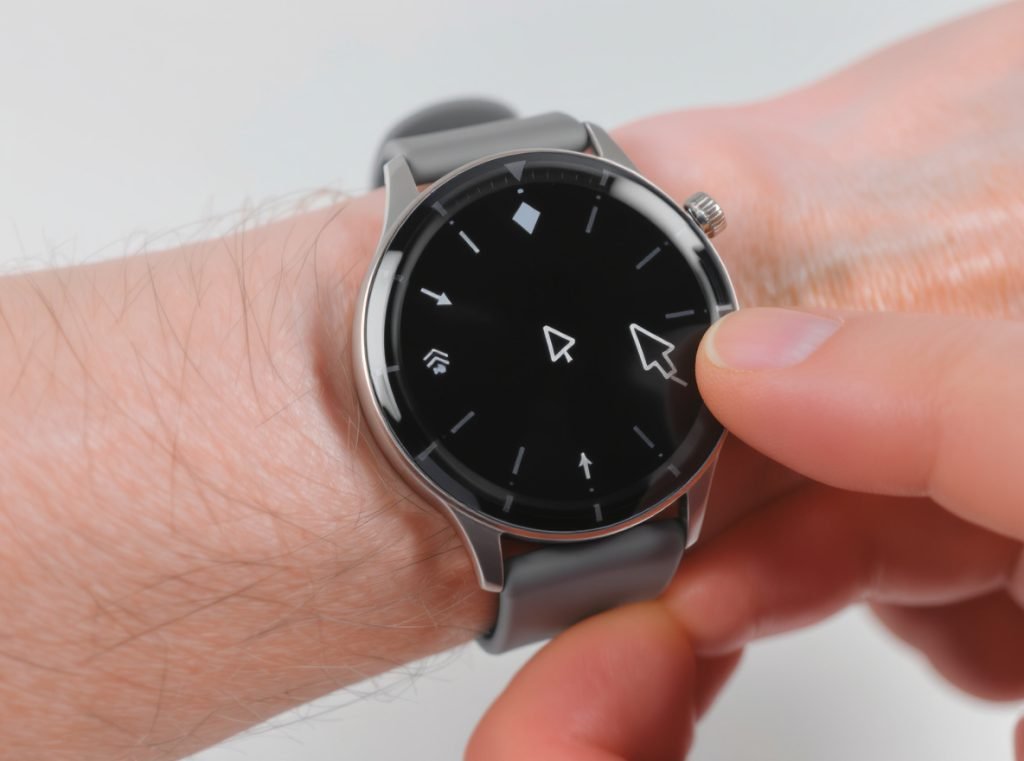
Most platforms share these fundamental steps:
Wake your smartwatch screen and ensure you’re viewing the main watch face. Press and hold the display until you see visual feedback – usually the face shrinking or an editing interface appearing. This indicates you’ve entered customization mode.
Navigate through available faces using swipe gestures. Most devices support left-right swiping to browse your installed collection. Some platforms also support vertical swiping for additional options or categories.
Confirm your selection with a simple tap on your preferred face. The new design applies immediately, returning you to the normal watch display with your chosen customization active.
The smartphone app method provides enhanced functionality across most platforms:
- Larger screen browsing for easier face selection
- Access to extensive online libraries and marketplaces
- Advanced customization tools for colors, complications, and layouts
- Remote installation and synchronization with your wearable device
How Do You Change Apple Watch Faces Most Efficiently?
Apple Watch offers the most streamlined face-changing experience, especially with recent watchOS updates that reintroduced intuitive swipe controls.
Apple Watch users can enable “Swipe to Switch Watch Face” in Settings > Clock for instant face switching. Alternatively, press and hold any watch face, swipe through available options, and tap your selection. The Face Gallery in your iPhone’s Watch app provides the most comprehensive customization experience.
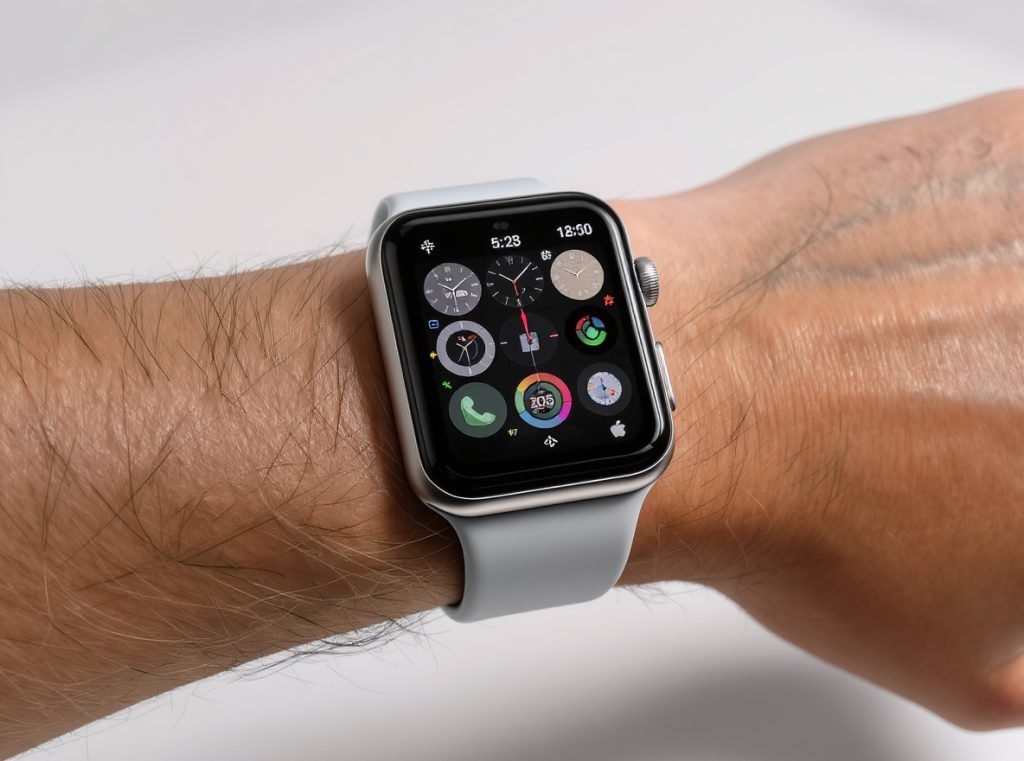
Apple simplified the process significantly with watchOS 10.2. To enable the fastest method, navigate to Settings > Clock on your Apple Watch and toggle on “Swipe to Switch Watch Face.” This feature allows effortless left-right swiping directly on the watch face for immediate changes.
The traditional method remains equally effective:
Touch and hold your current display until the editing interface appears. Swipe left through your installed faces, examining each option in detail. To add completely new faces, swipe all the way left and tap the plus (+) icon, which opens the on-device face browser.
Face Gallery Management: The Apple Watch app on your iPhone provides superior face management. Browse new and featured designs, customize complications before installation, and organize your entire collection from the larger screen interface.
| Apple Watch Method | Speed | Customization Level | Best For |
|---|---|---|---|
| Swipe Switching | Instant | None (preset faces) | Quick daily changes |
| Press-and-Hold | Fast | Basic complications | On-the-go adjustments |
| iPhone Face Gallery | Moderate | Full customization | Detailed personalization |
Complication customization sets Apple Watch apart from competitors. While editing any face, swipe to the complications screen and tap individual areas to modify data displays. Choose from Activity rings, Heart Rate, Weather, Calendar events, and hundreds of third-party app integrations.
What’s the Complete Process for Samsung Galaxy Watch Users?
Samsung Galaxy Watch users enjoy extensive customization through both device controls and the comprehensive Galaxy Wearable smartphone app.
Samsung offers dual customization paths: press and hold your current face directly on the watch to browse installed options, or use the Galaxy Wearable app for extensive downloading, customization, and management capabilities. The smartphone app provides access to thousands of additional faces through Galaxy Store integration.
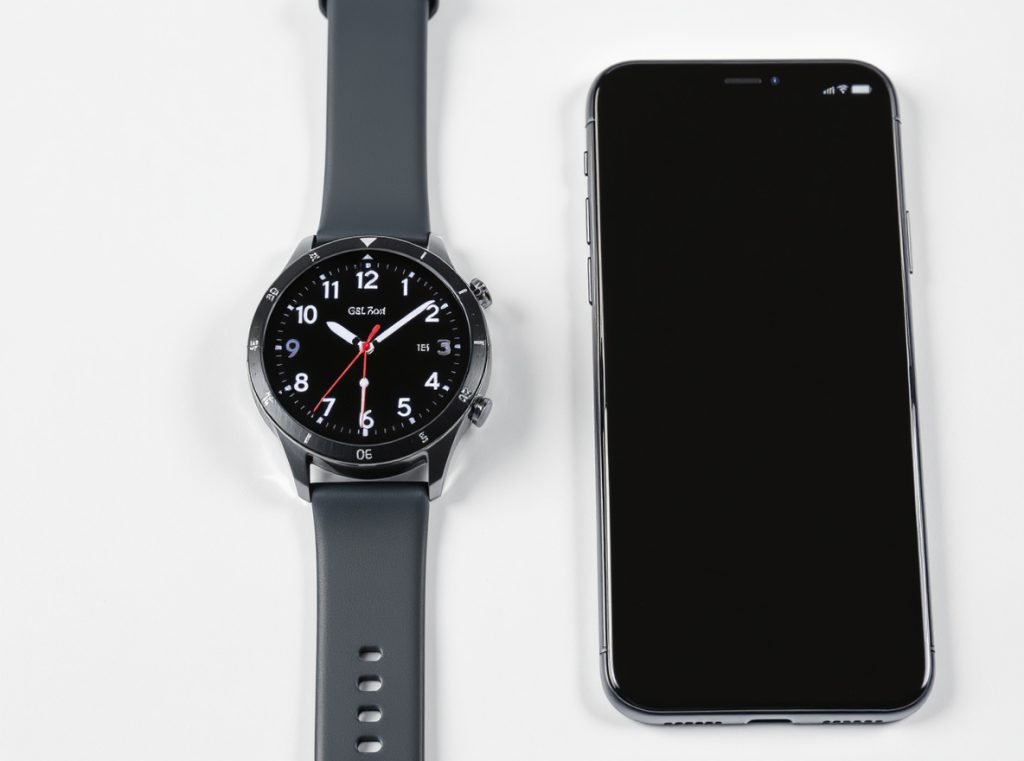
Device-based changes work perfectly for quick modifications:
Press and hold your current watch face until the customization interface appears. Swipe left or right through your installed collection, previewing each design in real-time. Tap “Customize” on any face to modify colors, fonts, and complications before applying.
The Galaxy Wearable app unlocks Samsung’s full ecosystem:
Open the app and navigate to “Watch faces” for comprehensive management. Browse featured designs, download new faces from the integrated Galaxy Store, and organize your collection. The “My Style” feature creates custom faces using personal photos with professional design templates.
Advanced Creation Tools: Samsung provides Watch Face Studio, a professional development platform for creating completely custom designs. This free tool supports:
- Complex animations and interactive elements
- Custom data integrations from various sensors
- Publishing capabilities for sharing designs globally
- Advanced customization beyond standard user options
Samsung’s ecosystem excels at photo integration. Upload personal images through the Galaxy Wearable app, and the system automatically generates multiple face variations with optimal color schemes and layouts.
How Do Wear OS Smartwatches Handle Face Customization?
Google’s Wear OS standardizes the experience across multiple hardware manufacturers, ensuring consistent functionality regardless of your specific device brand.
Wear OS devices use Google’s universal press-and-hold interface: touch and hold your current face for several seconds, swipe horizontally through available options, and tap your selection. Brand-specific companion apps often provide additional customization and downloading capabilities.
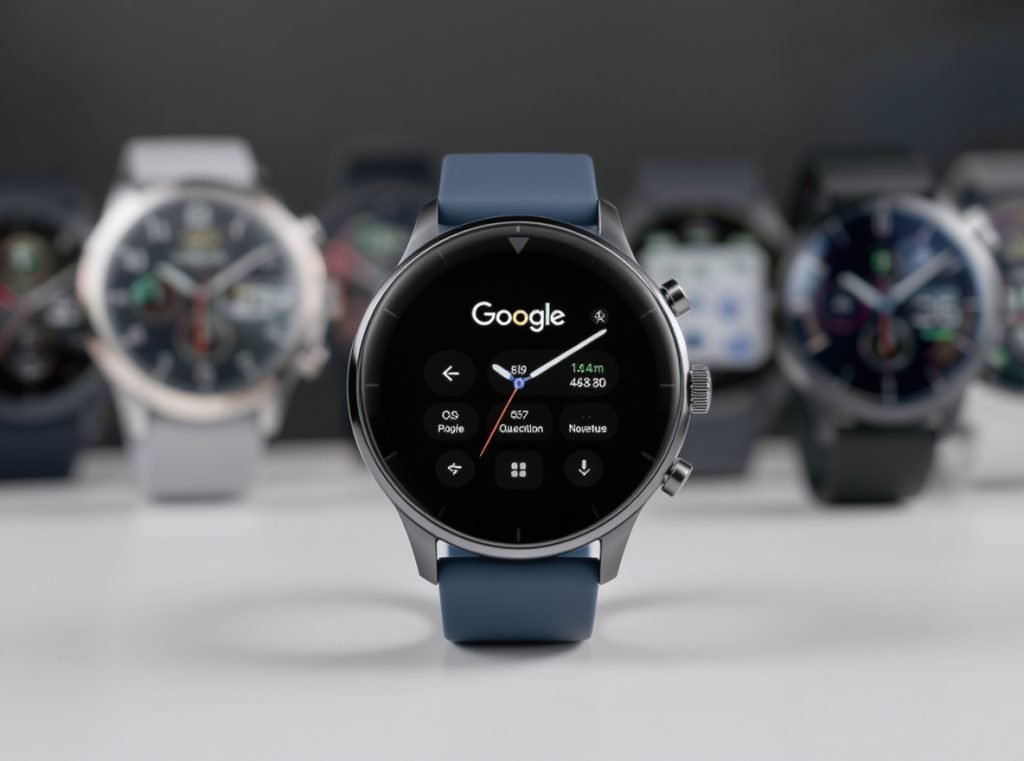
The standardized Wear OS approach works identically across Fossil, TicWatch, Pixel Watch, and other manufacturers:
Press and hold your watch face until the selection interface appears. The current face shrinks slightly, indicating you’ve entered customization mode. Swipe left or right to browse your installed collection, with real-time previews showing how each face appears on your specific device.
Platform Integration: Wear OS leverages Google Play Store integration for expanded face libraries. Search “watch faces” in the Play Store directly from your phone, install compatible designs, and they automatically sync to your connected smartwatch.
Wear OS faces typically offer extensive complication support:
- Weather data with location-based forecasting
- Fitness metrics from Google Fit and third-party apps
- Calendar integration with upcoming appointment previews
- Notification counters and quick action shortcuts
Brand-specific companion apps enhance the basic Wear OS experience. Fossil’s app, TicWatch’s companion software, and similar manufacturer tools provide curated face collections optimized for their specific hardware capabilities.
What Makes Garmin and Fitness Watches Different?
Fitness-focused smartwatches like Garmin prioritize functionality and data visibility over pure aesthetics, offering specialized customization for athletic and outdoor use.
Garmin watches use the Up/Menu button (typically left side) held down to access “Watch Face” settings. Browse built-in options and customize data fields directly on the device. The Connect IQ platform provides thousands of additional faces optimized for fitness and outdoor activities.
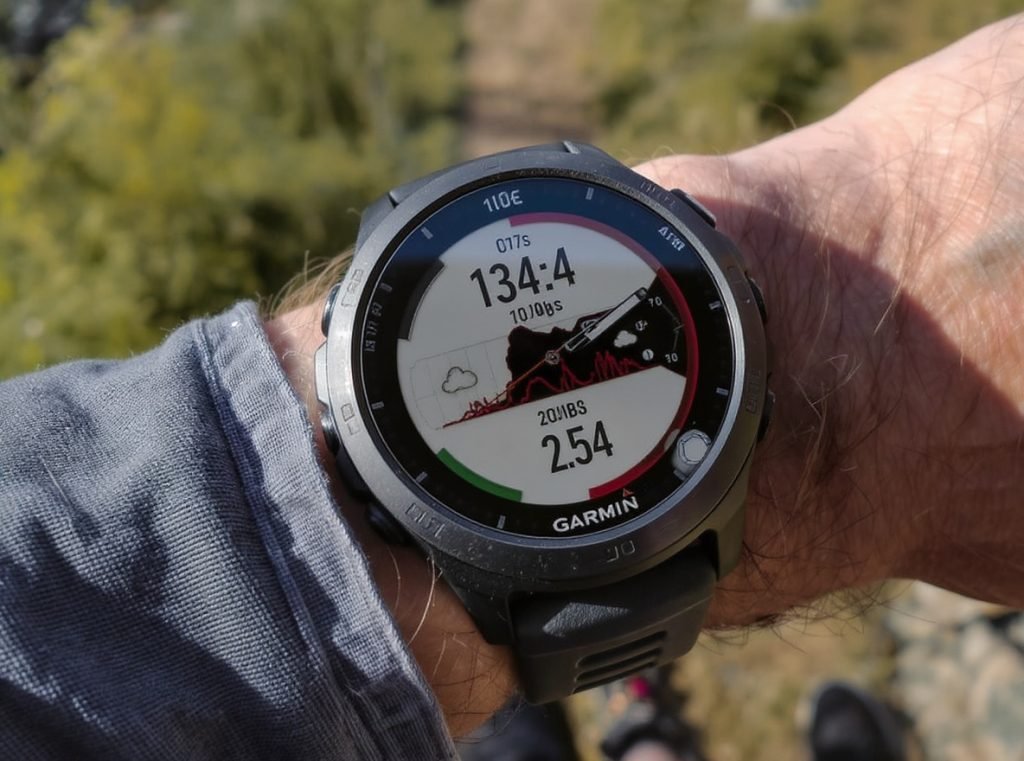
Garmin’s approach emphasizes practical data display:
Hold the Up/Menu button until the settings menu appears. Select “Watch Face” and browse available options, focusing on information density and readability. Each face typically offers extensive data field customization for displaying relevant metrics.
Connect IQ Ecosystem: Garmin’s marketplace offers specialized content:
- Sport-specific faces for running, cycling, swimming, and hiking
- Advanced data field combinations for serious athletes
- “Face It” feature for creating photo-based designs with fitness data overlays
- Weather integration with barometric pressure and outdoor conditions
Other fitness-focused brands follow similar patterns:
Polar devices emphasize training data with faces optimized for different sport modes. Suunto watches offer outdoor-specific designs with compass, altitude, and navigation data integration. Amazfit devices balance fitness functionality with consumer-friendly aesthetics.
These platforms typically restrict third-party face installation to maintain system stability and battery optimization crucial for multi-day outdoor activities.
Can You Download Third-Party Watch Faces Safely?
Third-party watch faces dramatically expand customization options, but require careful platform selection and privacy awareness.
Yes, most platforms support third-party downloads through Facer, WatchMaker, and platform-specific stores like Connect IQ. However, third-party apps request various permissions and may collect personal data, so choose reputable developers and review privacy policies before installation.
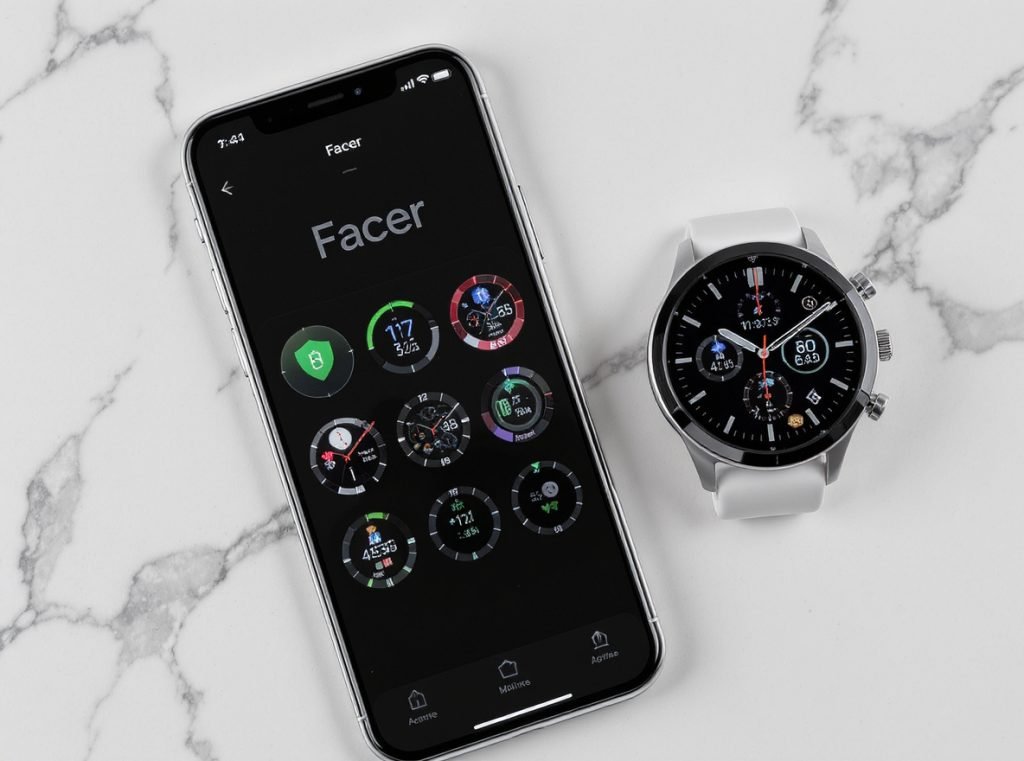
Facer leads cross-platform compatibility, supporting Apple Watch, Samsung Galaxy Watch, and Wear OS devices. The platform offers over 500,000 designs from professional creators and community contributors, with both free and premium subscription tiers.
Popular third-party platforms include:
- WatchMaker for Android-based devices with advanced customization tools
- Pujie Black for Wear OS with professional design capabilities
- Clockology for Apple Watch featuring luxury brand replicas and complex animations
Installation Process: Most third-party apps require smartphone and smartwatch installation. Set the app’s interface as your active watch face, browse designs through the phone application, and sync selections automatically to your wearable device.
| Platform | Device Support | Free Options | Premium Features | Privacy Rating |
|---|---|---|---|---|
| Facer | Cross-platform | Extensive | Unlimited access | Moderate concerns |
| WatchMaker | Android/Wear OS | Good | Advanced tools | Lower data collection |
| Clockology | Apple Watch | Limited | Complex designs | Higher privacy focus |
Privacy Considerations: Third-party face apps often request permissions for location data, health metrics, and network connectivity. Review requested permissions carefully, as some developers may collect and monetize personal information beyond face functionality requirements.
What Advanced Customization Options Are Available?
Modern smartwatch faces offer extensive personalization beyond simple design selection, with complications, visual themes, and interactive elements.
Advanced customization includes complications (data widgets), color scheme modifications, layout adjustments, and interactive elements. You can typically modify displayed information density, choose accent colors, adjust text sizes, and configure touch-activated features for enhanced functionality.
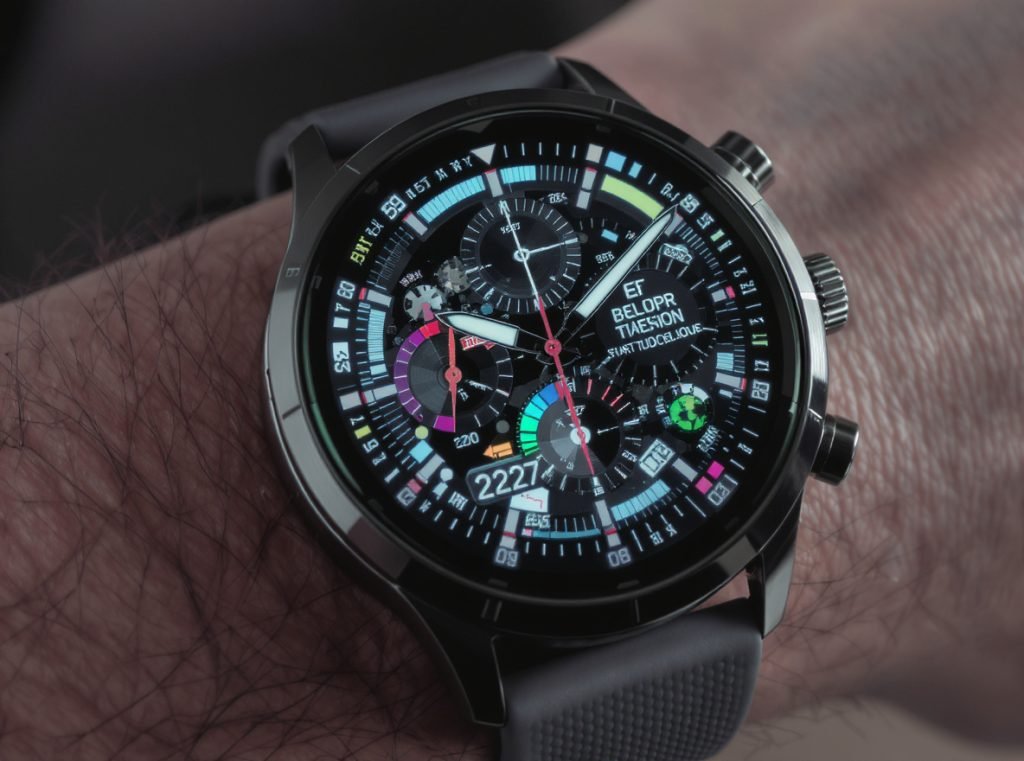
Complications Management transforms watch faces into information dashboards:
Weather complications display current conditions, hourly forecasts, and severe weather alerts. Fitness complications track real-time heart rate, daily step progress, calorie burn, and workout summaries. Calendar complications show upcoming appointments with quick preview capabilities.
Visual Personalization extends beyond basic color changes:
Many faces offer gradient options, texture variations, and dynamic elements responding to time of day or environmental conditions. Some designs include parallax effects, animated backgrounds, and seasonal themes that automatically adjust throughout the year.
Information Density Control lets users balance aesthetics with functionality:
- Minimalist displays showing only essential time information
- Data-rich faces packed with health, weather, and calendar information
- Customizable text sizes for accessibility and personal preference
- Analog versus digital time format selection with hybrid options
Interactive Elements add functionality beyond passive display:
Touch-activated features reveal additional information layers when needed. Rotating bezels (on supported devices) navigate through different data screens. Some faces include mini-games, productivity tools, or quick action shortcuts for frequently used apps.
How Do You Create Custom Watch Faces?
Creating personalized watch faces opens unlimited design possibilities for users wanting truly unique displays.
Use dedicated creation platforms like Facer Creator, WatchMaker, or Samsung’s Watch Face Studio for drag-and-drop face design without programming knowledge. These tools support custom backgrounds, personal photos, data integration, and publishing capabilities for sharing your creations.
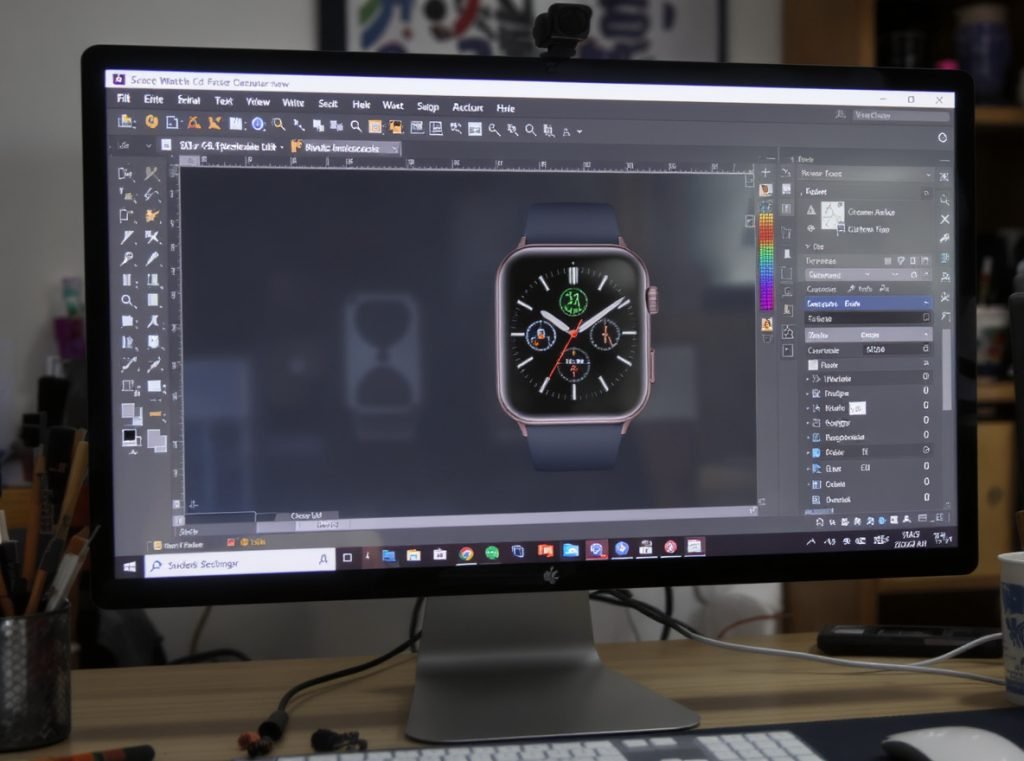
Facer Creator offers the most accessible web-based editing:
Start with background selection – personal photos, solid colors, or artistic designs reflecting your personality or profession. Add time displays with various fonts, sizes, and positioning options. Integrate complications for weather, fitness, and app data with custom styling.
Professional Development Tools provide advanced capabilities:
Samsung Watch Face Studio includes animation support, sensor data integration, and Galaxy Store publishing capabilities. The visual interface accommodates both beginners and experienced designers with layered editing systems.
Apple’s ClockKit serves developers creating sophisticated Apple Watch complications and interfaces, requiring Xcode and iOS development expertise but enabling deep system integration and App Store distribution.
Creation Process Overview:
Design foundation begins with background image selection or color scheme creation. Element placement involves dragging time displays, complications, and decorative components to desired positions. Data integration connects designs to smartwatch sensors and applications for live information display.
Publishing options range from personal use only to community sharing across global platforms. Many creators start with personal designs before developing faces for broader distribution through various marketplaces.
What Should Wholesalers Know About Watch Face Technology?
Understanding watch face capabilities helps distributors and retailers better serve customers while identifying profitable market opportunities.
Watch face customization significantly impacts customer satisfaction and device differentiation in competitive markets. Devices supporting popular platforms like Facer, extensive built-in libraries, and easy customization typically generate higher customer retention, positive reviews, and repeat business opportunities.
Market Positioning Considerations:
Platform ecosystem compatibility determines long-term customer engagement. Devices supporting popular face applications attract users valuing personalization, particularly younger demographics willing to pay for premium customization options.
Technical specifications directly affect face quality and performance. Higher-resolution displays, sufficient processing power, and adequate storage enable complex animations and detailed graphics that differentiate premium products from budget alternatives.
Business Model Opportunities:
Watch faces create ongoing revenue streams through premium design sales, subscription services, and brand licensing partnerships. Many platforms offer revenue sharing for developers, creating additional income opportunities for businesses entering the customization market.
Customer Support Implications: Devices with intuitive face-changing processes reduce support requirements and return rates. Complex customization procedures generate customer frustration and negative feedback affecting brand reputation.
Smart retailers highlight customization capabilities during sales presentations. Demonstrating easy face changes effectively showcases device flexibility and user-friendliness, often influencing purchase decisions positively.
For Osmarto wholesale partners, emphasizing comprehensive face libraries, cross-platform compatibility, and user-friendly customization can significantly enhance product appeal and market positioning against competitors.
Are There Limitations When Changing Watch Faces?
Understanding potential restrictions helps set realistic expectations and avoid common frustrations with face customization.
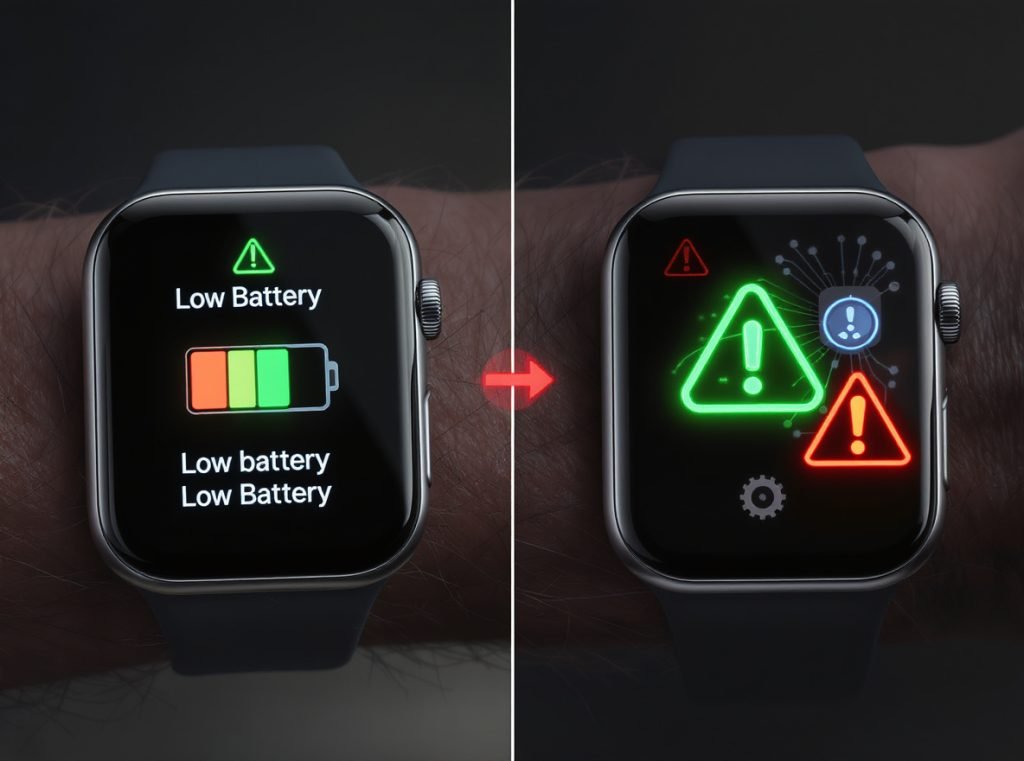
Key limitations include platform compatibility restrictions, battery impact from complex animated faces, storage constraints on older devices, and privacy concerns with third-party applications. Additionally, some faces require specific sensors or app permissions to function properly.
Platform Lock-In Effects:
Apple Watch faces remain exclusive to iOS ecosystem, while Samsung and Wear OS faces don’t transfer between different operating systems. Cross-platform compatibility exists only through universal third-party services like Facer, but with limited functionality compared to native options.
Performance and Battery Constraints:
Complex animated faces with multiple complications significantly impact battery life, especially on older devices with limited processing power. Resource-intensive designs may cause performance slowdowns, heating issues, or system instability on budget hardware.
Storage Management Requirements:
Devices with limited internal storage restrict face collection sizes. Regular cleanup of unused faces maintains optimal performance and prevents system slowdowns. Cloud synchronization helps manage collections across multiple devices but requires active internet connections.
Security and Privacy Risks: Third-party face applications often request extensive permissions including location access, health data, and network connectivity. Some developers may collect and monetize personal information beyond face functionality needs.
| Limitation Type | Impact Level | Mitigation Strategy |
|---|---|---|
| Platform Lock-in | High | Choose universal platforms like Facer |
| Battery Drain | Moderate | Use simpler faces for daily wear |
| Storage Space | Low | Regular cleanup and cloud sync |
| Privacy Risks | High | Review permissions carefully |
Regional and Legal Restrictions: Some premium faces include geographical limitations due to licensing agreements. Digital Rights Management (DRM) systems increasingly protect intellectual property, potentially limiting customization of purchased content and reducing portability between devices.
Summary
Changing smartwatch faces personalizes your device and enhances daily functionality across all major platforms. Whether using built-in options, downloading third-party designs, or creating custom faces, the process remains straightforward with proper platform understanding. Focus on faces matching your lifestyle needs while considering battery impact, device compatibility, and privacy implications for optimal user experience.
Looking to offer your customers the ultimate smartwatch customization experience? Osmarto provides wholesale smartwatches with extensive face libraries, intuitive customization features, and cross-platform compatibility. Our devices support popular platforms like Facer while maintaining excellent battery performance and user-friendly interfaces. Contact our wholesale team today to discuss bulk orders and discover how our premium smartwatches can enhance your product lineup with superior customization capabilities that drive customer satisfaction and repeat business.