Skip to content
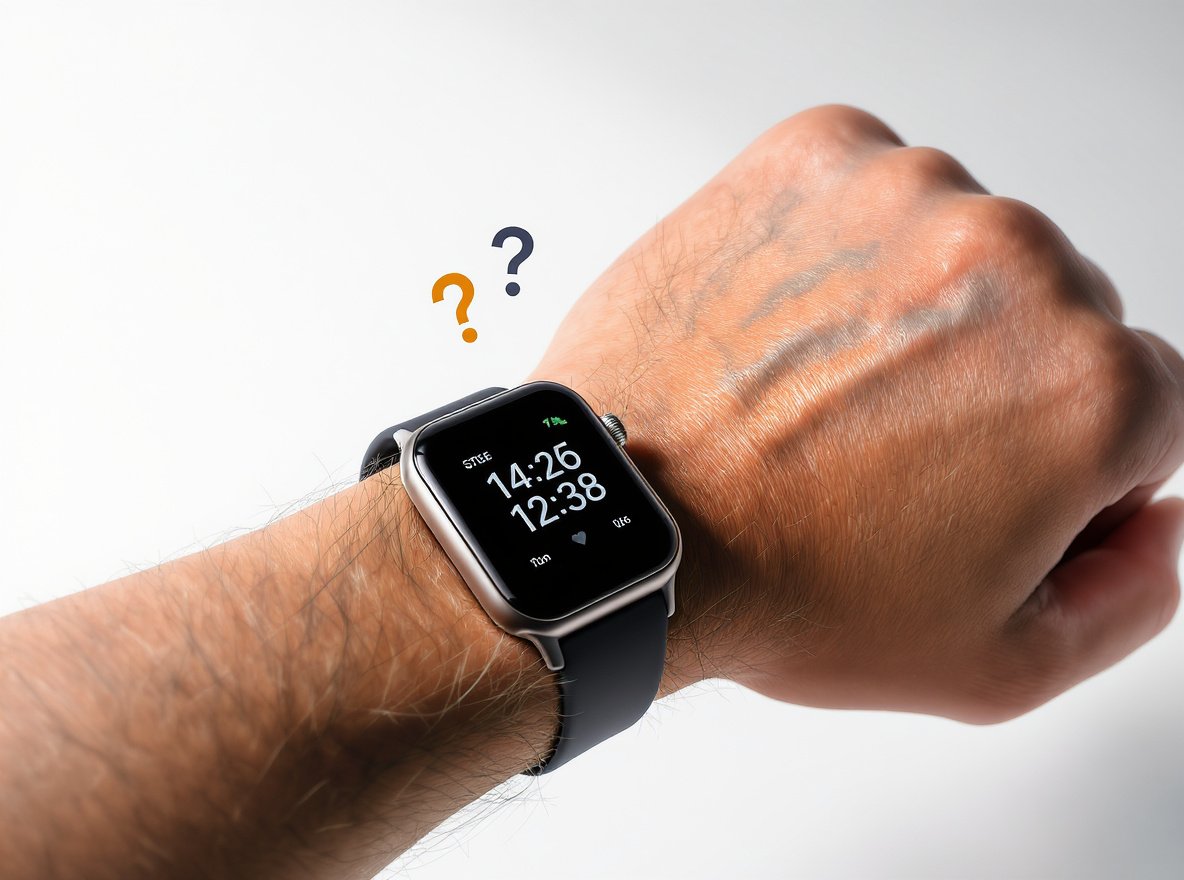
You rely on your smartwatch to keep track of your daily activity, but lately, you’ve noticed something’s off. The step count seems too low, too high, or just plain wrong. This frustrating issue affects millions of smartwatch users worldwide, making it hard to trust your fitness data and achieve your health goals.
Your smartwatch step tracking accuracy depends on accelerometer and gyroscope sensors that analyze arm movement patterns to detect steps. Most quality smartwatches achieve 85-95% accuracy when worn correctly, but factors like loose fit, restricted arm movement, and specific activities can cause significant counting errors ranging from 20-30% deviation.
Let’s dive deeper into the technology behind step counting and how you can dramatically improve your tracking accuracy.
How Does Smartwatch Step Detection Technology Actually Work?
Understanding the sophisticated technology helps you identify why counting errors occur and how to fix them.
Modern smartwatches use tiny accelerometers and gyroscopes called inertial measurement units (IMUs) that detect three-dimensional movement patterns. These microelectromechanical systems (MEMS) measure acceleration changes across X, Y, and Z axes, analyzing your natural arm swing rhythm to distinguish genuine steps from other movements.
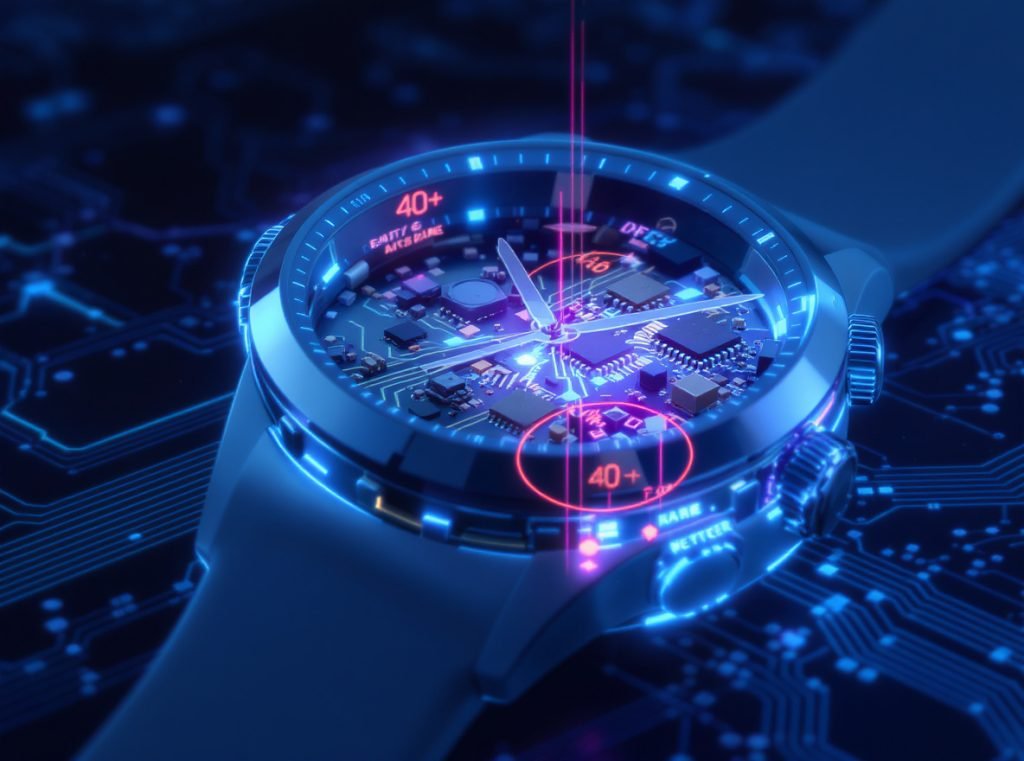
Here’s the step-by-step detection process:
Your smartwatch continuously monitors acceleration changes through its built-in accelerometer, which measures velocity shifts in front-to-back, side-to-side, and up-and-down directions. The gyroscope adds rotational movement data for enhanced accuracy.
Advanced algorithms process this raw sensor data using three key techniques: peak detection identifies the distinctive acceleration spikes each step creates, periodicity analysis recognizes the rhythmic patterns of walking, and threshold filtering prevents minor hand movements from registering as steps.
Premium devices incorporate magnetometers (digital compasses) for directional awareness and some require 10 continuous steps before beginning to count, which explains initial delays in step registration.
• Primary sensors: Accelerometers measure linear acceleration, gyroscopes track rotational movement
• Algorithm processing: Peak detection, rhythm analysis, and movement filtering work together
• Calibration factors: Personal data like height, weight, and stride length improve accuracy
• Detection threshold: Most devices need minimum acceleration levels to avoid false counting
What Are the Main Causes of Inaccurate Step Tracking?
Multiple factors can significantly impact your smartwatch’s step counting precision, from environmental conditions to personal movement patterns.
The most common causes include restricted arm movement during activities like pushing strollers, loose watch fit that allows shifting during movement, and vibrations from vehicles or machinery that mimic walking patterns. Individual factors like walking style, stride length, and body composition also affect accuracy.
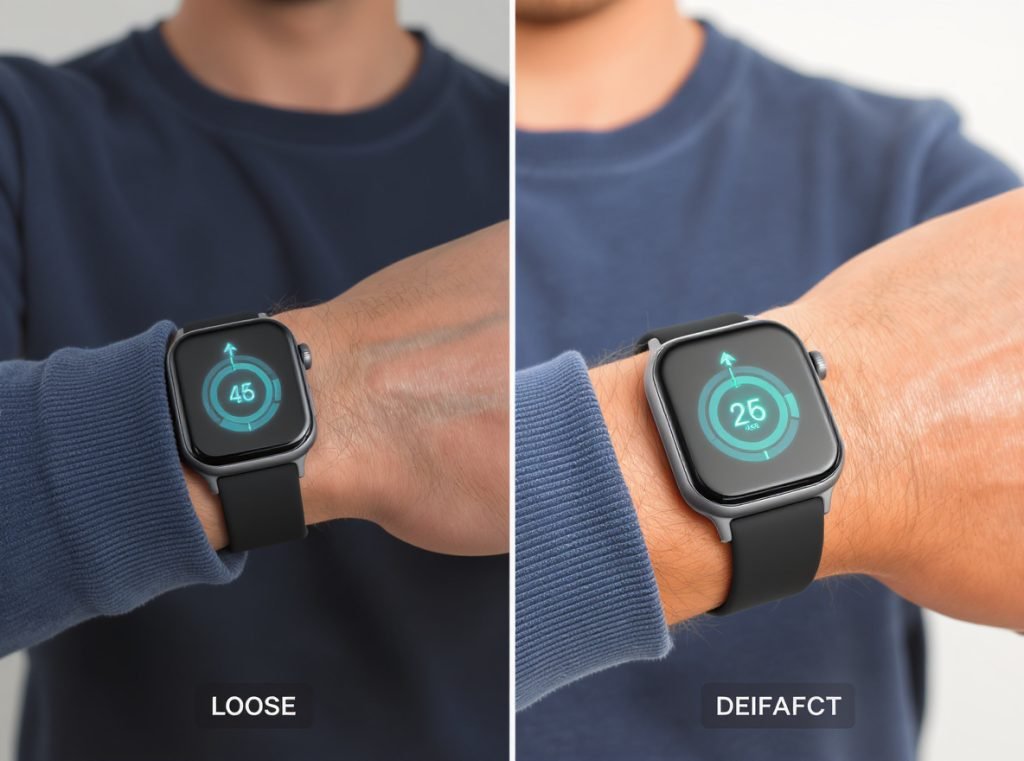
Environmental and physical interference creates major problems:
Car or train travel generates vibrations that trigger false step detection. Similarly, cycling, rowing, or driving on rough roads produce repetitive movements that confuse the algorithms.
Extreme temperatures, excessive humidity, or moisture blocking the sensors can interfere with proper detection. A loose watch shifts during movement creating inconsistent readings, while overly tight fit restricts natural arm movement.
Activity-related issues cause both under-counting and over-counting:
When pushing strollers, shopping carts, or lawn mowers, your hands remain stationary while legs move, leading to significant under-counting. Conversely, cooking, washing dishes, playing drums, or gesticulating while talking creates arm movement without stepping.
| Accuracy Issue | Typical Impact | Error Range |
|---|---|---|
| Loose watch fit | Under-counting | 20-30% missed steps |
| Restricted arm movement | Severe under-counting | 40-60% missed steps |
| Vehicle vibrations | Over-counting | 15-25% false steps |
| Slow walking (under 0.6 m/s) | Under-counting | 10-20% missed steps |
Why Do Different Smartwatch Brands Show Varying Step Counts?
Brand variations often confuse users who expect consistent accuracy across different devices worn simultaneously.
Each manufacturer uses proprietary algorithms and different sensor configurations, creating significant variations in step counting accuracy. Recent comprehensive testing shows Garmin Forerunner devices leading with only 15 steps error in 6,000-step tests, while some brands show over 290 steps deviation.
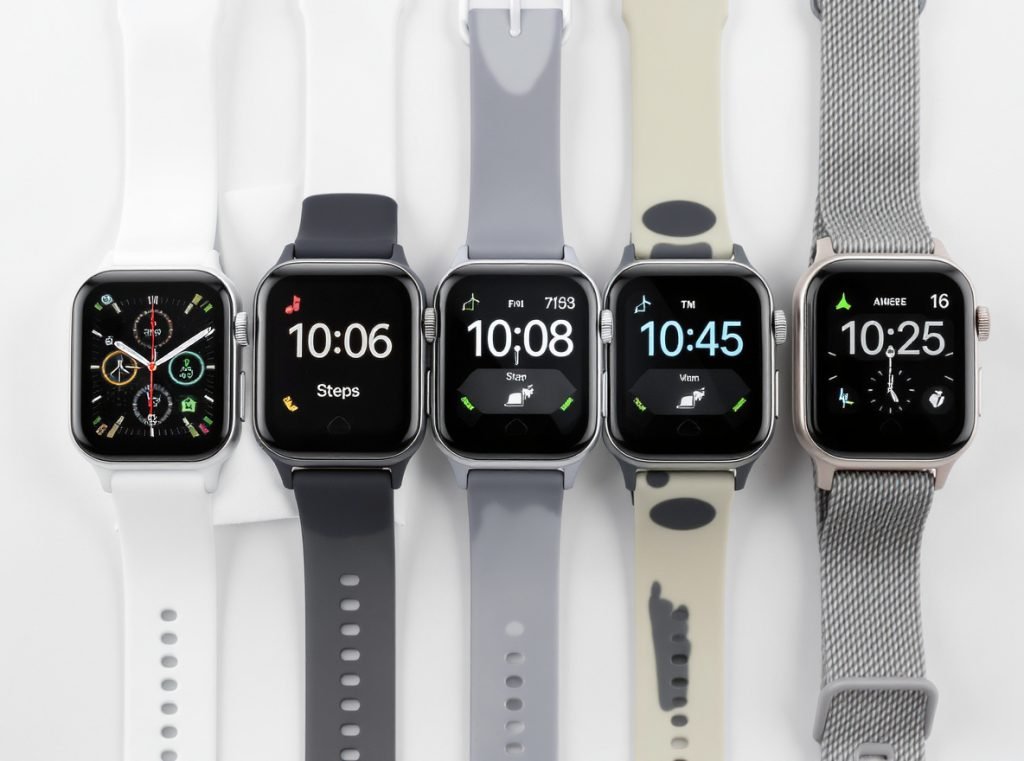
Algorithm differences explain most discrepancies between brands:
Samsung Galaxy watches excel at distinguishing real steps from false movements using sophisticated filtering. Apple Watch provides consistent results during steady walking but may struggle with running stride detection. Huawei devices consistently perform well across various activities.
Sensor quality varies dramatically between price points. Premium smartwatches use higher-grade accelerometers and gyroscopes, resulting in more precise measurements and better algorithm performance.
Based on independent testing accuracy rankings:
• Most accurate: Garmin Forerunner 265 (15 steps off in 6,000-step test)
• Second place: Amazfit T-Rex Ultra (62 steps deviation)
• Third place: COROS APEX 2 Pro (81 steps off)
• Fourth place: Apple Watch Series 6 (110 steps deviation)
• Fifth place: Samsung Galaxy Watch 5 Pro (113 steps off)
• Least accurate tested: Fitbit Sense (292 steps deviation)
Which Activities Commonly Cause Step Tracking Errors?
Research identifies specific activities that consistently generate the most false positives and negatives in step detection.
Outdoor cycling produces false positives across all tested devices, while pushing strollers or shopping carts causes severe under-counting due to restricted arm movement. Indoor cycling, rough road driving, and household activities like washing dishes also frequently trigger incorrect step detection.

High false positive activities consistently fool step detection:
Outdoor cycling generates significant false steps on every tested smartwatch because the rhythmic pedaling motion mimics walking patterns. Indoor cycling shows similar issues, though some wrist-worn trackers perform better.
Driving on rough roads creates vibrations that trigger step algorithms. Household activities like washing dishes, cooking, and food preparation involve repetitive arm movements that register as steps.
Activities causing over-counting:
• Outdoor and indoor cycling (all devices affected)
• Driving on bumpy roads or rough terrain
• Washing and drying dishes, cooking preparation
• Playing musical instruments, especially drums
• Household cleaning tasks like vacuuming
Activities causing severe under-counting:
• Pushing strollers, shopping carts, or lawn equipment
• Walking while carrying heavy items or bags
• Treadmill walking (some devices underperform)
• Very slow walking below 0.6 m/s detection threshold
• Walking with mobility aids or altered gait patterns
How Can I Significantly Improve My Smartwatch Step Tracking Accuracy?
Simple adjustments and proper calibration can dramatically enhance your step counting precision by 20-40%.
Proper watch placement, regular manual calibration, and updated personal information are the most effective improvements. Wear your device snugly on your non-dominant wrist, perform calibration walks when available, and ensure your height, weight, and age data remains current for optimal algorithm performance.
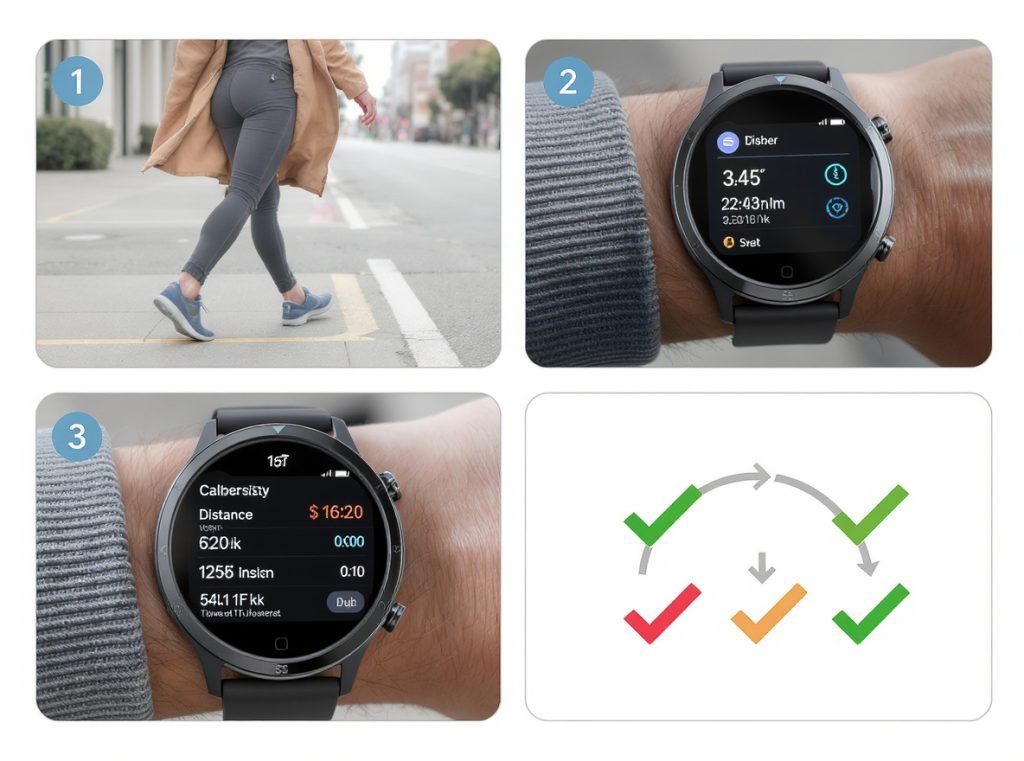
Device calibration provides the biggest accuracy improvement:
Apple Watch users should perform a 20-minute outdoor walk or run with GPS enabled to help the device learn individual stride patterns. Samsung and Android-compatible devices include calibration options in companion apps.
Manual calibration involves walking a known distance (like 100 steps) while counting manually, then inputting the actual number. This teaches algorithms to recognize your specific movement patterns.
Optimal wearing practices:
• Wear snugly but comfortably on your non-dominant wrist, one finger-width above wrist bone
• Ensure proper orientation settings match the wrist you’re wearing it on
• Keep sensors clean and free from sweat, water, or debris
• Walk naturally without looking at the watch or altering arm swing
Personal data optimization:
• Update height, weight, and age regularly as these influence stride calculations
• Input accurate stride length if your device offers this option
• Consider body composition changes that affect movement patterns
• Verify dominant hand settings match your wearing preferences
Software maintenance ensures optimal performance:
Regular firmware updates provide improved algorithms and bug fixes. Restart your device periodically to resolve temporary glitches and verify sensor permissions in companion apps.
How Do I Test My Smartwatch Step Counting Accuracy?
Regular accuracy testing helps maintain confidence in your fitness data and identifies when professional service is needed.
Perform a 100-step manual count while walking normally on flat ground, then compare with your smartwatch reading. Accuracy within 5-10% is generally acceptable for consumer devices, while errors exceeding 20% may indicate calibration or hardware problems requiring attention.
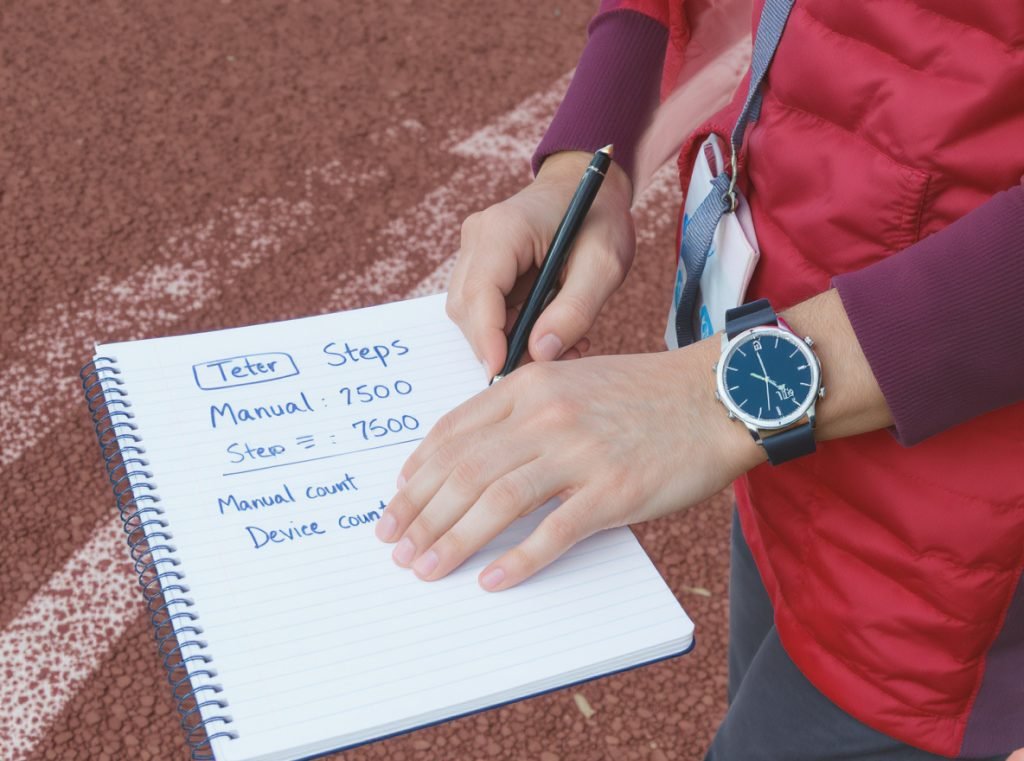
Simple accuracy test protocol:
Choose a measured distance like a standard track or marked path. Walk at your normal pace while manually counting every step, comparing your count with your smartwatch reading.
For comprehensive testing, walk a measured quarter-mile distance while manually counting steps. Calculate your actual steps per distance and compare with device readings across multiple trials.
Professional testing scenarios to include:
• Normal pace walking on flat surfaces (baseline accuracy)
• Brisk walking or light jogging at various speeds
• Walking while carrying items or pushing objects
• Stair climbing and descending movement patterns
• Walking on uneven terrain or inclines
Advanced testing methods used in research studies employ stride sensors placed on shoes as ground truth references, combined with video analysis for precise validation.
| Test Condition | Expected Accuracy | Acceptable Range |
|---|---|---|
| Flat surface walking | 90-95% | Within 5-10% deviation |
| Carrying items | 75-85% | Within 15-20% deviation |
| Stair climbing | 80-90% | Within 10-15% deviation |
| Rough terrain | 70-85% | Within 15-25% deviation |
When Should I Be Concerned About My Smartwatch Step Accuracy?
Understanding normal variation versus problematic performance helps you identify when professional help or device replacement is necessary.
Be concerned if your device consistently shows more than 20% deviation from manual counts during normal walking, registers thousands of steps during sedentary periods, or fails to count steps during confirmed walking. These issues may indicate sensor malfunction, calibration problems, or software bugs requiring professional attention.
Medical considerations become critical for specific users:
Healthcare providers may require precise activity measurements for patients with cardiovascular conditions, diabetes, or mobility impairments. If you use step data for medication timing, exercise prescriptions, or chronic disease management, consult your healthcare provider about accuracy requirements.
Warning signs requiring immediate attention:
• More than 20% consistent deviation from manual counts
• Thousands of false steps during confirmed sedentary periods
• Zero step detection during extended confirmed walking
• Sudden dramatic changes in daily patterns without lifestyle changes
For critical health monitoring applications, consider using multiple measurement methods or medical-grade activity monitoring devices when precision is paramount.
Most quality consumer smartwatches achieve 85-95% accuracy under ideal conditions, but perfect accuracy remains challenging due to wrist-based sensor limitations and human movement complexity.
What Are the Most Accurate Smartwatches for Step Counting Available Today?
Choosing the right device significantly impacts your step tracking experience, with some brands consistently outperforming others in independent testing.
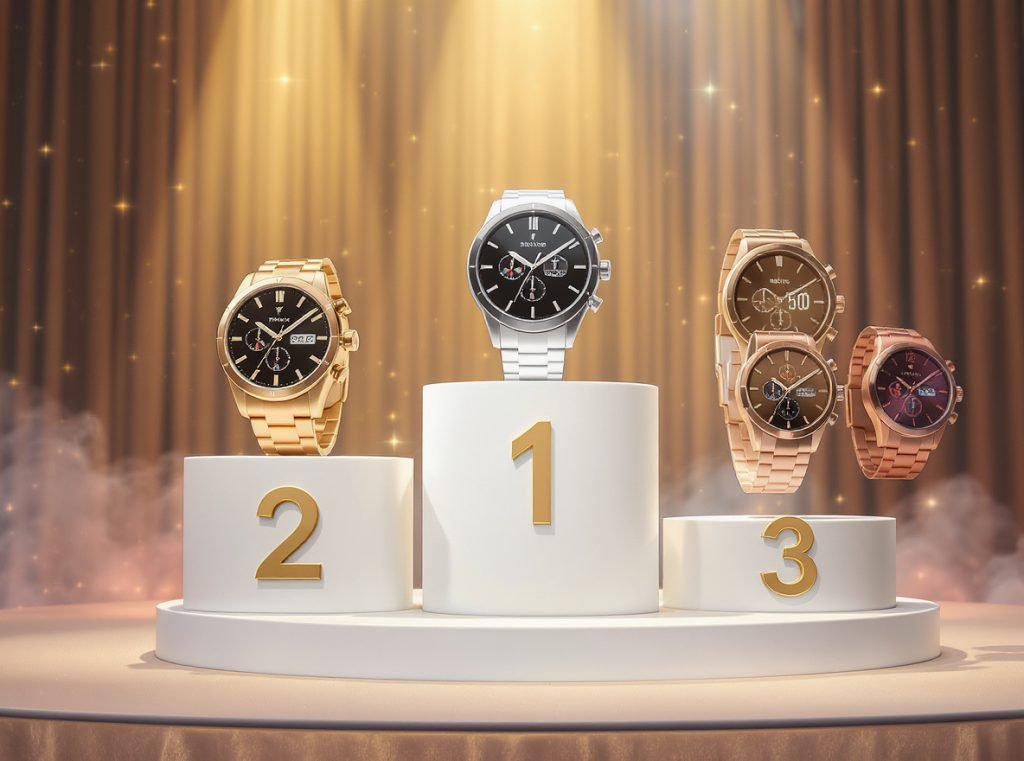
Based on comprehensive testing, Garmin devices lead in step counting accuracy, followed by Samsung Galaxy watches and Apple Watch models. Premium devices typically achieve 90-95% accuracy, while budget options often fall to 70-85% precision under various conditions.
Premium accuracy leaders consistently perform well:
Garmin Forerunner and Venu series demonstrate the highest accuracy across multiple independent studies, with some models showing less than 1% error in controlled testing. Samsung Galaxy Watch series excel at algorithm performance and false movement filtering.
Apple Watch Ultra 2 shows superior overall fitness tracking accuracy in recent studies, while maintaining consistent performance across different activity types.
Best value accuracy options:
• Fitbit Charge 6 with improved algorithms and reliable basic tracking
• Huawei GT series demonstrating strong step detection performance
• Xiaomi Smart Band 9 surprisingly accurate for budget category
• COROS watches providing strong performance for dedicated athletes
For wholesale buyers evaluating smartwatch suppliers, consider these critical accuracy factors:
Quality sensor specifications from reputable component manufacturers directly impact performance. Algorithm transparency helps assess step detection methods and calibration processes.
Testing documentation should include accuracy results under various conditions and activities. Calibration support ensures devices offer user adjustment options for improved precision.
| Accuracy Tier | Expected Performance | Recommended Brands |
|---|---|---|
| Premium (90-95%) | Garmin, Samsung Galaxy, Apple Watch Ultra | Professional/medical use acceptable |
| Mid-range (85-92%) | Fitbit, Huawei, COROS | Good for general fitness tracking |
| Budget (70-85%) | Xiaomi, basic fitness bands | Acceptable for casual monitoring |
Summary
Smartwatch step tracking accuracy depends on sophisticated accelerometer and gyroscope technology that analyzes arm movement patterns to detect steps. Most quality devices achieve 85-95% accuracy when properly calibrated and worn correctly, but factors like restricted arm movement, loose fit, and specific activities can cause 20-30% counting errors. Regular manual calibration, proper device placement, and understanding activity limitations significantly improve tracking precision for reliable fitness monitoring.

Ready to offer your customers the most accurate step tracking technology available? At Osmarto, we manufacture precision smartwatches with advanced IMU sensors, sophisticated algorithms, and comprehensive calibration features for wholesale partners worldwide. Our devices consistently achieve premium accuracy standards while offering competitive pricing for distributors, retailers, and brand manufacturers. Contact us today to discuss your smartwatch sourcing needs and discover how our manufacturing expertise can enhance your product line’s reputation for reliability and precision.