Skip to content
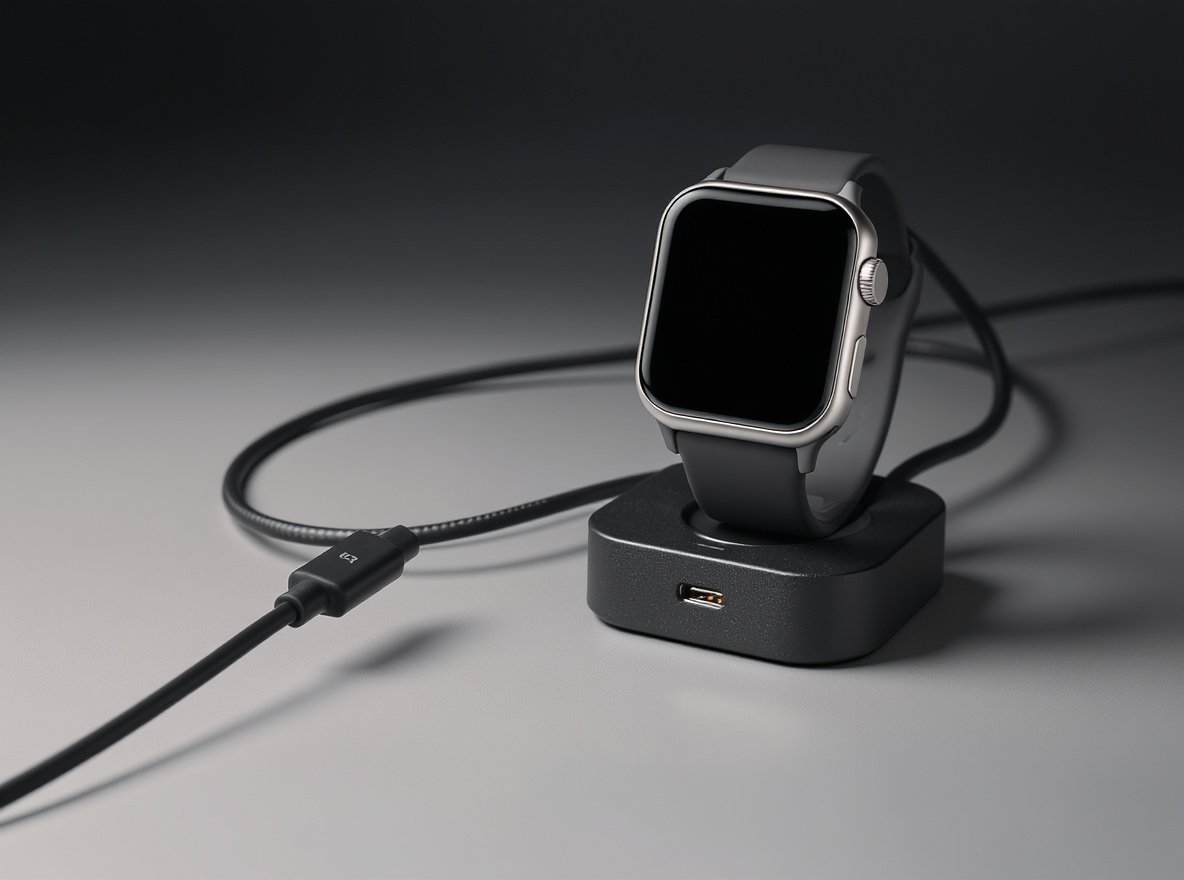
A dead smartwatch is frustrating for users and costly for your business reputation. When customers can’t charge their devices, they lose trust in your brand and may switch to competitors. The good news is that most charging issues have simple solutions that don’t require expensive repairs or replacements.
Most smartwatch charging problems stem from dirty charging contacts, faulty cables, or completely drained batteries that need extended charging time. Clean the charging pins with a dry cloth, use the original charger, and allow 30-60 minutes of charging before expecting the device to power on.
Keep reading to discover the complete troubleshooting process that will help your customers resolve 90% of smartwatch charging issues and maintain their satisfaction with your products.
What Are the Most Common Reasons a Smartwatch Won’t Charge?
Understanding the root causes helps you provide better customer support and improve your product design for wholesale partners.
The five most common charging issues are dirty charging contacts (40% of cases), using incompatible chargers (25%), completely drained batteries requiring extended charging (20%), damaged charging cables (10%), and hardware malfunctions (5%).
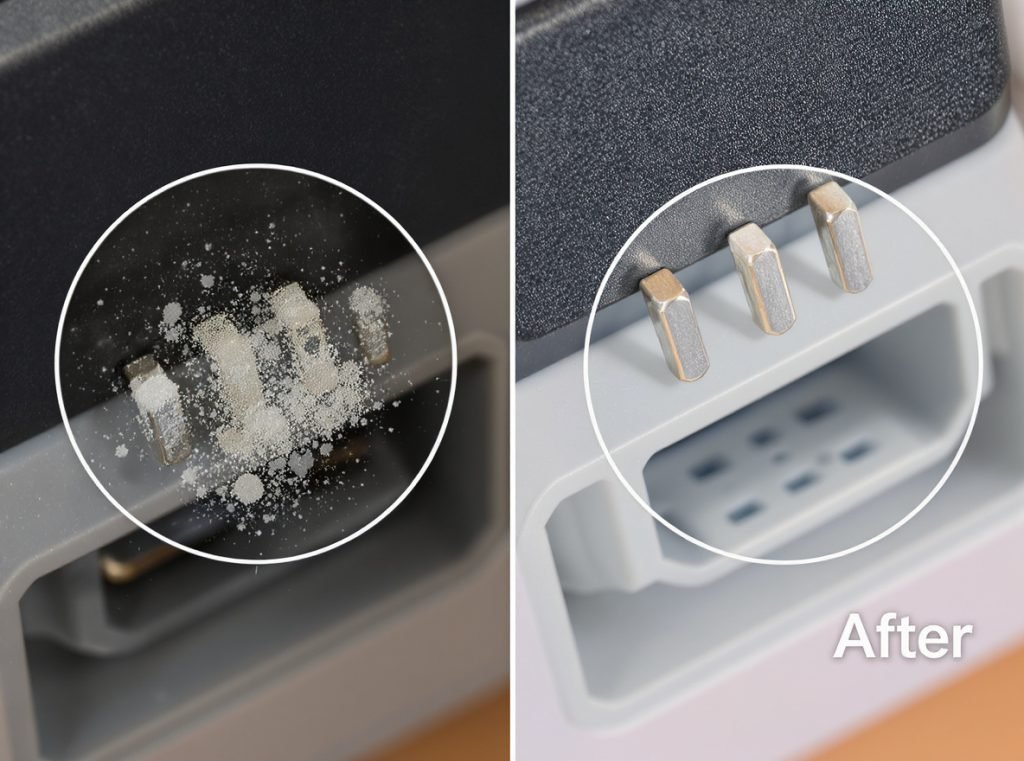
Primary Charging Obstacles
Contaminated Charging Contacts
Dust, sweat, and oils from daily wear create invisible barriers between charging pins. Even microscopic debris can interrupt the electrical connection completely.
Incompatible Charging Equipment
Third-party chargers often lack proper voltage regulation. Using non-original charging equipment frequently damages battery cells or fails to deliver adequate power.
Deep Battery Discharge
When batteries drain completely, they enter protective mode. This safety feature prevents permanent damage but requires extended charging before the device responds.
| Problem Type | Frequency | Average Fix Time | Prevention Method |
|---|---|---|---|
| Dirty contacts | 40% | 2-5 minutes | Weekly cleaning routine |
| Wrong charger | 25% | Immediate | Use original equipment only |
| Dead battery | 20% | 30-60 minutes | Regular charging schedule |
| Cable damage | 10% | Requires replacement | Careful handling |
| Hardware failure | 5% | Professional repair | Quality manufacturing |
How Do I Clean Smartwatch Charging Contacts Properly?
Proper maintenance prevents most charging failures and extends device lifespan significantly.
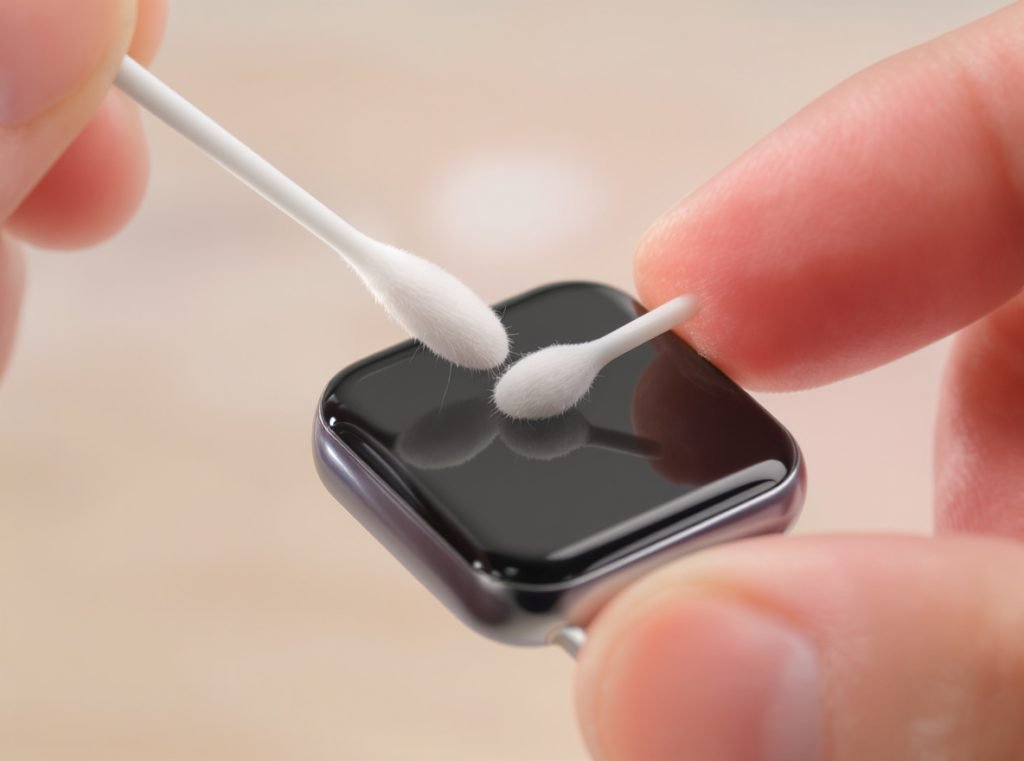
Remove the smartwatch and gently wipe both the device’s charging pins and the charger’s contacts with a dry, lint-free cloth. For stubborn residue, use a cotton swab slightly dampened with isopropyl alcohol, then dry completely before attempting to charge.
Step-by-Step Cleaning Process
Preparation Phase
Power off your smartwatch completely before cleaning. Remove any protective cases or bands that might obstruct access to charging ports.
Contact Cleaning Method
Use gentle circular motions to clean each charging pin individually. Cotton swabs or compressed air effectively remove debris from charging receivers and connectors without causing damage.
Verification Steps
- Inspect pins under good lighting for remaining residue
- Ensure all moisture has evaporated before charging
- Test magnetic connection strength between charger and device
- Look for secure alignment of charging symbols or indicators
Professional Maintenance Tips
For wholesale customers, recommend establishing cleaning protocols for retail staff. Regular maintenance reduces warranty claims and improves customer satisfaction scores.
Why Won’t My Smartwatch Charge Even with the Original Charger?
Even authentic charging equipment can fail or develop issues over time.
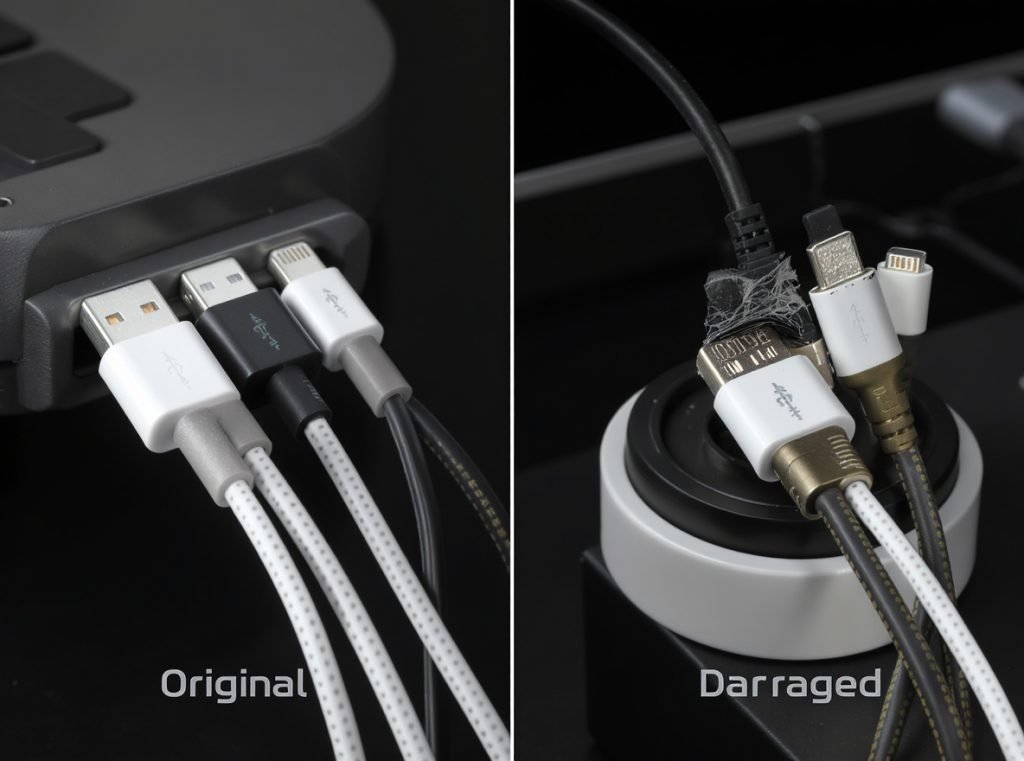
If the original charger isn’t working, test the power source by trying different wall outlets or USB ports. Check the charging cable for visible damage, kinks, or loose connections. Allow deeply discharged batteries 30-60 minutes of charging before expecting any response from the device.
Power Source Diagnostics
Outlet and USB Port Testing
Wall adapters can fail internally while appearing normal externally. USB ports on computers may not supply sufficient amperage for smartwatch charging requirements.
Cable Integrity Assessment
Examine the entire cable length for:
- Visible cuts or exposed wires
- Bent or crushed sections near connectors
- Loose magnetic attachments
- Corrosion on metal contacts
Battery Recovery Process
Completely drained batteries may prevent devices from turning on initially, requiring extended charging periods before showing any signs of life.
When advising wholesale partners, emphasize that customer education about battery recovery prevents unnecessary returns and service calls.
How Long Should I Wait Before My Smartwatch Shows Charging Signs?
Timing expectations prevent premature troubleshooting and customer frustration.
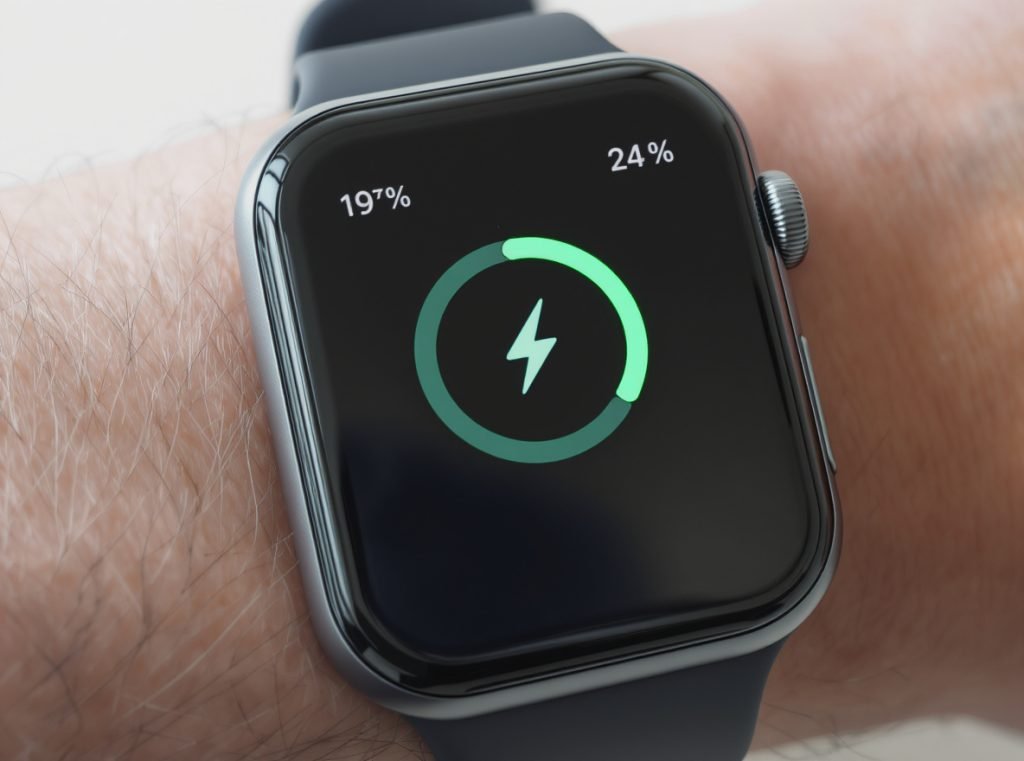
A completely dead smartwatch typically requires 15-30 minutes of charging before displaying any charging indicators. Severely depleted batteries may need up to 60 minutes before the device responds or shows charging animations.
Charging Timeline Expectations
Initial Connection (0-5 minutes)
Properly functioning devices should show immediate charging indicators when connected correctly. No response during this period suggests connection or hardware problems.
Recovery Phase (5-30 minutes)
Deeply discharged batteries gradually accept charge during this period. The device may remain completely unresponsive while internal protection circuits verify safe charging conditions.
Normal Operation Restoration (30-90 minutes)
Most smartwatches reach sufficient charge levels for basic operation within this timeframe. Full functionality typically returns after 2-3 hours of charging.
| Battery Level | Expected Response Time | Visual Indicators |
|---|---|---|
| Moderate drain (20-50%) | Immediate | Charging icon appears |
| Low battery (5-20%) | 5-15 minutes | Slow charging animation |
| Critically low (0-5%) | 15-60 minutes | No response initially |
| Deep discharge (0% extended) | 30-90 minutes | Gradual awakening |
What Should I Do If the Charging Cable Is Damaged?
Cable replacement is often the most cost-effective solution for charging problems.
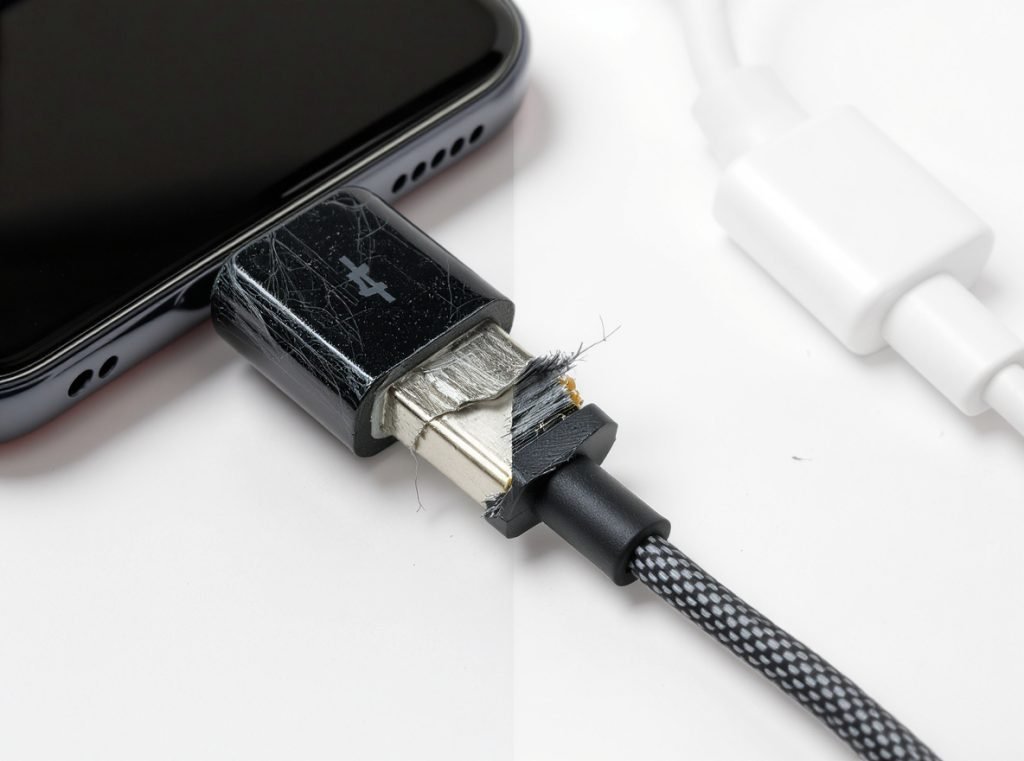
Replace damaged charging cables immediately with original manufacturer equipment. Using damaged cables can cause permanent battery damage, void warranties, and create safety hazards. Original cables ensure proper voltage delivery and magnetic alignment.
Damage Assessment Guidelines
Visual Inspection Criteria
Look for obvious physical damage like cuts, kinks, or bent connectors. Internal wire breaks aren’t always visible but cause intermittent charging behavior.
Functional Testing Methods
- Try multiple charging positions and orientations
- Test cable flexibility without forcing connections
- Check for loose magnetic attachments during movement
- Monitor charging consistency over extended periods
Replacement Considerations
For wholesale operations, maintaining spare cable inventory prevents lost sales and customer dissatisfaction. Quality cables reduce support requests and enhance brand reputation.
Original equipment typically includes:
- Proper voltage regulation circuits
- Certified magnetic connection strength
- Appropriate wire gauge for safe current delivery
- Manufacturer warranty coverage
How Can I Tell If My Smartwatch Has a Hardware Problem?
Distinguishing between user error and genuine hardware defects saves time and resources.
Hardware problems are indicated by physical damage to charging ports, no response after trying multiple chargers and cables, unusual heating during charging attempts, or visible corrosion on charging contacts. These issues typically require professional repair or warranty replacement.
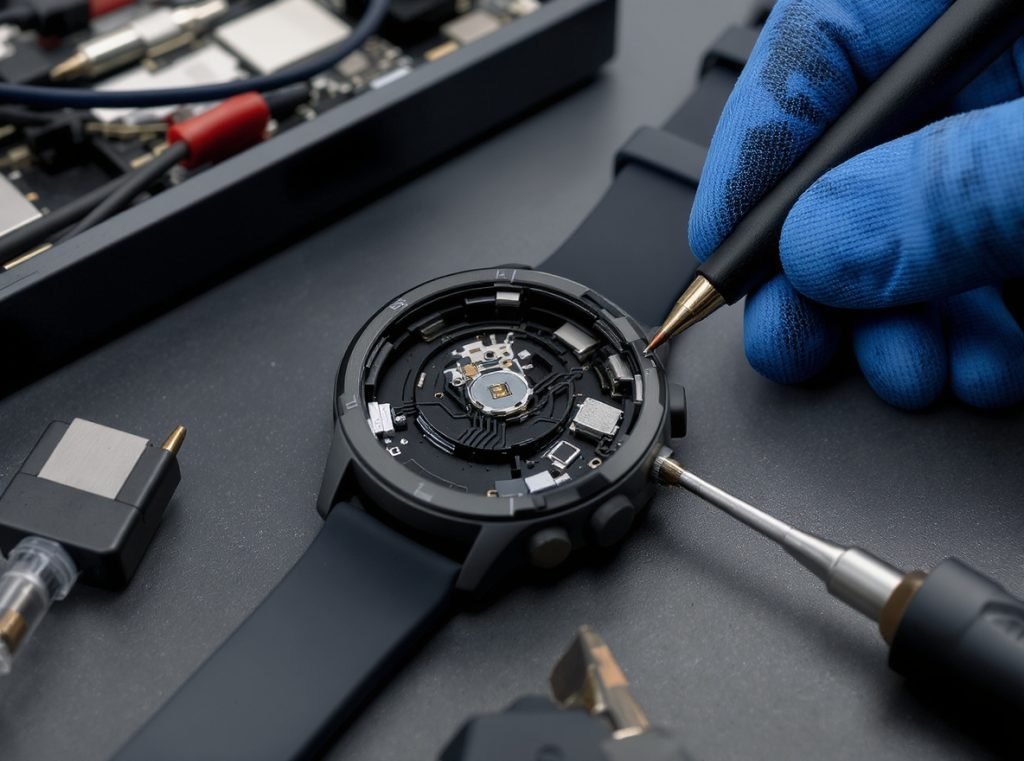
Hardware Failure Indicators
Physical Damage Assessment
Inspect charging port areas for cracks, dents, or missing components. Physical harm to the smartwatch body often affects internal charging circuits.
Electrical System Problems
Devices with internal hardware failures may exhibit:
- Intermittent charging that stops unexpectedly
- Excessive heat generation during charging
- Charging indicators that appear but battery doesn’t charge
- Complete unresponsiveness despite proper connections
Professional Diagnosis Requirements
When multiple troubleshooting attempts fail, professional evaluation becomes necessary. For wholesale partners, establishing clear warranty processes protects both businesses and end customers.
Quality Control Implications
Tracking hardware failure patterns helps manufacturers improve design and identify potential batch issues before they affect larger customer populations.
Can Extreme Temperatures Affect Smartwatch Charging?
Environmental conditions significantly impact battery performance and charging efficiency.
Smartwatches charge poorly or not at all in extreme temperatures. Optimal charging occurs between 32°F-95°F (0°C-35°C). Cold temperatures slow chemical reactions in batteries, while excessive heat triggers protective shutdowns to prevent damage.
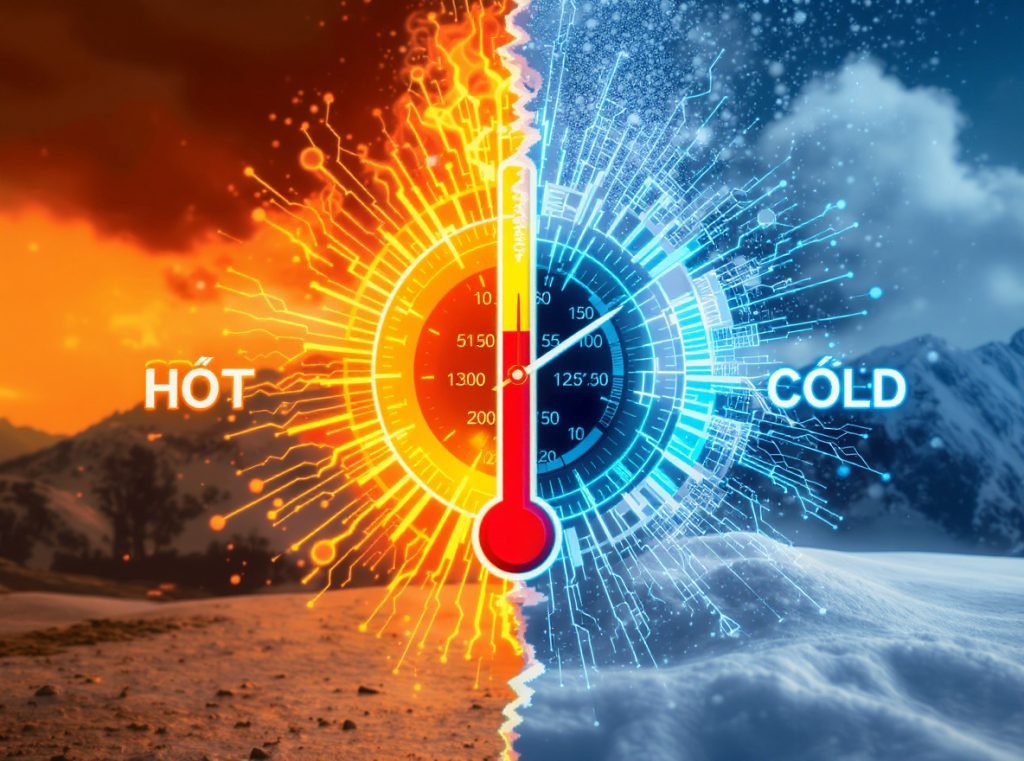
Temperature Impact Analysis
Cold Weather Effects
Low temperatures reduce battery capacity and slow charging rates significantly. Devices may refuse to charge until warming to acceptable temperature ranges.
Hot Weather Consequences
Excessive heat causes batteries to enter protective mode, stopping charging to prevent thermal damage. Direct sunlight and enclosed vehicles create particularly problematic conditions.
Optimal Charging Environment
- Room temperature (68°F-77°F / 20°C-25°C) provides best results
- Avoid charging in direct sunlight or hot vehicles
- Allow devices to acclimate to room temperature before charging
- Ensure adequate ventilation around charging areas
Wholesale Storage Considerations
Advise retail partners about proper storage temperatures for unsold inventory. Battery degradation during storage affects customer satisfaction and return rates.
When Should I Contact Technical Support for Charging Issues?
Knowing when to escalate prevents wasted time and ensures proper resolution.
Contact technical support when basic troubleshooting fails, hardware damage is suspected, devices are still under warranty, or safety concerns arise during charging. Document all attempted solutions before contacting support for faster resolution.

Escalation Criteria
Pre-Support Troubleshooting Checklist
Document these attempted solutions before contacting support:
- Cleaned charging contacts with 70% isopropyl alcohol
- Tested with original charger and alternative power sources
- Tried forced restart (10-20 second power button hold)
- Allowed extended charging time appropriate for device model
- Checked for physical damage or environmental temperature factors
- Tested with known working charger from identical model if available
Essential Information for Support
Prepare comprehensive details for efficient assistance:
- Device model, serial number, and purchase date information
- Detailed description of charging behavior and symptoms
- Photos of any visible damage or unusual indicators
- List of all troubleshooting steps attempted with results
- Documentation of any error messages or specific failure patterns
Warranty Coverage Expectations
Most smartwatches include 1-year manufacturer warranties covering charging hardware defects. Extended charging issues may indicate battery degradation, which coverage depends on device age and specific warranty terms. Keep purchase documentation readily available for warranty claims.
Safety Priority Situations
Contact support immediately for:
- Unusual heating during charging
- Burning smells or visible smoke
- Swollen batteries or case deformation
- Electrical shock sensations during handling
For wholesale customers, Osmarto provides dedicated B2B support channels with faster response times and bulk warranty processing capabilities.
Summary
Smartwatch charging problems usually stem from simple, fixable causes rather than serious hardware defects. Clean charging contacts regularly, use original equipment, and allow sufficient time for deeply discharged batteries to recover. When basic troubleshooting fails, professional support ensures safe and effective resolution while protecting warranty coverage.
Need reliable smartwatch suppliers for your business? Osmarto specializes in manufacturing high-quality smartwatches with robust charging systems and comprehensive technical support. Our wholesale solutions include detailed troubleshooting guides, replacement parts availability, and dedicated B2B customer service. Contact us today to discuss your smartwatch sourcing needs and discover why retailers worldwide trust Osmarto for dependable wearable technology solutions.