Skip to content
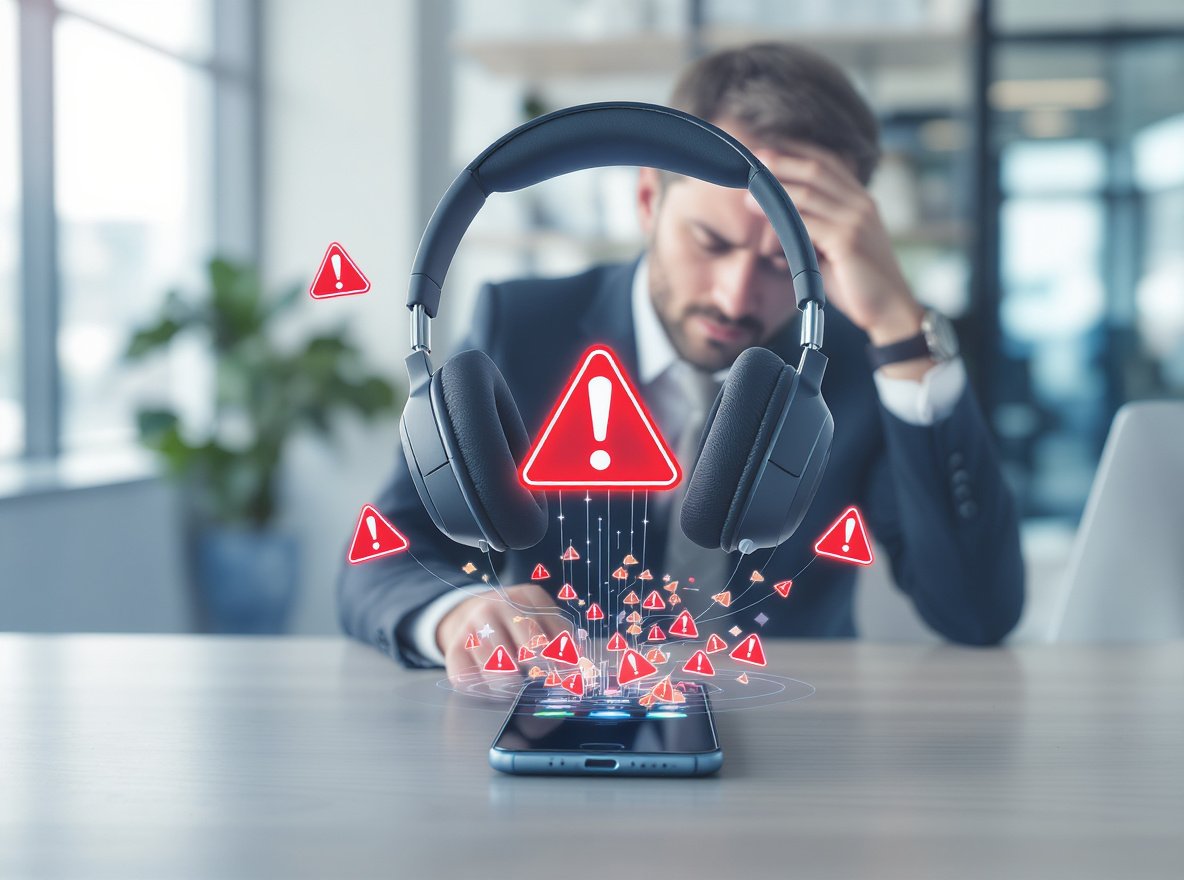
Bluetooth headphone disconnections are a widespread frustration affecting millions of users daily, from business professionals conducting important calls to retailers managing customer service operations. These interruptions can disrupt productivity, damage customer relationships, and impact your bottom line when reliable audio equipment is essential for success.
Bluetooth headphones disconnect due to five primary causes: low battery power below 20%, signal interference from 2.4GHz devices, distance limitations beyond 30 feet, outdated firmware, and multiple device connection conflicts. Modern Bluetooth devices consume 5-8% battery during active use, with disconnection cycles consuming significantly more power as devices repeatedly search for connections.
Understanding these root causes and implementing systematic solutions will restore stable connectivity and improve your wireless audio experience for both personal and business applications.
How Does Low Battery Power Impact Bluetooth Connection Stability?
Battery depletion significantly affects connection reliability and can cause unexpected disconnections that interrupt critical business communications.
When headphones approach low battery levels, they transmit weaker signals and may disconnect unexpectedly to preserve remaining power. Poor battery calibration can cause headphones to “think” they’re at near-zero battery when displaying higher percentages, leading to premature shutdowns.

Power Consumption Patterns
Active Use Battery Drain
Modern Bluetooth devices consume 5-8% of battery life during active use, with Bluetooth Low Energy (BLE) versions using only 1-3% over 24 hours. However, frequent disconnection and reconnection cycles consume significantly more power.
Connection Cycle Impact
Each disconnection forces devices to repeatedly search for connections and re-establish pairing protocols, dramatically increasing power consumption beyond normal usage patterns.
Optimal Charging Practices
- Maintain headphones above 20% battery charge for stable connections
- Use original chargers to prevent voltage damage
- Keep portable chargers available for extended business use
- Schedule charging during breaks to ensure full-day reliability
Battery Management for Business Users
| Battery Level | Connection Stability | Recommended Action |
|---|---|---|
| Above 50% | Excellent | Normal use |
| 20-50% | Good | Monitor levels |
| Below 20% | Poor | Charge immediately |
| Below 10% | Unreliable | Replace or charge |
Why Do Multiple Device Connections Cause Disconnection Problems?
Connecting headphones to multiple devices simultaneously creates connection instability that can disrupt workflow and professional communications.
Most Bluetooth headphones support multipoint connectivity but struggle to manage connections effectively when switching between devices. Each additional connected device increases power consumption and creates potential for signal conflicts.

Multi-Device Connection Challenges
Memory Limitations
Android systems particularly struggle with multiple BLE device connections, often causing automatic disconnections when memory limits are reached. The problem intensifies when devices attempt to connect to previously paired headphones that are already connected elsewhere.
Power Consumption Impact
Each simultaneous connection increases battery drain, reducing overall connection stability and shortening usage time between charges.
Business Environment Solutions
- Limit simultaneous connections to essential devices only
- Disable automatic connection features on unused devices
- Manually disconnect from unused devices before pairing new ones
- Implement standardized pairing procedures to reduce user error
- Assign specific headphones to individual workstations when possible
What Role Does Signal Interference Play in Bluetooth Disconnections?
Understanding interference sources helps create optimal listening environments for consistent performance in professional settings.
Bluetooth operates on the 2.4 GHz frequency band, which overlaps with WiFi routers, microwaves, cordless phones, and other wireless devices. This electromagnetic congestion causes signal disruption, stuttering, or complete disconnections.

Common Interference Sources
Office Environment Conflicts
- WiFi routers operating at higher power levels than Bluetooth devices
- Multiple wireless devices in dense office environments
- Microwave ovens in break rooms or kitchens
- Wireless keyboards, mice, and presentation equipment
- Industrial equipment in manufacturing facilities
Physical Barrier Effects
Physical barriers significantly impact signal strength. Walls, metal objects, and even the human body can weaken signals by absorbing radio waves.
Interference Reduction Strategies
Environmental Optimization
- Change WiFi router channels or switch to 5 GHz bands when possible
- Position headphones and source devices on the same side of your body
- Identify and relocate interference sources where feasible
- Create designated low-interference zones for critical audio work
Professional Setup Considerations
For business environments requiring reliable audio:
- Test connection stability in actual work locations
- Document interference patterns during different times of day
- Plan meeting room layouts to minimize signal obstruction
- Consider metal building structures when planning wireless deployments
How Do Distance and Physical Barriers Affect Connection Reliability?
Understanding Bluetooth range limitations helps optimize placement and usage patterns for professional environments.
Bluetooth connections work optimally within 30 feet with clear line-of-sight. Signal strength degrades rapidly with distance, and physical obstructions like walls, furniture, or your body can block transmission paths.

Range Optimization for Business Use
Optimal Distance Management
Keep devices within 10 feet when possible for maximum reliability. The human body contains substantial water content, which absorbs radio waves and weakens Bluetooth signals.
Physical Positioning Tips
- Position your phone in the same pocket or side as your headphones
- Test connection stability by walking away until disconnection occurs
- Maintain distances within tested reliable ranges
- Consider open floor plans that maximize Bluetooth range
Workplace Layout Considerations
- Meeting rooms: Plan seating to minimize obstructions
- Manufacturing floors: Account for metal structures and equipment
- Retail environments: Consider customer traffic patterns
- Office spaces: Position charging stations strategically
Range Testing Protocol
| Environment | Typical Range | Optimization Strategy |
|---|---|---|
| Open office | 25-30 feet | Clear line-of-sight |
| Conference room | 15-20 feet | Central device placement |
| Manufacturing floor | 10-15 feet | Reduce metal interference |
| Retail space | 20-25 feet | Strategic positioning |
When Should You Update Firmware to Fix Connection Issues?
Firmware updates address connectivity bugs, improve power management, and enhance compatibility with newer devices and operating systems.
Manufacturers regularly release updates that specifically target disconnection issues and optimize Bluetooth protocols. Recent examples include Google Pixel devices experiencing widespread disconnection issues after Android security updates, which were resolved through subsequent firmware patches.

Update Benefits and Implementation
Connection Improvements
Firmware updates often include enhanced Bluetooth stack performance, improved device compatibility, and bug fixes for known disconnection issues.
Business Update Scheduling
- Check for firmware updates monthly through manufacturer apps
- Enable automatic updates when available for inventory items
- Monitor manufacturer support pages for known connectivity issues
- Document update dates for warranty and support tracking
Professional Environment Updates
For business deployments:
- Schedule updates during off-hours to avoid disruption
- Test updated devices before full deployment
- Maintain backup devices during update processes
- Train staff on update procedures and troubleshooting
How Can You Troubleshoot Persistent Disconnection Problems?
When basic solutions fail, systematic troubleshooting becomes necessary to identify hardware issues or complex software conflicts.
Effective troubleshooting follows a structured approach: identify symptoms, test basic solutions, isolate variables, and implement targeted fixes based on specific disconnection patterns.

Advanced Troubleshooting Steps
Software Solutions
Many disconnection issues stem from corrupted Bluetooth cache data or misconfigured device settings. Windows users frequently encounter power management issues where the system automatically disables Bluetooth devices to save energy.
Systematic Testing Process
- Reset Bluetooth settings by forgetting paired devices and re-pairing
- Clear Bluetooth cache on Android devices through Apps settings
- Disable power management features that automatically turn off Bluetooth adapters
- Run built-in Bluetooth troubleshooters on Windows systems
- Update device drivers through Device Manager
Hardware Diagnosis
Damaged Bluetooth antennas or internal components can cause persistent disconnection problems. Physical damage from drops, moisture exposure, or general wear can disrupt communication between devices.
Professional Troubleshooting Approach
| Problem Type | Diagnostic Method | Solution Timeline |
|---|---|---|
| Software conflicts | Driver updates/cache clearing | 1-2 hours |
| Hardware damage | Multi-device testing | Same day |
| Environmental interference | Location testing | Immediate |
| Firmware issues | Manufacturer support | 1-3 days |
What Are the Best Practices for Preventing Future Disconnections?
Implementing preventive measures ensures consistent headphone performance and reduces troubleshooting time for business operations.
Prevention focuses on proper maintenance, environmental optimization, and user education to minimize disconnection frequency and maintain reliable wireless audio performance.

Maintenance Protocols
Daily Care Routine
- Keep devices fully charged before battery drops below 20%
- Turn off unused Bluetooth devices to reduce interference
- Store headphones in protective cases to prevent damage
- Maintain clear line-of-sight between paired devices when possible
Long-term Maintenance
- Clean headphone contacts monthly to ensure proper charging
- Keep firmware updated across all connected devices
- Implement replacement cycles every 2-3 years in demanding environments
- Document connectivity issues for pattern identification
Business Environment Best Practices
Professional Deployment Standards
- Choose headphones with minimum 20-hour battery life for full-day use
- Prioritize brands with established support networks and warranty coverage
- Budget for backup devices for critical communication roles
- Train employees on proper pairing and troubleshooting procedures
How Do Different Headphone Brands Handle Disconnection Issues?
Understanding brand-specific reliability and support options helps make informed purchasing decisions for business inventory.
Different manufacturers implement varying Bluetooth technologies, connection algorithms, and support structures that directly impact disconnection frequency and resolution options.

Leading Brand Performance Analysis
Premium Reliability Options
Sony’s WH-1000XM series consistently ranks among the most reliable wireless headphones, with excellent connectivity alongside premium features. Bose QuietComfort Ultra headphones provide superior noise cancellation with stable connections, though at premium price points.
Mid-Range Reliable Options
JBL Tour One M2 headphones offer excellent connectivity reliability at more accessible prices, featuring 30-50 hour battery life and dual-device connectivity. Sennheiser Momentum 4 Wireless provides 60-hour battery life with reliable connections.
Business Considerations
Quality differences between manufacturers significantly impact connection reliability. Lower-quality devices often have weaker antennas, poor shielding, or inadequate power management, leading to frequent disconnections.
Brand Selection Criteria for Business
| Factor | Premium Brands | Budget Options | Business Impact |
|---|---|---|---|
| Connection stability | Excellent | Variable | Customer satisfaction |
| Battery life | 20-60 hours | 8-20 hours | Daily productivity |
| Support quality | Comprehensive | Limited | Problem resolution |
| Warranty coverage | 1-2 years | 90 days-1 year | Total cost of ownership |
What Should Businesses Know About Professional Bluetooth Requirements?
Professional environments demand higher reliability standards and specific features that consumer-grade headphones may not provide.
Business success depends on offering reliable products with comprehensive support. Understanding common disconnection causes enables proactive customer education and efficient problem resolution.

Professional Environment Considerations
Durability Requirements
Professional environments require headphones that maintain consistent connections during extended use periods. Key considerations include battery life exceeding 8-hour work shifts and reliable multi-device switching capabilities.
Industrial Applications
Durability becomes critical in industrial settings, where headphones face exposure to dust, moisture, and physical stress. While few wireless options offer true ruggedness, proper maintenance and protective storage can extend service life significantly.
Customer Support Infrastructure
- Provide comprehensive troubleshooting documentation
- Offer technical support resources and training materials
- Maintain firmware update notifications for inventory
- Create video content for common connection issues
Business Deployment Recommendations
Procurement Guidelines
- Test headphones with multiple device types before bulk purchase
- Verify compatibility with existing communication systems
- Evaluate total cost of ownership including support and replacement
- Consider environmental factors specific to your business operations
Staff Training Programs
Implement standardized procedures for:
- Proper device pairing and connection management
- Basic troubleshooting for common disconnection issues
- Maintenance schedules for optimal performance
- When to escalate technical problems to IT support
Summary
Bluetooth headphone disconnections stem from five primary causes: battery levels below 20%, signal interference from 2.4GHz devices, distance beyond 30 feet, outdated firmware, and multi-device conflicts. Professional environments require systematic approaches including proper maintenance, environmental optimization, and staff training to ensure reliable connectivity for business operations.
Ready to source reliable Bluetooth headphones that minimize disconnection issues for your business? Osmarto specializes in providing high-quality wireless headphones with superior connection stability for wholesalers, distributors, and retailers worldwide. Our experienced engineering team understands the technical challenges businesses face and offers comprehensive support for bulk orders.
Contact Osmarto today to discuss your professional audio requirements and discover how our reliable products can enhance productivity while reducing technical support issues. Send us your inquiry for competitive wholesale pricing and detailed technical specifications tailored to your specific business environment and customer needs.