Skip to content
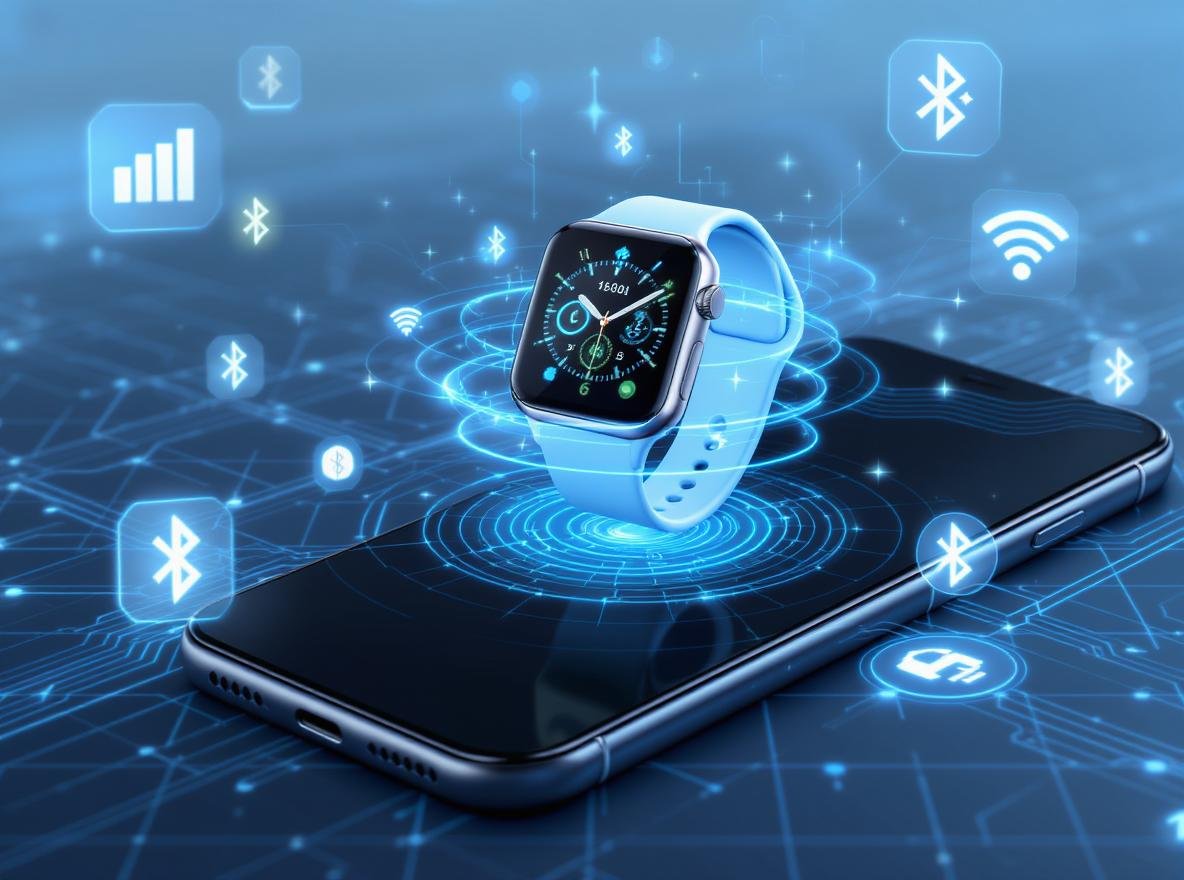
In today’s competitive wearable technology market, understanding smartwatch connectivity is crucial for making informed business decisions. If you’re a retailer, distributor, or brand manufacturer wondering how these devices seamlessly sync with smartphones, you’re addressing a fundamental question that affects millions of users worldwide.
Smartwatches connect to smartphones primarily through Bluetooth technology, which creates a reliable short-range wireless connection for notifications, app synchronization, and data transfer. Modern smartwatches also utilize Wi-Fi, cellular/LTE networks, and NFC technology to provide extended functionality, independence from paired smartphones, and contactless payment capabilities.
Understanding these connection methods is essential for businesses looking to offer comprehensive smartwatch solutions to their customers. Let’s explore each technology in detail.
What Makes Bluetooth the Primary Connection Method for Smartwatches?
Most customers expect their smartwatch to work immediately with their smartphone, but many don’t understand why Bluetooth remains the foundation of this connectivity.
Bluetooth serves as the primary connection method because it provides reliable, low-energy communication within a 30-40 foot range while consuming minimal battery power. This wireless protocol uses Bluetooth Low Energy (BLE) technology to maintain constant communication between devices without significantly impacting battery life.
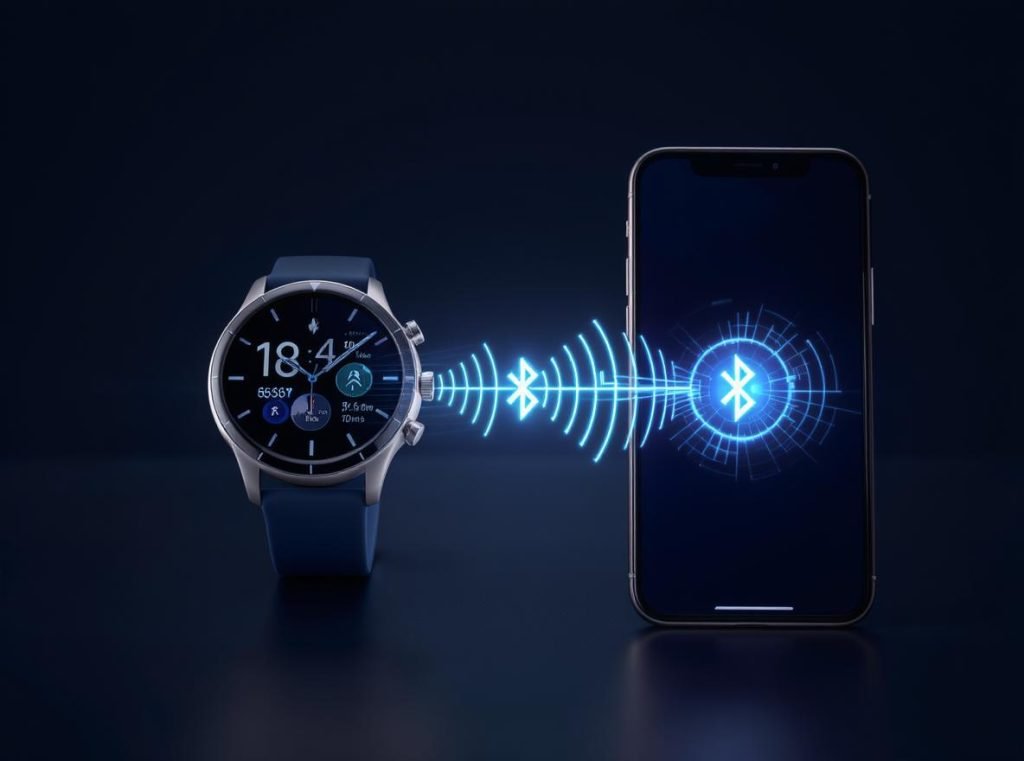
The Bluetooth connection process follows a standardized approach across most smartwatch brands:
First, both devices must have Bluetooth enabled. Users download the manufacturer’s companion app—such as Galaxy Wearable for Samsung, Wear OS for Google devices, or the Apple Watch app for iOS users. The smartwatch enters pairing mode, making it discoverable to nearby devices.
• Automatic device detection: Modern smartwatches scan for compatible smartphones within range
• Low power consumption: BLE technology ensures extended battery life on both devices
• Stable connectivity: Maintains reliable connection up to 30-40 feet in most environments
• Real-time synchronization: Enables instant notifications, calls, and seamless data transfer
The pairing process requires confirmation codes on both devices to establish a secure connection. Once paired, the companion app serves as the bridge between the smartphone’s operating system and the smartwatch’s firmware.
| Connection Range | Battery Impact | Data Transfer Speed | Environmental Factors |
|---|---|---|---|
| 30-40 feet standard | Very Low | 1-3 Mbps | Walls and interference reduce range |
| Up to 70 feet optimal | Minimal drain | Consistent | Open spaces provide maximum range |
For wholesale customers, understanding Bluetooth capabilities helps set realistic expectations about device performance and compatibility requirements.
How Do Wi-Fi Enabled Smartwatches Extend Independence?
Business owners frequently ask whether smartwatches can maintain functionality when smartphones aren’t nearby or Bluetooth connections fail.
Wi-Fi connectivity transforms smartwatches from dependent accessories into semi-independent devices by connecting directly to known wireless networks. This technology allows continued access to notifications, app updates, music streaming, and internet services even when Bluetooth connectivity is unavailable.
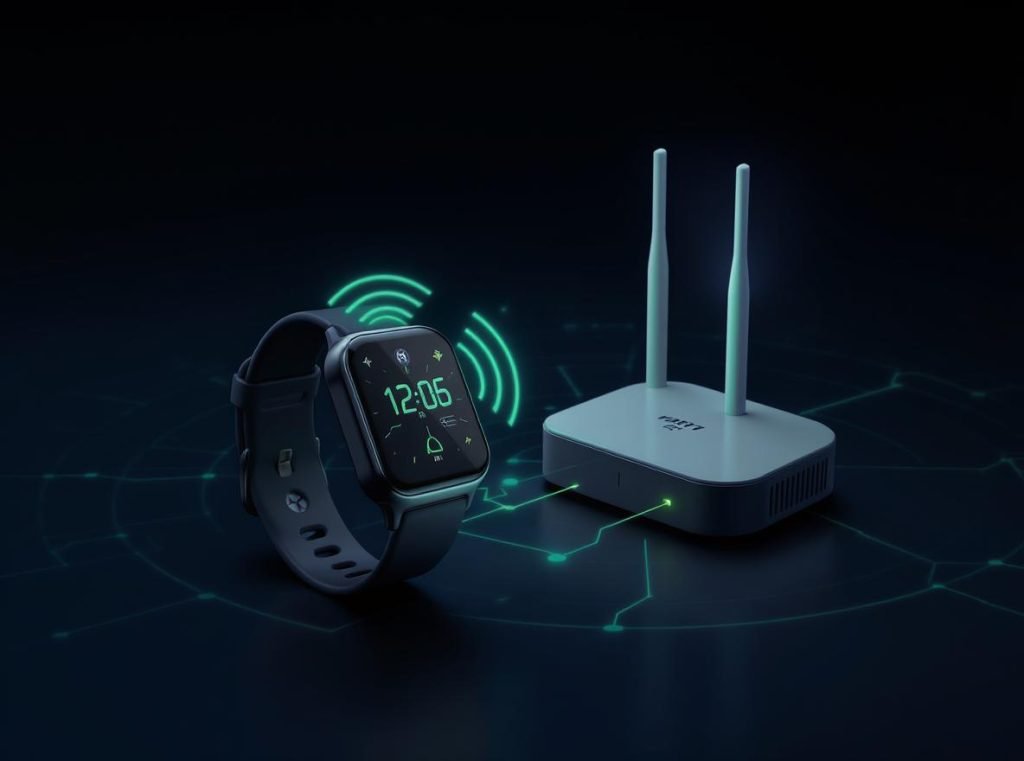
Wi-Fi enabled smartwatches offer significant advantages over Bluetooth-only models:
These devices automatically connect to Wi-Fi networks that were previously saved on the paired smartphone. When Bluetooth loses connection due to distance or interference, Wi-Fi seamlessly takes over to maintain connectivity.
• Extended operational range: Functions anywhere with Wi-Fi access, not limited to Bluetooth proximity
• Independent software updates: Downloads firmware updates and app installations directly from the internet
• Cloud service integration: Accesses music streaming, email, and messaging platforms independently
• Backup connectivity solution: Maintains smartphone synchronization through internet connection when Bluetooth fails
The setup process involves navigating to Settings → Connections → Wi-Fi on the smartwatch, enabling Wi-Fi functionality, and selecting available networks. Passwords and network credentials typically sync automatically from the paired smartphone.
However, Wi-Fi connectivity has limitations that businesses should understand. These devices cannot connect to captive portal networks commonly found in hotels and coffee shops that require web-based login procedures. Most smartwatches also lack 5GHz network support, limiting them to 2.4GHz connections.
Wi-Fi usage increases battery consumption by approximately 30-50% compared to Bluetooth-only operation, reducing typical battery life from 5-7 days to 2-3 days depending on usage patterns.
What Are the Advantages of Cellular-Enabled Smartwatches?
Retailers often inquire about smartwatches that can completely replace smartphones for basic communication needs during specific activities.
Cellular-enabled smartwatches contain dedicated LTE hardware that provides complete independence from paired smartphones, allowing users to make calls, send messages, stream content, and access internet services using mobile data networks. These devices offer the highest level of functionality and freedom available in wearable technology.
LTE smartwatches represent the most advanced connectivity option currently available:
These devices operate through dual-mode connectivity systems. When the paired smartphone is nearby, they default to Bluetooth connection to conserve battery power. When Bluetooth disconnects due to distance or interference, they automatically switch to cellular connectivity.
• Independent voice calling: Make and receive phone calls directly without smartphone proximity
• Text messaging capabilities: Send and receive SMS and multimedia messages independently
• Streaming and app access: Use mobile data for music streaming, app downloads, and internet browsing
• Emergency communication: Maintain connectivity during emergencies when smartphones are unavailable or damaged
Most cellular smartwatches use eSIM (embedded SIM) technology for network activation. This eliminates the need for physical SIM cards while enabling easy carrier switching and activation processes.
Cellular functionality requires additional monthly service fees, typically ranging from $10-20 per month depending on the carrier and data allowance. Users need compatible carrier coverage in their area and must ensure their cellular plan supports smartwatch connectivity.
| Feature Category | Bluetooth Only | Wi-Fi + Bluetooth | Cellular + Wi-Fi + Bluetooth |
|---|---|---|---|
| Independence Level | Low | Medium | High |
| Monthly Service Cost | None | None | $10-20 |
| Battery Life | 5-7 days | 2-3 days | 1-2 days |
| Emergency Capability | Limited | Moderate | Complete |
For businesses targeting premium market segments, cellular-enabled smartwatches provide significant revenue opportunities despite higher initial costs and ongoing service requirements.
How Does NFC Technology Enhance Smartwatch Functionality?
Distributors frequently inquire about contactless payment capabilities and their implementation in modern smartwatches.
NFC (Near Field Communication) technology enables short-range wireless communication within 1-2 inches, primarily used for contactless payments, access control, and quick data sharing. This technology operates through electromagnetic induction and requires no battery power from passive devices like payment terminals.
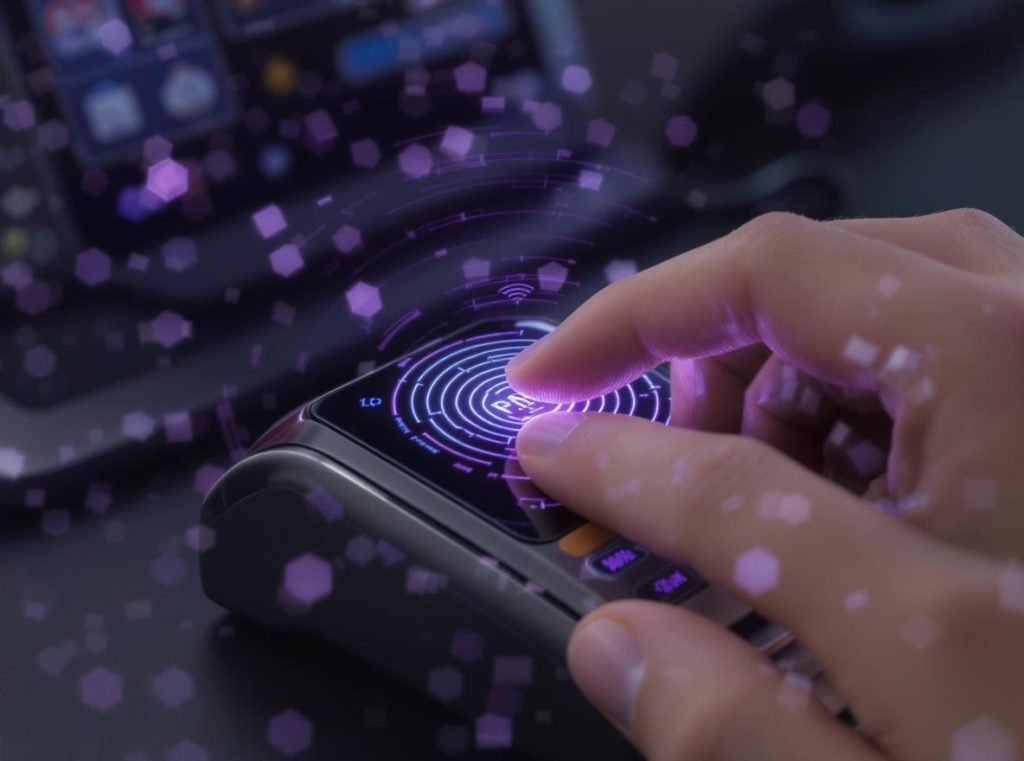
NFC implementation in smartwatches serves multiple purposes beyond simple payments:
Near Field Communication creates secure, encrypted connections for various applications. The technology generates electromagnetic fields that power passive devices during data exchange, ensuring secure transactions without complex pairing procedures.
• Contactless payment systems: Supports Google Pay, Apple Pay, Samsung Pay, and other digital wallet services
• Access control integration: Works with smart locks, building security systems, and vehicle access
• Public transportation: Enables tap-to-pay functionality for buses, trains, and subway systems
• Quick device pairing: Facilitates instant connection setup with NFC-enabled smartphones and accessories
• Smart home control: Interacts with programmable NFC tags for home automation scenarios
The security architecture involves multiple encryption layers and tokenization systems, making NFC payments more secure than traditional magnetic stripe transactions. Payment information never transmits actual card numbers, instead using encrypted tokens for each transaction.
Setup requires initial configuration through the paired smartphone to add payment methods and configure security settings. Most NFC-enabled smartwatches require authentication through PIN codes, biometric sensors, or smartphone proximity before authorizing transactions.
For businesses serving security-conscious customers, NFC functionality adds substantial value proposition while requiring partnerships with payment processors and compliance with financial security standards.
Which Connection Method Suits Different Customer Segments?
Understanding customer needs helps businesses recommend appropriate smartwatch connectivity options for maximum satisfaction and profitability.
The optimal connection method depends on lifestyle requirements, budget constraints, independence needs, and specific use cases. Bluetooth suits cost-conscious users, Wi-Fi serves active individuals, cellular targets premium customers, and NFC appeals to convenience-focused consumers.
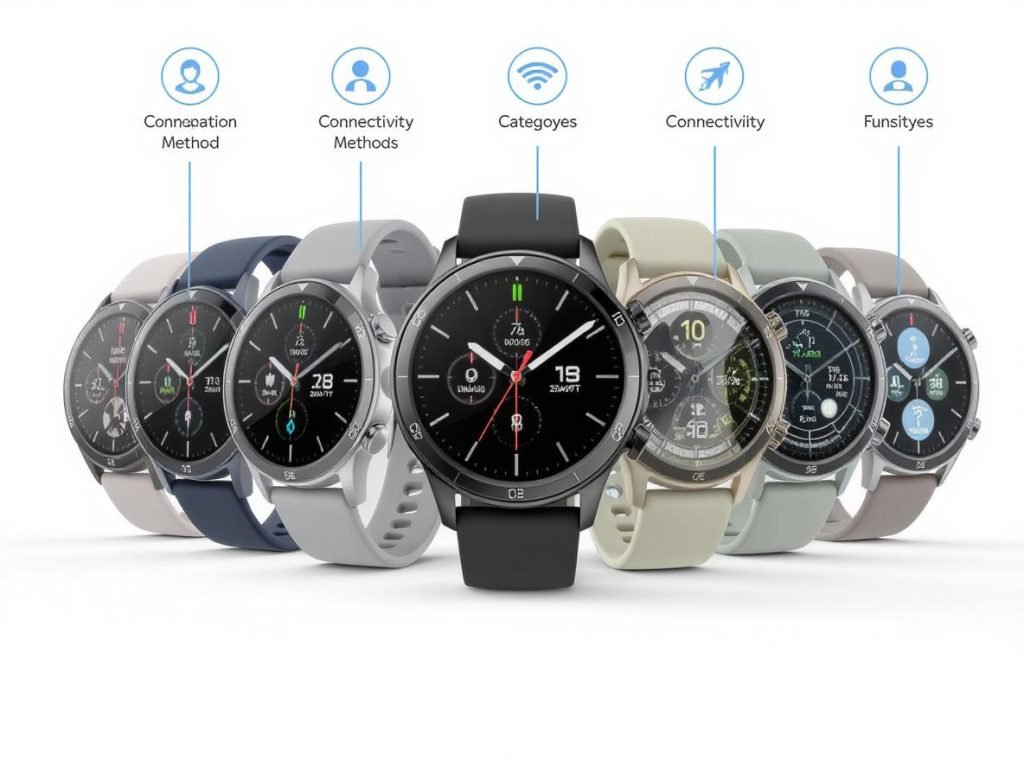
Different customer segments benefit from specific connectivity combinations:
Professional users often prefer cellular connectivity for meeting flexibility and communication independence during business travel. Fitness enthusiasts typically choose Wi-Fi-enabled models for music streaming and detailed health data synchronization without smartphone dependence.
Budget-Conscious Customers (Bluetooth Only)
• First-time smartwatch buyers seeking essential functionality at affordable prices
• Users who consistently carry smartphones and prioritize extended battery life
• Customers wanting basic notification management, fitness tracking, and simple app functionality
Active Lifestyle Users (Wi-Fi + Bluetooth)
• Fitness enthusiasts requiring independent music streaming and comprehensive health analytics
• Users who want expanded app functionality without constant smartphone dependence
• Customers balancing feature requirements with reasonable battery life expectations
Premium Market Customers (Cellular + Wi-Fi + Bluetooth)
• Business professionals needing communication independence during meetings and travel
• Parents requiring child tracking capabilities with emergency communication features
• Users willing to pay monthly fees for maximum smartwatch functionality and freedom
Technology Early Adopters (Full Connectivity + NFC)
• Consumers seeking cutting-edge payment options and comprehensive connectivity features
• Urban professionals using public transportation and preferring contactless payment methods
• Customers prioritizing convenience, security, and complete feature integration
| Customer Segment | Recommended Features | Primary Benefits | Typical Price Range |
|---|---|---|---|
| Budget-Conscious | Bluetooth connectivity | Cost-effective, simple setup | $50-150 |
| Active Lifestyle | Wi-Fi + Bluetooth | Independence, enhanced features | $150-300 |
| Premium Market | Full connectivity | Complete communication freedom | $300-600 |
| Early Adopters | All technologies | Cutting-edge functionality | $400-800 |
Understanding these segments enables businesses to optimize inventory, target marketing efforts, and maximize customer satisfaction while maintaining healthy profit margins.
What Are the Technical Requirements for Successful Connectivity?
Retailers and distributors need comprehensive technical knowledge to properly advise customers and minimize compatibility issues.
Successful smartwatch connectivity requires compatible operating systems, adequate hardware specifications, proper companion applications, and understanding version requirements across different connection methods. Compatibility varies significantly between Android and iOS ecosystems.
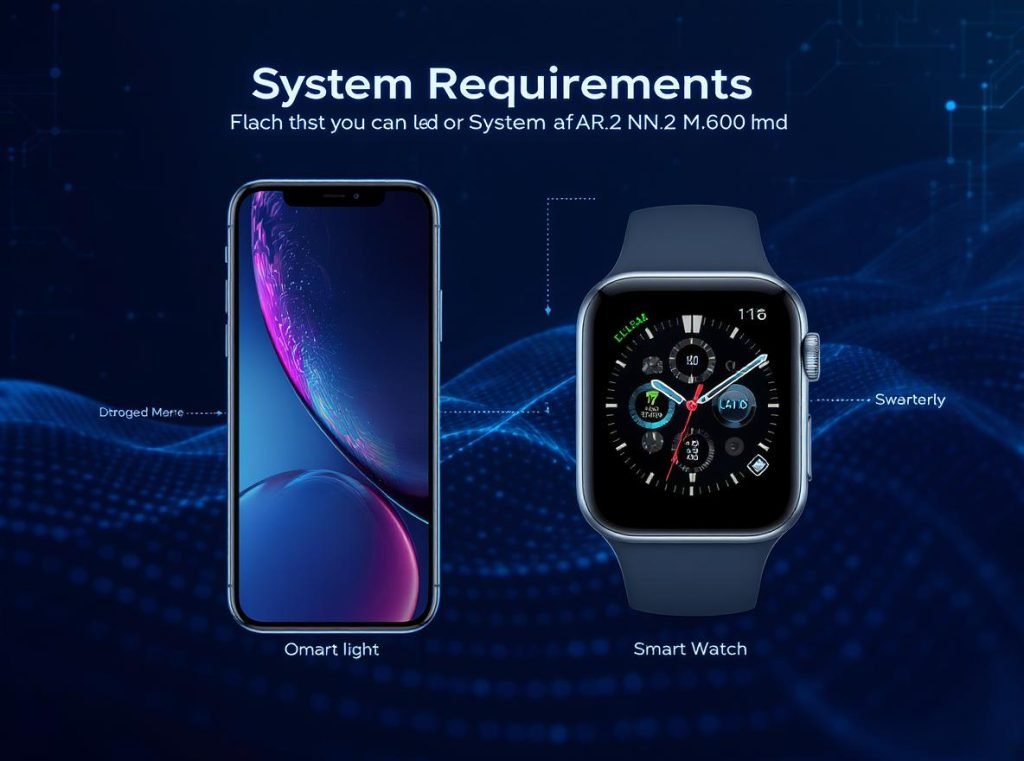
Technical compatibility involves multiple layers that affect device performance:
Smartphone compatibility differs substantially between Android and iOS platforms. Most smartwatches achieve optimal performance within their manufacturer’s ecosystem but offer limited functionality when paired with competing operating systems.
Android System Requirements
• Android 10.0 or newer for full feature compatibility and security updates
• Bluetooth 4.0 or higher for stable connection and energy efficiency
• Sufficient RAM (minimum 2GB) and storage space for companion applications
• Compatible carrier network support for cellular-enabled models
iOS System Requirements
• iPhone XS or later models for optimal performance and feature access
• iOS 18 or later for newest smartwatch features and security protocols
• Active iCloud account for data synchronization and backup functionality
• Carrier compatibility verification required for cellular connectivity features
Essential Hardware Components
• Bluetooth radio with BLE support (standard across all modern smartwatches)
• Wi-Fi antenna supporting 802.11 b/g/n standards for internet connectivity
• Cellular modem and antenna matching local carrier frequency bands
• NFC chip and antenna for contactless payment and communication features
• Adequate battery capacity to support selected connectivity features throughout typical usage
Most connectivity problems result from incompatible software versions, outdated companion applications, or incorrect network configuration rather than hardware failures. Providing detailed compatibility information and setup guides significantly reduces customer support costs.
For wholesale partners, comprehensive technical documentation helps retail staff provide accurate information and reduces product returns due to compatibility issues.
How Do Connection Methods Impact Battery Performance?
Battery life directly affects customer satisfaction and return rates, making this knowledge crucial for business success and customer relationship management.
Connection method selection dramatically impacts smartwatch battery performance, with Bluetooth-only devices lasting 5-7 days, Wi-Fi usage reducing operation to 2-3 days, and cellular connectivity limiting battery life to 1-2 days depending on usage intensity and optimization settings.
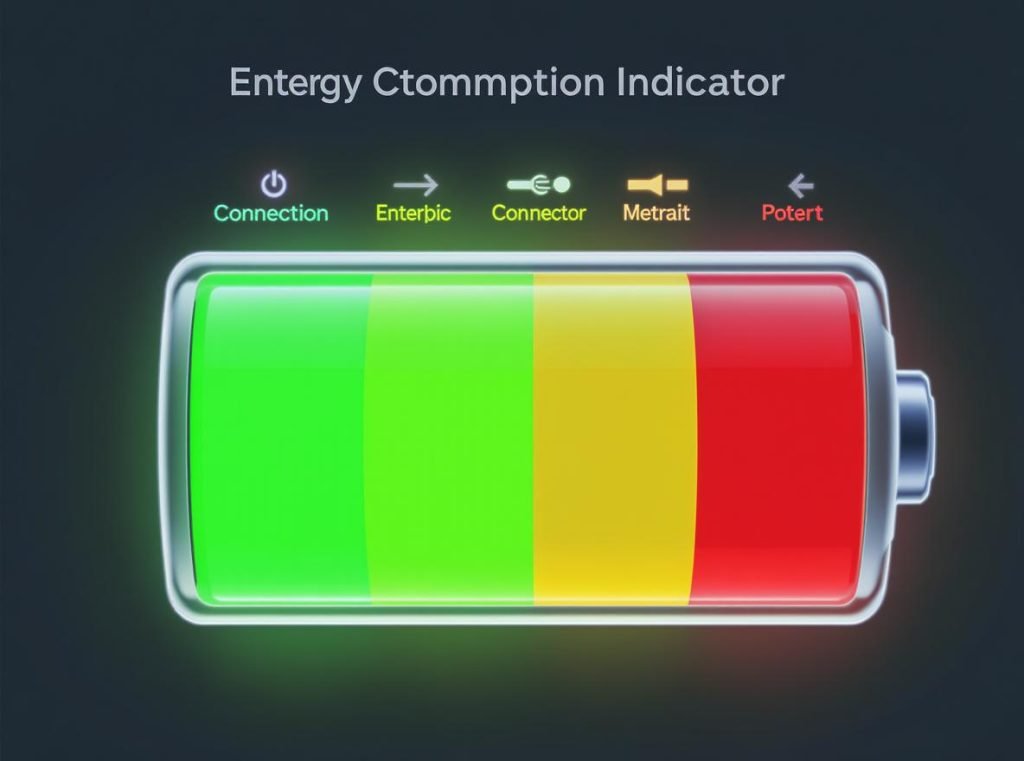
Battery consumption varies significantly based on active connection types:
Modern smartwatches implement intelligent power management systems that automatically adjust connectivity based on usage patterns and available networks. Understanding these systems helps set realistic customer expectations and reduce dissatisfaction.
• Bluetooth efficiency: BLE technology minimizes power consumption during standby periods and background synchronization
• Wi-Fi impact: Continuous internet connectivity increases processor usage and radio power consumption significantly
• Cellular power drain: LTE radios consume substantial battery power during voice calls and data transmission
• NFC minimal impact: Near-field communication only activates during specific user interactions, causing negligible battery drain
Advanced smartwatches use intelligent switching algorithms to optimize battery performance. These systems automatically prefer Wi-Fi connections over cellular when available, disable unused radios during specific time periods, and adjust processor performance based on current demands.
Real-World Battery Performance Data
Based on comprehensive testing and user reports, actual battery life varies considerably:
| Connection Configuration | Typical Battery Life | Heavy Usage | Power Saving Mode |
|---|---|---|---|
| Bluetooth Only | 5-7 days | 3-4 days | 7-10 days |
| Bluetooth + Wi-Fi Occasional | 3-4 days | 2-3 days | 5-6 days |
| Bluetooth + Wi-Fi Heavy Use | 2-3 days | 1-2 days | 3-4 days |
| Cellular Light Usage | 2-3 days | 1-2 days | 3-4 days |
| Cellular Heavy Usage | 1-2 days | 18-24 hours | 2-3 days |
Leading Device Performance Examples
• Apple Watch Ultra 2: 46 hours average, extending to 76 hours in power saving mode
• Samsung Galaxy Watch 6 Classic: 35 hours average, up to 48 hours with optimization
• OnePlus Watch 2: Up to 100 hours using dual-chipset architecture for background tasks
The OnePlus Watch 2 demonstrates innovative battery optimization through dual-chipset design, using low-power processors for background operations while reserving main processors for intensive tasks.
Customer education about realistic battery expectations prevents dissatisfaction and reduces return rates, particularly important for wholesale relationships where returns affect profitability.
What Connection Setup Challenges Should Businesses Anticipate?
Understanding common connectivity issues helps businesses provide better customer support and reduce technical support costs.
The most frequent smartwatch connectivity problems include pairing failures, range limitations, network compatibility issues, and software version conflicts. Proactive customer education and comprehensive setup guides significantly reduce support requests and improve customer satisfaction.
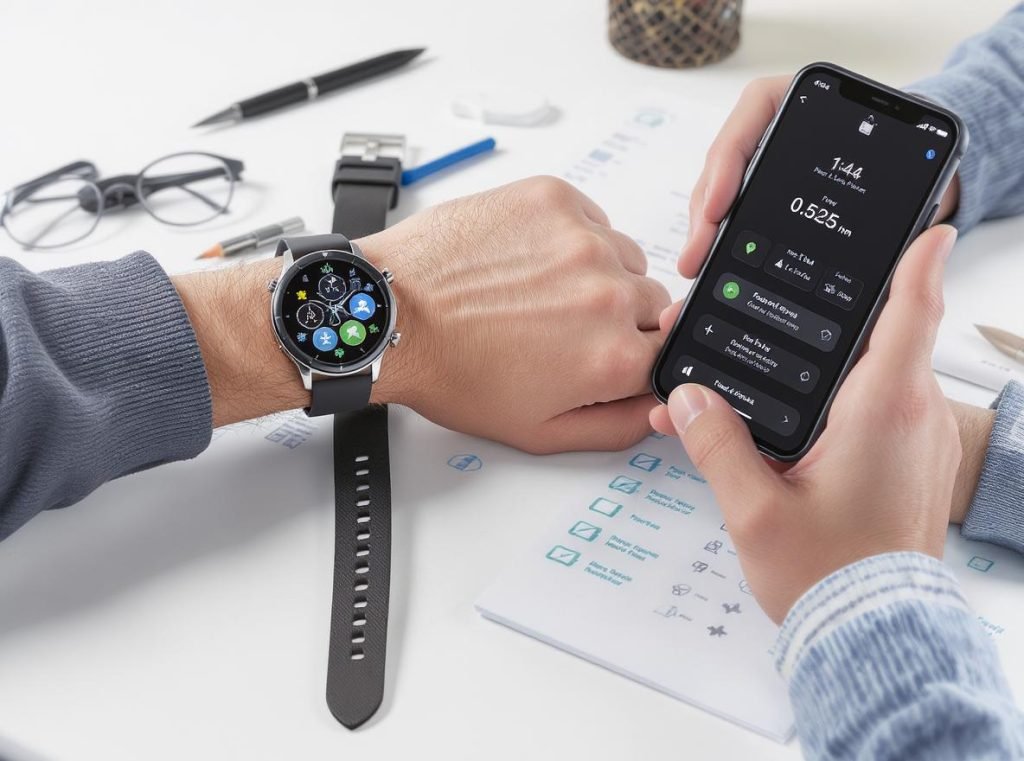
Common connectivity challenges affect different connection methods:
Bluetooth pairing issues often result from interference, outdated software, or incorrect pairing procedures. Wi-Fi connectivity problems typically involve network security settings or captive portal limitations. Cellular activation requires carrier coordination and proper account configuration.
Bluetooth Connection Troubleshooting
• Ensure both devices have updated software versions and sufficient battery charge
• Clear Bluetooth cache and restart both devices to resolve temporary connection conflicts
• Verify compatibility between smartwatch and smartphone operating systems
• Check for interference from other Bluetooth devices in the immediate environment
Wi-Fi Setup Considerations
• Cannot connect to networks requiring web-based authentication (hotels, public spaces)
• Limited to 2.4GHz networks on most smartwatch models, excluding 5GHz connections
• Requires pre-configured network credentials from paired smartphone for automatic connection
• Corporate networks with advanced security may require additional configuration
Cellular Activation Requirements
• Verify carrier compatibility and coverage in user’s geographic area
• Confirm cellular plan includes smartwatch connectivity features and data allowances
• Ensure eSIM activation through carrier’s designated process and customer account
• Understand additional monthly service fees and data usage limitations
NFC Implementation Challenges
• Requires initial setup through smartphone companion application for payment methods
• Bank and payment processor compatibility varies by region and financial institution
• Security settings may require authentication through PIN, biometric, or proximity verification
• Transaction limits and merchant acceptance vary by payment network and location
Providing comprehensive setup guides, video tutorials, and troubleshooting resources helps customers successfully configure their devices while reducing support costs for wholesale partners.
Summary
Smartwatch connectivity encompasses four primary technologies: Bluetooth for reliable smartphone pairing and basic functionality, Wi-Fi for extended internet access and semi-independence, cellular/LTE for complete communication freedom, and NFC for contactless payments and quick interactions. Understanding these connection methods helps businesses recommend appropriate solutions that match customer needs, usage patterns, and budget requirements while setting realistic performance expectations.
Ready to expand your smartwatch business with advanced connectivity solutions? Osmarto specializes in manufacturing high-quality smartwatches featuring cutting-edge Bluetooth, Wi-Fi, cellular, and NFC technologies for wholesale, distribution, and private label opportunities. Our experienced engineering team provides comprehensive technical support, customization services, and competitive pricing to help your business succeed in the rapidly growing wearable technology market.
Contact Osmarto’s sales team today to discuss your smartwatch connectivity requirements and discover how our proven manufacturing expertise can support your business growth with reliable products, flexible minimum orders, and industry-leading quality assurance. Let’s build your wearable technology success story together.