Skip to content
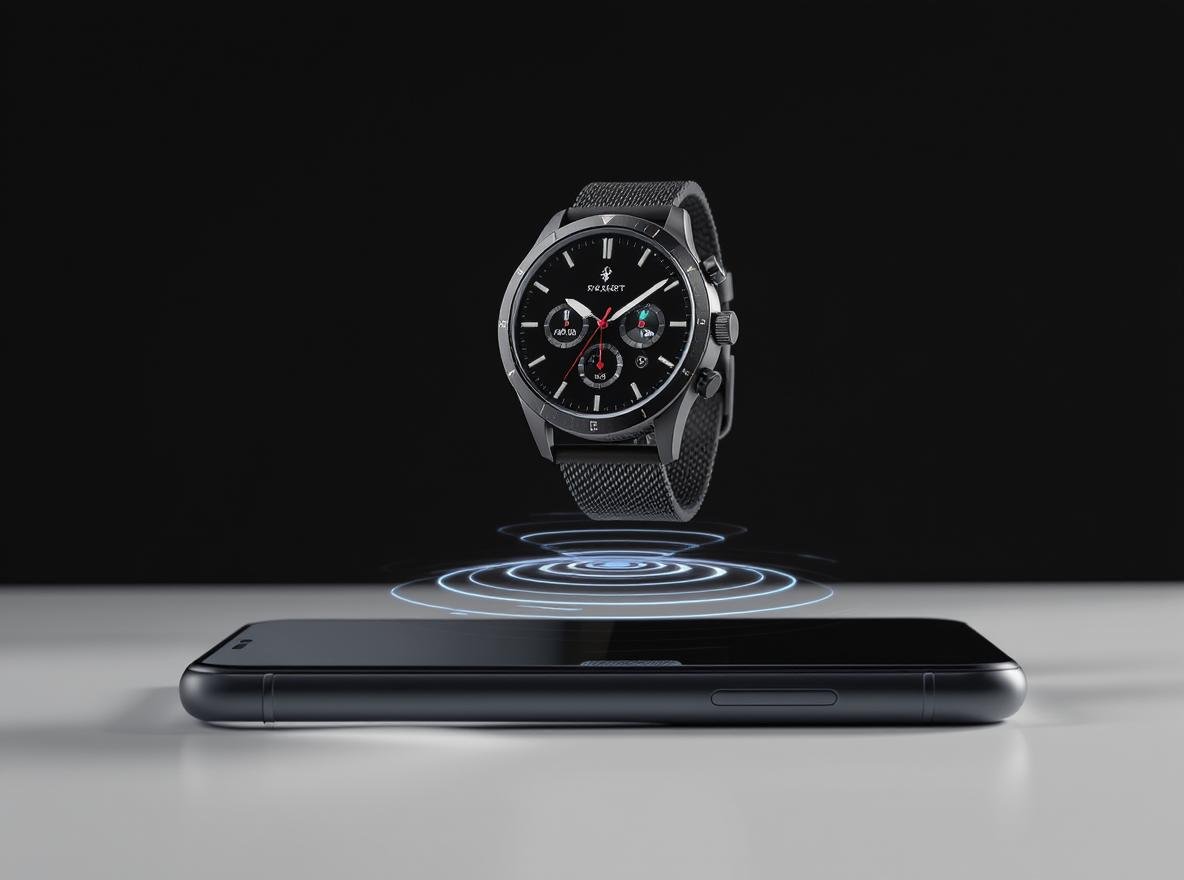
Many people wonder if they need a smartphone to enjoy their smartwatch’s features. The answer is more nuanced than you might think, and understanding your options can help you make the most of your wearable technology investment.
Yes, you can use a smartwatch without a paired smartphone, but functionality depends heavily on the type of smartwatch you choose and its connectivity options. Standalone smartwatches with cellular capabilities offer the most independence, allowing you to make calls, send messages, and use apps directly from your wrist without any phone nearby.
Let’s explore exactly what you can do with your smartwatch when your phone isn’t around.
What Functions Work on a Smartwatch Without a Phone?
Understanding which features remain available helps you determine if a standalone smartwatch meets your needs. This knowledge is crucial for businesses and consumers evaluating smartwatch investments.
All smartwatches offer basic functions without phone connectivity, including timekeeping, alarms, timers, stopwatch, fitness tracking, and music playback from local storage. These core features operate independently using the watch’s internal sensors and processors.
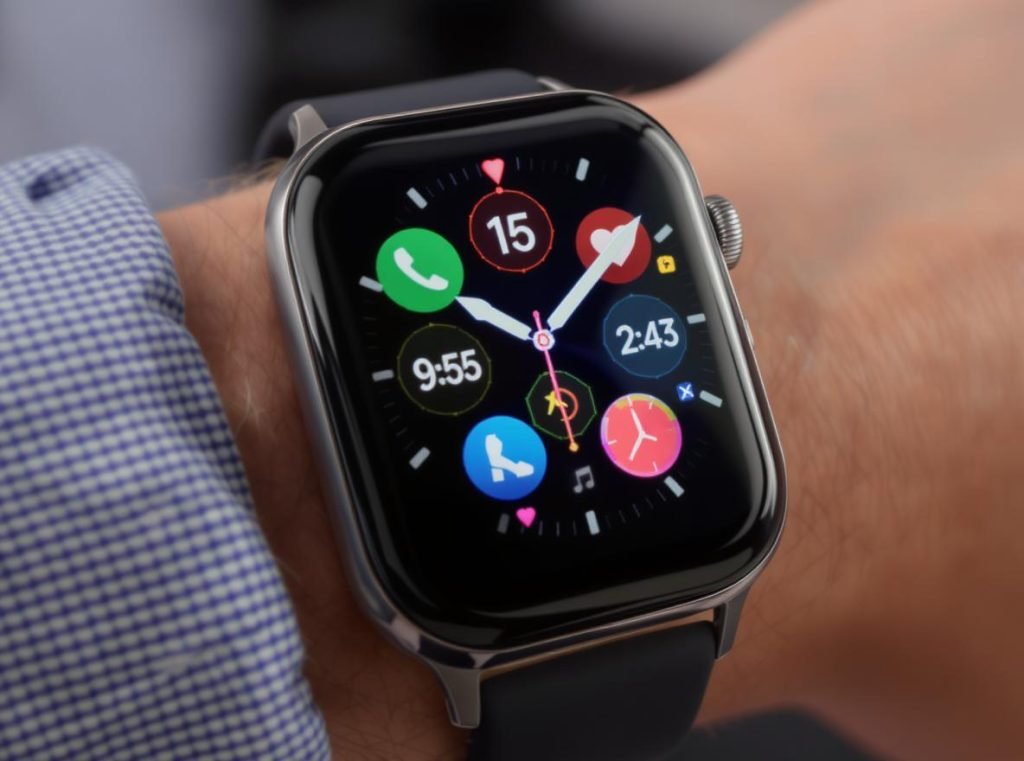
Even without a phone connection, most smartwatches can perform essential timekeeping and health functions. Every smartwatch manufacturer designs their devices with essential standalone capabilities that work reliably regardless of connectivity status.
Basic Functions Available on All Smartwatches
Your watch can handle fundamental tasks independently. Basic functionalities like setting alarms and timers can be done directly on the smartwatch interface, making them reliable tools for daily tasks.
The built-in sensors enable comprehensive fitness monitoring without external connections. Your watch can track steps, heart rate, sleep patterns, and workout sessions using internal accelerometers, gyroscopes, and optical heart rate sensors.
Essential offline-capable features include:
• Timekeeping and date display – Core functionality that never requires connectivity
• Fitness and health tracking – Steps, heart rate, calories burned, sleep monitoring, and activity tracking
• Alarms, timers, and stopwatch – Essential timing functions for workouts and daily tasks
• Music playback – Listen to downloaded songs through Bluetooth headphones
• Photo viewing – Display stored images and watch faces
• Calendar display – View today’s schedule and appointments
Enhanced Functions with WiFi Connectivity
When your smartwatch connects to known WiFi networks, additional capabilities become available without requiring phone proximity. This expands functionality significantly while maintaining independence from your smartphone.
WiFi connectivity enables features like receiving notifications from apps when your phone is connected elsewhere, using voice assistants like Google Assistant or Siri, streaming music from supported apps, checking weather updates, and accessing basic apps that don’t require cellular connectivity.
| Connectivity Type | Available Features | Independence Level |
|---|---|---|
| Offline Only | Basic timekeeping, fitness tracking, alarms, local music | Limited |
| WiFi Connected | Voice assistants, streaming, weather, app notifications | Moderate |
| Cellular Enabled | Full communication, internet access, app ecosystem | Complete |
Manufacturers like Osmarto design smartwatches with robust offline capabilities, ensuring wholesale customers can offer products that deliver value even when disconnected from phones or networks.
Do You Need Cellular Connectivity for Full Independence?
Cellular connectivity represents the dividing line between dependent and truly independent smartwatch operation. This distinction affects everything from communication capabilities to emergency features and overall user experience.
Cellular connectivity is essential for true smartwatch independence. While WiFi-only models can function without a phone in limited scenarios, they still rely on internet connections and your phone being online somewhere to relay information.
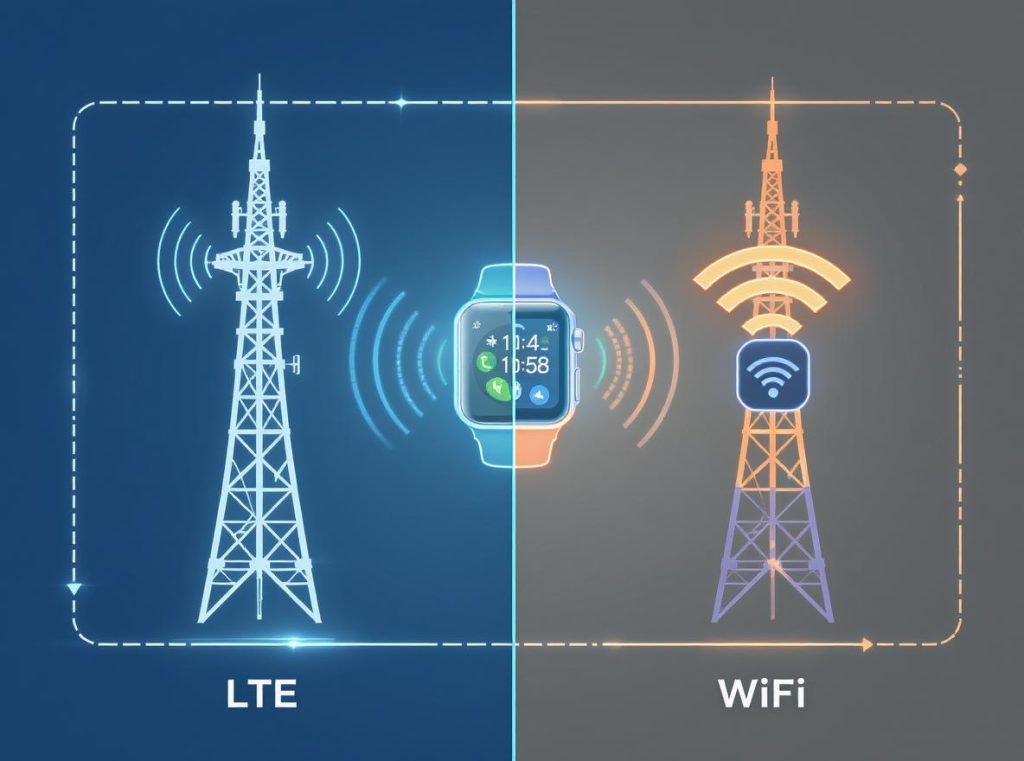
Cellular-enabled smartwatches with built-in LTE, 4G, or 5G connectivity can function as complete standalone devices, making calls, sending messages, accessing the internet, and running apps without any phone connection or dependency.
Cellular vs GPS Models Comparison
The choice between GPS-only and cellular models significantly impacts both functionality and cost structure. Understanding these differences helps businesses position products appropriately for different market segments.
GPS-only models offer lower initial costs and better battery performance, but require phones nearby for communication features. Cellular models provide complete independence with higher upfront costs plus monthly data plan requirements.
Key differences include pricing considerations, with GPS-only models having lower initial costs while cellular models require higher upfront investment plus $10-20 monthly data plan fees. Battery performance varies significantly, with GPS-only models delivering better battery life while cellular models experience shorter battery life due to cellular radio power consumption.
Full Functionality Features with Cellular
LTE/4G/5G enabled smartwatches offer the most comprehensive phone-free experience, including making and receiving phone calls, sending and receiving text messages, streaming music from services like Spotify and Apple Music, using GPS navigation with real-time directions, accessing social media and messaging apps, browsing the internet, using mobile payments through NFC technology, and downloading standalone apps.
Independence levels show cellular models working completely independently for all functions, while GPS models require phone proximity for communication and internet-dependent features. Emergency capabilities are limited without phones for GPS models, but cellular models provide full emergency features including automatic emergency calling.
For wholesale buyers and distributors, cellular-enabled models represent premium products with higher profit margins while addressing the growing consumer demand for complete smartphone independence.
Can You Set Up a Smartwatch Without a Smartphone Initially?
Initial setup requirements vary significantly between smartwatch brands and models. Understanding these differences helps retailers provide accurate guidance while identifying market opportunities for phone-free solutions.
Initial setup requirements vary by brand, with Samsung offering the most flexibility for phone-free setup, while Apple Watch requires iPhone connectivity, and most other brands requiring smartphone apps for initial configuration.
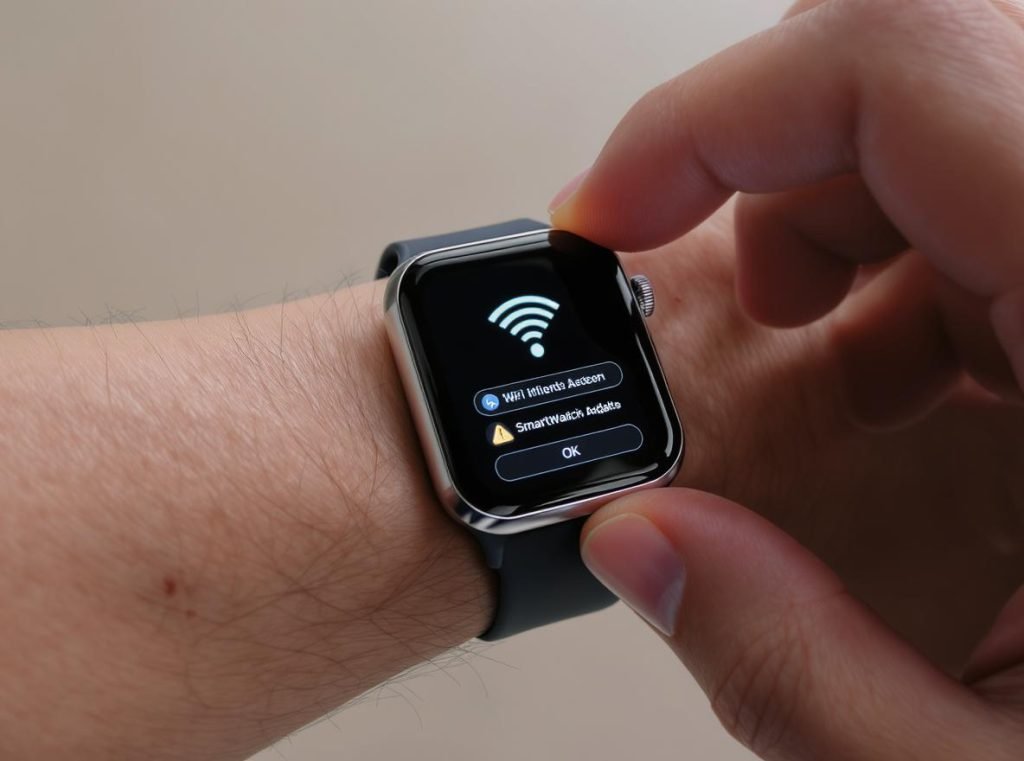
Samsung Galaxy Watch Setup
Samsung offers the most flexibility for phone-free setup and can be set up without any smartphone using a hidden setup method. Users can press the watch icon on the setup screen multiple times, then hold for 3 seconds. This works on Galaxy Watch 4, 5, 6, 7, and Ultra models, though some features remain limited without phone pairing.
This setup flexibility makes Samsung watches particularly attractive for customers who don’t own smartphones or prefer keeping devices separate. The hidden setup method provides access to core functionality without requiring phone connectivity.
Apple Watch Limitations
Apple Watch requires an iPhone for initial setup and cannot be set up without an iPhone initially. Even cellular models need iPhone activation first, though once set up, cellular models work independently. Family Setup allows some independence for family members without iPhones.
Other Brand Requirements
Most other smartwatch manufacturers require smartphone apps for initial configuration, though some dedicated standalone models exist that can be activated directly through cellular carriers.
Setup methods available include:
• WiFi configuration – Connect directly to internet for initial downloads and updates
• Carrier activation – Direct cellular activation for standalone models
• Hidden setup modes – Manufacturer-specific phone-free configuration options
• Computer-based setup – Web-based configuration tools for certain models
For wholesale markets, offering setup flexibility appeals to diverse consumer preferences and technical capabilities across different regions, making Samsung’s approach particularly valuable for distribution partnerships.
What Are the Limitations of Phone-Free Smartwatch Use?
Understanding limitations helps set realistic expectations and guides purchasing decisions. These constraints often determine whether a standalone smartwatch meets specific user needs and business requirements.
Phone-free smartwatches face significant limitations in communication capabilities, app ecosystem access, software updates, and data synchronization features that rely on smartphone processing power and connectivity.
Communication Limitations
Without cellular connectivity, smartwatches face significant communication restrictions including no calls or texts unless connected to WiFi and paired phone, limited app notifications only from previously synced data, no voice assistant functionality without internet connection, and reduced social media access.
These communication barriers create dependency on either cellular plans or WiFi connectivity for meaningful interaction capabilities. Voice assistant functionality becomes particularly limited without internet access.
App and Software Limitations
Phone-free smartwatches have restricted app ecosystems with simplified app versions that have limited functionality compared to phone apps, smaller app selection optimized for watch displays, no app installation without phone or WiFi connection, and limited customization options.
The reduced app ecosystem means users must adapt to simplified interfaces and fewer feature options. App installation typically requires connectivity, limiting spontaneous software additions.
Data and Synchronization Challenges
Critical limitations include no automatic data backup without phone connections, limited cloud sync for health and fitness data, no software updates without phone or WiFi connectivity, and reduced integration with other smart devices.
| Limitation Category | Impact Level | Cellular Workaround Available |
|---|---|---|
| Communication | High | Yes – Full calling and messaging |
| App Ecosystem | Medium | Partial – Standalone app versions |
| Data Backup | Medium | Limited – Requires cloud connectivity |
| Software Updates | Low | Yes – Through cellular or WiFi |
| Device Integration | High | Limited – Reduced smart home control |
Understanding these limitations helps wholesale customers and retailers provide accurate product guidance while identifying opportunities for premium cellular-enabled models that overcome most restrictions.
Which Smartwatch Types Work Best Without Phones?
Different smartwatch categories offer varying levels of phone independence. Knowing these distinctions helps buyers choose appropriate devices for their specific use cases and business requirements.
Cellular-enabled models from major brands and fitness-focused smartwatches provide the best phone-free experience, while basic smartwatches and fashion wearables typically require ongoing phone connectivity for optimal functionality.
Top Standalone Smartwatch Categories
Apple Watch Cellular Models
Apple Watch Series 10, Ultra 2, and SE with cellular offer the best integration with iOS ecosystem, premium build quality and features, though they require iPhone for setup but work independently afterward.
Apple’s cellular models represent the premium segment with comprehensive standalone functionality once initial setup is complete. The integration with Apple’s ecosystem provides seamless user experience for iOS users.
Samsung Galaxy Watch Series
Galaxy Watch 7, 6, 5, and 4 with LTE work with both Android and iOS (with limited features on iOS), can be set up without any phone, and offer excellent health tracking capabilities.
Samsung’s approach offers the most flexibility for phone-free operation, making these models particularly attractive for diverse customer bases and international markets.
The best categories for phone-free operation include:
• Cellular-enabled premium models – Complete communication independence with data plans
• Fitness-focused watches – Designed for outdoor activities where phones are impractical
• Wear OS cellular watches – Google Pixel Watch 2/3 LTE, TicWatch Pro 4G/LTE models
• Specialized outdoor watches – Garmin Forerunner 945 LTE, Garmin Venu series with cellular
Specialized Fitness and Outdoor Models
Specialized fitness watches like Garmin Forerunner 945 LTE and Garmin Venu series with cellular focus on fitness and outdoor activities with excellent GPS and health tracking capabilities.
These models excel in environments where phone connectivity is unreliable or impractical, making them ideal for outdoor enthusiasts and professional applications.
For wholesale buyers, cellular and fitness categories represent the highest value segments for customers seeking phone independence, commanding premium prices while addressing specific market needs.
How Do Standalone Smartwatch Apps Work?
Standalone applications represent a growing ecosystem designed specifically for phone-free smartwatch operation. Understanding this app environment helps users maximize device capabilities and helps businesses identify market opportunities.
Standalone smartwatch apps operate using the watch’s internal processing power, storage, and sensors, providing self-contained functionality without requiring phone connectivity or external device support.
Standalone smartwatch apps are designed to work independently without phone connectivity, featuring self-contained functionality using watch sensors and processors, local data storage for offline operation, direct internet access through cellular or WiFi, and optimized interfaces for small watch displays.
These applications are specifically engineered for the unique constraints and capabilities of smartwatch hardware. They’re optimized for small screens, limited processing power, and battery conservation while leveraging specialized sensors unavailable on smartphones.
App Categories That Work Best Standalone
Health and Fitness Applications
Native fitness applications use built-in sensors to track workouts, monitor heart rate, analyze sleep patterns, and store weeks of data locally. These apps operate independently for extended periods without external connectivity.
Navigation and Location Services
GPS-enabled navigation apps provide turn-by-turn directions using built-in positioning systems. These apps can download map data for offline use and provide location services without phone dependency.
Communication and Productivity Tools
For cellular-enabled watches, communication apps enable direct calling, messaging, and email access. Basic productivity tools like calculators, note-taking apps, and task managers focus on essential functionality optimized for wrist-based interaction.
Key standalone app categories include:
• Navigation apps – Using built-in GPS for turn-by-turn directions and location tracking
• Music streaming apps – With offline download capabilities for phone-free listening
• Weather apps – Displaying locally cached weather data and conditions
• Payment apps – NFC-based contactless payment systems for transactions
• Communication apps – For cellular-enabled watches with calling and messaging capabilities
Development and Optimization Considerations
Developers must optimize for limited screen real estate, battery constraints, and simplified user interfaces. This creates apps that are focused, efficient, and purpose-built for wearable interaction patterns rather than adapted from smartphone versions.
For smartwatch manufacturers like Osmarto, supporting robust standalone app ecosystems adds significant value for wholesale customers and end users seeking complete phone independence.
What About Emergency Features Without a Phone?
Emergency functionality represents a critical consideration for standalone smartwatch operation. These features can be life-saving and often influence purchasing decisions for safety-conscious consumers and institutional buyers.
Most smartwatches retain essential emergency features without phone connectivity, including GPS location tracking, emergency contacts, and basic SOS functionality, though cellular connectivity significantly enhances emergency response capabilities.
Emergency SOS Capabilities
Most modern smartwatches include comprehensive emergency features that work without phones, with specific activation methods varying by brand.
Brand-Specific Emergency Features
Samsung Galaxy Watches
Samsung devices allow users to press the Home key 3 times to trigger SOS, automatically call emergency contacts, send location data via cellular or WiFi, though LTE activation is required for full functionality without phone.
Apple Watch Emergency Systems
Apple Watch users can press the Digital Crown 5 times for Emergency SOS. Cellular models can call emergency services independently, while GPS-only models require iPhone nearby. Fall detection automatically triggers emergency calls.
Specialized Emergency Devices
Bay Alarm Medical SOS Smartwatch is designed specifically for emergencies, requires no smartphone, features a dedicated SOS button with 24/7 monitoring service.
Essential emergency capabilities include:
• GPS location tracking – Continuous position monitoring for emergency services
• Automatic fall detection – With emergency calling for accident situations
• Medical ID storage – Critical health information accessible from lock screen
• Emergency contact calling – Quick access to family, friends, and medical providers
• 24/7 monitoring services – For specialized emergency-focused devices
Cellular Emergency Advantages
Cellular connectivity enables direct emergency service communication without requiring nearby phones, WiFi networks, or complex setup procedures. This independence can be crucial in remote locations or emergency situations where phone connectivity is unavailable.
Emergency Feature Limitations
Non-cellular watches cannot directly contact emergency services without WiFi connectivity or phone pairing. However, they can store crucial medical information, track location data, and maintain emergency contact lists for manual use.
For wholesale markets targeting elderly users, outdoor enthusiasts, and safety-conscious consumers, emergency features represent significant selling points that justify premium pricing for cellular-enabled models.
How Does Battery Life Change in Standalone Mode?
Battery performance varies significantly between connected and standalone smartwatch operation modes. Understanding these differences helps users optimize device usage and helps businesses set appropriate customer expectations.
Standalone smartwatch operation typically extends battery life by reducing constant Bluetooth connectivity demands, though cellular usage and GPS tracking can significantly increase power consumption depending on usage patterns.
Battery Performance Comparison
Cellular usage significantly impacts battery life, with cellular active providing 14-18 hours of typical usage, cellular disabled extending to 24-30+ hours, watch-only mode lasting up to 2 weeks on Samsung models, and power-saving modes achieving 30+ days on some models.
When operating independently without Bluetooth connections, your smartwatch eliminates constant energy drain from maintaining phone connectivity. This typically results in improved battery life for basic functions like timekeeping, fitness tracking, and offline app usage.
Power Consumption Factors
Reduced Consumption Benefits
Without Bluetooth connectivity, watches stop constantly searching for and maintaining phone connections. This eliminates significant background power drain that can extend overall battery life by 15-30% for basic usage patterns.
High Drain Activities
Factors that significantly affect battery life include active cellular data usage, GPS navigation with cellular, music streaming over cellular, frequent calls and messaging, and always-on display features.
Battery optimization strategies for standalone operation:
• Use power-saving modes – Activate when maximum battery life is needed
• Disable unnecessary connectivity – Turn off WiFi and cellular when not required
• Manage display settings – Reduce brightness and disable always-on features
• Limit GPS usage – Use location services only when actively needed
• Monitor app usage – Close unnecessary applications running in background
| Usage Scenario | Battery Life Impact | Optimization Strategy |
|---|---|---|
| Basic Fitness Tracking | +20-30% improvement | Use airplane mode during workouts |
| Cellular Communication | -50-70% reduction | Limit calls and data to essentials |
| GPS Navigation | -40-60% reduction | Use GPS only when actively navigating |
| Offline App Usage | Minimal impact | Regularly close unused applications |
| Watch-Only Mode | +300-500% improvement | Disable all connectivity features |
Manufacturer Battery Management
Quality smartwatch manufacturers like Osmarto optimize power management systems to balance functionality with battery longevity. This includes efficient processors, power-saving display technologies, and intelligent resource management that adapts to usage patterns.
For wholesale buyers, battery life represents a crucial selling point that directly impacts customer satisfaction and device usability across different market segments and use cases.
Can You Make Calls and Send Messages Without a Phone?
Communication capabilities represent the most significant differentiator between basic and premium standalone smartwatch functionality. Understanding these options helps users choose appropriate devices for their connectivity needs and business applications.
Smartwatches with cellular connectivity can make calls and send messages independently, while WiFi-only models require internet connections for limited messaging through certain apps and services.
Calling Capabilities
Cellular-enabled smartwatches provide direct calling using built-in microphone and speaker, contact syncing from cloud services, call history stored locally on watch, VoLTE support for high-quality voice calls, and Bluetooth headset compatibility for privacy.
Modern cellular smartwatches function as complete communication devices, enabling users to make and receive traditional phone calls directly from their wrist. Voice call quality has improved significantly with recent hardware advances and audio processing technologies.
Text and Advanced Messaging
Text messaging capabilities include SMS and MMS through cellular connection, voice-to-text capabilities for message composition, emoji and quick responses through watch interface, and message history synced across devices.
Advanced messaging extends beyond traditional SMS to include internet-based platforms. WhatsApp, Telegram, and other messaging apps work on compatible models, providing broader communication options. Email access through dedicated apps enables basic reading and responding capabilities.
Communication methods available include:
• Traditional voice calls – Standard cellular phone functionality with clear audio
• SMS/MMS messaging – Text and multimedia messaging with voice-to-text input
• VoIP calling – Internet-based calling through apps like WhatsApp or Skype
• Email access – Basic email reading and quick response capabilities
• Social messaging – Platform-specific apps for broader communication options
Voice Quality and Privacy Considerations
Most modern smartwatches include adequate speakers and microphones for direct wrist calling, though audio quality varies by model. Many users prefer Bluetooth headsets for privacy and better audio quality during longer conversations.
While smartwatch speakers and microphones are smaller than phone components, premium models incorporate advanced audio processing to optimize conversation clarity and reduce background noise.
Setup Requirements for Communication
Most cellular smartwatches require active cellular data plan from carrier, eSIM or nano-SIM activation, number sharing or dedicated watch number, and initial setup through carrier app or website.
The setup process typically involves carrier activation, plan selection, and number configuration. Some carriers offer number sharing where your watch uses the same number as your phone, while others require dedicated watch numbers with separate plans.
For wholesale markets, communication-capable smartwatches represent premium product categories with higher profit margins and strong consumer demand for independence, convenience, and emergency preparedness.
Summary
Smartwatches can absolutely function without paired smartphones, but capabilities vary significantly based on connectivity options and intended use cases. Cellular-enabled models offer complete independence with calling, messaging, and internet access, while basic models provide essential features like fitness tracking, alarms, and timekeeping. Understanding these differences helps you choose the right smartwatch solution for specific needs and budgets.
For businesses seeking reliable smartwatch solutions for wholesale, private label, or OEM partnerships, Osmarto offers comprehensive manufacturing capabilities with flexible customization options. Our cellular-enabled models provide the independence your customers demand, while our expertise ensures quality products that meet diverse market requirements. Contact our team to discuss your smartwatch business needs and explore how we can support your success with cutting-edge wearable technology solutions.