Skip to content
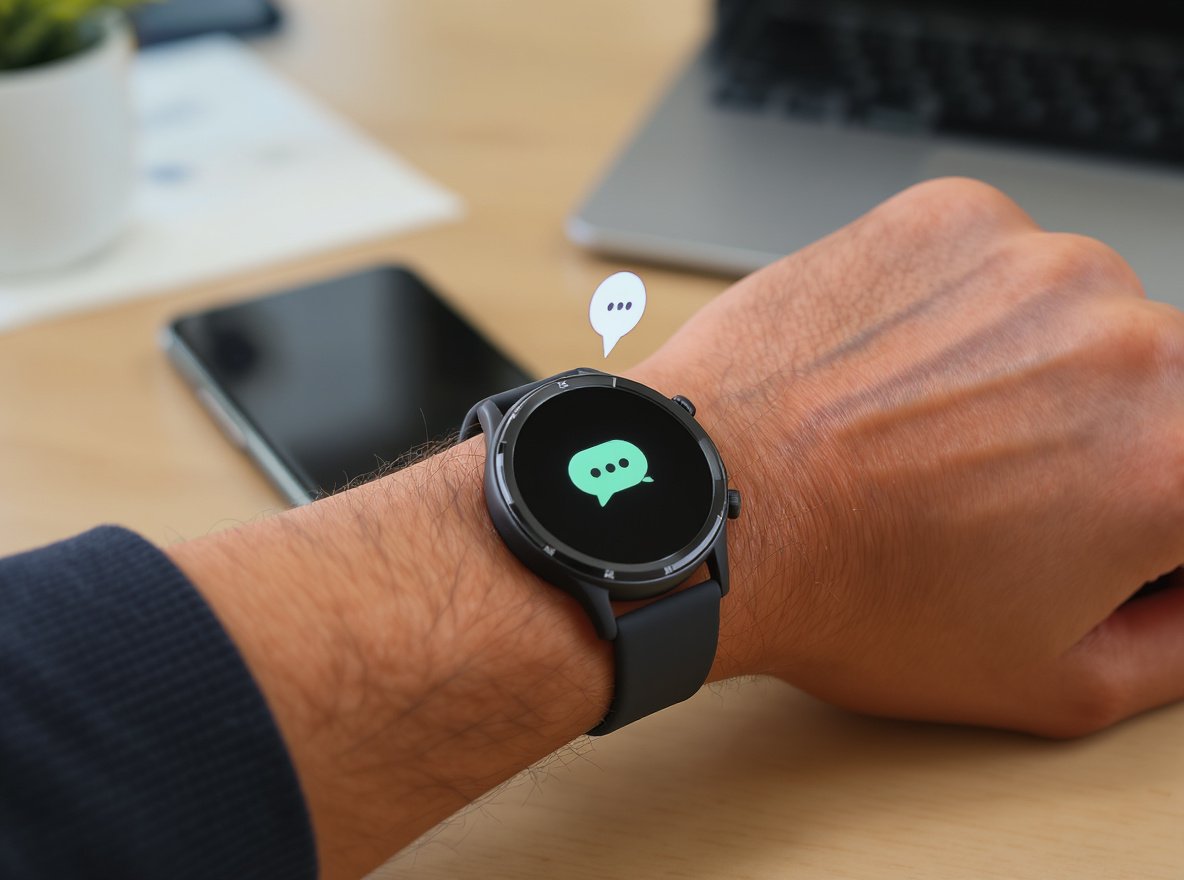
Staying connected with friends, family, and business contacts through WhatsApp has become essential in our daily lives. Missing important messages can mean lost opportunities or strained relationships. The constant need to check your phone for WhatsApp notifications can be distracting and inconvenient, especially during meetings, workouts, or when your hands are busy.
Yes, you can absolutely get WhatsApp notifications and reply on most modern smartwatches. However, the experience varies significantly across platforms. Wear OS devices offer the most comprehensive experience with WhatsApp’s official standalone app launched in July 2023, while Apple Watch relies on notification mirroring, and other platforms provide basic notification support with limited reply capabilities.
Keep reading to discover exactly how WhatsApp works on different smartwatch platforms, which features you can expect, and how to maximize this convenient messaging experience for your business needs.
How Does WhatsApp Work on Smartwatches?
Understanding how WhatsApp integrates with different smartwatch platforms helps you make informed sourcing decisions when selecting inventory for your wholesale business.
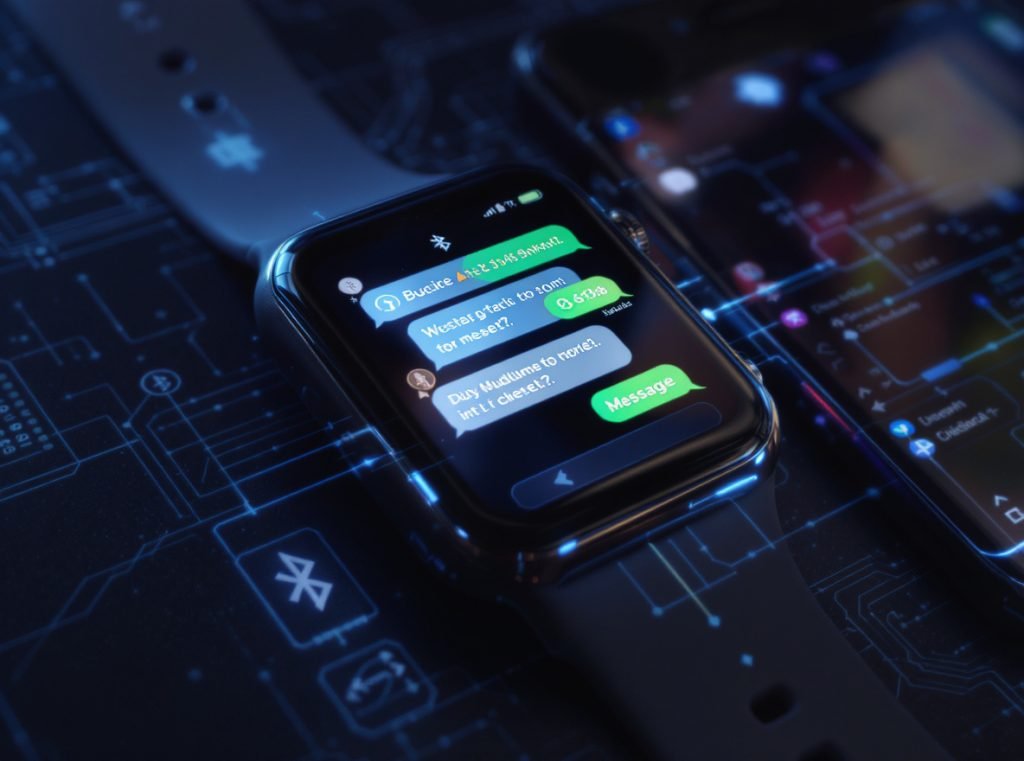
WhatsApp functionality varies dramatically across smartwatch platforms. Wear OS devices run WhatsApp’s official standalone app that works independently of your phone, while Apple Watch mirrors notifications from paired iPhones. Most other smartwatches rely on basic notification forwarding through Bluetooth connectivity with limited interaction capabilities.
Wear OS: The Gold Standard Experience
WhatsApp officially launched its dedicated Wear OS app in July 2023, representing the most advanced smartwatch WhatsApp integration available today.
The official Wear OS app requires Wear OS 3.0 or higher and operates independently of your phone’s connection. This means users can send messages, make voice calls, and access conversations even when their smartphone is turned off or out of range.
Setup involves generating an 8-character linking code on the watch and entering it through WhatsApp’s multi-device system on your smartphone. The app maintains end-to-end encryption through WhatsApp’s established multi-device architecture, ensuring security standards remain intact.
| Wear OS WhatsApp Features | Capability | Independence Level |
|---|---|---|
| Text messaging | Full send/receive | Works without phone |
| Voice messages | Record and playback | Complete independence |
| Voice calls | Full VoIP functionality | Phone-free operation |
| Emoji responses | Complete selection | Standalone feature |
Apple Watch: Notification-Based Integration
Apple Watch does not support WhatsApp’s official standalone app. Instead, the platform relies on iOS notification mirroring and quick reply functionality.
When WhatsApp messages arrive on your iPhone, they automatically forward to your paired Apple Watch through iOS’s notification system. Users can respond using voice dictation (Siri transcription), Scribble handwriting recognition, pre-set quick replies, or the on-screen keyboard available on Series 7 and later models.
Third-party applications like WatchChat 2 attempt to provide enhanced WhatsApp functionality for Apple Watch, but security experts warn against these unauthorized apps due to potential account suspension risks and security vulnerabilities.
Other Platform Integration Methods
Samsung Galaxy Watches running Tizen OS, Fitbit devices, Garmin smartwatches, and most budget-friendly options primarily support notification forwarding rather than full WhatsApp integration.
These devices display incoming WhatsApp messages when paired smartphones receive them, typically offering pre-set quick reply options and basic emoji responses. Voice dictation capabilities vary by manufacturer and model sophistication.
Which Smartwatches Support WhatsApp Notifications?
Platform compatibility determines the WhatsApp experience quality, making this crucial information for wholesalers selecting inventory for different market segments.
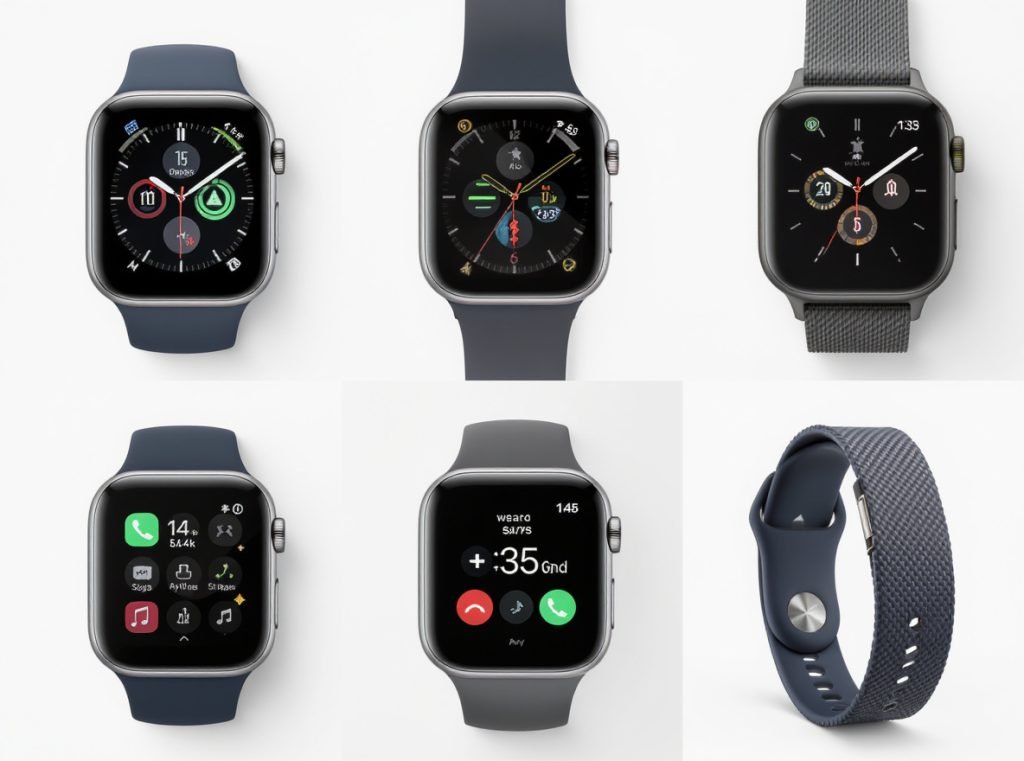
Smartwatch WhatsApp support falls into three categories: full app support (Wear OS 3+ devices), notification mirroring (Apple Watch and most premium brands), and basic notification display (budget fitness trackers). The level of functionality directly impacts consumer satisfaction and market positioning.
Full WhatsApp App Support
Devices running Wear OS 3.0 or higher provide the most comprehensive WhatsApp experience through the official standalone application.
Compatible models include:
- Samsung Galaxy Watch 4, 5, 6, and 7 series
- Google Pixel Watch (all generations)
- Fossil Gen 6 and newer Wear OS models
- TicWatch Pro 3 and subsequent releases
- Other Wear OS 3+ certified devices
These devices command premium market prices due to their advanced functionality and represent the fastest-growing segment in markets where WhatsApp dominates messaging preferences.
Notification Support Platforms
Most established smartwatch brands offer reliable WhatsApp notification forwarding with varying degrees of reply functionality.
Apple Watch (all models) provides excellent notification reliability with smooth quick reply integration for iPhone users. The platform maintains strong consumer loyalty despite lacking a standalone WhatsApp app.
Samsung Galaxy Watch Tizen models (older generations) deliver solid notification performance with decent quick reply systems, though they lack the advanced features of newer Wear OS versions.
Fitbit devices across the Sense, Versa, and Charge series offer basic notification viewing with limited reply options, suitable for health-focused market segments.
Garmin smartwatches including Forerunner, Fenix, and Vivoactive series provide reliable notification systems with good quick reply functionality, particularly appealing to fitness enthusiasts and outdoor activity markets.
Budget Segment Considerations
Entry-level smartwatches typically provide inconsistent WhatsApp notification performance with basic functionality. These devices serve price-sensitive market segments but may disappoint users expecting reliable messaging capabilities.
Common issues include notification delays, connection problems when phones are locked, and limited battery life when handling frequent messaging activity.
Can You Actually Reply to WhatsApp Messages on Smartwatches?
Reply capabilities vary significantly across platforms, affecting user experience and market appeal in different consumer segments.
Yes, most modern smartwatches support WhatsApp replies, but methods and reliability vary dramatically. Wear OS offers the most comprehensive reply options including voice messages and full keyboard typing, while Apple Watch provides multiple input methods through iOS integration. Other platforms typically offer quick replies and basic voice dictation.
Wear OS Reply Methods
The official WhatsApp app on Wear OS provides the most natural messaging experience available on smartwatches today.
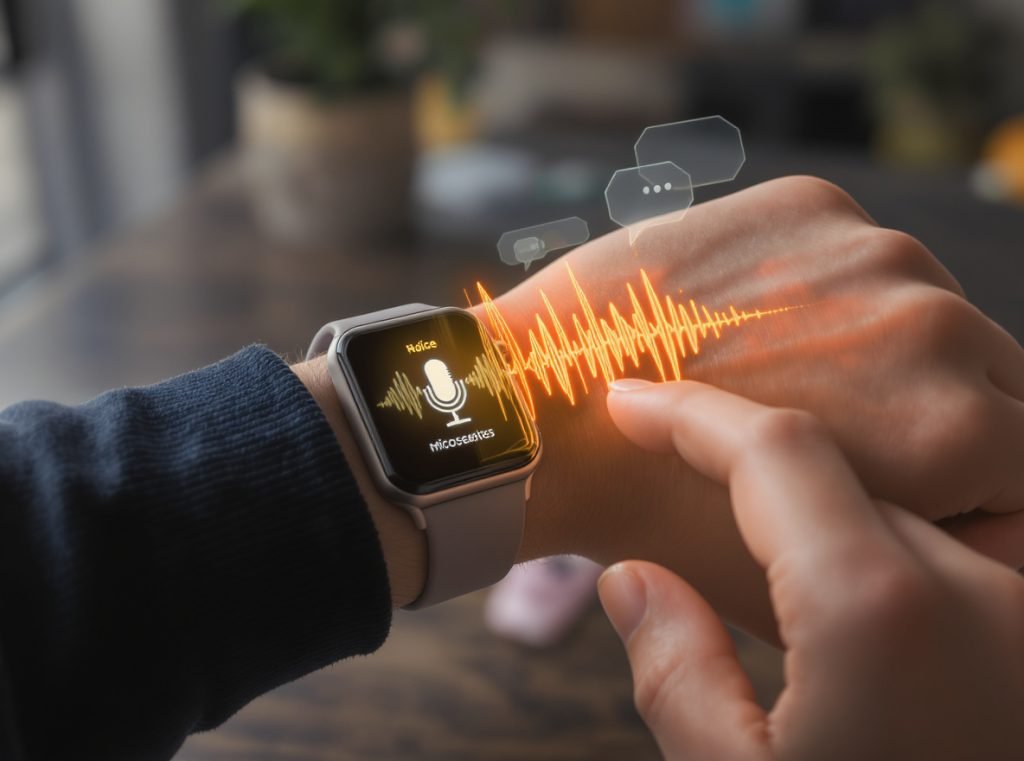
Users can record and send voice messages directly through the watch’s built-in microphone, with playback capabilities for received audio messages. The on-screen keyboard allows detailed typing for longer responses, while voice-to-text dictation provides hands-free operation with good accuracy in quiet environments.
Quick reply functionality offers customizable pre-set responses for common interactions, and the complete emoji selection matches smartphone WhatsApp capabilities.
Apple Watch Input Options
iPhone users enjoy multiple reply methods despite the lack of an official WhatsApp app.
Voice dictation through Siri provides excellent transcription accuracy for longer messages. Scribble technology allows finger writing directly on the watch screen for short, precise responses. Quick reply suggestions appear automatically based on message context, while pre-set responses can be customized through the iPhone’s settings.
Series 7 and later models include an on-screen keyboard for detailed typing, though the small screen size makes this practical only for brief responses.
Alternative Platform Solutions
Samsung Tizen, Fitbit, and Garmin devices primarily rely on pre-set quick replies for WhatsApp responses.
These customizable quick responses work well for simple confirmations like “Yes,” “No,” “OK,” “Thanks,” and “Call me later.” Voice dictation capabilities exist on some premium models but with varying accuracy levels depending on hardware quality and software implementation.
| Reply Method | Wear OS | Apple Watch | Samsung Tizen | Fitbit | Garmin |
|---|---|---|---|---|---|
| Voice messages | Full support | Not available | Not available | Not available | Not available |
| Voice-to-text | Excellent | Very good | Good | Basic | Basic |
| Quick replies | Customizable | iOS integrated | Customizable | Limited | Good |
| On-screen typing | Full keyboard | Series 7+ only | Basic | Not available | Not available |
What Are the Limitations of WhatsApp on Smartwatches?
Understanding WhatsApp limitations helps set realistic expectations for end consumers and informs product positioning strategies for wholesale buyers.
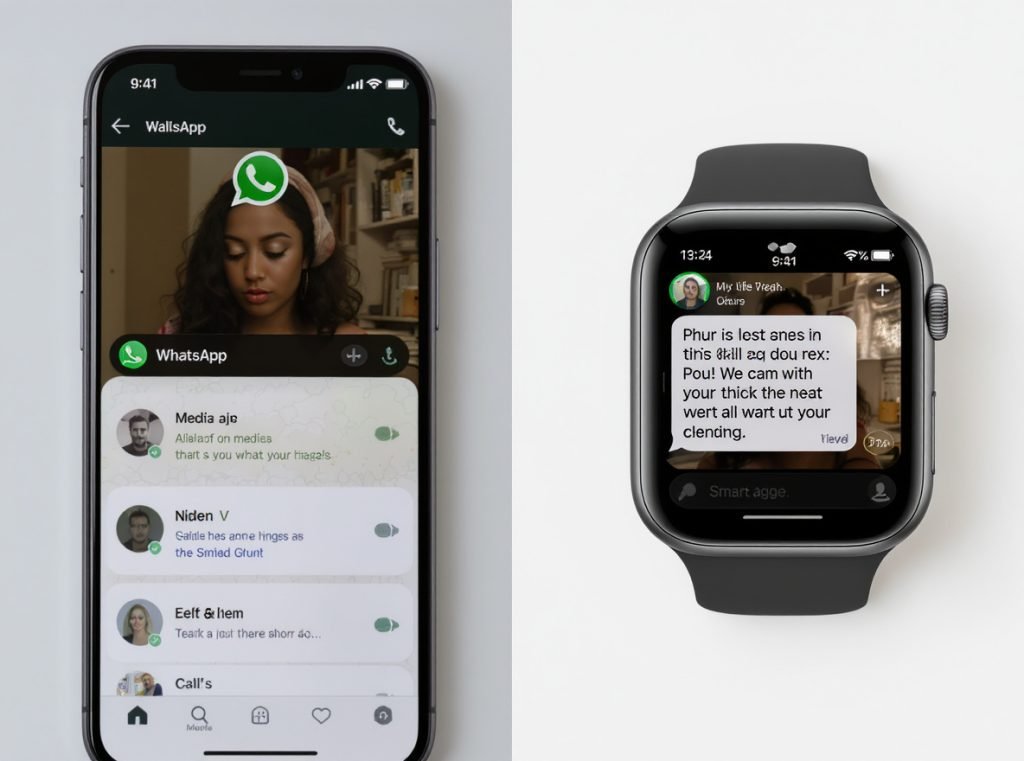
Smartwatch WhatsApp functionality faces universal limitations including restricted media viewing, inability to access full chat histories, limited group management features, and dependency on battery life for consistent performance. These constraints affect user experience regardless of platform sophistication.
Universal Platform Limitations
Even the most advanced Wear OS implementation cannot replicate the complete smartphone WhatsApp experience due to hardware and interface constraints.
Media viewing remains problematic across all platforms. Images and videos appear too small on smartwatch screens to be practically useful, and most devices cannot display shared documents or complex media files effectively.
Group management features are unavailable on smartwatches. Users cannot add or remove group members, change group settings, or perform administrative functions that require detailed interface navigation.
Chat history access is limited to recent notifications rather than full conversation archives. This restriction affects both casual users and business professionals who need to reference previous message exchanges.
Platform-Specific Constraints
Apple Watch faces additional limitations due to its notification-dependent architecture. Users cannot initiate new conversations beyond responding to received messages, and voice message playback is not supported through the standard notification system.
Third-party Apple Watch apps attempting to provide enhanced WhatsApp functionality pose security risks, with users facing potential account suspension for violating WhatsApp’s terms of service.
Battery Performance Impact
WhatsApp functionality significantly impacts smartwatch battery life across all platforms. Constant Bluetooth connectivity, frequent screen activations for message viewing, and voice processing for replies increase power consumption by 15-25% compared to basic fitness tracking functions.
This battery drain particularly affects budget smartwatches with smaller batteries, potentially requiring daily charging instead of the multi-day battery life these devices typically advertise.
How to Set Up WhatsApp Notifications on Your Smartwatch?
Proper setup ensures optimal WhatsApp functionality and helps reduce customer support issues for retailers and distributors.
WhatsApp notification setup requires platform-specific configuration steps involving smartphone settings, companion apps, and smartwatch preferences. The process varies significantly between iOS/Apple Watch, Android/Wear OS, and alternative platform combinations, but follows predictable patterns once understood.
Apple Watch Configuration Process
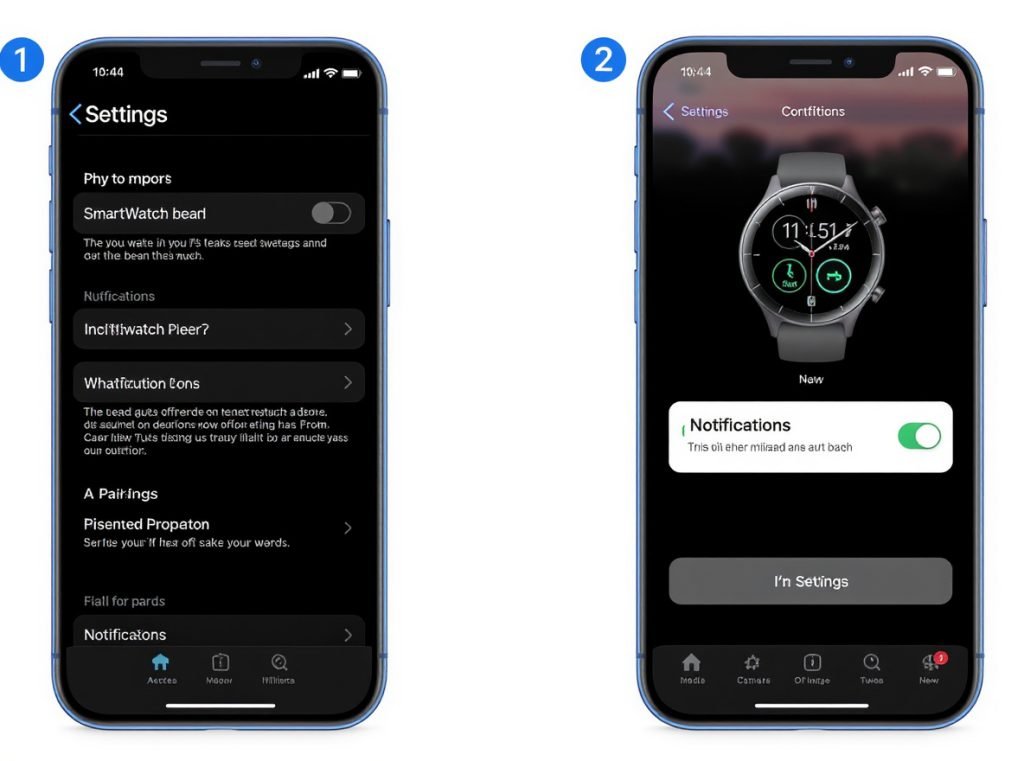
iPhone users must enable notifications at multiple system levels for reliable WhatsApp delivery to Apple Watch.
Begin by confirming WhatsApp notifications are active on your iPhone through Settings → Notifications → WhatsApp → Allow Notifications. Ensure “Show Preview” is enabled to display message content rather than generic notification alerts.
Open the Watch app on your iPhone and select the “My Watch” tab. Navigate to Notifications and confirm “Mirror iPhone alerts” is enabled. Locate WhatsApp in the installed apps list and toggle notifications on.
For optimal performance, verify that Do Not Disturb settings on both iPhone and Apple Watch allow WhatsApp notifications during desired hours.
Samsung Galaxy Watch Setup
Samsung devices require configuration through the Galaxy Wearable companion app for notification forwarding, plus additional steps for the official WhatsApp app on Wear OS models.
For notification forwarding: Open Galaxy Wearable app → Watch Settings → Notifications → App Notifications → Enable WhatsApp and customize notification preferences including vibration patterns and display duration.
For full WhatsApp app: Download WhatsApp from Galaxy Store directly on the watch, generate an 8-character linking code, and enter this code through WhatsApp’s multi-device settings on your paired smartphone.
Wear OS Device Configuration
Google’s Wear OS platform offers the most straightforward WhatsApp setup process due to integrated Play Store access.
Install WhatsApp directly from the Google Play Store on your watch. Launch the app and select “Link a device” to generate an 8-character code. On your smartphone, open WhatsApp → Settings → Linked Devices → Link a Device and enter the watch-generated code.
Complete the setup by following on-screen instructions to sync your account across devices while maintaining end-to-end encryption standards.
Troubleshooting Common Setup Issues
Notification delivery problems frequently occur during initial setup, typically stemming from incomplete permission configurations.
If WhatsApp notifications aren’t appearing, first verify your smartphone receives WhatsApp notifications normally. Check battery optimization settings on Android devices, as aggressive power management can block notification forwarding to connected smartwatches.
Restart both smartphone and smartwatch, then re-pair the devices if problems persist. Some manufacturers require specific notification access permissions that must be granted during initial setup processes.
Which Reply Methods Work Best on Smartwatches?
Different reply methods suit various use cases and environments, affecting user satisfaction and practical adoption rates.
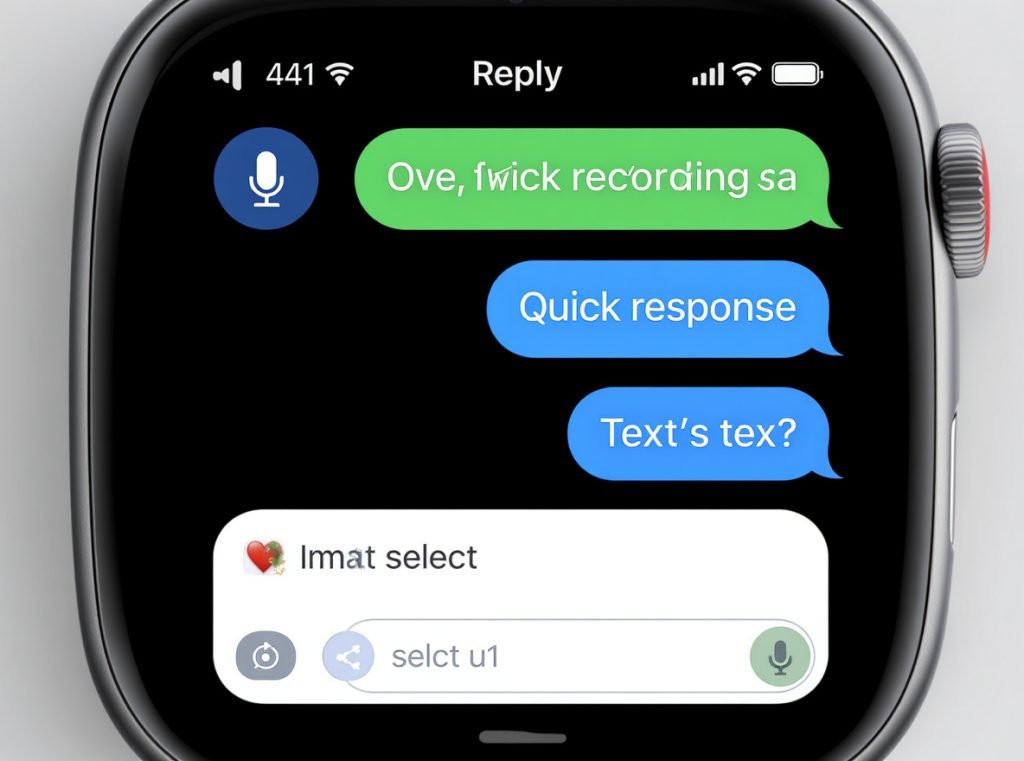
Voice-to-text dictation provides the fastest and most natural reply method for most users, achieving 85-95% accuracy in quiet environments. Quick responses excel for professional settings requiring brief acknowledgments, while voice messages offer the most personal communication experience when ambient noise interferes with speech recognition.
Voice-to-Text Performance Analysis
Modern smartwatches deliver impressive voice recognition accuracy that continues improving through machine learning algorithms and better microphone hardware.
Wear OS devices achieve the highest accuracy rates due to Google’s advanced speech processing technology. Apple Watch performs excellently for English speakers through Siri integration, while other platforms show more variable results depending on manufacturer implementation quality.
Environmental factors significantly impact performance: Quiet indoor settings produce 90-95% accuracy rates, while noisy outdoor environments or crowded spaces can reduce accuracy to 60-70%. Wind noise particularly affects outdoor fitness activities.
Language support varies by platform: Google’s Wear OS supports the broadest range of languages and dialects, Apple Watch excels for major language markets, while budget platforms typically offer limited multilingual capabilities.
Quick Response Effectiveness
Pre-programmed quick responses provide 100% accuracy and instant delivery, making them ideal for professional communication scenarios.
Standard options include “Yes,” “No,” “OK,” “Thanks,” “Call me later,” and “I’m busy.” These responses work perfectly for meeting acknowledgments, appointment confirmations, and brief status updates without requiring voice interaction.
Customization capabilities vary significantly across platforms. Wear OS and premium Samsung watches offer extensive personalization options, while budget devices may provide only manufacturer-preset responses.
Voice Message Advantages
Voice messages combine personal communication with technical reliability, working effectively regardless of ambient noise levels that interfere with speech-to-text conversion.
Recipients hear your actual voice, conveying tone and emotion that text messages cannot effectively communicate. This proves particularly valuable for business communications where context and nuance matter.
Voice message functionality remains exclusive to Wear OS devices with the official WhatsApp app, giving these platforms a significant advantage in markets where personal communication style influences purchasing decisions.
| Reply Method | Speed | Accuracy | Professional Use | Personal Use | Battery Impact |
|---|---|---|---|---|---|
| Voice-to-text | Fast | 85-95% | Good | Excellent | Moderate |
| Quick responses | Instant | 100% | Excellent | Limited | Minimal |
| Voice messages | Moderate | 100% | Limited | Excellent | Higher |
| Handwriting | Slow | 70-85% | Limited | Good | Low |
Do All WhatsApp Features Work on Smartwatches?
Feature limitations help set realistic consumer expectations and inform product positioning for wholesale buyers targeting different market segments.
Smartwatches support core WhatsApp messaging functions but lack advanced features available on smartphones. Essential text messaging, voice messages (Wear OS only), and emoji responses work reliably, while video calling, document sharing, group administration, and media editing remain unavailable across all platforms.
Available Core Features
Most smartwatches handle individual and group text message notifications effectively, displaying sender names, message previews, and timestamps with reasonable clarity on small screens.
Wear OS devices provide the most comprehensive feature set including voice message recording and playback, full emoji selection, and the ability to initiate new conversations directly from the watch.
Apple Watch excels at notification management with smooth integration into iOS messaging workflows, though functionality remains limited to responding to received messages rather than initiating conversations.
Other platforms typically support message viewing and basic response options, sufficient for users prioritizing fitness tracking with supplementary messaging capabilities.
Unavailable Advanced Functions
Video calling remains impossible on current smartwatch technology due to processing limitations, inadequate camera hardware, and battery constraints. Most smartwatches lack front-facing cameras suitable for video communication.
Document sharing, photo editing, and complex media management require smartphone-level processing power and storage capacity that smartwatches cannot provide. These functions automatically redirect users to their primary smartphones.
Missing features across all platforms:
- Status updates and story viewing
- Group administration (adding/removing members)
- Document and location sharing
- WhatsApp Web connectivity
- Payment features and business catalog browsing
- Advanced media editing and filters
Business Feature Limitations
WhatsApp Business features remain unavailable on smartwatches, limiting professional use cases for business owners and sales representatives.
Catalog browsing, payment processing, and customer service tools require full smartphone interfaces. However, basic business messaging and quick customer responses work effectively through available reply methods.
This creates opportunities for wholesale buyers serving business markets, as professionals increasingly value quick message acknowledgment capabilities during meetings or client interactions.
How Does WhatsApp Performance Vary Across Smartwatch Brands?
Brand-specific performance differences affect consumer satisfaction and influence purchasing decisions across different market segments.
Premium brands like Apple, Samsung, and Google deliver superior WhatsApp experiences with faster notification delivery, more reliable voice recognition, and better overall integration. Budget-friendly fitness trackers provide basic functionality but may experience notification delays and limited reply capabilities that affect user satisfaction.
Premium Performance Leaders
Apple Watch maintains the most refined WhatsApp experience for iPhone users despite lacking an official standalone app. The Digital Crown navigation, haptic feedback precision, and Siri integration create intuitive messaging interactions that consistently satisfy premium market consumers.
Samsung Galaxy Watch series running Wear OS provides comprehensive WhatsApp functionality with the official app, while older Tizen models deliver reliable notification systems with good quick reply capabilities. The rotating bezel navigation system makes message scrolling more comfortable than touchscreen-only alternatives.
Google Pixel Watch benefits from native Wear OS optimization and direct Google service integration, resulting in smooth WhatsApp app performance and reliable notification delivery.
Mid-Range Performance
Established fitness brands like Garmin offer solid WhatsApp notification support focused on essential messaging without advanced features. Extended battery life means consistent notification delivery during long activities or travel, appealing to outdoor and fitness market segments.
Fitbit devices provide basic notification viewing with limited reply options, sufficient for health-focused users who prioritize fitness tracking over comprehensive messaging capabilities.
Budget Market Considerations
Lower-priced smartwatches often struggle with notification consistency, experiencing delayed message delivery that frustrates users expecting real-time communication.
Voice recognition accuracy suffers significantly on budget devices due to inferior microphone hardware and basic processing capabilities. Many affordable options provide notification viewing without any reply functionality, essentially serving as basic message alert systems.
Common budget device issues:
- Notification delays of 30+ seconds
- Inconsistent Bluetooth connectivity
- Poor voice recognition accuracy (below 60%)
- Limited battery life with messaging active
- Unreliable app compatibility
Regional Performance Variations
Smartwatch performance varies across global markets due to different smartphone ecosystems, language support, and network infrastructure quality.
European and North American markets favor Apple Watch and premium Android devices, while Asian markets show stronger adoption of local brands offering competitive WhatsApp integration at lower price points.
Emerging markets prioritize basic functionality and extended battery life over advanced features, creating opportunities for mid-range devices with reliable notification systems.
What Should Wholesalers Know About WhatsApp Smartwatch Integration?
Market trends and consumer demands help wholesalers make strategic inventory decisions for maximizing sales and customer satisfaction.
The global smartwatch market is expected to grow 17% in 2024, with WhatsApp integration becoming a crucial selling point rather than premium feature. Wear OS adoption is increasing due to official WhatsApp support, while emerging markets show 22-27% growth rates driven by messaging functionality demands over traditional fitness tracking priorities.
Market Demand Analysis
WhatsApp integration now ranks as a top consumer priority for smartwatch purchases, often outweighing advanced health monitoring features in purchasing decisions.
Consumer surveys indicate messaging functionality influences over 70% of smartwatch buying decisions in markets where WhatsApp dominates communication, including Europe, Latin America, and most of Asia.
Business users represent a rapidly growing segment seeking reliable WhatsApp smartwatch integration for professional communication needs. This demographic values features like quick responses and voice-to-text accuracy over comprehensive fitness tracking capabilities.
Kids’ smartwatch segment is experiencing remarkable 5.5x growth, with parents increasingly requesting WhatsApp notification capabilities for family communication while maintaining parental control features.
Regional Market Opportunities
Emerging markets in the Middle East and Central Europe show exceptional 22-27% growth rates in smartwatch adoption, driven primarily by messaging and communication features rather than health tracking.
European markets demonstrate strong demand for Wear OS devices due to WhatsApp’s official app support, allowing premium pricing for devices with comprehensive messaging capabilities.
Asian markets balance feature demands with price sensitivity, creating opportunities for mid-range devices offering reliable WhatsApp notifications with good battery life.
North American markets remain heavily influenced by Apple Watch dominance, though Android users increasingly seek Wear OS alternatives with superior WhatsApp integration.
Wholesale Strategy Recommendations
Diversify your portfolio across multiple platforms to serve different market segments effectively. Stock Wear OS devices for premium customers, Apple Watch-compatible accessories for iOS users, and reliable notification-supporting devices for price-sensitive segments.
Emphasize WhatsApp compatibility prominently in marketing materials and product descriptions. This feature often determines final purchasing decisions, especially in WhatsApp-dominant markets.
Target emerging markets with affordable options featuring reliable WhatsApp notifications and extended battery life. These markets prioritize communication functionality over advanced health monitoring features.
Consider the growing kids’ segment with devices offering WhatsApp notifications combined with parental control features and safety monitoring capabilities.
Inventory Planning Insights
| Market Segment | Preferred Features | Price Sensitivity | Growth Rate | WhatsApp Priority |
|---|---|---|---|---|
| Premium consumers | Full app support, advanced features | Low | Moderate | High |
| Fitness enthusiasts | Notifications with sports tracking | Moderate | Steady | Medium |
| Business professionals | Quick replies, voice-to-text | Low-moderate | High | Very high |
| Budget-conscious users | Basic notifications, battery life | High | Stable | Medium |
| Kids/Family market | Safety features with messaging | Moderate | Very high | High |
Focus on devices with proven WhatsApp compatibility track records and test sample units personally to verify notification delivery consistency before committing to large inventory orders.
Summary
WhatsApp integration varies significantly across smartwatch platforms, with Wear OS providing the most comprehensive experience through its official standalone app, Apple Watch offering reliable notification mirroring for iPhone users, and other platforms delivering basic messaging support with varying capabilities.
Understanding these differences helps wholesalers select appropriate inventory for their target markets while setting realistic consumer expectations about functionality and limitations.
Ready to source premium smartwatches with proven WhatsApp integration for your wholesale business? Osmarto specializes in manufacturing reliable, feature-rich smartwatches with comprehensive WhatsApp compatibility across multiple platforms. Our devices undergo extensive testing to ensure consistent notification delivery, smooth voice recognition, and excellent user experiences that drive customer satisfaction and repeat sales. Contact our wholesale team today to discuss bulk pricing, customization options, OEM services, and exclusive distributor arrangements that can help establish your competitive advantage in the rapidly growing smartwatch market.