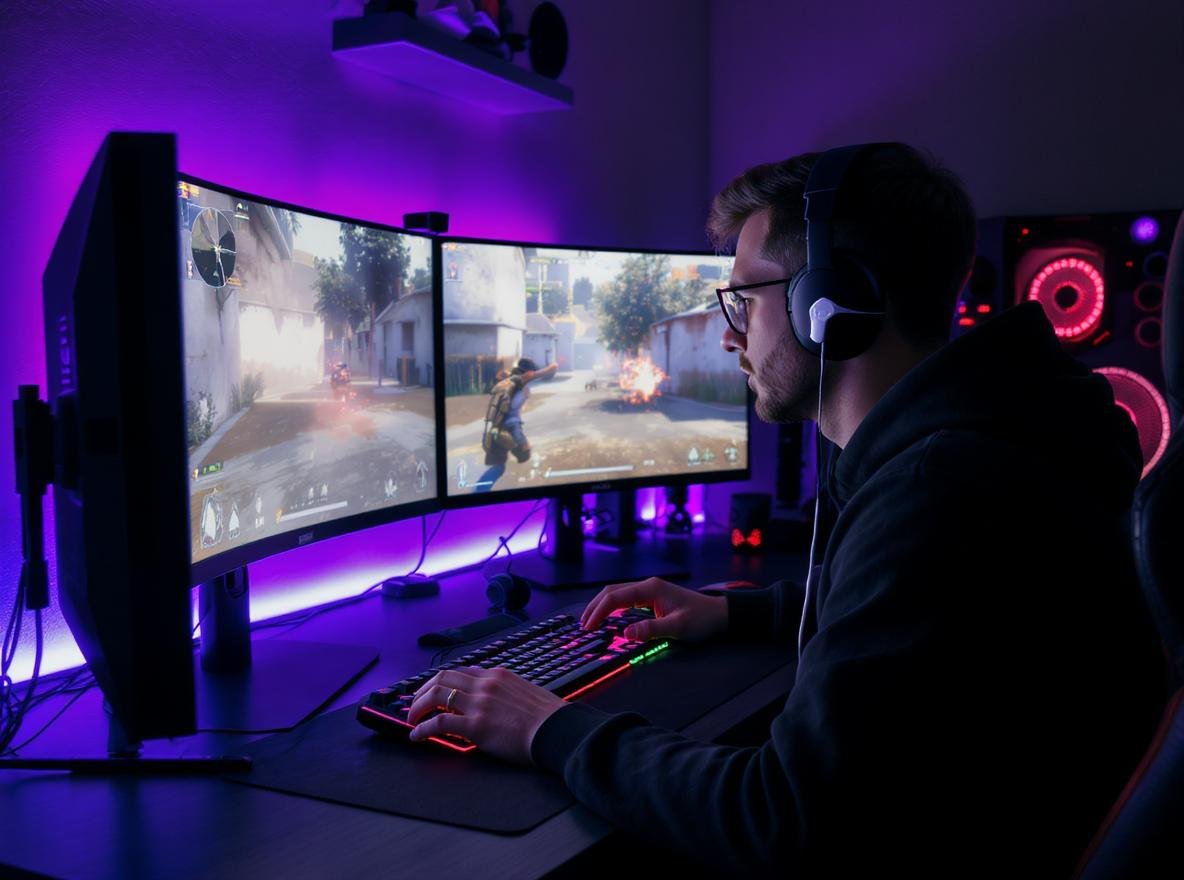
Gaming with wireless earbuds can be frustrating when audio doesn’t sync with what you see on screen. This delay, called latency, can make the difference between victory and defeat in competitive gaming.
Latency is the delay between when an audio signal is sent from your gaming device and when you actually hear it through your wireless earbuds. For gaming, low latency (under 50ms) is crucial because it ensures perfect synchronization between visual actions and audio cues, giving you the competitive edge you need.
Keep reading to discover how latency affects your gaming performance and what latency levels you should look for when choosing wireless earbuds for different gaming scenarios.
What Exactly Is Audio Latency in Wireless Earbuds?
Understanding latency helps you make better decisions when choosing gaming audio equipment for your business or personal use.
Audio latency is the measurable delay between when an audio signal is transmitted from your gaming device and when it reaches your ears through wireless earbuds. This delay is measured in milliseconds (ms), with lower numbers indicating faster audio transmission and better gaming performance.
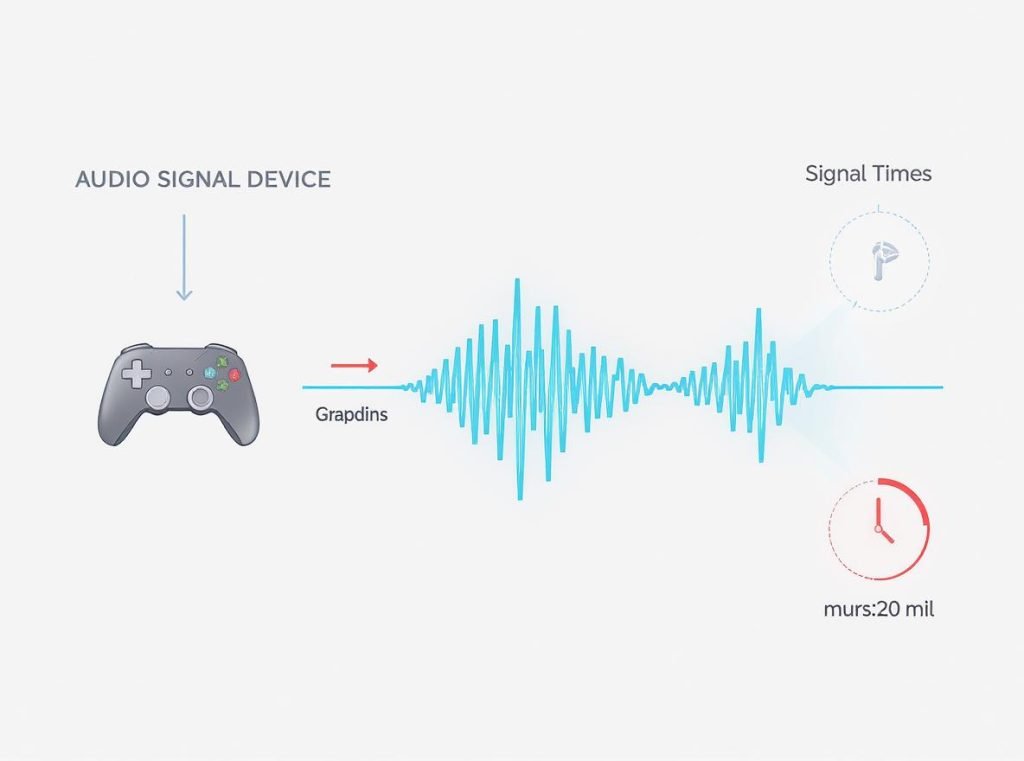
Audio latency occurs because wireless earbuds must process digital audio signals through several complex stages. Unlike wired headphones that typically have an imperceptible latency of 5-10ms, wireless earbuds experience significantly higher delays due to their processing requirements.
The audio signal travels from your gaming device to the earbuds through Bluetooth or proprietary wireless protocols. During transmission, the signal gets encoded into a compatible format, compressed for wireless transmission, sent wirelessly through the air, received by the earbuds, decoded back into audio data, and finally converted into sound waves you can hear.
Different wireless technologies create dramatically varying latency levels:
| Technology Type | Typical Latency | Gaming Suitability |
|---|---|---|
| Standard Bluetooth | 150-300ms | Poor – noticeable delay |
| Bluetooth with aptX Low Latency | ~40ms | Good – acceptable for most gaming |
| 2.4GHz USB dongles | 20-40ms | Excellent – competitive gaming ready |
| Advanced gaming protocols | 1-20ms | Professional – tournament level |
The human brain can typically detect audio delays above 40ms, which explains why standard Bluetooth often feels “laggy” during gaming sessions and why serious gamers demand specialized low-latency solutions.
How Does Latency Impact Gaming Performance?
Audio timing directly affects your reaction speed and gaming accuracy across different game genres, making latency a critical factor for competitive success.
High latency creates noticeable audio-visual desynchronization that can reduce gaming performance significantly. Studies show that audio lag can impair aiming accuracy, disrupt quick weapon switches, and negatively impact overall gameplay performance by creating unfair disadvantages in competitive scenarios.
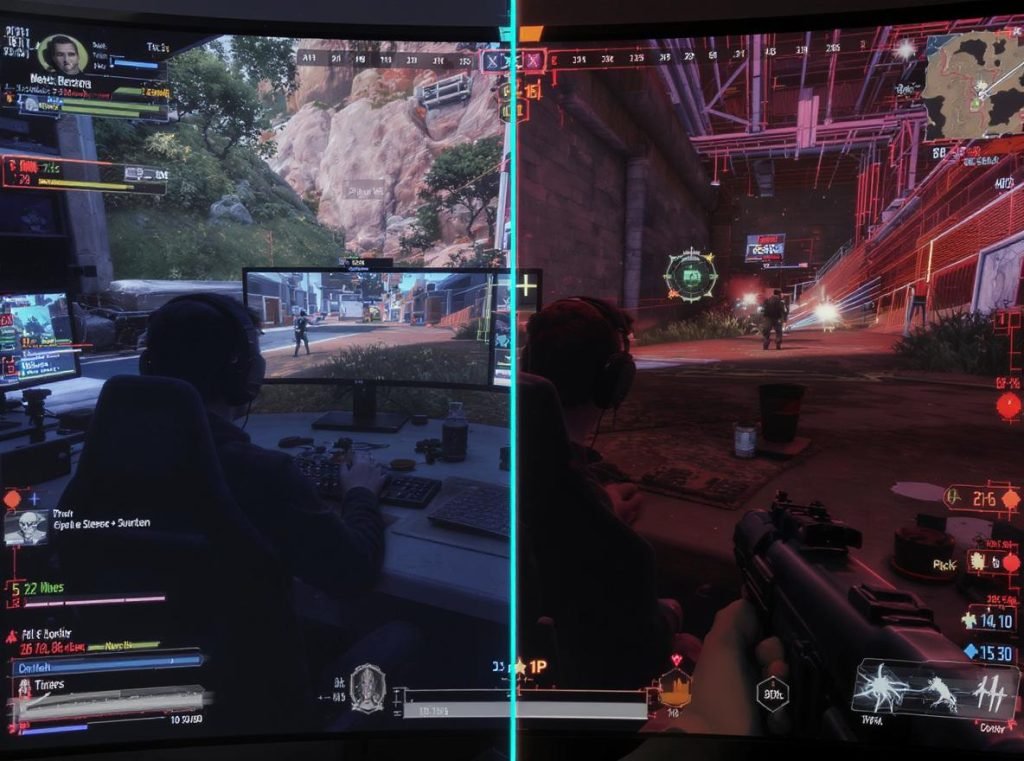
Gaming performance suffers in several specific ways across different genres:
First-Person Shooter Games (FPS)
In games like Call of Duty, Valorant, and Apex Legends, delayed gunshot sounds make it harder to time reloads and coordinate team strategies. When you hear an enemy’s footsteps 200ms after they actually step, you’ve already lost precious reaction time that could determine life or death in competitive matches.
Fighting Games
Games like Street Fighter require precise timing for complex combos. Audio lag can throw off attack rhythm and defensive timing, leaving players vulnerable to counterattacks and making frame-perfect moves nearly impossible to execute consistently.
Racing Games
Delayed audio feedback in racing simulators can cause missed braking points and diminished control. The sound of engine RPM changes and tire grip feedback become unreliable timing references when latency exceeds acceptable thresholds.
Rhythm and Music Games
These games become nearly impossible with high latency, as beat detection becomes unreliable. Games requiring precise timing demand the lowest possible latency, typically under 40ms, for accurate gameplay.
Professional gamers and streamers often refuse to use wireless audio with latency above 30ms because even small delays can affect their competitive edge, content quality, and viewer experience during live broadcasts.
What Latency Levels Are Acceptable for Different Gaming Scenarios?
Different gaming situations require different latency thresholds to maintain optimal performance and user experience based on competitiveness level and game genre.
For competitive gaming, latency should be under 50ms for acceptable performance, with professional esports requiring under 20ms. Casual gaming can tolerate up to 100ms without significant impact, while rhythm games demand ultra-low latency under 40ms for proper timing accuracy.
Here’s how latency requirements break down by detailed usage scenarios:
Professional Esports (Under 20ms)
Tournament players and professional streamers need the fastest possible audio response. Even 30ms delays can mean missing crucial audio cues that separate winners from losers in high-stakes competitive play.
Competitive Gaming (20-50ms)
Serious gamers participating in ranked matches benefit significantly from low latency but don’t necessarily need professional-level specifications. This range provides excellent synchronization without premium pricing.
Casual Gaming (50-100ms)
Weekend warriors and casual players can enjoy most games comfortably within this range. While fast-paced titles may still feel slightly off, the impact on enjoyment remains minimal for recreational play.
Single-Player Gaming (Up to 100ms)
Story-driven games, RPGs, and strategy titles rarely suffer from moderate latency since precise timing is less critical for gameplay success and immersion.
Platform-specific considerations also affect acceptable latency levels:
- Mobile Gaming: Higher tolerance (60-100ms) due to touch controls and typically less competitive gameplay
- Console Gaming: Medium tolerance (40-60ms) for most titles, with exceptions for competitive games
- PC Gaming: Lowest tolerance (20-50ms) for competitive advantage and professional-level performance
- VR Gaming: Ultra-low requirements (under 30ms) to prevent motion sickness and maintain immersion
Understanding these thresholds helps wholesalers and retailers recommend appropriate products for their target gaming customers’ specific needs and budgets.
Which Wireless Technologies Offer the Lowest Latency?
Different wireless transmission methods provide varying latency performance levels, with newer technologies specifically designed to address gaming requirements.
Proprietary 2.4GHz wireless dongles offer the lowest latency (1-40ms), followed by advanced Bluetooth codecs like aptX Low Latency (40ms), while standard Bluetooth typically delivers 150-300ms delay. Gaming-specific protocols can achieve sub-20ms performance for professional applications.
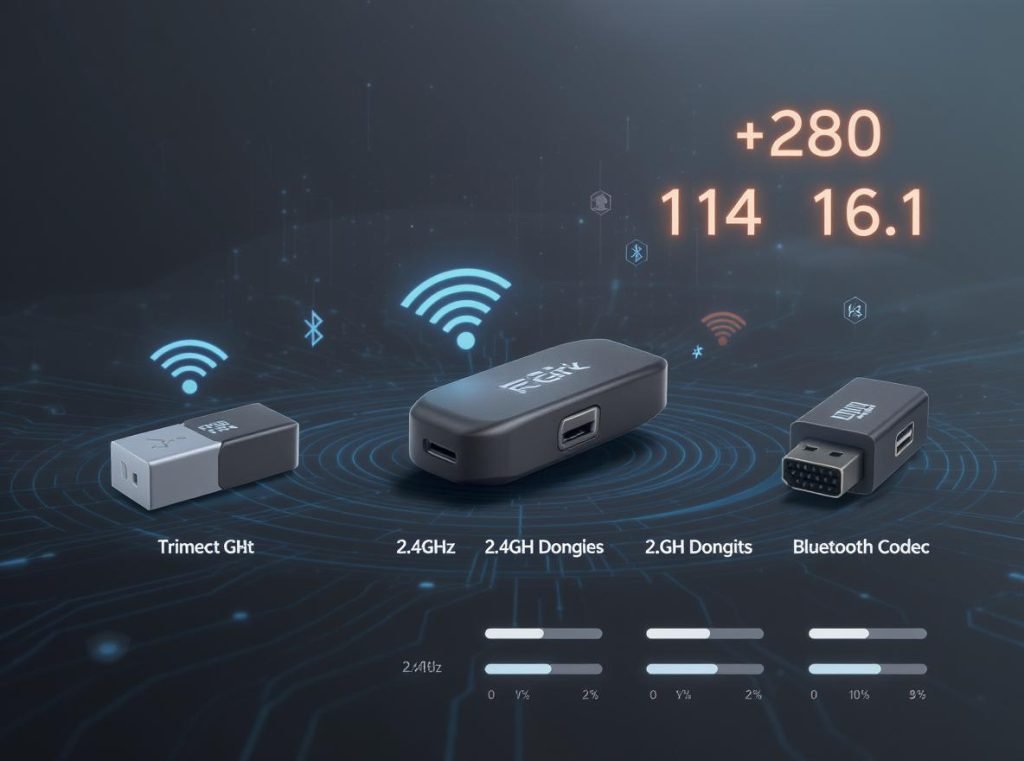
Technology comparison breakdown with real-world performance data:
2.4GHz Proprietary Dongles – The Gold Standard
These dedicated wireless connections bypass Bluetooth limitations entirely. Gaming brands like Corsair, SteelSeries, and Logitech include USB dongles that communicate directly with earbuds using optimized protocols designed specifically for gaming audio, achieving latencies as low as 1ms in premium models.
Advanced Bluetooth Codecs – The Practical Solution
Modern codec developments significantly improve standard Bluetooth performance:
- aptX Low Latency: Reduces delay to approximately 40ms, making it suitable for gaming and video content
- LC3 (Low Complexity Communication Codec): Featured in Bluetooth LE Audio, achieving 20-30ms latency
- aptX Adaptive: Offers variable latency optimization depending on use case and connection quality
- Bluetooth 5.3 and 5.4: Promise further reductions, with some implementations targeting sub-20ms delays
Gaming Mode Optimizations
Many modern gaming earbuds incorporate dedicated “gaming modes” that prioritize ultra-low latency over battery efficiency and audio quality, achieving delays as low as 20ms in optimal conditions.
Current wireless technology performance rankings for gaming:
| Technology | Latency Range | Best Gaming Application |
|---|---|---|
| Premium 2.4GHz dongles | 1-20ms | Professional esports |
| Gaming 2.4GHz dongles | 20-40ms | Competitive gaming |
| aptX Low Latency | ~40ms | Balanced gaming/music use |
| LC3 Bluetooth LE | 20-30ms | Next-generation gaming |
| Standard Bluetooth 5.0+ | 100-200ms | Casual gaming only |
| Legacy Bluetooth | 200-300ms | Not suitable for gaming |
The best gaming earbuds increasingly feature multiple connectivity options, allowing users to choose optimal methods for different gaming scenarios and device compatibility requirements.
How Can You Test and Measure Latency in Your Wireless Earbuds?
Accurate latency measurement helps verify whether your earbuds meet gaming performance requirements and match manufacturer specifications.
You can measure latency using smartphone apps, online browser tools, gaming software, or professional equipment. Most consumer testing methods involve detecting the delay between synchronized audio-visual cues, though professional measurements require specialized equipment for precise results.
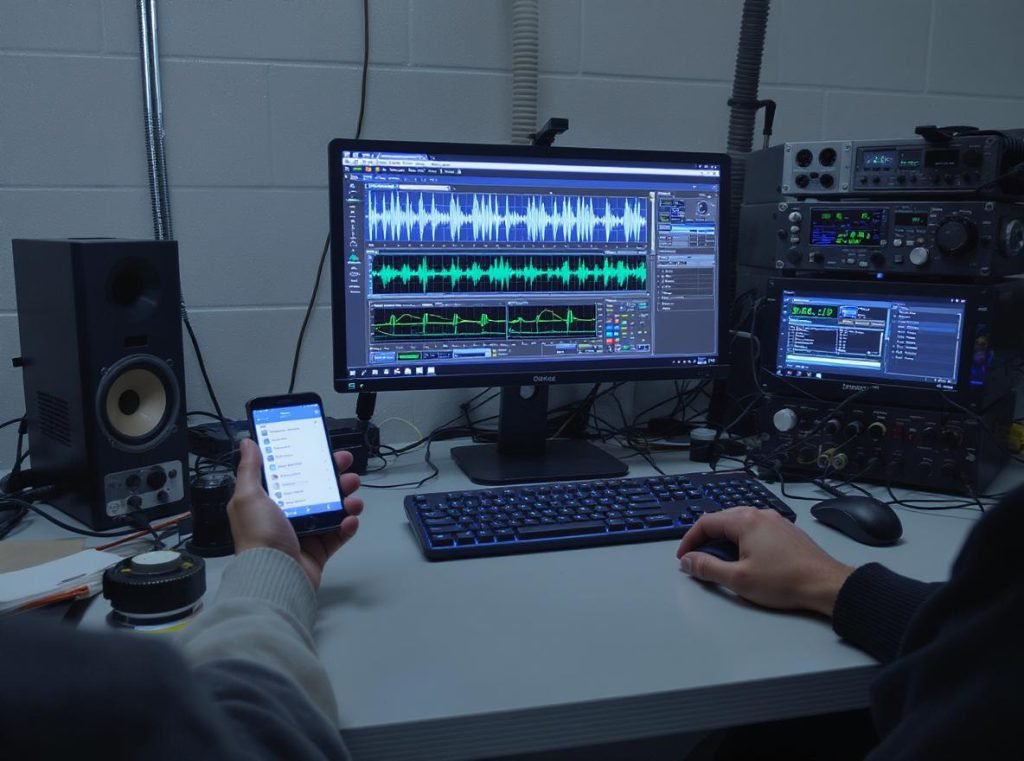
Several practical testing approaches work effectively for different accuracy needs:
Consumer Testing Methods
Online browser tools provide instant, accessible latency measurements. Web-based testers work across devices by playing synchronized audio-visual cues and calculating delays through your earbuds’ microphone feedback or manual timing input.
Smartphone apps offer convenient testing with varying accuracy levels. Popular latency measurement apps play click sounds synchronized with visual flashes, calculating delay by measuring time differences between screen events and audio output.
Gaming-specific tests provide real-world performance measurements. Many rhythm games include built-in latency calibration tools that offer practical gaming latency measurements rather than theoretical laboratory specifications.
Professional Testing Methods
Audio measurement equipment like Audio Precision analyzers use cross-correlated pseudo-random sequences for precise latency determination. Professional reviewers employ loopback measurements in audio software, playing test signals through earbuds while recording with external microphones.
DIY verification methods include:
- Video Recording Method: Record yourself clapping while wearing earbuds, then analyze audio-visual sync in video playback
- Metronome Comparison: Use visual metronome apps and compare timing with audio output through your earbuds
- Game Response Testing: Test specific games known for requiring precise audio timing to evaluate real-world performance
Testing considerations and limitations:
| Testing Method | Accuracy Level | Equipment Needed | Best Use Case |
|---|---|---|---|
| Online tools | Medium | Web browser only | Quick verification |
| Smartphone apps | Variable | Mobile device | Consumer testing |
| Gaming calibration | High for games | Game software | Real-world gaming |
| Professional equipment | Highest | Specialized hardware | Manufacturing QC |
Remember that measurement results can vary based on source device capabilities, Bluetooth version, active codec, and environmental interference from other wireless devices in your testing area.
What Should Gamers Look for When Buying Low-Latency Wireless Earbuds?
Smart purchasing decisions require understanding key specifications and features that directly impact gaming latency performance and overall user experience.
Look for earbuds with documented latency ratings below 50ms, dedicated gaming modes, 2.4GHz dongle connectivity, aptX Low Latency codec support, and comfortable ergonomic design for extended gaming sessions. The best gaming earbuds offer multiple connectivity options and substantial battery life in low-latency modes.
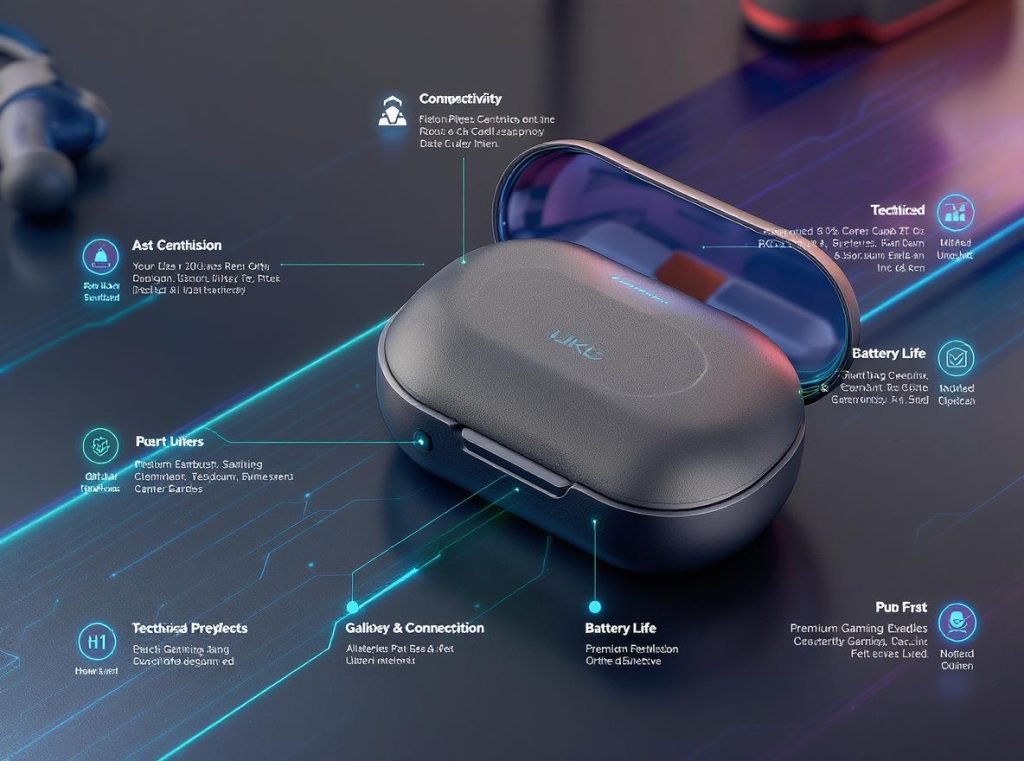
Essential features for gaming-focused earbuds include several critical specifications:
Latency Specifications and Performance
Prioritize earbuds with manufacturer-documented latency ratings below 50ms for gaming applications. Premium gaming earbuds achieve 20-40ms delays, with some flagship models reaching as low as 20ms in optimal gaming modes.
Connectivity Options and Flexibility
The best gaming earbuds provide multiple connection methods:
- 2.4GHz USB dongles for lowest possible latency (typically 20-40ms) on PC and compatible consoles
- Bluetooth with gaming modes for mobile devices and general use flexibility
- Multiple codec support including aptX Low Latency, LC3, or proprietary low-latency protocols
- Dual-mode operation allowing seamless switching between ultra-low latency and standard modes
Gaming-Specific Features
Look for earbuds designed with gaming priorities:
- Dedicated gaming mode toggles that prioritize latency over battery life and audio processing
- Clear microphone quality with noise cancellation for team communication
- Comfortable ergonomic design suitable for extended gaming sessions without fatigue
- Good sound isolation to maintain audio clarity in noisy gaming environments
Battery life and charging considerations become critical for gaming applications:
| Price Range | Expected Latency | Gaming Mode Battery | Target User |
|---|---|---|---|
| $50-100 | 40-60ms | 4-6 hours | Casual gamers |
| $100-200 | 20-40ms | 6-8 hours | Serious gamers |
| $200+ | Under 20ms | 8+ hours | Professional users |
Platform Compatibility Verification
Ensure earbuds work optimally with your specific gaming setup. Check compatibility with PC, PlayStation, Xbox, Nintendo Switch, and mobile devices, as well as support for necessary codecs on your preferred gaming platforms.
For wholesale buyers and retailers, understanding these specifications helps match products with customer gaming requirements, price expectations, and platform preferences while ensuring customer satisfaction and reducing returns.
Are There Any Downsides to Ultra-Low Latency Gaming Earbuds?
Understanding potential limitations helps set realistic expectations for low-latency wireless earbud performance and total cost of ownership.
Ultra-low latency modes often reduce audio quality, significantly increase battery consumption, and may limit device compatibility. The trade-off between latency and audio fidelity means gaming earbuds typically sacrifice some musical enjoyment and convenience features for competitive performance advantages.
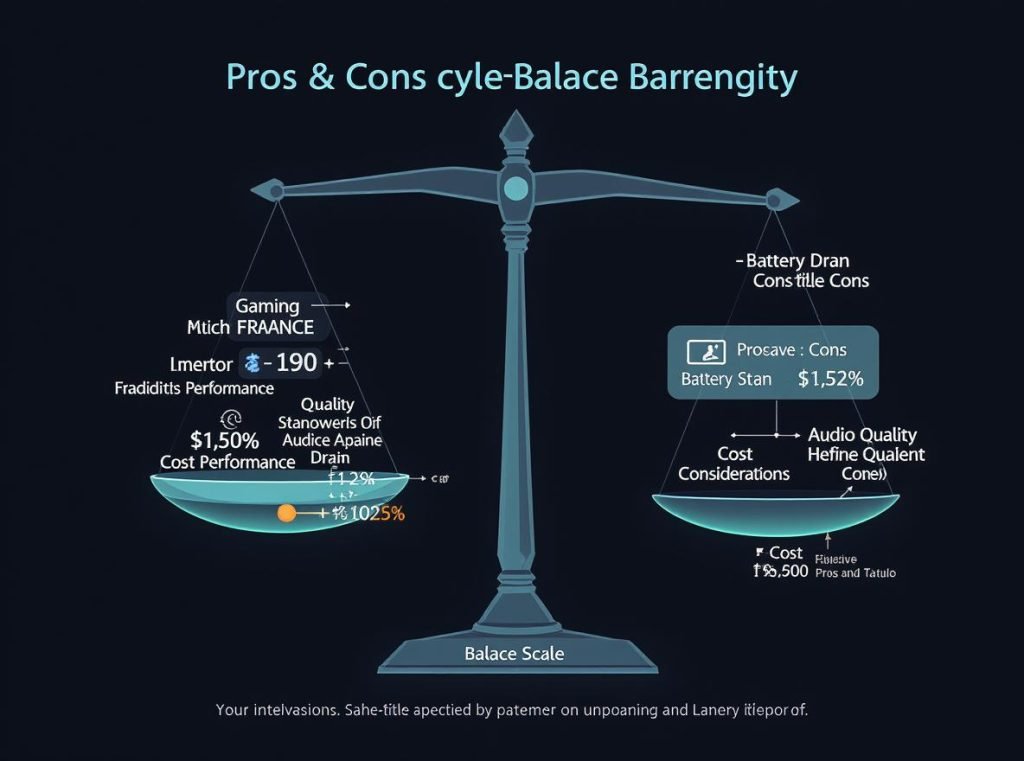
Common limitations and trade-offs include several important considerations:
Audio Quality Compromises
Achieving ultra-low latency requires aggressive audio compression and simplified processing algorithms. Gaming modes often deliver less detailed audio reproduction compared to music-optimized settings, with reduced dynamic range and potentially compressed soundstage.
Low-latency modes use smaller audio buffers and less sophisticated noise processing, which can result in minor audio artifacts or reduced clarity during demanding audio passages or complex gaming soundscapes.
Significantly Reduced Battery Life
Low-latency modes demand substantially more processing power and frequent data transmission. Users can expect 20-40% shorter battery life when using dedicated gaming modes compared to standard Bluetooth operation.
Gaming modes require stronger wireless signals and continuous high-speed data processing, leading to faster battery drain and more frequent charging requirements during extended gaming sessions.
Device Compatibility and Connection Limitations
Proprietary 2.4GHz dongles may not work with all gaming platforms, particularly mobile devices and some newer consoles with limited USB port access. Some devices lack compatibility with specific wireless protocols or advanced codec support.
Ultra-low latency features often require matching transmitters and receivers from the same manufacturer, limiting flexibility when switching between different gaming platforms or upgrading individual components.
Additional considerations affecting user experience:
- Reduced Wireless Range: Gaming dongles typically offer shorter operational distance than standard Bluetooth connections
- Connection Stability Issues: Some low-latency connections are more susceptible to interference from other wireless devices
- Higher Cost Premium: Gaming-focused earbuds command significantly higher prices than general-purpose wireless models
- Potential Audio Artifacts: Extremely aggressive latency reduction can introduce glitches, pops, or dropouts with insufficient processing power
Platform compatibility matrix for common gaming setups:
| Gaming Platform | USB Dongle Support | Bluetooth Gaming Mode | Standard Bluetooth |
|---|---|---|---|
| Gaming PC | Excellent | Good | Fair |
| PlayStation 5 | Limited | Good | Fair |
| Xbox Series X/S | Very Limited | Good | Fair |
| Nintendo Switch | Limited | Good | Good |
| Mobile Devices | Not Compatible | Excellent | Excellent |
| Steam Deck | Good | Excellent | Good |
Despite these limitations, for serious gamers where competitive advantage outweighs convenience factors, ultra-low latency earbuds remain essential tools for optimal gaming performance and professional-level play.
Summary
Latency significantly impacts wireless earbud gaming performance, with delays under 50ms essential for competitive play and under 20ms required for professional gaming. Choose earbuds with gaming modes, 2.4GHz dongles, or advanced Bluetooth codecs for optimal gaming experiences and competitive advantages.
Ready to upgrade your gaming audio inventory with professional-grade low-latency wireless earbuds? Contact Osmarto today for wholesale pricing on gaming-optimized earbuds designed for serious gamers, retailers, and distributors worldwide. Our expert team can help you select the perfect low-latency solutions for your customers’ gaming needs.