Skip to content
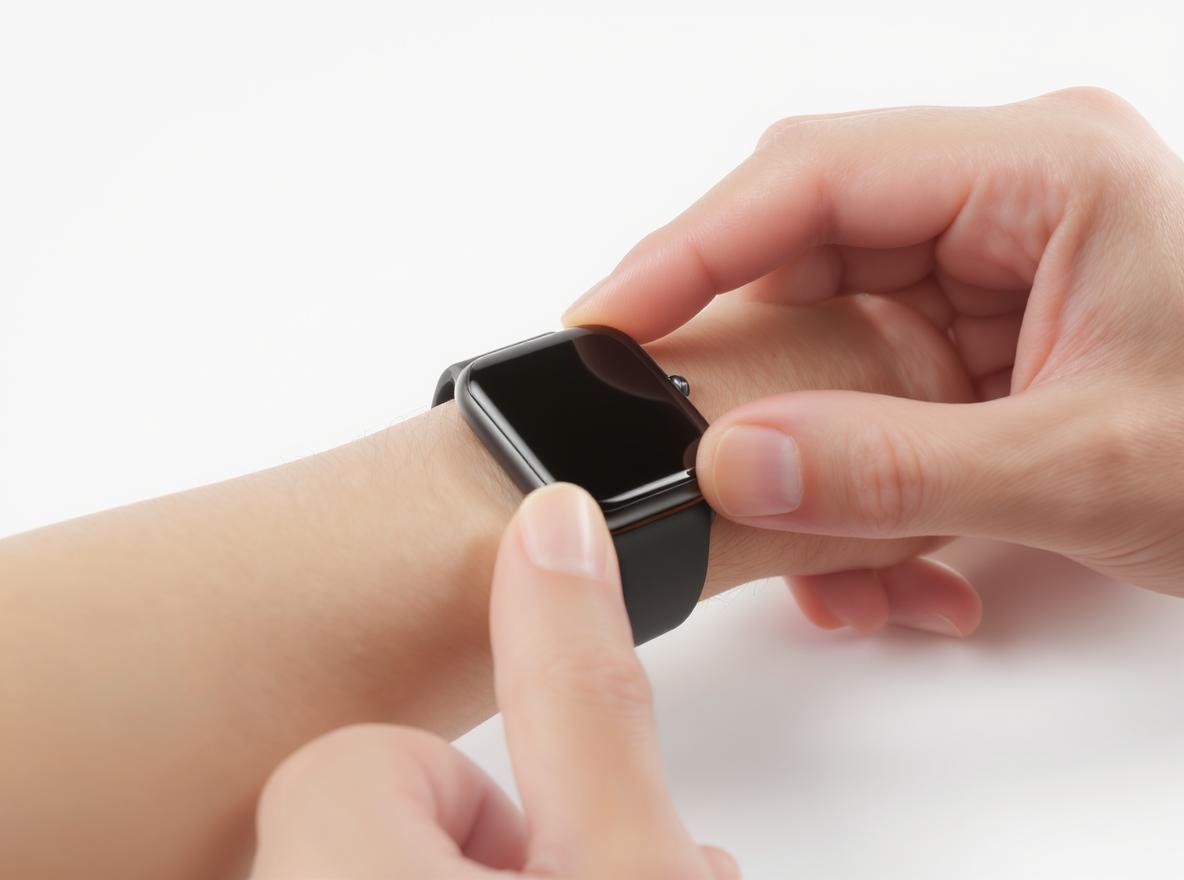
Getting inaccurate readings from your smartwatch can be frustrating, especially when you’re tracking important health metrics. Many users don’t realize that improper fit is the primary reason their device provides unreliable heart rate, blood oxygen, and fitness data.
A smartwatch should fit snugly but comfortably, positioned about two fingers’ width above your wrist bone. The strap should be tight enough to prevent sliding during movement, but loose enough to allow one finger to slip underneath. This optimal positioning ensures consistent sensor contact while maintaining comfort for all-day wear.
Let’s explore the specific requirements for achieving the perfect smartwatch fit to maximize accuracy and comfort.
Why Does Smartwatch Fit Matter for Accuracy?
Understanding how sensor technology works is crucial for getting reliable data from your wearable device. Poor positioning directly impacts your smartwatch’s ability to deliver accurate health metrics.
Smartwatch sensors rely on photoplethysmography (PPG) technology, which shines light into your skin and measures changes in blood volume through capillaries to calculate heart rate and other biometric data. Proper skin contact is essential—gaps between the sensor and skin cause light leakage, resulting in up to 20% error in measurements.
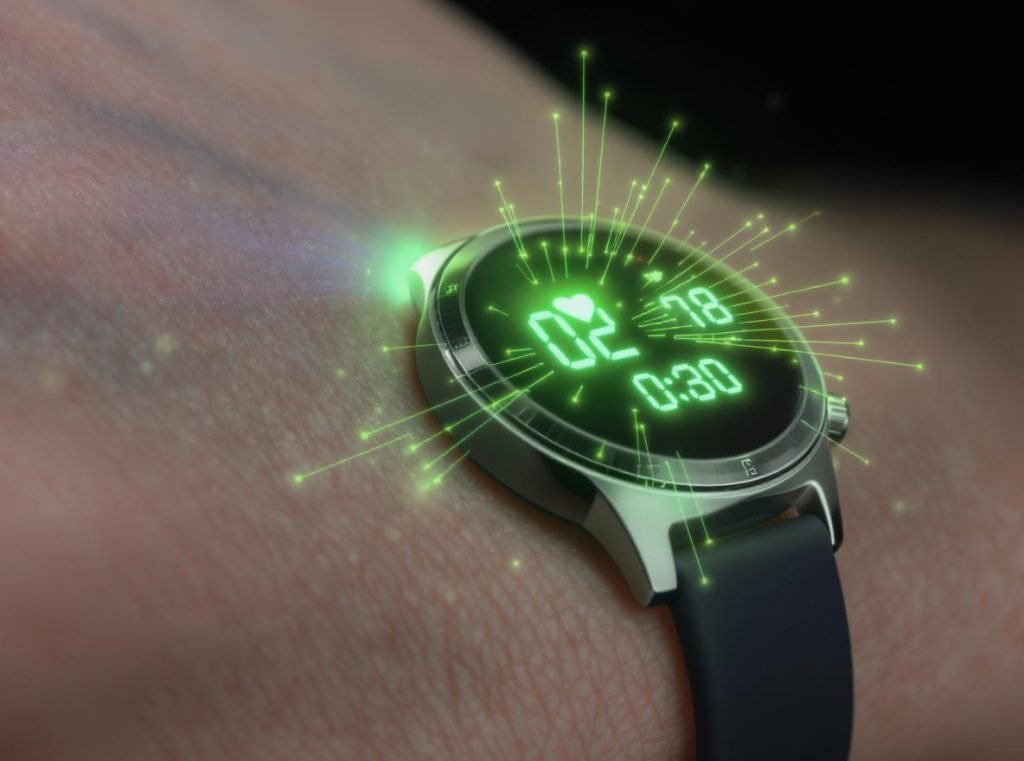
The heart rate sensor uses photoplethysmography (PPG) technology, which shines light into your skin and measures changes in blood volume through your capillaries to calculate your heart rate. When the watch is too loose, gaps between the sensor and skin can cause light leakage, resulting in inaccurate readings.
Modern smartwatches measure heart rate by detecting changes in light reflection caused by blood flow through the capillaries in your wrist. This technology requires proper contact with your skin—not too tight to restrict circulation, but snug enough to prevent movement that could interfere with readings.
Studies have shown that wearable devices can have up to 20% error in heart rate measurements, with accuracy significantly affected by factors including wrist position, skin contact, and device fit. Environmental conditions, activity level, and sensor placement all impact the reliability of your smartwatch’s health metrics.
Key factors affecting measurement accuracy include:
- Light interference: External light contamination through gaps reduces sensor effectiveness
- Motion artifacts: Loose watches create false signals during movement
- Blood flow consistency: Proper pressure ensures steady contact with pulse points
- Sensor alignment: Correct positioning places sensors over optimal measurement areas
- Circulation restriction: Over-tightening can actually decrease accuracy by limiting blood flow
For wholesale buyers sourcing from manufacturers like Osmarto, understanding these technical requirements helps in selecting devices with advanced sensor technology and educating end customers about proper usage.
What’s the Ideal Position for Your Smartwatch?
The location of your smartwatch on your wrist significantly impacts measurement accuracy and overall comfort during daily activities and exercise.
Position your smartwatch about two fingers’ width above your wrist bone, toward your forearm, with the watch face centered on the back of your wrist. This placement ensures sensors access better blood supply while reducing interference from the bony wrist structure.
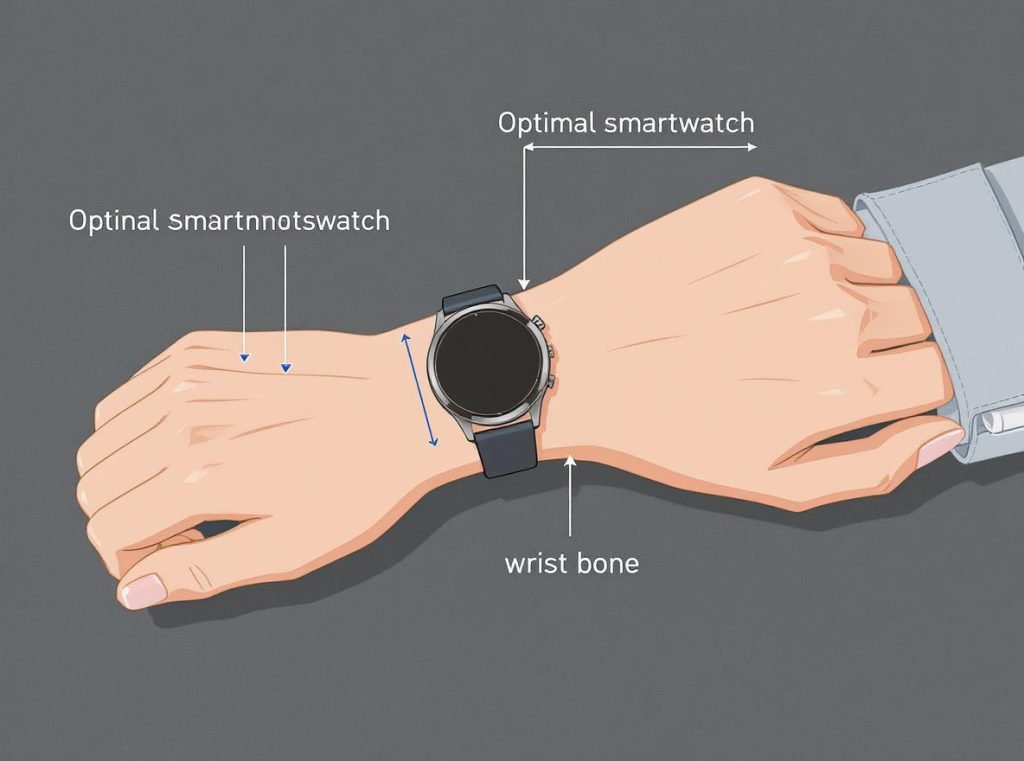
Position your smartwatch about two fingers’ width above your wrist bone, toward your forearm. This placement ensures the sensors have access to better blood supply and reduces interference from the bony wrist structure. The watch should sit in the middle of the back of your wrist, with the edge of the watch body below the root of the ulnar styloid process.
For optimal accuracy, avoid wearing the watch directly on the wrist bone. The proper location should be 1-2 finger widths above the wrist bone, as this positioning aids in better sensor readings while maintaining comfort throughout the day.
This positioning offers several advantages:
| Placement Area | Technical Benefits | Accuracy Impact |
|---|---|---|
| Above wrist bone | Superior blood flow detection | High accuracy for heart rate monitoring |
| Flatter wrist surface | Consistent sensor-to-skin contact | Reduced motion artifacts during activity |
| Away from tendons | More comfortable extended wear | Stable readings during wrist movement |
| Centered on wrist top | Optimal light penetration for PPG | Improved oxygen saturation measurements |
Samsung specifically recommends wearing their Galaxy Watch “firmly around your lower arm just above the wrist” for more accurate heart rate measurements. This manufacturer guidance reflects the technical requirements of modern sensor systems.
When measuring specific health metrics like heart rate, blood pressure, or ECG, some users find it helpful to temporarily adjust the watch higher on their arm for better readings, then return it to the normal position for daily wear. This technique can improve measurement quality during health monitoring sessions.
How Tight Should Your Smartwatch Strap Be?
Finding the right balance between security and comfort is essential for both accuracy and long-term wearability of your smartwatch investment.
The ideal smartwatch fit should be snug but not constrictive. You should be able to slide one finger between the watch strap and your wrist comfortably, but not two fingers. This “one-finger rule” provides optimal balance: tight enough to prevent sliding, loose enough for proper circulation.
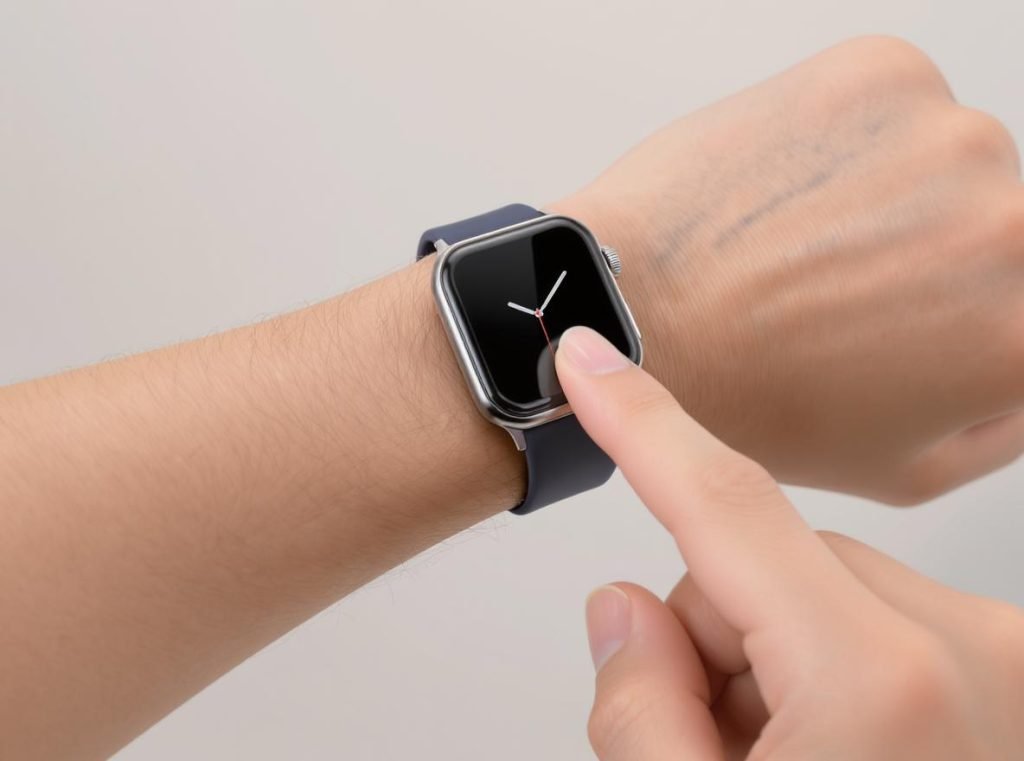
You should be able to slide one finger between the watch strap and your wrist comfortably, but not two fingers. If you can easily slide two fingers underneath, the watch is too loose and may affect sensor accuracy.
The proper tension ensures several critical functions:
For Heart Rate Monitoring:
- Sensors maintain consistent skin contact
- No light leakage disrupts PPG measurements
- Blood flow remains unrestricted for accurate readings
- Device stays positioned over optimal pulse points
For Daily Comfort:
- No circulation restriction or skin indentation
- Comfortable movement during all activities
- Proper air circulation prevents moisture buildup
- Reduced risk of skin irritation or allergic reactions
Activity-Specific Adjustments:
Different situations may require slight modifications to your strap tension:
- Exercise periods: Tighten slightly more to prevent bouncing during vigorous movement
- Sleep tracking: Maintain sensor contact while allowing comfortable positioning
- Professional settings: Ensure device security without obvious tightness marks
- Hot weather: Allow for natural wrist swelling due to temperature changes
Some users tighten their watch by one additional hole during workouts for better sensor contact during movement. However, remember to loosen it afterward to maintain comfort and circulation.
Which Wrist Should You Wear Your Smartwatch On?
Choosing the correct wrist for your smartwatch affects both comfort and measurement accuracy, though modern devices are designed for either wrist placement.
Most manufacturers recommend wearing your smartwatch on your non-dominant wrist—left wrist for right-handed users, right wrist for left-handed users. This traditional placement keeps your dominant hand free for precision tasks while reducing motion artifacts during measurements.
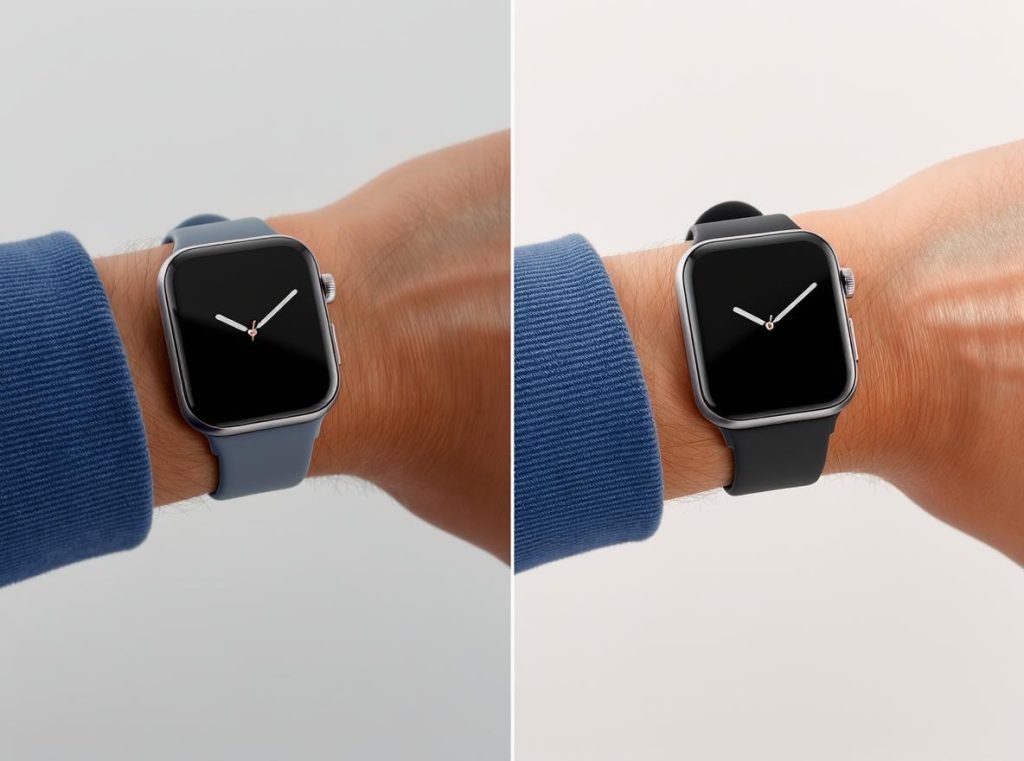
Most people should wear their smartwatch on their non-dominant wrist. For right-handed individuals, this typically means the left wrist, and for left-handed people, the right wrist. This traditional placement keeps your dominant hand free for tasks requiring precision and reduces the risk of damage from daily activities.
Practical advantages of non-dominant wrist placement:
- Operational ease: Dominant hand controls watch functions more naturally
- Measurement stability: Less active arm produces fewer motion artifacts
- Device protection: Reduced exposure to daily impact and wear
- ECG optimization: Left wrist positioning may provide stronger heart signals
Some smartwatch models are optimized for left-wrist wear, as the left hand is closer to the heart and may provide stronger ECG signals. This consideration becomes important for users prioritizing cardiac monitoring features.
However, personal preference and comfort should ultimately guide your decision. Some users prefer their dominant wrist for easier access to controls and notifications, especially with touch-heavy smartwatch interfaces.
For business customers sourcing from manufacturers like Osmarto, understanding regional preferences and dominant hand distributions helps in market planning and customer education programs.
How Do You Know if Your Smartwatch Fits Properly?
Recognizing the signs of proper fit helps ensure you’re getting accurate readings and comfortable wear from your smartwatch investment.
A properly fitted smartwatch stays in position during normal arm movement, doesn’t leave deep indentations after removal, provides consistent sensor readings, and allows one finger to slide underneath the strap while maintaining skin contact.
Physical indicators of proper fit:
- Watch remains centered during arm shaking or movement
- One finger slides comfortably under the strap
- No visible indentation marks after extended wear
- Comfortable sensation throughout the day
- Natural wrist movement without device interference
Measurement accuracy signs:
- Consistent heart rate readings during rest periods
- Stable biometric data during light activities
- No sudden spikes or unexplained drops in sensor data
- Reliable sleep tracking and recovery metrics
- Successful completion of health measurement sessions
Warning signs requiring adjustment:
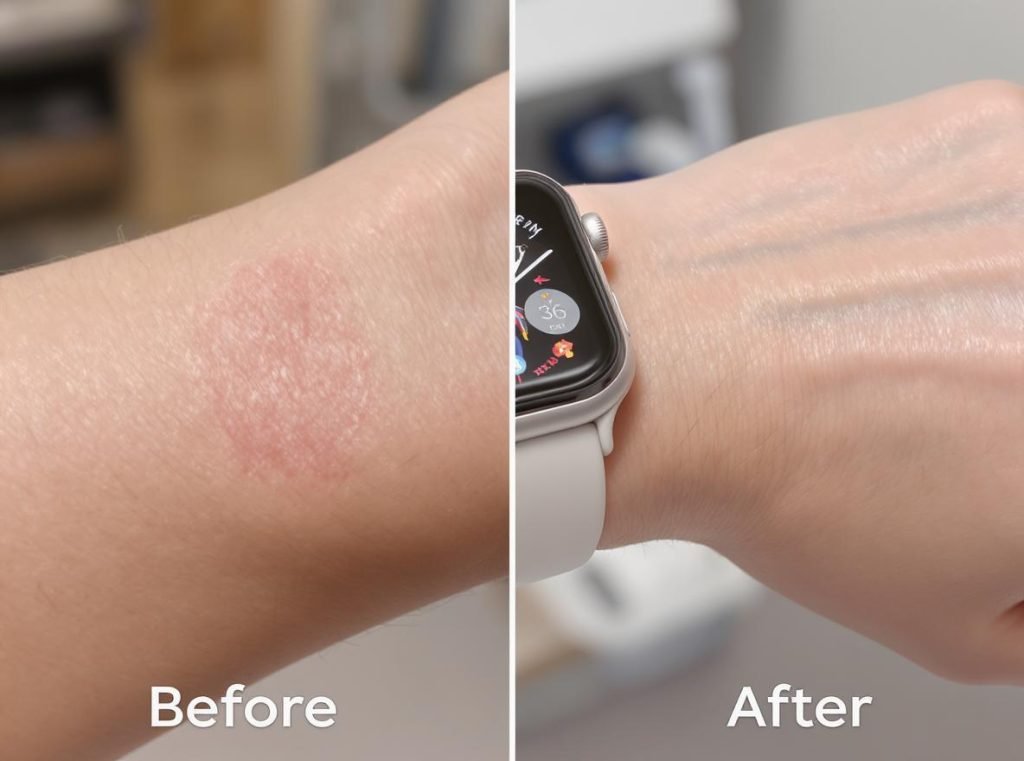
Signs of improper fit include skin indentations, numbness, tingling, restricted circulation, or pain when too tight, and watch sliding around, inconsistent sensor readings, or gaps between the sensor and skin when too loose.
If you experience skin irritation, this often indicates the watch is either too tight, trapping moisture and bacteria, or that you’re having a reaction to the strap material. Taking breaks from wearing the watch and ensuring both your skin and the watch are clean and dry can help prevent these issues.
Professional users should monitor these indicators regularly, as proper fit directly correlates with data reliability and customer satisfaction in commercial applications.
What Mistakes Should You Avoid When Fitting Your Smartwatch?
Understanding common fitting errors helps prevent accuracy issues and ensures optimal performance from your wearable device investment.
The most common smartwatch fitting mistakes include wearing too tightly (thinking it improves accuracy), ignoring skin hygiene, never taking breaks from wear, using wrong strap sizes, and positioning directly on the wrist bone instead of above it.
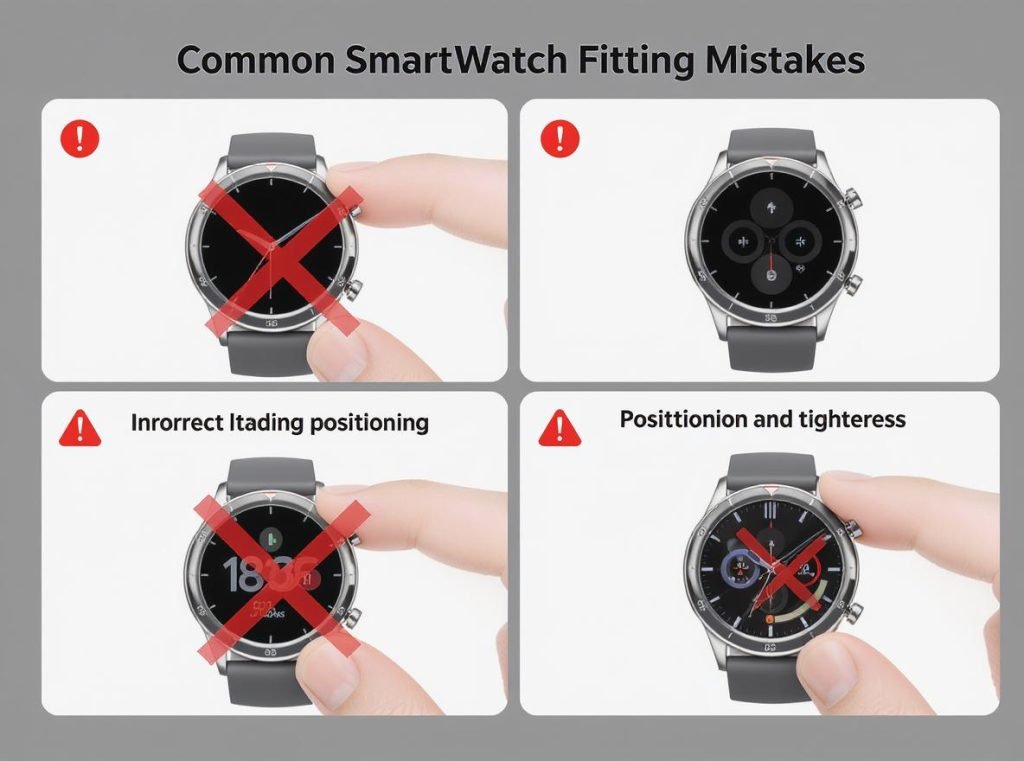
Critical positioning errors:
Avoid wearing the watch directly on your wrist bone rather than above it, as this can reduce sensor accuracy and comfort. The bony structure interferes with sensor contact and blood flow detection.
- Placing device on wrist bone instead of above it
- Positioning on the side of wrist rather than the top
- Locating too close to hand, interfering with natural movement
- Frequent repositioning that affects data trend consistency
Tension and maintenance mistakes:
While sensors need skin contact, excessive tightness can restrict blood flow and actually reduce accuracy. Over-tightening can also cause skin irritation and discomfort.
Common errors include:
- Over-tightening misconception: Believing tighter equals more accurate readings
- Hygiene neglect: Failing to clean both wrist and device regularly
- Continuous wear: Never removing the watch to let skin breathe
- Wrong strap size: Using bands that don’t match wrist circumference properly
- Material sensitivity ignorance: Ignoring allergic reactions to strap materials
Health and safety oversights:
Remove the watch for at least 30 minutes to an hour daily to prevent skin irritation from continuous wear. This break allows skin to breathe and reduces bacterial buildup.
Additional precautions include:
| Risk Factor | Prevention Method | Impact on Accuracy |
|---|---|---|
| Skin irritation | Regular cleaning, material selection | Indirect through comfort |
| Bacterial buildup | Daily hygiene breaks | Sensor contamination |
| Circulation restriction | Proper tension adjustment | Direct measurement impact |
| Sensor contamination | Regular device cleaning | Direct accuracy reduction |
For wholesale customers, educating end users about these mistakes reduces returns and increases satisfaction with devices from manufacturers like Osmarto.
How Does Exercise Affect Your Smartwatch Fit Requirements?
Physical activity creates unique challenges for smartwatch fit, requiring adjustments to maintain accuracy while ensuring comfort and device security during movement.
During exercise, your smartwatch should fit slightly tighter than normal wear to prevent bouncing and maintain sensor contact. However, allow for natural wrist swelling during intense activity, and remember to loosen the strap afterward to maintain circulation and comfort.
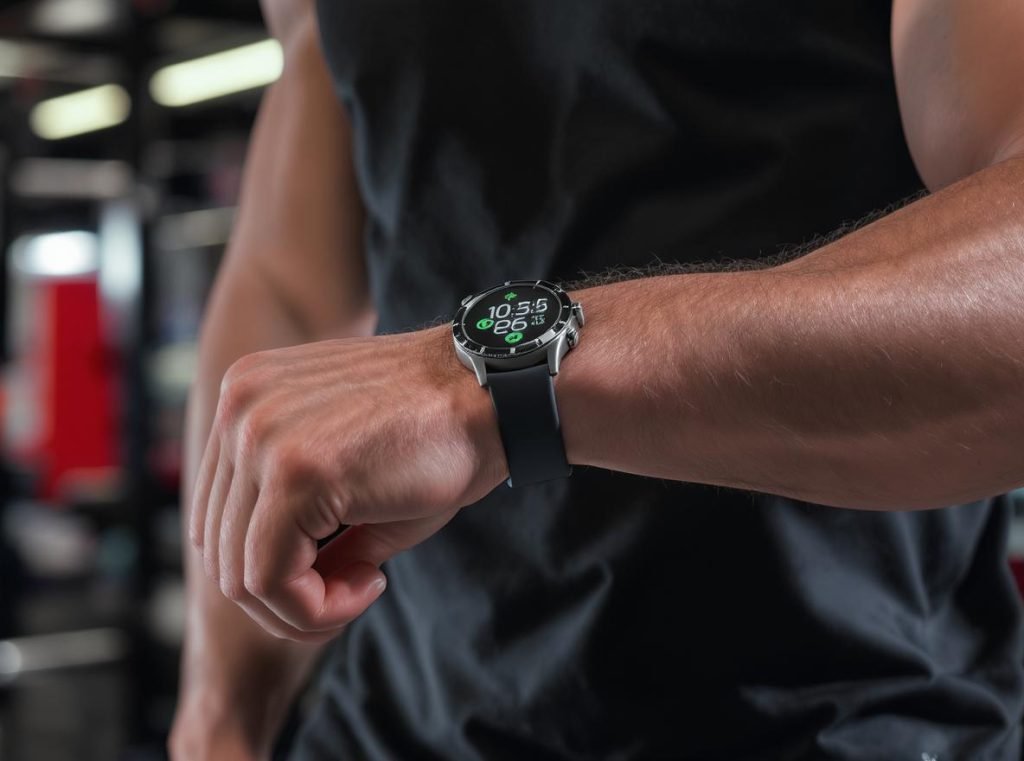
Exercise-specific fit considerations:
During high-intensity activities, a looser watch may slide around and lose sensor contact, leading to inaccurate heart rate readings. Many users tighten their watch by one hole during workouts to prevent the device from sliding around.
Activity-based adjustments:
- Cardio activities: Increased heart rate requires consistent sensor contact despite arm movement
- Strength training: Wrist flexion during lifting can shift device position
- Swimming: Water resistance demands secure fit without circulation restriction
- High-intensity interval training: Rapid movement changes need stable positioning
Sweat and moisture management:
Exercise increases perspiration, which accumulates under watch bands and can cause skin irritation. Ensure your watch and skin are clean and dry after workouts. Some users prefer breathable nylon or perforated silicone straps for exercise sessions.
Post-workout protocols:
- Clean both wrist and device immediately after exercise
- Allow skin to breathe by loosening or temporarily removing the watch
- Check for signs of irritation or excessive pressure marks
- Ensure sensor areas are free from sweat and debris
Professional recommendations for different activities:
| Activity Type | Fit Adjustment | Key Technical Considerations |
|---|---|---|
| Running/Jogging | One notch tighter | Prevent vertical bouncing, maintain PPG contact |
| Cycling | Standard to slightly loose | Hand position affects readings, avoid grip interference |
| Swimming | Secure but flexible | Water pressure changes, post-swim expansion |
| Weight Training | Adjustable per exercise | Loosen between sets, secure during lifts |
| Team sports | Moderately tight | Rapid direction changes, contact protection |
For businesses sourcing athletic-focused smartwatches from manufacturers like Osmarto, understanding these exercise-specific requirements helps in product selection and customer guidance programs.
Summary
Proper smartwatch fit is essential for accurate health tracking and comfortable daily wear. Position your device two fingers’ width above your wrist bone, ensure the strap allows one finger underneath while preventing sliding, and adjust tension based on activities. Avoid common mistakes like over-tightening, poor positioning on the wrist bone, and neglecting regular cleaning breaks.
Ready to source professional-grade smartwatches with advanced PPG sensor technology for your business? Osmarto offers high-quality wearable devices designed for optimal accuracy and customer satisfaction. Contact our wholesale team today to discuss bulk pricing, customization options, and technical specifications that meet your market’s specific requirements.