Skip to content
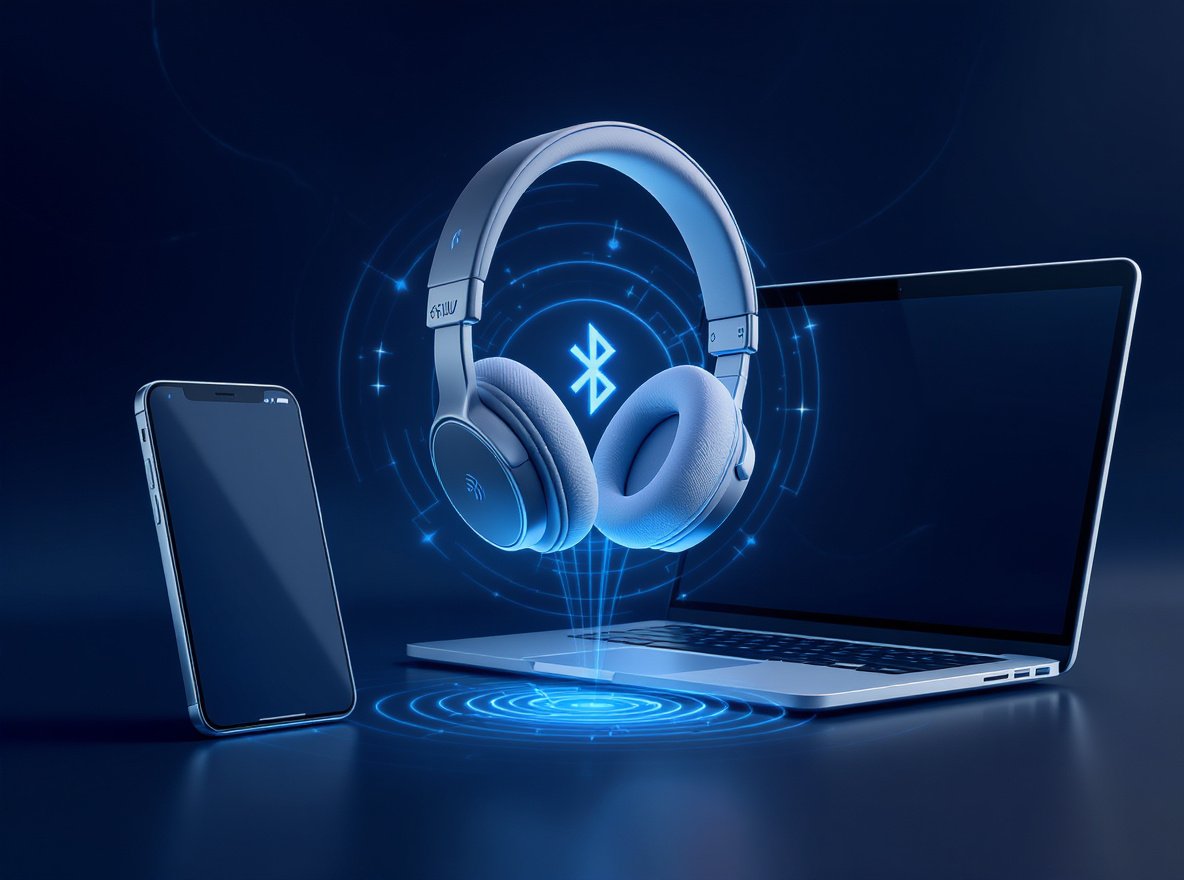
Juggling between your laptop for work calls and your smartphone for music can be frustrating when you constantly have to reconnect your Bluetooth headphones. You’re not alone in wanting seamless device switching without the hassle of manual reconnection.
Yes, you can connect your Bluetooth headphones to two devices simultaneously using a feature called Bluetooth multipoint. This technology allows your headphones to maintain active connections with two devices at once, automatically switching between them based on which device is actively playing audio or receiving calls.
Let’s explore everything you need to know about connecting your headphones to multiple devices and how to make the most of this convenient feature.
What Is Bluetooth Multipoint and How Does It Work?
Understanding this technology is crucial for anyone who uses multiple devices throughout their day, whether for work, entertainment, or communication purposes.
Bluetooth multipoint is a specialized feature that enables a single headset to maintain concurrently active connections with two or more source devices, allowing seamless switching between audio sources without manual disconnection.
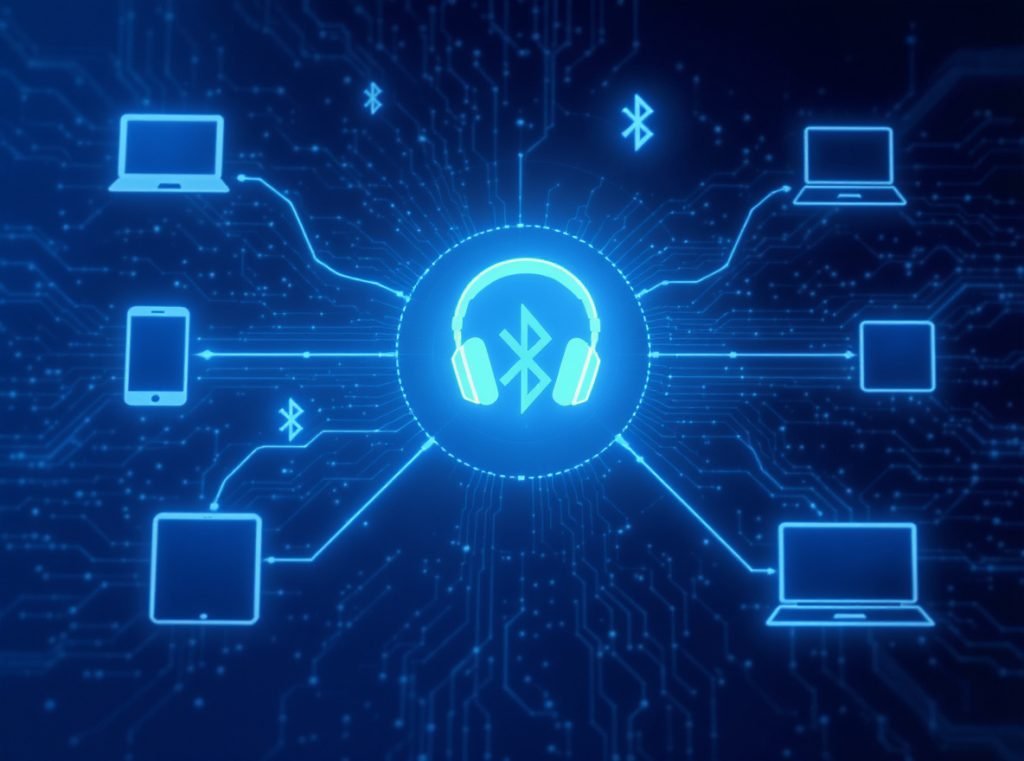
Multipoint functionality arrived with Bluetooth 4.0 over a decade ago and leverages Bluetooth’s piconet architecture to maintain simultaneous connections. Your headphones act as the “master” device in this small network, actively monitoring multiple “slave” devices like your phone and laptop.
The technology requires support for two critical Bluetooth profiles: A2DP (Advanced Audio Distribution Profile) for high-quality audio streaming and HFP/HSP (Hands-Free Profile/Headset Profile) for handling calls. This dual-profile support creates the foundation for juggling different connection types across multiple devices.
How Audio Prioritization Works
Headsets use intelligent priority algorithms to determine which connected device deserves attention. Communication takes precedence over entertainment, so an incoming call on your phone automatically interrupts music from your laptop within milliseconds.
When activity occurs on a secondary device, your headset detects this signal and automatically switches focus with a subtle notification tone. Once the interruption concludes, the connection typically returns to the previously active device.
| Connection Type | Priority Level | Switching Time | Audio Profile Used |
|---|---|---|---|
| Incoming calls | Highest | <1 second | HFP/HSP |
| Active calls | Highest | Immediate | HFP/HSP |
| Media playback | Medium | 1-2 seconds | A2DP |
| Notifications | Low | Variable | A2DP |
What Are the Types of Multipoint Connections Available?
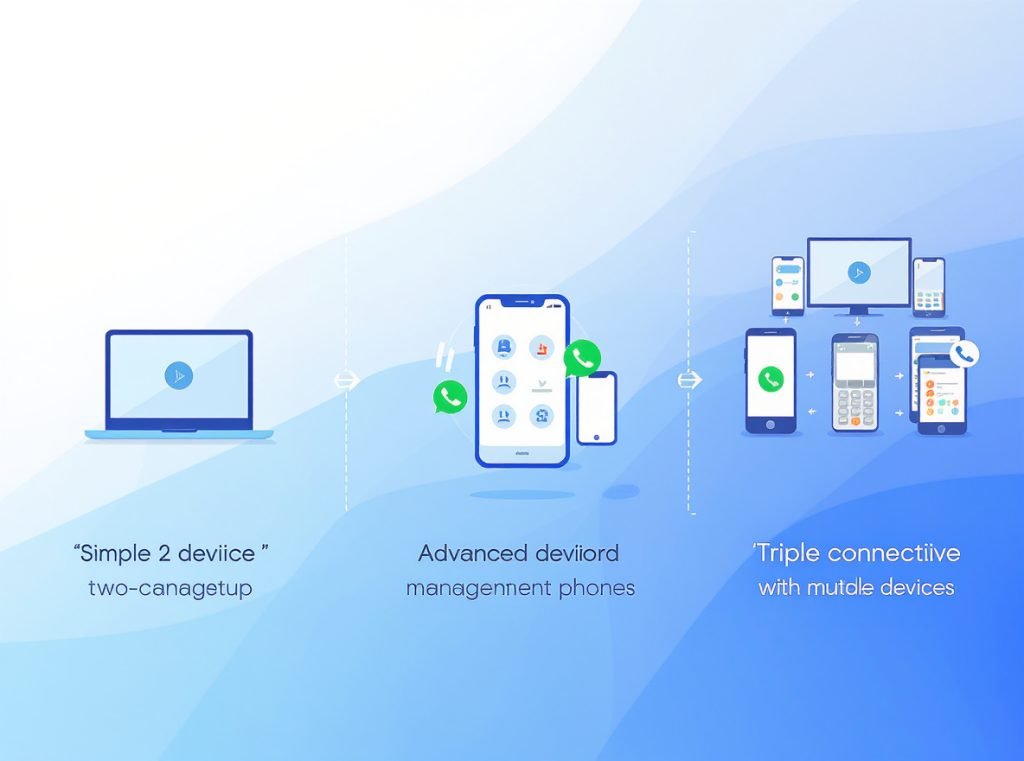
Different multipoint implementations offer varying levels of functionality, with three main types designed to handle different usage scenarios.
Simple multipoint supports two simultaneous connections, advanced multipoint adds call management features, and triple connectivity extends support to three devices for power users.
Simple Multipoint
This is the most common setup, where your Bluetooth headphones connect to two devices simultaneously. If a call comes in on your phone, your headphones will alert you, automatically pausing music from your laptop to allow seamless call handling.
Advanced Multipoint
Similar to simple multipoint but with enhanced call management—when a second call comes in, you can put the first one on hold without ending it. This feature is ideal for busy professionals who need to manage multiple calls efficiently throughout their workday.
Advanced multipoint systems also offer:
- Call waiting functionality: Hold one call while answering another
- Conference call support: Merge calls from different devices
- Priority customization: Set specific devices as primary communication sources
Triple Connectivity
This feature connects three devices simultaneously, such as work phone, personal phone, and laptop. While less common in consumer headphones, it’s incredibly useful for users requiring constant connectivity across multiple devices.
- Device management: Automatically disconnect oldest connection when adding fourth device
- Memory capacity: Store up to 8 paired devices with 3 active connections
- Professional applications: Ideal for executives managing multiple communication channels
Which Headphone Brands Support Multipoint Connection?
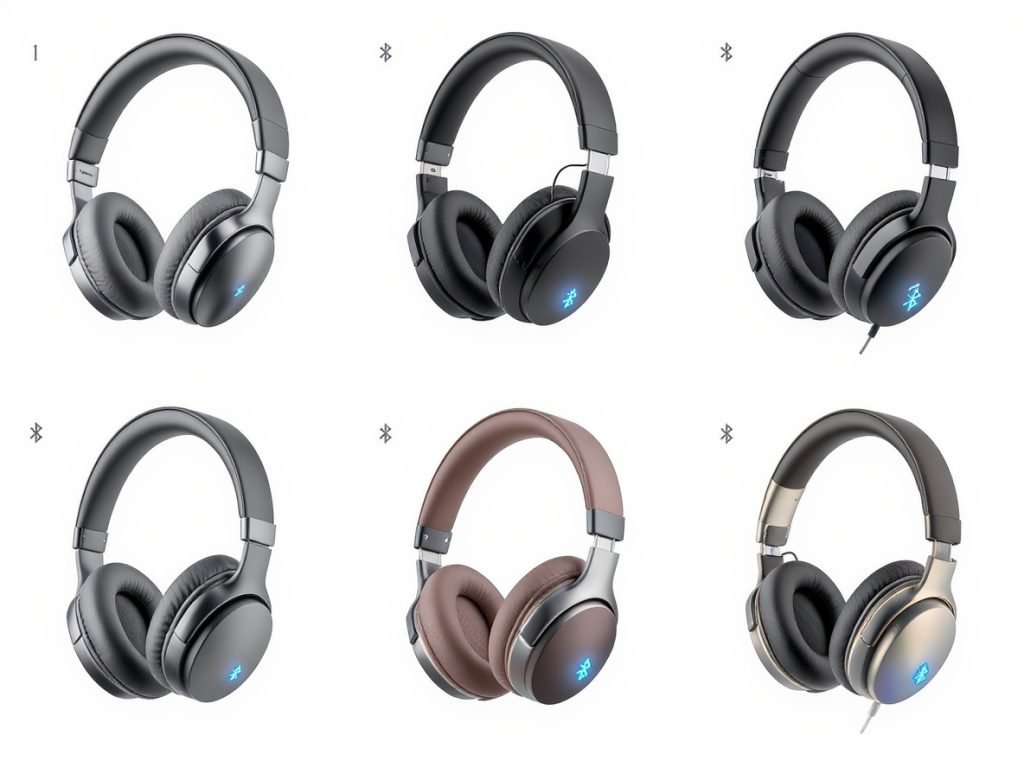
Not all Bluetooth headphones support multipoint connectivity, so knowing which brands offer this feature across different price ranges helps inform purchasing decisions.
Major brands including Sony, Bose, Sennheiser, JBL, and Jabra offer comprehensive multipoint support across various models, though availability varies by specific product lines.
Premium Brand Options
Sony leads with extensive multipoint support across models including WH-1000XM6, WH-1000XM5, WH-1000XM4, WF-1000XM5, WF-1000XM4, WF-C700N, WH-CH520, WH-CH720N, LinkBuds, and LinkBuds S. The WH-1000XM6 stands out as one of the best multipoint headphones, offering excellent sound quality, noise canceling, and robust connectivity.
Bose offers multipoint in their QuietComfort 45, QuietComfort Ultra Headphones, and Noise Cancelling Headphones 700, though some newer models like QuietComfort Ultra Earbuds don’t include this feature.
Sennheiser provides multipoint support in HD 450BT, HD 350BT, Momentum 4 Wireless, Momentum 3 Wireless, Momentum True Wireless 4, Momentum True Wireless 3, and PXC 550 II models.
Mid-Range and Budget Options
JBL includes multipoint in select models from their Tour series (Tour Pro 3, Tour One M3) and Live Pro 2, with the Tour Pro 3 earbuds featuring a unique charging case that acts as a transmitter for easy source switching.
Jabra Elite series consistently supports multipoint across price ranges, including Elite 7 Pro and Elite 7 Active models.
Skullcandy provides multipoint pairing in budget-friendly options like Riff 2 and Mod, while Treblab X3 Pro occasionally supports three concurrent connections for power users.
For businesses seeking reliable multipoint headphones for wholesale distribution, Osmarto offers competitive manufacturing solutions with advanced multipoint technology integration. Contact us to discuss bulk orders and customization options for your retail business.
How Do I Set Up Multipoint Connection on My Headphones?
The setup process varies by manufacturer, but most follow similar principles for enabling multipoint connectivity across different device types.
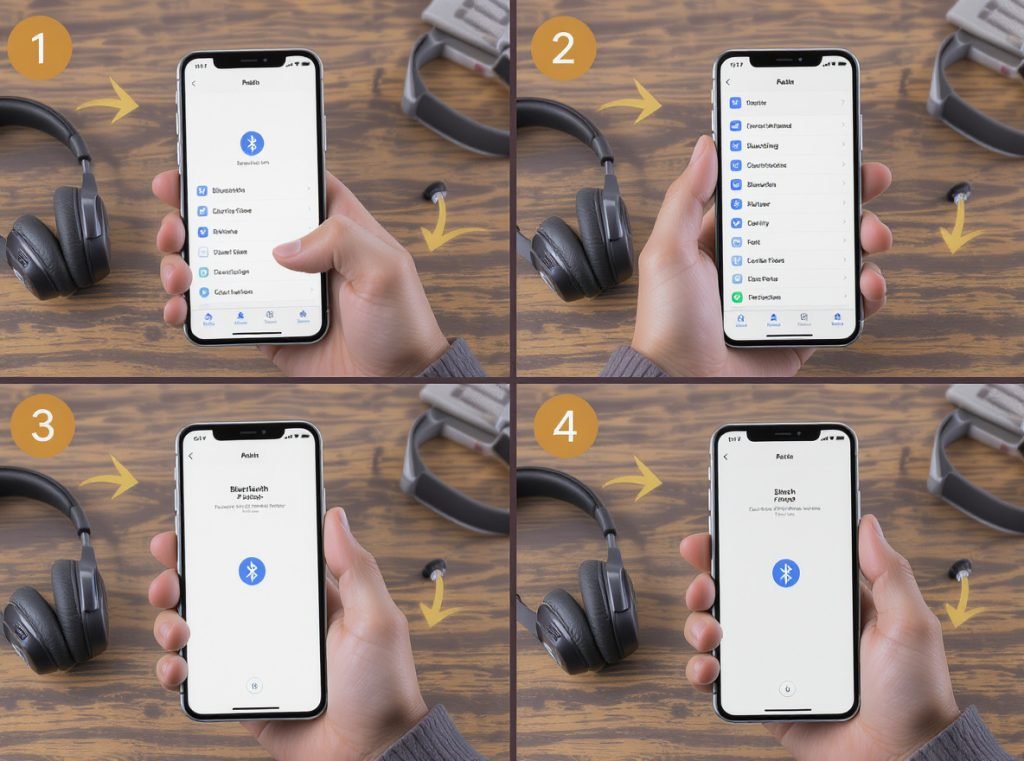
The general process involves activating multipoint mode, pairing with the first device, maintaining connection while pairing the second device, then verifying both connections remain active.
Universal Setup Method
Most brands follow this general approach:
- Activate Bluetooth pairing on the headphones
- Connect to first device: Complete normal Bluetooth pairing process
- Disconnect Bluetooth on first device after establishing connection
- Verify pairing mode: Ensure headphones show blinking red and blue lights
- Connect to second device: Complete pairing while maintaining first connection
- Reactivate Bluetooth on first device: Both devices should now connect simultaneously
Brand-Specific Instructions
Sony Headphones Setup:
- Pair headphones to both devices individually first
- Open Sony Headphones Connect app
- Navigate to System tab and enable “Connect to 2 devices simultaneously”
- Under Status tab, tap currently connected device name
- Select the other desired device from available options
- Verify both devices appear under “Device Currently Being Connected”
JBL Headphones Setup:
- Power on product and connect to first device
- Push Bluetooth button to initiate second device connection
- Look for flashing LED indicating search mode
- Access second device’s Bluetooth settings and connect
Android Device Configuration (for supported headphones):
- Navigate to Settings > Connected devices
- Tap Settings next to your headphone device
- Select Multipoint > Use Multipoint
- Complete connection with desired audio source devices
| Setup Stage | Estimated Time | Common Challenges |
|---|---|---|
| Initial device pairing | 1-2 minutes | Standard Bluetooth compatibility issues |
| Multipoint activation | 30-60 seconds | Finding correct app settings |
| Second device pairing | 1-2 minutes | Maintaining first connection during setup |
| Connection verification | 1-2 minutes | Ensuring automatic switching works properly |
What Are the Technical Limitations of Multipoint Bluetooth?
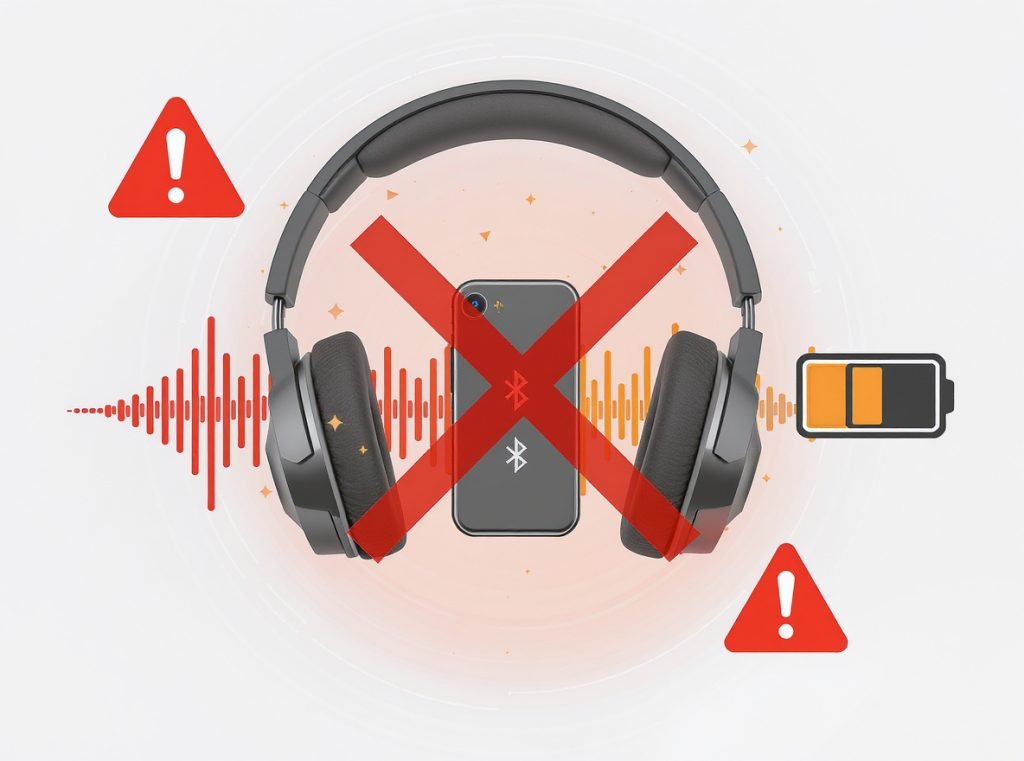
While multipoint connectivity offers significant convenience, understanding its constraints helps set realistic expectations for various usage scenarios.
Multipoint Bluetooth only works with the AAC codec, experiences audio quality reduction during calls, and typically supports a maximum of two simultaneous connections in most consumer implementations.
Connection and Audio Quality Limitations
Most multipoint implementations support two simultaneous connections, covering typical phone-plus-computer scenarios. Physical limitations in Bluetooth controllers generally prevent supporting more devices simultaneously.
When you enable your microphone during video calls, Bluetooth switches from A2DP (high-quality audio) to bidirectional profiles like HSP or HFP. Since A2DP provides the highest audio quality, you’ll experience noticeable quality reduction during calls.
Performance and Switching Considerations
When switching audio between devices, delays of up to 8 seconds may occur depending on the application. Users must pause audio on the first device before switching to the second, potentially creating additional delays.
Device Connection Rules:
- Adding a third device disconnects the first paired device
- Last device playing music maintains priority connection
- Connection with second device gets disconnected when third device connects
- Most headphones store 5-8 device pairings but maintain only 2 active connections
Compatibility Constraints
- iPhone limitations: Apple devices don’t natively support standard Bluetooth multipoint unless using Apple-made products
- AirPods restriction: Cannot connect to multiple non-Apple devices simultaneously
- Android requirements: Devices must run Android 8 or later with Google Play Services
- Computer compatibility: Requires Bluetooth 4.0 or higher on Windows and macOS systems
| Limitation Type | Impact Level | Workaround Available |
|---|---|---|
| Two-device maximum | Moderate | Use device memory for quick switching |
| Call quality reduction | High | Accept limitation for convenience |
| Switching delays | Low | Proper app management reduces delays |
| iOS compatibility | High | Use Apple ecosystem products |
How Does Device Compatibility Affect Multipoint Performance?
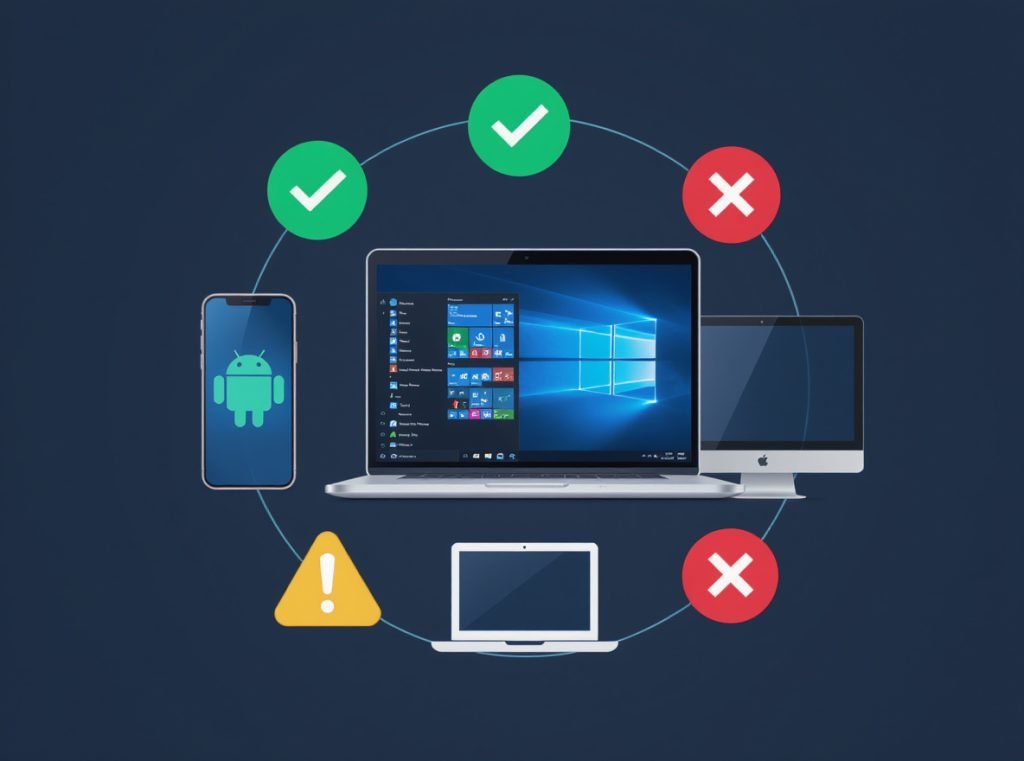
Device compatibility and optimization significantly impact multipoint experience, with some combinations working more seamlessly than others across different operating systems.
Android devices with Bluetooth 4.0+ offer the broadest multipoint compatibility, while Apple devices use proprietary switching methods requiring same Apple ID login across devices.
Optimal Device Combinations
Android and Windows combinations generally provide the most reliable multipoint functionality. These platforms support the widest range of Bluetooth codecs and connection protocols, ensuring consistent performance across headphone brands.
Mixed platform setups (iOS + Windows, Android + macOS) usually function properly but may experience minor feature limitations or codec restrictions, particularly with call quality and automatic switching responsiveness.
Platform-Specific Considerations
Apple Ecosystem Limitations:
- iPhones don’t natively support Bluetooth multipoint to multiple devices
- AirPods work only within Apple ecosystem using proprietary switching
- Requires same Apple ID on each device for automatic switching
- Third-party headphones may have limited multipoint functionality
Android Advantages:
- Broad codec support including AAC, SBC, and manufacturer-specific options
- Native multipoint support in Android 8+
- Compatible with most headphone brands and models
- Flexible connection management through system settings
Computer Platform Support:
- Windows 10/11: Excellent multipoint support with regular updates
- macOS: Good compatibility but may prioritize Apple devices
- Linux: Variable support depending on distribution and Bluetooth stack
For wholesale customers sourcing headphones for diverse device environments, understanding these compatibility matrices helps in product selection and customer support planning. Osmarto provides detailed compatibility testing for all multipoint-enabled products.
What Are the Best Practices for Multipoint Usage?
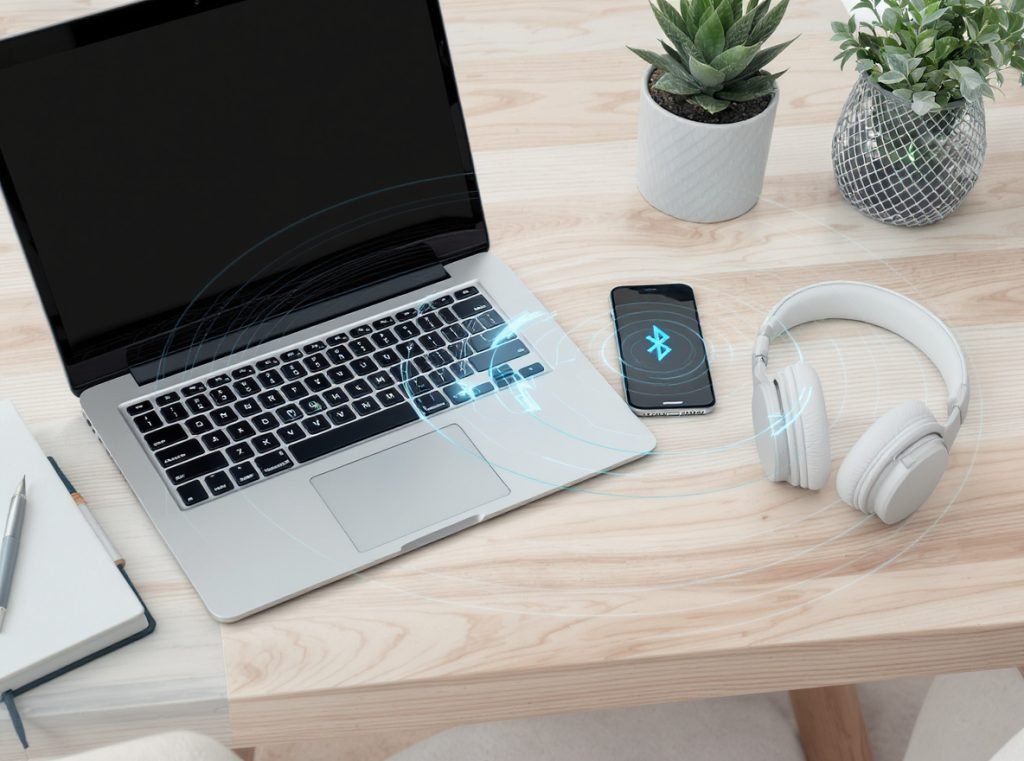
Maximizing multipoint headphone performance requires understanding optimal configuration strategies and usage patterns for different professional and personal scenarios.
Configure primary device for media consumption and secondary for communications, manage audio sources properly by pausing before switching, and keep devices within 30 feet for optimal connectivity.
Configuration Optimization
Set up devices with clear priority hierarchies in mind. Most users benefit from designating one device as primary media source and another for communications and notifications.
Key Configuration Strategies:
- Audio source management: Stop media on current device before starting on second device
- Notification optimization: Minimize audio interruptions from less important applications
- Call forwarding setup: Ensure important calls reach prioritized device
- Firmware maintenance: Check for updates regularly to improve performance and compatibility
Professional Use Cases
Business Environment Setup:
- Laptop for video conferences and productivity applications
- Mobile phone for client calls and personal communications
- Automatic call prioritization ensures no missed important communications
- Seamless transitions between meetings and mobile conversations
Travel Configuration:
- Phone for personal connectivity and entertainment
- Laptop for work productivity during transit
- Tablet for media consumption during downtime
- Maintains connectivity across all devices without manual switching
Troubleshooting Common Issues
Connection Problems:
- Power cycle: Turn headphones off and on, enter pairing mode
- Firmware updates: Check manufacturer apps for device updates
- Factory reset: Use manufacturer app to reset product completely
- Interference check: Move away from other Bluetooth devices
- Device restart: Power cycle both headphones and connected devices
Audio Switching Issues:
- Ensure audio is paused on current device before switching
- Verify both devices remain within Bluetooth range (typically 30 feet)
- Check that multipoint mode remains enabled in companion apps
- Monitor for app-specific delays that may affect switching performance
| Use Case | Recommended Setup | Expected Performance | Troubleshooting Priority |
|---|---|---|---|
| Business professional | Laptop + Phone | Excellent call management | Connection stability |
| Content creator | Computer + Tablet | Good for monitoring/editing | Audio quality optimization |
| Frequent traveler | Phone + Laptop | Reliable entertainment/work balance | Battery life management |
| Multi-device user | Phone + Computer + Tablet | Variable depending on model | Device priority management |
Can I Use Multipoint Headphones for Call Management?
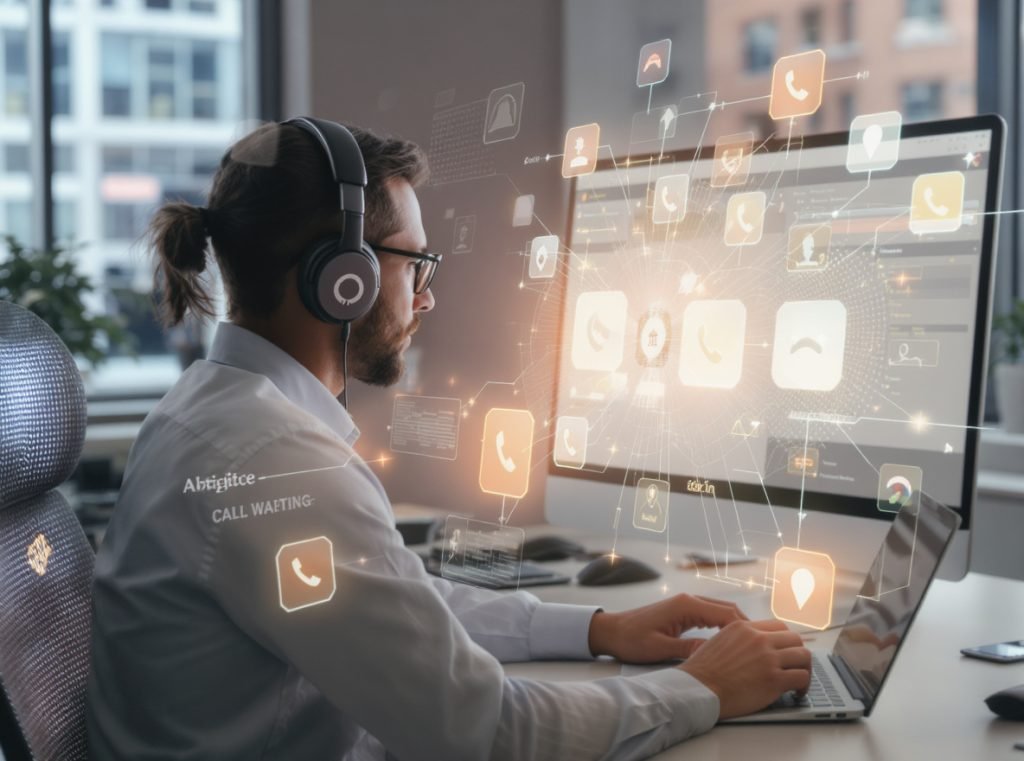
Advanced multipoint implementations offer sophisticated call management features that enhance productivity for business users managing multiple communication channels.
Certain multipoint devices allow taking second calls while putting first on hold, seamlessly switching between calls from different devices without dropping connections.
Call Management Features
Advanced Call Handling:
- Call waiting: Put active call on hold to answer incoming call from second device
- Call switching: Toggle between calls on different devices without ending either
- Conference capabilities: Some models support merging calls from multiple devices
- Priority routing: Automatically route calls based on device importance settings
Audio Profile Management
During calls, headphones handle both input and output simultaneously, requiring switches from A2DP (output only) to bidirectional profiles like HFP. This switching ensures proper microphone functionality while temporarily reducing audio quality.
Call Quality Considerations:
- Voice calls receive maximum bandwidth allocation during active communication
- Media playback automatically pauses or reduces quality during calls
- Call termination restores previous media playback within 1-2 seconds
- Microphone activation forces codec switch from high-quality to bidirectional profile
Business Applications
Multipoint technology proves particularly valuable for professionals managing multiple devices throughout workdays. Benefits include:
- Continuous connectivity: Never miss calls while consuming media
- Increased productivity: Seamless transitions between work and personal communications
- Professional flexibility: Handle client calls while maintaining computer-based work
- Multi-line management: Perfect for users with work and personal phone lines
For retailers considering multipoint headphones for business customers, these call management features represent significant selling points that enhance professional productivity and communication efficiency.
How Should I Choose the Right Multipoint Headphones?
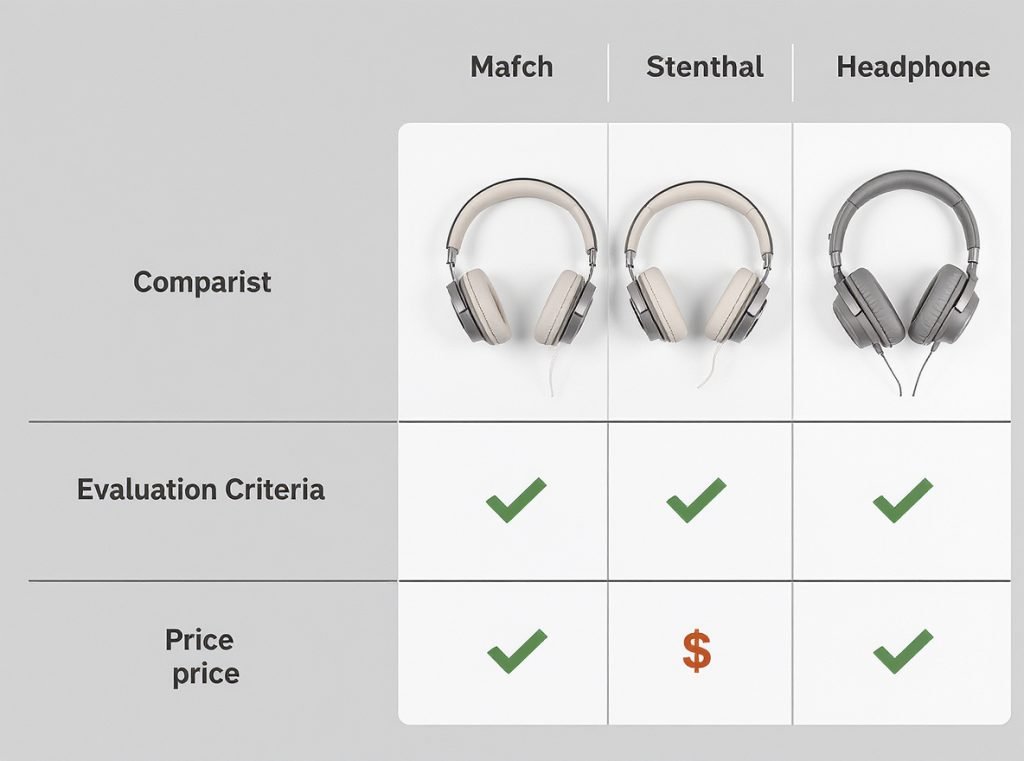
Selecting appropriate multipoint headphones requires evaluating specific use cases, device compatibility, and feature priorities for your particular requirements.
Consider your primary device ecosystem, required connection capacity, call management needs, and budget constraints when selecting multipoint headphones for optimal functionality.
Evaluation Criteria
Device Ecosystem Compatibility:
- Android/Windows users: Choose from broad range of compatible models
- Apple ecosystem users: Consider AirPods or verified third-party options
- Mixed platform users: Prioritize models with universal compatibility
- Business users: Focus on models with advanced call management features
Recommended Models by Use Case
Best Overall Performance: Sony WH-1000XM6 offers excellent sound quality, noise canceling, and robust multipoint connectivity for premium users.
Best Budget Option: Sony WF-C710N provides multipoint support around $120, making it excellent for entry-level users seeking basic functionality.
Best Professional Features: JBL Tour Pro 3 earbuds offer unique charging case transmitter functionality, allowing physical source changes without reconnecting earbuds.
Best Call Management: Jabra Elite series provides consistent multipoint support with professional-grade call handling across various price points.
Business Sourcing Considerations
When sourcing multipoint headphones for wholesale or distribution:
- Verify compatibility with your target market’s common devices
- Test call quality across different platforms and use cases
- Evaluate setup complexity for end-user experience
- Consider support requirements for troubleshooting common issues
| Selection Factor | Weight | Evaluation Criteria |
|---|---|---|
| Device compatibility | High | Supports target user devices |
| Call quality | High | Clear voice transmission |
| Setup simplicity | Medium | Minimal user configuration required |
| Price point | Medium | Matches target market expectations |
| Brand reputation | Medium | Reliable warranty and support |
Summary
Connecting Bluetooth headphones to two devices simultaneously is achievable through multipoint technology, enabling seamless switching between laptops and smartphones while prioritizing calls over media. Major brands including Sony, Bose, Sennheiser, JBL, and Jabra offer multipoint support across various price ranges, though setup processes and compatibility vary by manufacturer. While limitations exist regarding audio codec restrictions and connection capacity, the productivity benefits make multipoint headphones valuable for both personal and professional users.
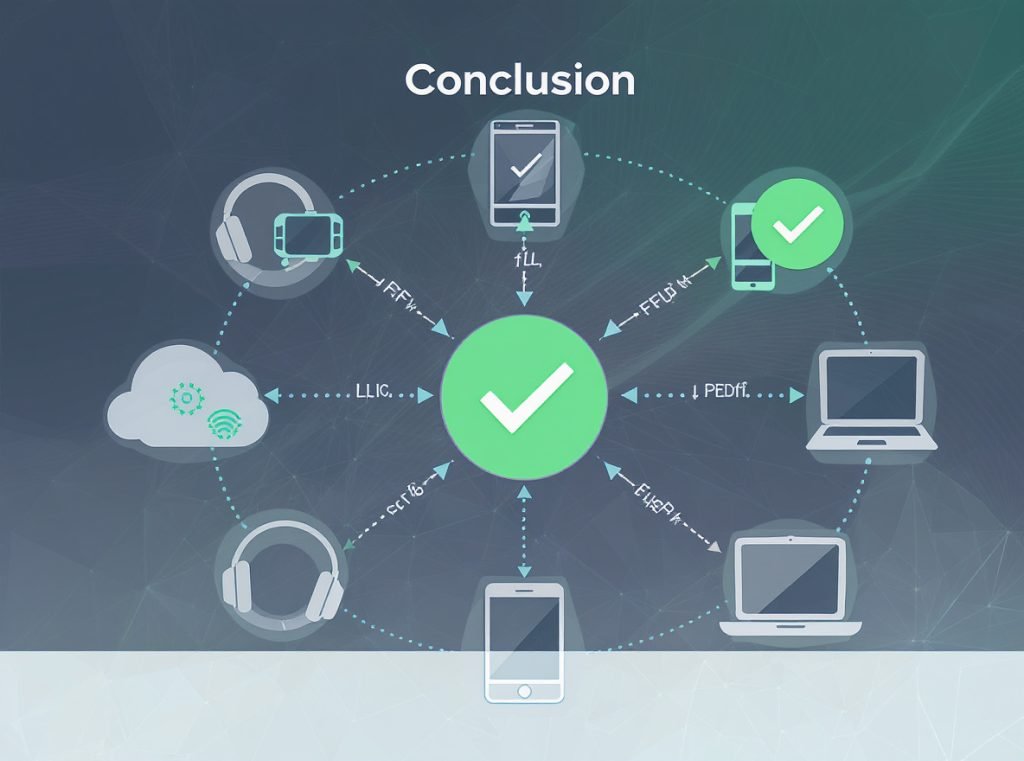
Whether you’re a retailer seeking to stock cutting-edge multipoint headphones or a distributor requiring reliable wholesale sources, Osmarto provides comprehensive manufacturing solutions for advanced Bluetooth audio products. Our multipoint-enabled headphones meet international quality standards and support diverse device ecosystems. Contact us today to discuss your specific sourcing needs and discover how our multipoint headphone solutions can enhance your product portfolio and drive business growth.