Skip to content
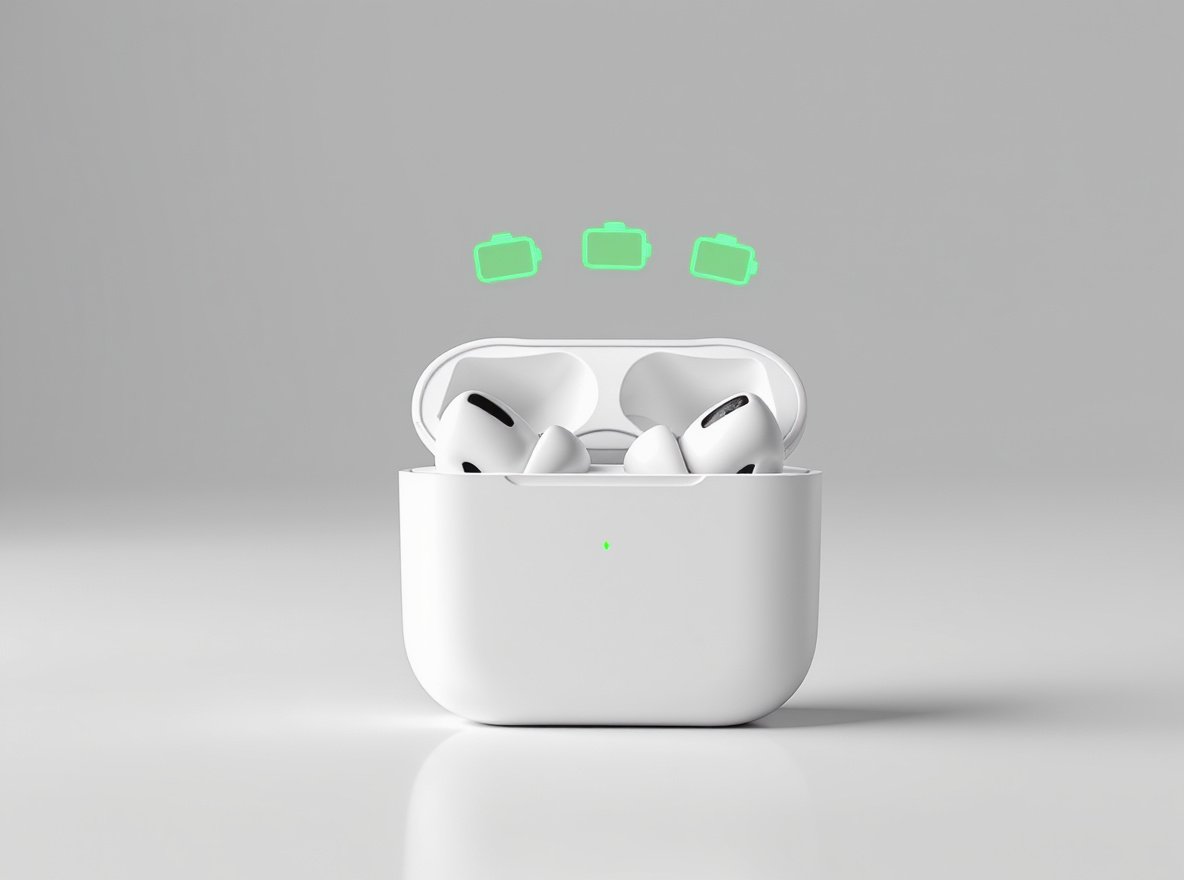
Are your TWS earbuds dying faster than expected? Poor battery performance frustrates users and forces frequent replacements. Understanding proper optimization techniques can dramatically extend both daily usage and overall lifespan.
The key to improving TWS earbuds battery life lies in keeping volume at 60-70%, managing power-hungry features like ANC, and maintaining optimal charging habits (20-80% range). These practices can extend daily usage by 2-3 hours and double your earbuds’ overall lifespan.
Keep reading to discover scientifically-proven techniques that preserve battery health and maximize performance.
Why Do TWS Earbuds Have Such Limited Battery Life?
Understanding the fundamental limitations helps you make informed decisions about usage and maintenance.
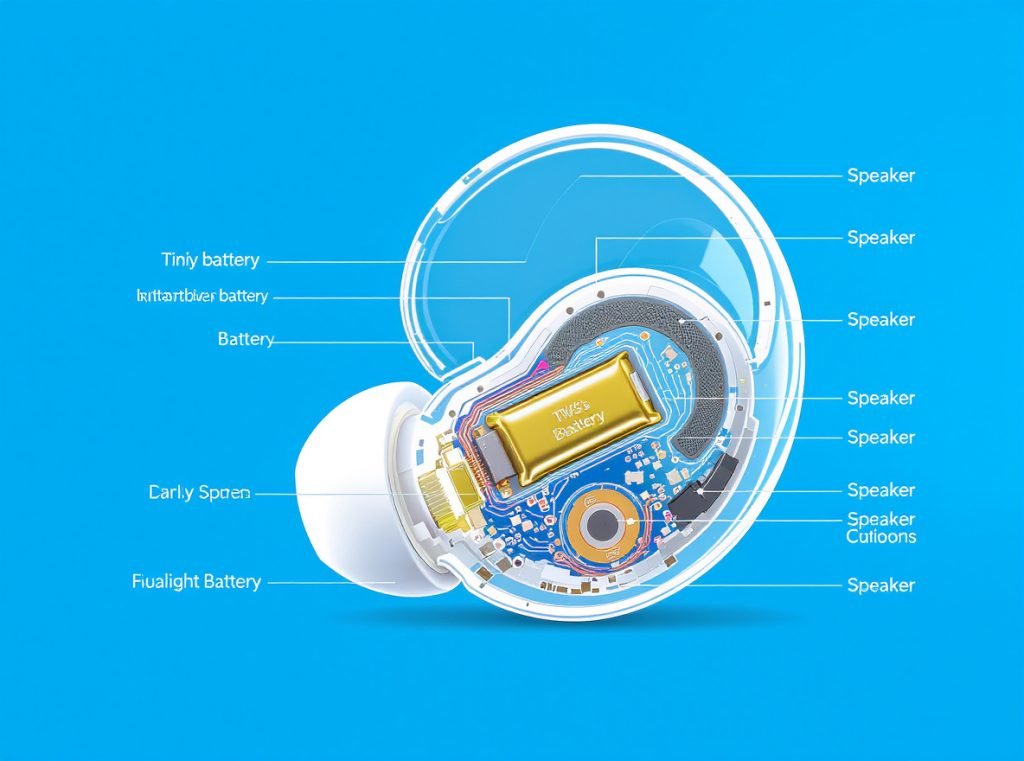
TWS earbuds use tiny 30-80mAh batteries—roughly 1% of a smartphone’s capacity—packed into space-constrained designs. Multiple power-hungry components like Bluetooth antennas, microphones, and processing chips compete for limited energy while generating heat that accelerates battery degradation.
Physical and Technical Constraints
Size Limitations Create Power Challenges
The compact design severely restricts battery capacity to just 4-8 hours of playtime on a single charge. Unlike over-ear headphones with room for larger batteries, TWS earbuds sacrifice power for portability.
Heat Generation Issues
Multiple components in cramped spaces create thermal stress and hot spots within the battery. This uneven temperature distribution breaks down battery chemistry faster than normal conditions.
Battery Chemistry Degradation
- Lithium-ion batteries endure 300-500 full charge cycles before capacity drops to 80%
- Daily use typically causes 20% capacity loss per year
- Most consumer earbuds last only 1-3 years before requiring replacement
| Battery Constraint | Impact on Performance | Typical Capacity Loss |
|---|---|---|
| Physical Space | 4-8 hours max playtime | N/A |
| Heat Generation | Accelerated degradation | 20% annually |
| Charge Cycles | Chemistry breakdown | 20% after 300 cycles |
How Can Volume Settings Dramatically Extend Battery Life?
Audio volume is the single most controllable factor affecting your earbuds’ battery performance.
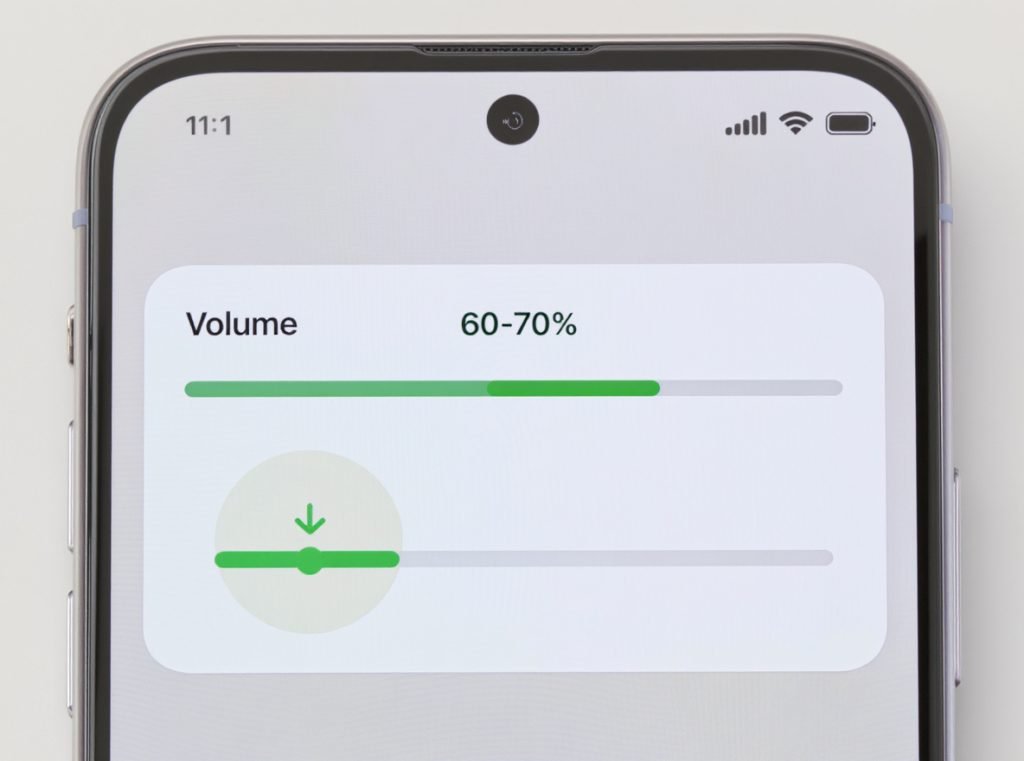
Keeping volume between 60-70% can extend battery life by 20-30% compared to maximum volume. Higher volumes require exponentially more amplifier power, with each 10% increase above 70% reducing playtime by 15-20 minutes.
Volume Optimization Strategies
The 60-70% Sweet Spot
This range provides excellent audio quality while maintaining optimal power efficiency. Maximum volume settings can shorten playtime by up to 30% compared to moderate levels.
Progressive Volume Management
- Start at 50% and gradually increase only if needed
- Use noise isolation to avoid compensating with higher volume
- Consider your listening environment when setting levels
Emergency Extension Techniques
When battery runs low, immediately drop volume to 40-50% to squeeze out additional listening time. This emergency technique can provide an extra 30-45 minutes of usage.
Which Audio Features Are the Biggest Battery Drains?
Active features consume significant power beyond basic audio playback, but smart management can preserve battery life.
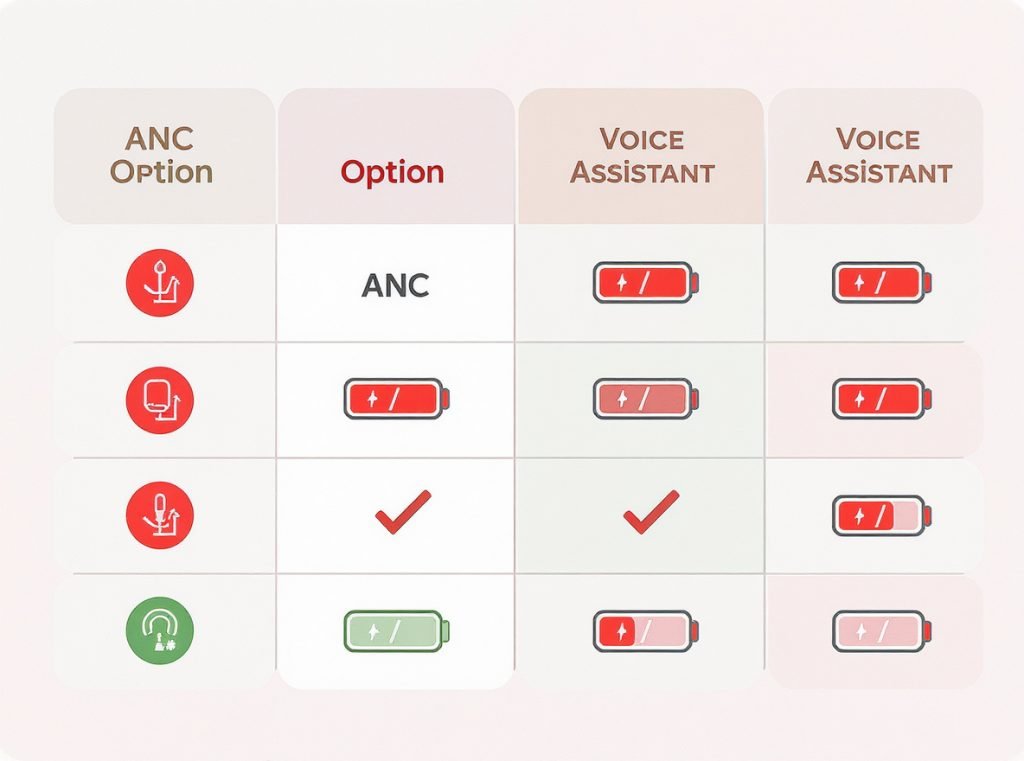
Active Noise Cancellation (ANC) reduces battery life by 30-50%, while premium codecs like LDAC and aptX can cut playtime by 30-50%. Standard SBC codec offers the longest battery life, followed by AAC for balanced quality and efficiency.
Feature-by-Feature Power Management
Codec Selection Strategy
Choose codecs based on your current needs rather than always using the highest quality option. SBC provides maximum battery life for casual listening.
ANC and Transparency Modes
- Disable ANC in quiet environments like libraries or offices
- Turn off transparency mode when environmental awareness isn’t needed
- Use these features strategically rather than constantly
Voice Assistant and Spatial Audio
Voice assistants and spatial audio processing consume additional power through constant background monitoring and advanced audio processing.
| Audio Feature | Battery Impact | Best Usage Strategy |
|---|---|---|
| ANC Mode | -30% to -50% | Use in noisy environments only |
| LDAC Codec | -30% to -50% | For critical listening sessions |
| AAC Codec | Minimal impact | Best balance for daily use |
| Voice Assistant | -10% to -15% | Disable when not needed |
What Are the Best Charging Practices for Maximum Battery Health?
Proper charging habits can literally double your earbuds’ overall lifespan while maintaining consistent daily performance.
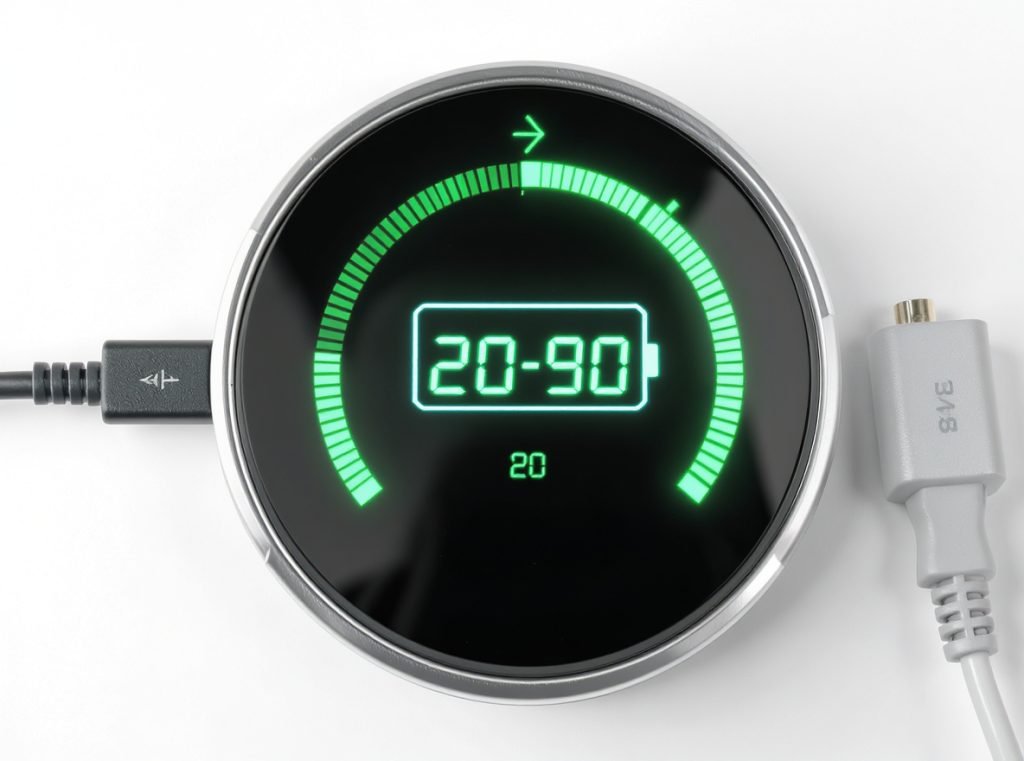
Charge your TWS earbuds between 20-80% capacity rather than 0-100%. Avoid complete discharge to 0% and don’t leave them plugged in constantly. This “partial charging” approach reduces stress on lithium-ion cells and can extend battery lifespan significantly.
Scientific Charging Protocols
The 20-80% Rule Explained
This range minimizes chemical stress on battery cells. Full discharge stresses lithium cells, while constant 100% charge accelerates degradation through overcharge protection circuits.
Smart Charging Timing
- Charge when batteries reach 20-30% remaining
- Unplug charging case when full to avoid trickle charging
- Never let batteries drain completely to 0%
Original Equipment Importance
Always use original chargers and cables to ensure proper charging current. Third-party chargers may provide incorrect voltage or current that can damage battery cells.
Temperature-Conscious Charging
Allow earbuds to reach room temperature before charging after exposure to extreme heat or cold. Temperature gradients during charging cause additional stress.
How Do Environmental Factors Impact Battery Performance?
Your storage and usage environment significantly affects both immediate performance and long-term battery health.
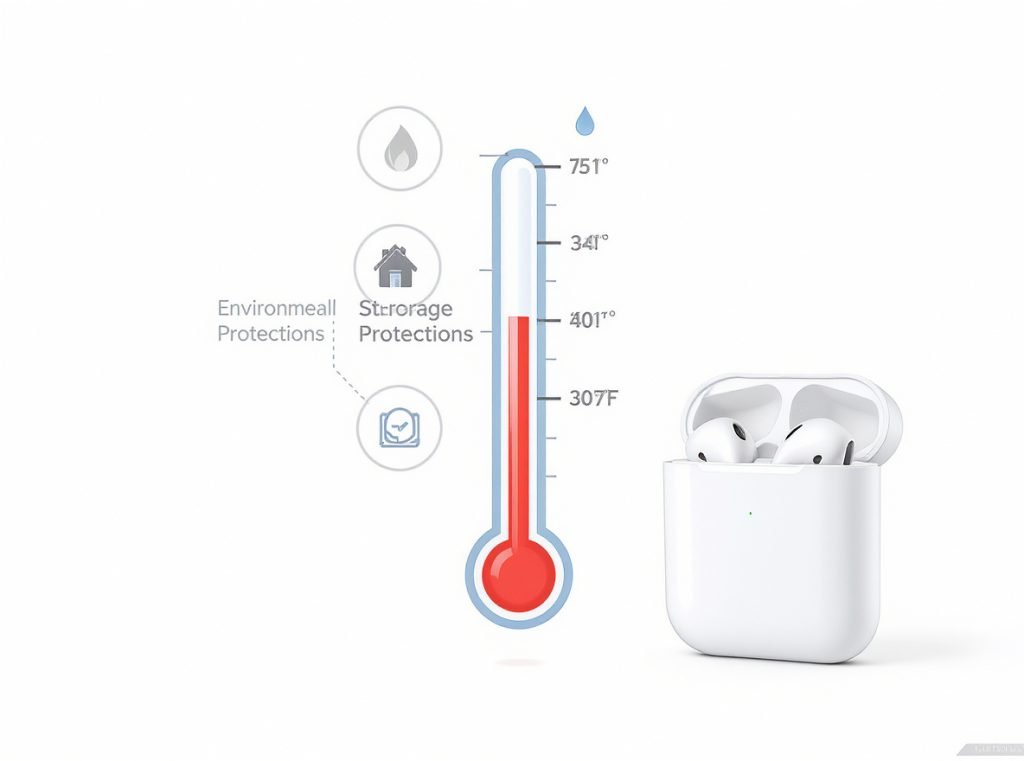
Store TWS earbuds between 32-77°F (0-25°C) and avoid direct sunlight, car dashboards, or freezing conditions. Temperature management alone can extend battery life by 40-50%, while humidity control prevents corrosion that reduces charging efficiency.
Environmental Optimization Strategies
Temperature Control Essentials
Heat accelerates chemical reactions inside batteries, causing permanent damage. Cold weather temporarily reduces capacity but doesn’t cause permanent harm unless extreme.
Humidity and Moisture Management
- Maintain storage environments below 65% humidity
- Ensure earbuds are completely dry before charging or storing
- Use silica gel packets in storage containers for moisture control
Ideal Storage Locations
- Bedroom drawers maintain stable temperatures
- Office desks typically provide consistent environments
- Avoid bathroom, kitchen, or car storage
Travel Protection Protocol
Use insulated pouches during flights or extreme weather travel. Cabin pressure changes combined with temperature fluctuations create additional battery stress.
How Does Usage Pattern Affect Battery Degradation?
Different usage patterns require different maintenance strategies to maximize battery lifespan.
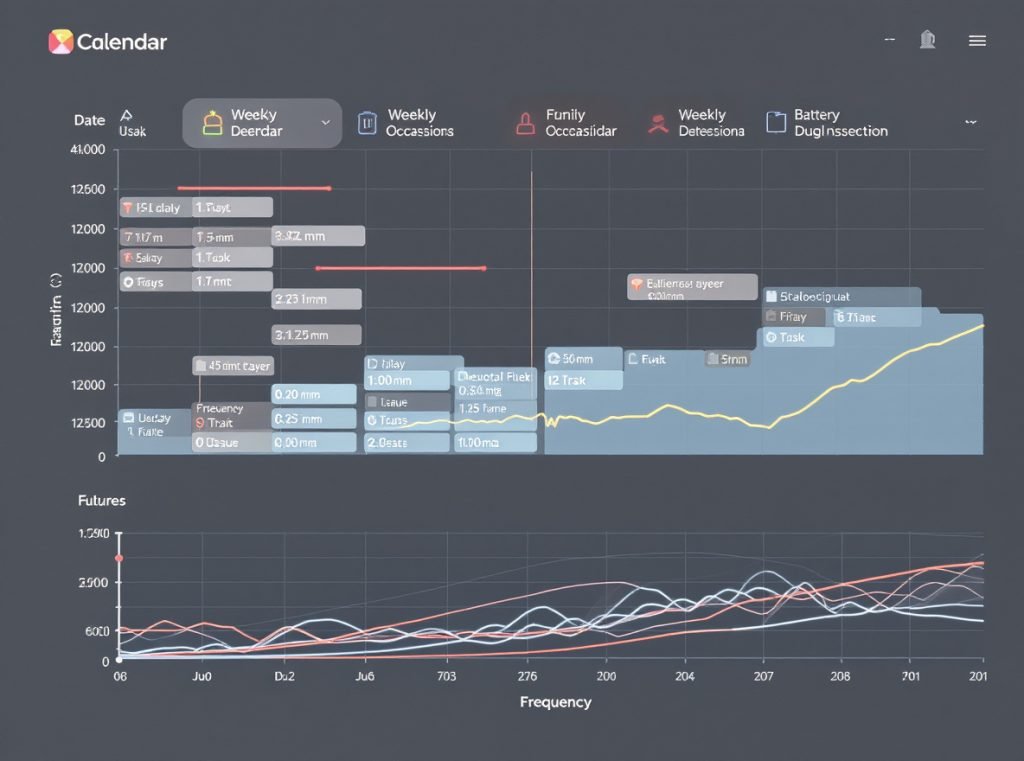
Heavy daily users (4+ hours) should charge more frequently with shorter sessions and never let batteries drain completely. Occasional users should maintain 50% charge during storage and perform monthly maintenance charging to prevent deep discharge damage.
Usage-Specific Optimization
Heavy Daily Users Strategy
- Charge twice daily in short bursts rather than one long session
- Consider rotating between multiple pairs to reduce individual unit stress
- Monitor for signs of accelerated degradation
Moderate Users (1-3 hours daily)
- Charge every other day to maintain optimal range
- Store at room temperature when not in use
- Check battery levels weekly
Occasional Users Maintenance
Perform monthly charging even when not using earbuds to prevent deep discharge damage. Batteries naturally lose charge over time, and complete discharge can cause permanent capacity loss.
Uneven Usage Patterns
If you frequently use one earbud more than the other, the unused one may maintain better battery health initially, but different aging patterns can lead to imbalanced performance over time.
What Maintenance Practices Prevent Battery Degradation?
Regular maintenance prevents common issues that reduce battery performance and charging efficiency.
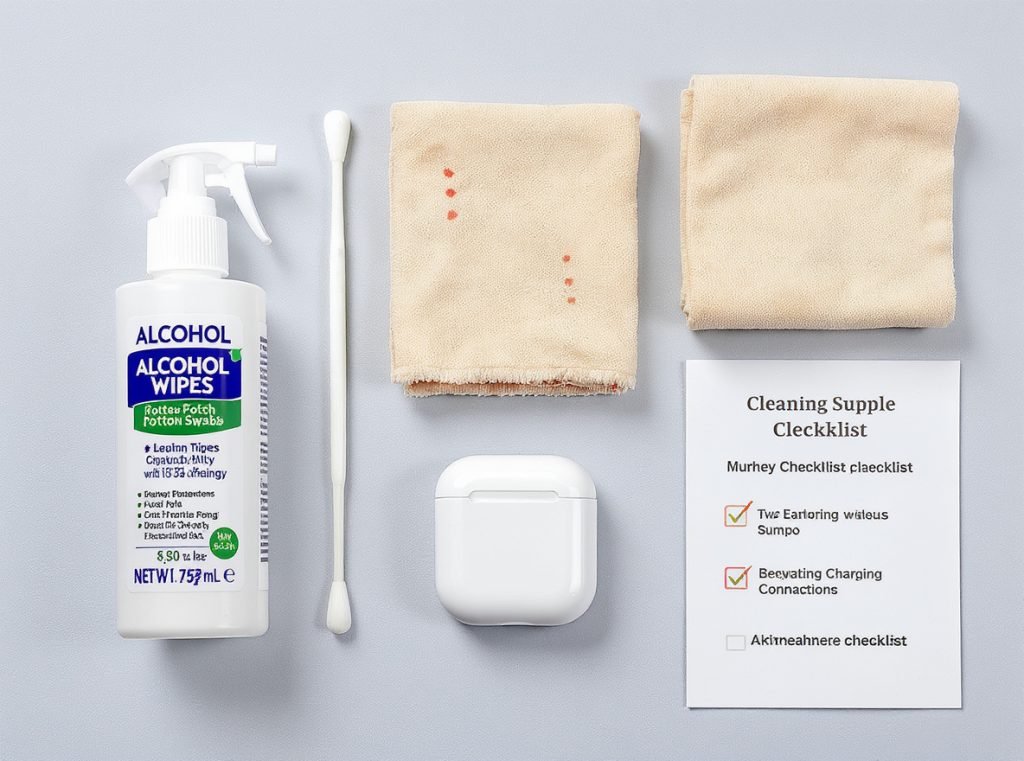
Clean charging contacts monthly with 70% isopropyl alcohol to remove debris and prevent corrosion. Dirty contacts create resistance that generates heat and reduces charging efficiency by 20-30%, while proper maintenance can extend overall battery life significantly.
Essential Maintenance Protocols
Weekly Cleaning Routine
- Clean earbuds with isopropyl alcohol and soft cloths
- Remove and wash silicone ear tips with mild soap and water
- Ensure all components are completely dry before reassembly
Charging Contact Maintenance
- Clean both earbud pins and case charging points monthly
- Use alcohol-dampened cotton swabs for precise cleaning
- Inspect for signs of corrosion or physical damage
Proper Storage Practices
- Always store in the charging case when not in use
- Handle gently to avoid physical damage to internal components
- Keep cases closed to prevent dust accumulation
Firmware Updates
Enable automatic firmware updates when available, as manufacturers often include battery optimization improvements in software updates.
| Maintenance Task | Frequency | Battery Impact |
|---|---|---|
| Contact Cleaning | Monthly | +20-30% efficiency |
| General Cleaning | Weekly | Prevents degradation |
| Firmware Updates | As available | +10-15% optimization |
When Should You Replace Your TWS Earbuds?
Recognizing replacement timing prevents frustration and ensures you get maximum value from your investment.
Replace TWS earbuds when battery life drops below one hour per charge or after 1.5-2.5 years with moderate to heavy use. Budget models typically fail sooner around 12-18 months, while premium earbuds may last longer with proper maintenance.
Replacement Decision Indicators
Performance Benchmarks
- Daily battery life drops below 50% of original capacity
- Charging issues such as uneven charging between left and right units
- Case battery also shows significant degradation
Physical and Connectivity Signs
- Persistent connectivity problems despite resets and cleaning
- Physical damage to cases, charging ports, or water damage
- One earbud consistently failing despite maintenance
Economic Considerations
Most TWS earbuds use sealed designs making battery replacement expensive—often 50-75% of new product cost. Compare replacement costs against repair options before deciding.
Upgrade Opportunities
Newer models often feature improved battery technology, better efficiency, and enhanced features that justify replacement over expensive repairs.
For businesses requiring reliable, long-lasting audio equipment, partnering with experienced manufacturers ensures consistent quality and performance. Professional-grade TWS earbuds with optimized battery management can provide better total cost of ownership.
Summary
Improving TWS earbuds battery life requires volume management (60-70%), smart feature usage, proper charging habits (20-80% range), environmental control, and regular maintenance. These scientifically-proven practices can extend daily usage by 2-3 hours and double overall battery lifespan.
Ready to upgrade to professional-grade TWS earbuds with superior battery performance? Contact Osmarto today for wholesale pricing, customization options, and bulk orders designed for businesses that demand reliability and longevity.