Skip to content
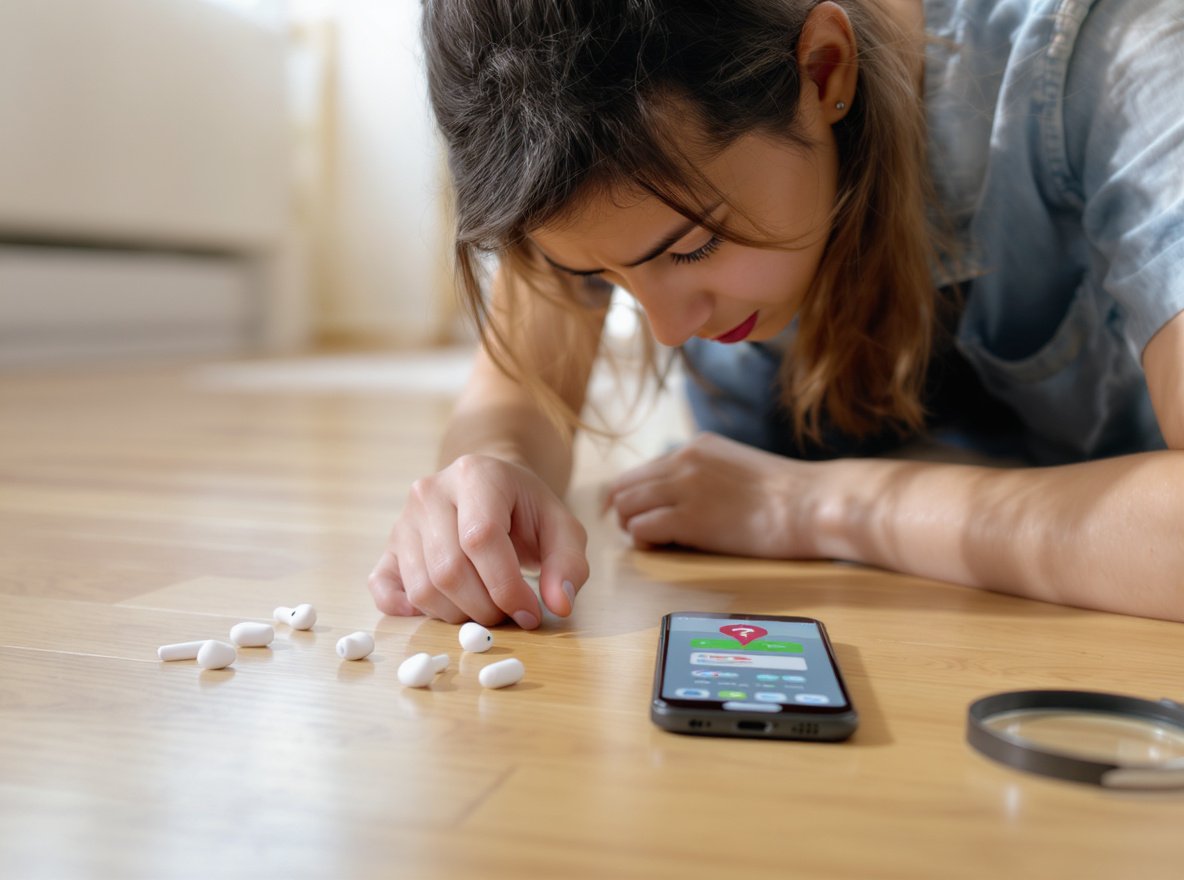
Losing your wireless earbuds is one of modern technology’s most frustrating experiences, especially given their small size and expensive replacement costs. The sinking feeling hits immediately—where did they go?
The good news is that modern wireless earbuds offer multiple tracking methods, from built-in manufacturer apps to third-party Bluetooth scanners. The first 15-30 minutes are crucial for successful recovery, as battery life directly impacts your ability to locate them.
Don’t panic just yet—we’ll walk you through every proven method to locate your missing earbuds systematically.
What Should I Do Immediately After Losing My Wireless Earbuds?
Time is critical when you’ve lost your wireless earbuds. The first 15-30 minutes are crucial for successful recovery, as battery life directly affects tracking capabilities.
Remain calm and stop what you’re doing immediately. Retrace your steps by thinking about the last time you remember using or seeing the earbuds. Check potentially damaging locations first—prioritize places where earbuds could be destroyed, such as laundry hampers, near water sources, or areas where they might be stepped on.

Your immediate priority should be systematic thinking rather than frantic searching:
High-Priority Locations:
- Pockets and bags you’ve used recently
- Car compartments and seat gaps
- Gym bags and workout areas
- Desks and bedside tables
- Areas around charging stations
Check Damaging Locations First:
- Laundry hampers before washing clothes
- Kitchen areas near water sources
- Floor areas where they could be stepped on
- Pet areas where they might be chewed
The physics of how earbuds fall matters—they often bounce or roll into gaps between furniture, under seats, or get caught in carpet fibers that can hide small objects.
How Can I Use My Phone’s Built-in Features to Find Lost Earbuds?
Most modern earbuds integrate with manufacturer-specific tracking apps on your smartphone, providing the most reliable recovery methods when earbuds still have battery power.
Use your device’s native tracking app first—Apple’s Find My, Samsung’s Galaxy Wearable app, or Google’s Find Device. These apps offer play sound features, precision finding with distance indicators, and last known location data even when earbuds lose power.

Apple AirPods – Find My App
The Find My app is automatically enabled for AirPods and provides several powerful features:
- Play Sound: Makes earbuds emit a chirping sound if they have any battery remaining
- Find Nearby: Uses precision finding to guide you with distance indicators
- Last Known Location: Shows GPS coordinates where earbuds were last connected before losing power
- Notify When Found: Automatic alerts when earbuds come back online
The app works even when AirPods are in their case, provided the case has some battery charge.
Samsung Galaxy Buds – Galaxy Wearable App
Access the Galaxy Wearable app and tap “Find My Earbuds” for these features:
| Feature | Capability | Duration |
|---|---|---|
| Ring Function | Makes earbuds beep progressively louder | Up to 3 minutes |
| Search Nearby | Locates earbuds even in closed case | Real-time |
| Navigate Feature | Shows last known location through SmartThings | Historical data |
Google Pixel Buds and Other Brands
Use the Find Hub app or Google’s “Last Known Location” feature. Many other brands offer similar manufacturer apps with tracking capabilities.
What Third-Party Apps Can Help Me Locate My Missing Earbuds?
When manufacturer apps aren’t available or prove insufficient, specialized Bluetooth tracking apps can often succeed where native solutions fail.
Download apps like Wunderfind, Find My Headphones, or Find My Bluetooth Device. These apps detect Bluetooth signals and use signal strength to guide you toward your lost earbuds using a “Cold, Warmer, Hot” approach that works with virtually any Bluetooth device.

Most Effective Third-Party Apps
Wunderfind is the most recommended Bluetooth scanner app based on user reviews and effectiveness:
- Works by detecting Bluetooth signals and calculating distance through signal strength
- Uses intuitive “Cold, Warmer, Hot” guidance system
- Supports Apple devices, portable speakers, fitness trackers, and various earbud brands
- Available for both iOS and Android platforms
Find My Headphones Apps provide similar functionality:
- Use Bluetooth Low Energy (4.0) signals for tracking
- Display signal strength meters for guidance
- Work with hundreds of wireless brands including AirPods, Beats, Bose, Jabra, and Sony
- Show distance scores that change as you move closer
Critical Limitations:
- Apps only work when earbuds are powered on and charged
- Effective range limited to 30-100 feet (Bluetooth range)
- Earbuds must be actively broadcasting Bluetooth signals
- Performance varies based on obstacles and interference
How Do I Search for Dead or Powered-Off Earbuds?
Finding earbuds without power presents significant challenges since they cannot broadcast Bluetooth signals for electronic detection.
Use last known location data from your phone’s tracking apps as your starting point. Apple’s Find My and Samsung’s Galaxy Wearable apps show the final GPS coordinates where earbuds were connected before powering off, providing a focused search area.

Strategic Physical Search Techniques
When technology fails, systematic manual searching becomes essential:
Light and Visibility Methods:
- Use your phone’s flashlight to check dark areas
- Look for reflective surfaces on the earbuds
- Search during daylight hours when possible
- Use multiple light angles to spot hidden objects
Systematic Search Patterns:
- Divide areas into sections and search methodically
- Work from top to bottom in each room
- Check systematically rather than randomly
- Follow any charging cable paths that might indicate placement
Physics-Based Search Logic:
- Examine small spaces where earbuds might have bounced or rolled
- Check under furniture, between car seats, in couch cushions
- Look in areas with carpet fibers that can hide small objects
- Consider how earbuds would move if dropped from specific heights
Remember that earbuds are small and can hide in surprisingly tiny spaces that seem too small initially.
Can I Prevent Losing My Wireless Earbuds in the Future?
Prevention strategies are far more effective than recovery methods, and several practical approaches can dramatically reduce future losses.
Implement physical accessories like Bluetooth trackers attached to earbud cases, use earbud straps or ear hooks for security, and develop consistent behavioral habits like designated storage spots and maintaining battery charge for tracking capability.

Physical Prevention Solutions
Bluetooth Trackers provide the most comprehensive protection:
- Attach Tile, Chipolo, or AirTags to earbud cases
- Enable GPS tracking even when earbuds are powered off
- Use smartphone apps to show location on maps
- Trigger sounds for nearby searches
- Cost: $25-50 for reliable tracking
Security Accessories:
- Earbud straps or cords connect earbuds with cables
- Ear hooks or wings provide better fit during activities
- Distinctive cases with bright colors or keychains increase visibility
- Silicone grips improve fit and reduce dropping
Behavioral Prevention Strategies
Developing consistent habits prevents most losses:
Digital Preparation:
- Keep location services enabled on your phone
- Maintain some charge in earbuds for Bluetooth detection
- Enable “notify when left behind” features in manufacturer apps
- Regularly verify tracking apps are functioning
Physical Habits:
- Create designated storage spots at home and work
- Always return earbuds to their case immediately after use
- Check pockets and bags before leaving locations
- Perform quick “earbud checks” when changing locations
| Prevention Method | Effectiveness | Implementation Cost |
|---|---|---|
| Bluetooth trackers | Very High | $25-50 |
| Consistent case use | Very High | Free |
| Designated storage spots | High | Free |
| Earbud security straps | Medium-High | $10-20 |
What Should I Do If I Still Can’t Find My Earbuds?
Sometimes despite systematic searching, earbuds remain missing. Knowing your next steps helps you move forward efficiently without endless searching.
Expand your search network by asking family members, roommates, or coworkers if they’ve seen your earbuds. Check lost and found departments in public spaces, and consider documenting the loss for insurance purposes if you have coverage.

Expanding Your Search Network
Don’t search alone—other people can provide valuable assistance:
Human Resources:
- Ask family members, roommates, or coworkers about sightings
- Someone may have moved them to a “safe” location
- Others might remember seeing them in unexpected places
- Provide detailed descriptions including brand, model, and color
Public Space Recovery:
- Check lost and found departments in gyms, offices, cafes
- Contact transportation hubs (buses, trains, airports)
- Ask cleaning staff in public buildings
- Post on local community boards or social media groups
Professional Services:
- Car detailing services can perform thorough vehicle searches
- Some electronics stores offer device recovery assistance
- Professional organizers sometimes help with systematic home searches
Insurance and Financial Recovery
Document the Loss:
- Note the date, time, and location where earbuds were lost
- Take photos of the search area if relevant
- Keep receipts and warranty information
- File reports if lost in public or workplace settings
Insurance Coverage Options:
- Homeowner’s or renter’s insurance may cover expensive electronics
- Device protection plans through carriers
- Credit card purchase protection benefits
- Manufacturer replacement programs
Are Expensive Earbuds Worth the Investment Despite Loss Risk?
The value proposition of premium earbuds must factor in replacement costs, loss likelihood, and limited battery lifespan that affects long-term value.
Premium earbuds offer better tracking features and warranty coverage, but replacement costs are significant—single AirPod replacement costs $69, while lost charging cases cost $59. Most wireless earbuds last only 2-3 years before battery degradation, limiting long-term value regardless of loss concerns.

Cost-Benefit Analysis by Price Range
Premium Earbuds ($200-400):
- Advanced tracking with GPS and precision finding
- Comprehensive warranty and replacement programs
- Superior audio quality for professional use
- High replacement cost risk ($50-100+ per incident)
Mid-Range Options ($75-160):
- Often provide 80-90% of premium features
- Brands like JLab, Soundcore, and Earfun offer good warranties
- Lower financial impact when lost
- May be more cost-effective to buy two pairs vs. one premium pair
Budget Alternatives (Under $75):
- Adequate for basic listening needs
- Minimal financial loss if misplaced
- Easier to replace immediately
- Less anxiety about careful handling
Insurance and Warranty Considerations
AppleCare+ Coverage:
- Costs $29 upfront, covers accidental damage twice per year
- $29 per incident replacement fee
- May be worthwhile for frequent losers
Third-Party Insurance:
- Asurion Home+ and Upsie offer earbud coverage
- Terms and coverage vary significantly
- Compare costs against replacement frequency
Battery Lifespan Reality:
Most wireless earbuds become unusable after 2-3 years due to battery degradation, meaning even expensive models have limited lifespans regardless of loss issues.
Professional Recommendations for Different Users
For Frequent Losers: Mid-range earbuds ($75-150) plus Bluetooth trackers provide optimal value
For Active Users: Lower-cost options with security accessories reduce risk-to-cost ratio
For Business/Professional Use: Premium features may justify higher replacement risk
For Bulk Buyers/Retailers: Offering range of price points helps customers match comfort levels with loss anxiety
Summary
Finding lost wireless earbuds requires immediate action within the first 15-30 minutes, systematic use of manufacturer tracking apps, third-party Bluetooth scanners when needed, and thorough physical searching for dead devices. Prevention through Bluetooth trackers, consistent habits, and appropriate accessories remains the most effective long-term strategy, while understanding replacement costs and insurance options helps make informed purchasing decisions.

The key is having multiple strategies ready before you need them—because losing small, expensive electronics is an inevitable part of modern life.
Need reliable wireless earbuds with advanced tracking features for your business? Osmarto specializes in providing high-quality headphones and earbuds to wholesalers, distributors, and retailers worldwide. Our tracking-enabled audio solutions help reduce customer loss-related returns while providing the features your clients demand. Contact us for bulk pricing, customization options, and detailed specifications that address the common pain points of earbud loss. Visit osmarto.com or send us an inquiry to learn more about our comprehensive audio device solutions.