Skip to content
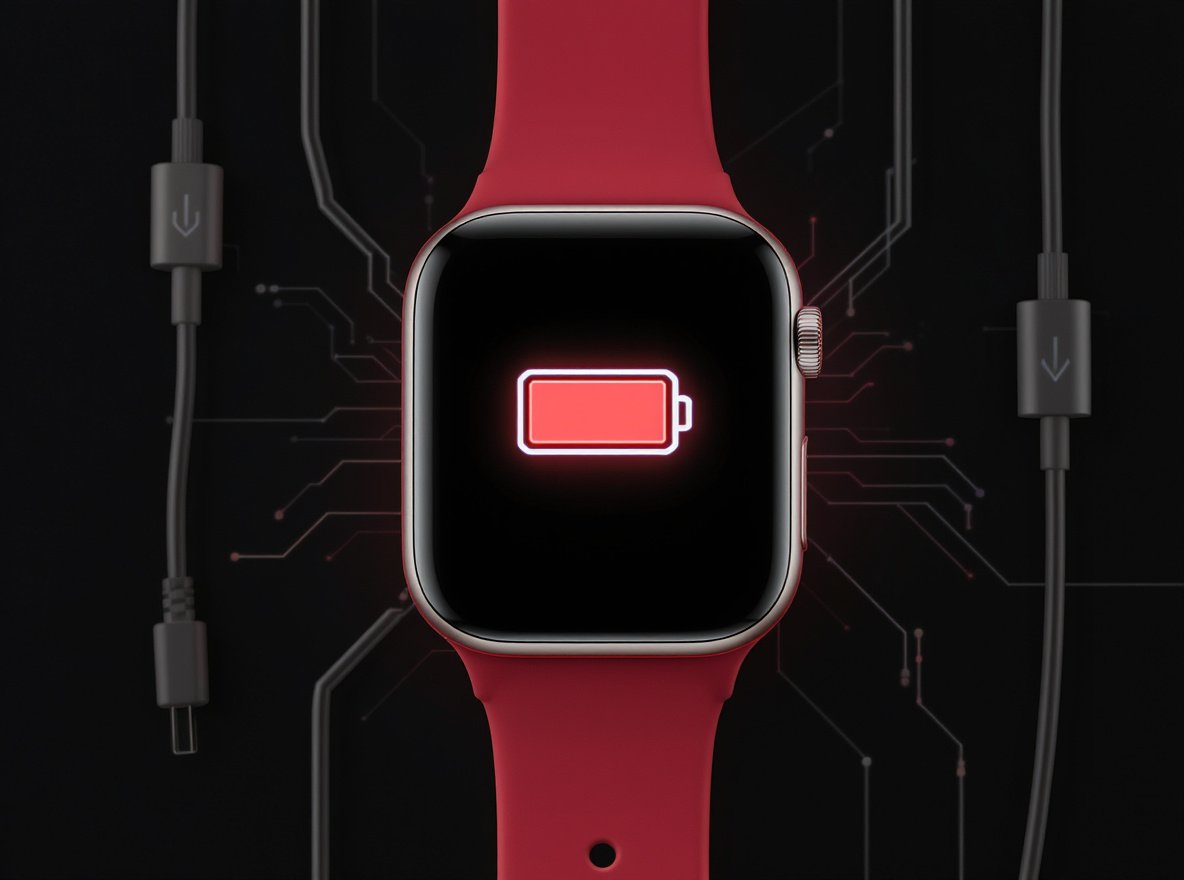
You charge your smartwatch overnight, but by afternoon it’s already beeping for power – this frustrating cycle affects millions of smartwatch users daily. When your device dies during important workouts or crucial notifications, it defeats the purpose of having a reliable wearable companion.
The primary culprits behind rapid smartwatch battery drain include always-on displays that consume 1-2% battery per hour, continuous health monitoring sensors, excessive notifications, and connectivity features searching for signals. Understanding and optimizing these power-hungry elements can extend your smartwatch’s battery life by 30-50%.
Let’s dive into the specific reasons your smartwatch battery dies so quickly and discover proven strategies to maximize its daily performance.
What Makes Always-On Display Such a Battery Killer?
Always-on display (AOD) stands as one of the most significant battery drains on modern smartwatches, fundamentally changing how your device consumes power throughout the day.
Research shows that always-on display can drain batteries 4 times faster than normal usage, reducing battery life from approximately 400 hours in idle mode to just 100 hours when activated. AOD typically uses 1-2% of battery per hour, creating substantial drain throughout the day.

The power consumption varies dramatically based on display complexity and design choices. Animated watch faces consume substantially more power than simple, static designs, while bright colors on AMOLED screens require more energy than dark themes.
Display power consumption factors include:
- Screen Technology: AMOLED displays use more power for bright colors, less for dark pixels
- Watch Face Complexity: Dynamic animations and live complications increase consumption
- Brightness Levels: High brightness settings amplify AOD power requirements
- Update Frequency: Constant time updates and data refreshes add cumulative drain
| Display Setting | Battery Impact | Typical Usage Hours |
|---|---|---|
| AOD with Animations | Very High (4x drain) | 6-10 hours |
| AOD Simple Static | High (2x drain) | 12-18 hours |
| Wake-on-Gesture Only | Low | 24-36 hours |
Consider using AOD selectively during specific hours when you need constant time visibility, rather than enabling it all day.
How Does Screen Brightness Impact Battery Performance?
Display brightness directly correlates with power consumption, making it one of the most controllable factors affecting your smartwatch’s battery life.
The display typically accounts for 30-40% of total battery consumption. Keeping brightness at maximum settings can significantly reduce battery life, particularly during outdoor use where automatic brightness compensation kicks in frequently.

High brightness levels prove especially problematic on AMOLED and LCD screens, where power consumption increases exponentially with brightness levels rather than linearly.
Brightness optimization strategies:
- Reduce brightness by 10-20% from maximum settings for noticeable battery improvement
- Enable auto-brightness to prevent unnecessary high brightness indoors
- Use manual control outdoors instead of relying on automatic brightness sensors
- Choose dark watch faces on AMOLED displays to minimize pixel power consumption
Most users find that reducing brightness slightly provides significant battery gains without meaningfully impacting visibility during normal daily activities.
Why Do Health Sensors Drain Battery So Aggressively?
Continuous health monitoring transforms your smartwatch into a personal health laboratory, but this convenience requires substantial power for sensor operation and data processing.
Heart rate monitoring, blood oxygen (SpO2) tracking, stress measurement, and sleep analysis require sensors to remain active throughout the day and night. GPS tracking proves particularly power-hungry, consuming 5-10% of battery per hour during active tracking sessions.

Health sensors work by emitting light and measuring reflections from your skin, requiring LED lights, photodiodes, and constant processing power to analyze data streams continuously.
Power consumption by monitoring type:
| Health Feature | Battery Impact | Optimization Strategy |
|---|---|---|
| Continuous Heart Rate | High (3-5%/hour) | Switch to periodic checks |
| Blood Oxygen (SpO2) | Very High (5-8%/hour) | Disable unless medically needed |
| GPS Tracking | Extreme (5-10%/hour) | Use only during workouts |
| Sleep Tracking | Medium (2-4%/night) | Disable unnecessary sensors |
Smart health monitoring management includes switching from continuous to periodic measurements, disabling snore detection and skin temperature tracking when unused, and using GPS selectively only during outdoor activities requiring navigation.
How Do Notifications Create Cumulative Battery Drain?
Every notification your smartwatch receives triggers multiple battery-consuming processes: screen activation, haptic feedback, data processing, and connectivity usage throughout the day.
Frequent notifications cause multiple battery-draining events simultaneously. Users receiving constant alerts throughout the day experience significantly accelerated battery drain compared to those with selective notification settings, as each alert requires the watch to wake from low-power states.

Each notification event requires:
- Screen Activation: Display turns on and maintains brightness for several seconds
- Haptic Feedback: Vibration motors consume power for tactile alerts
- Data Processing: CPU processes notification content and formatting
- Connectivity Usage: Bluetooth or Wi-Fi activity to receive and acknowledge notifications
Notification optimization techniques:
- Limit notifications to essential apps like calls, texts, and calendar events
- Disable vibration for non-critical alerts to reduce haptic motor usage
- Use quiet hours during sleep, meetings, or focus periods
- Group similar notifications to reduce individual activation events
- Turn off voice assistants like Google Assistant or Bixby when not actively needed
Strategic notification management prevents unnecessary battery consumption while maintaining important connectivity for truly urgent communications.
What Role Does Background App Activity Play?
Apps running in background processes continuously consume battery power through data synchronization, location services, automatic updates, and maintaining server connections.
Background app activity can consume 10-15% of daily battery life through continuous data synchronization, location tracking, and automatic updates. Social media apps, fitness platforms, and cloud storage services prove particularly notorious for background power consumption.

Common background processes that impact battery include:
- Automatic App Updates: Downloads and installations during background operation
- Cloud Synchronization: Continuous backup and data sync with remote servers
- Location Services: Apps tracking location even when not actively displayed
- Server Connections: Push notification services maintaining active connections
Background app management strategies:
- Review and disable unnecessary background refresh permissions in smartwatch settings
- Close unused apps completely rather than simply minimizing them
- Schedule automatic updates during charging periods when possible
- Monitor battery usage statistics to identify problematic apps consuming excessive power
- Limit location access to essential apps that genuinely require positioning data
Samsung Health app, for example, has been frequently reported as a major battery drain culprit when combined with GPS services and frequent syncing, making selective feature management crucial.
How Does Connectivity Searching Impact Battery Life?
Your smartwatch maintains multiple wireless connections simultaneously, creating constant power draw as it searches for signals and maintains active network connections.
Constant connectivity searching drains batteries as smartwatches continuously scan for available networks. Wi-Fi proves especially problematic, with some users reporting 10-13% battery drain in just 10 minutes when Wi-Fi remains active unnecessarily.

Connection power consumption breakdown:
| Connection Type | Power Impact | When Most Active |
|---|---|---|
| Bluetooth | Moderate | Continuous phone pairing |
| Wi-Fi | High | Network scanning/updates |
| Cellular/LTE | Very High | Independent calling/data |
| GPS | Extreme | Navigation/fitness tracking |
LTE-enabled watches experience additional drain when maintaining cellular connections, particularly in areas with poor signal strength where the device increases transmission power to maintain connectivity.
Connectivity optimization methods:
- Disable Wi-Fi when not actively needed for updates or app downloads
- Use airplane mode during workouts, meetings, or extended periods without phone access
- Turn off cellular when Bluetooth connection to phone is available
- Disable location services for non-essential apps that don’t require positioning data
- Enable connection optimization features in your smartwatch’s power management settings
Can Software Issues Cause Abnormal Battery Drain?
Outdated firmware, problematic apps, and software bugs can create inefficient battery usage patterns that dramatically exceed normal power consumption expectations.
Running outdated firmware can lead to inefficient battery usage and unresolved power management bugs. Manufacturers regularly release updates that include battery optimization improvements, making software updates crucial for maintaining optimal battery performance.

Software-related battery problems include:
- Firmware Bugs: Unresolved issues causing excessive background processing
- App Conflicts: Multiple apps competing for system resources simultaneously
- Memory Leaks: Apps consuming increasing amounts of RAM over time
- Update Issues: Problematic installations creating system instability
Software maintenance best practices:
- Install firmware updates promptly to benefit from power optimizations
- Perform factory resets when experiencing sudden battery life degradation
- Monitor recently installed apps for unusual battery consumption patterns
- Clear app caches regularly to prevent accumulated data from impacting performance
- Contact manufacturer support when battery drain began suddenly after specific updates
Watch face complexity also plays a significant role, with dynamic, animated, or data-heavy watch faces consuming substantially more power than simple, static designs throughout the day.
What Are the Most Effective Power Saving Strategies?
Strategic settings adjustments and usage habits can dramatically extend your smartwatch’s battery life without sacrificing essential functionality.
Most smartwatches offer dedicated power-saving modes that can extend battery life by up to 30%. These comprehensive modes automatically adjust multiple settings simultaneously, providing immediate battery life improvements.
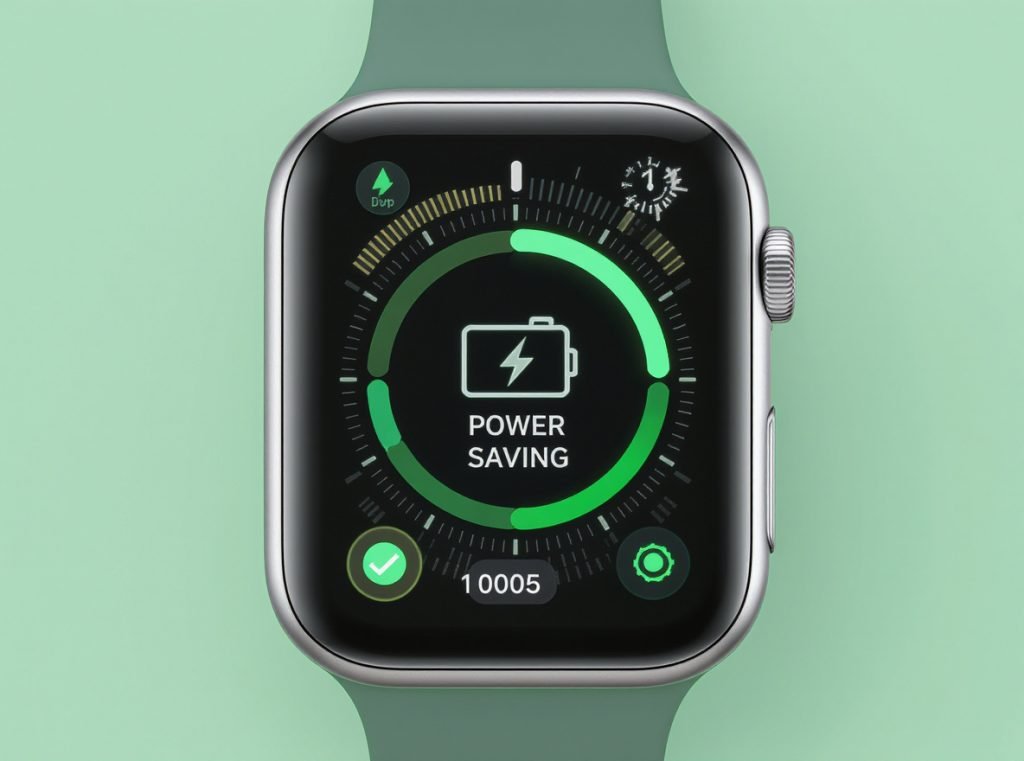
Essential power-saving adjustments include:
- Display Management: Disable always-on display, reduce brightness, shorten screen timeout to 5-15 seconds
- Connectivity Control: Disable Wi-Fi when unnecessary, limit Bluetooth usage, turn off cellular when phone connection available
- Health Sensor Optimization: Switch continuous monitoring to periodic checks, disable unnecessary sensors during sleep
- App Management: Close background apps regularly, limit notifications to essential services, disable frequent syncing features
Advanced optimization techniques:
- Choose simple, dark-themed watch faces with minimal animations
- Charge while powered off for more efficient energy transfer
- Maintain battery levels between 20-80% to preserve long-term battery health
- Avoid extreme temperatures during charging and storage
- Use theater mode or do-not-disturb during extended meetings or sleep periods
When Does Hardware Replacement Become Necessary?
Like all rechargeable batteries, smartwatch batteries naturally degrade over time, eventually requiring professional attention or device replacement.
Lithium-ion batteries typically show noticeable capacity loss after 300-500 full charge cycles. Apple Watch batteries retain up to 80% capacity after 1000 cycles, while Samsung estimates 300-400 cycles for Galaxy Watches before significant degradation occurs.
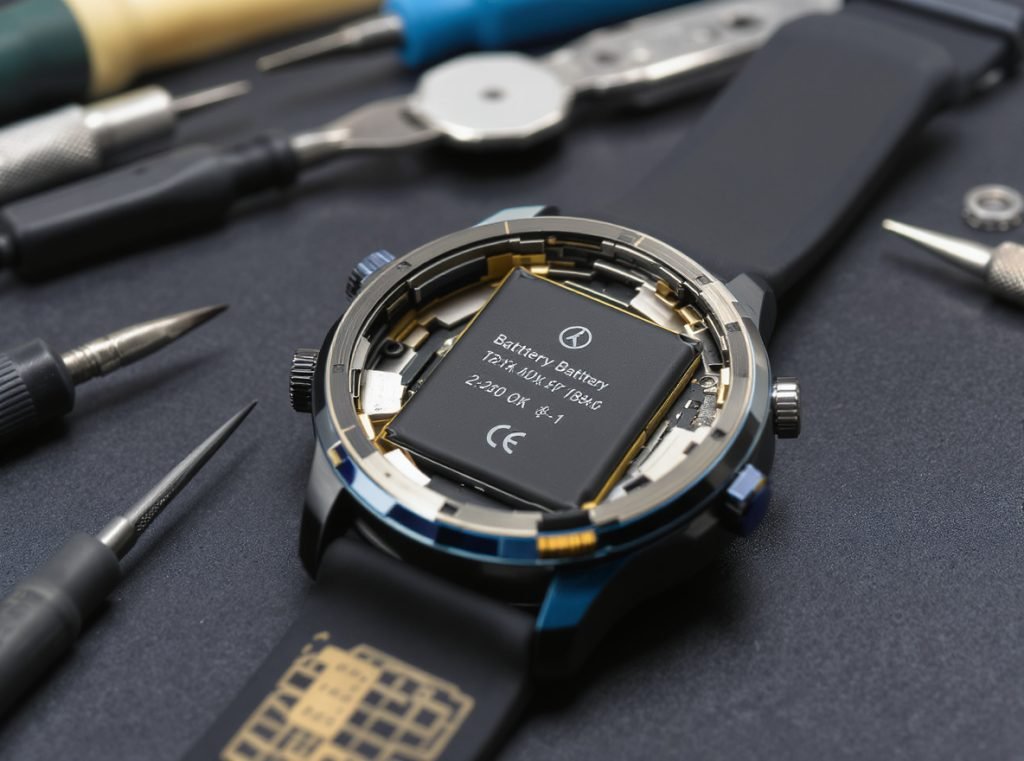
Signs indicating potential battery failure:
- Rapid discharge within 6-8 hours of normal use despite optimization efforts
- Unexpected shutdowns occurring at moderate battery percentage levels
- Device overheating during normal operation or charging processes
- Physical battery swelling causing the watch case to bulge or distort
- Charging failures or extremely slow charging speeds despite proper connections
| Battery Age | Expected Capacity | Typical Performance |
|---|---|---|
| 0-12 months | 90-100% | Full day+ usage |
| 1-2 years | 80-90% | 18-24 hours |
| 2-3 years | 70-80% | 12-18 hours |
| 3+ years | 60-70% | 6-12 hours |
Battery replacement considerations include cost versus device value, with Apple charging $79-99 for Watch battery replacement and Samsung typically costing $50-80. For older or budget smartwatches, replacement may cost nearly as much as purchasing a new device.
When Should You Contact Your Smartwatch Manufacturer?
Professional support becomes necessary when optimization efforts fail to resolve battery issues or when hardware problems require warranty service.
Contact your smartwatch manufacturer when battery drain began suddenly after firmware updates, multiple optimization attempts have failed, devices remain under warranty with abnormal battery behavior, or physical signs of battery damage appear.

Situations requiring manufacturer support:
- Sudden battery life changes following software updates without settings modifications
- Persistent issues despite comprehensive optimization efforts and factory resets
- Warranty coverage for devices experiencing abnormal battery degradation below 80% capacity
- Physical damage signs including overheating, swelling, or charging port problems
- Software problems that persist after troubleshooting and system resets
Most manufacturers offer diagnostic services and may provide free battery replacement for devices still under warranty, especially when battery health has degraded significantly within the warranty period.
For businesses sourcing smartwatches for wholesale, retail, or distribution purposes, partnering with experienced manufacturers like Osmarto ensures access to quality products with reliable battery performance specifications. Our comprehensive technical support includes detailed battery optimization guidance, warranty coverage, and ongoing customer service to address any power management concerns your end customers may experience.
Summary
Smartwatch battery drain stems from always-on displays consuming 1-2% per hour, continuous health sensors, excessive notifications, and connectivity searching. Strategic optimization through display management, selective health monitoring, notification control, and power-saving modes can extend battery life by 30-50%. Understanding these factors and implementing targeted solutions restores your smartwatch’s reliability as an all-day companion.

Ready to source high-quality smartwatches with optimized battery performance and comprehensive technical support? Contact Osmarto today for wholesale pricing, detailed specifications, and partnership opportunities tailored to your business needs.