Skip to content
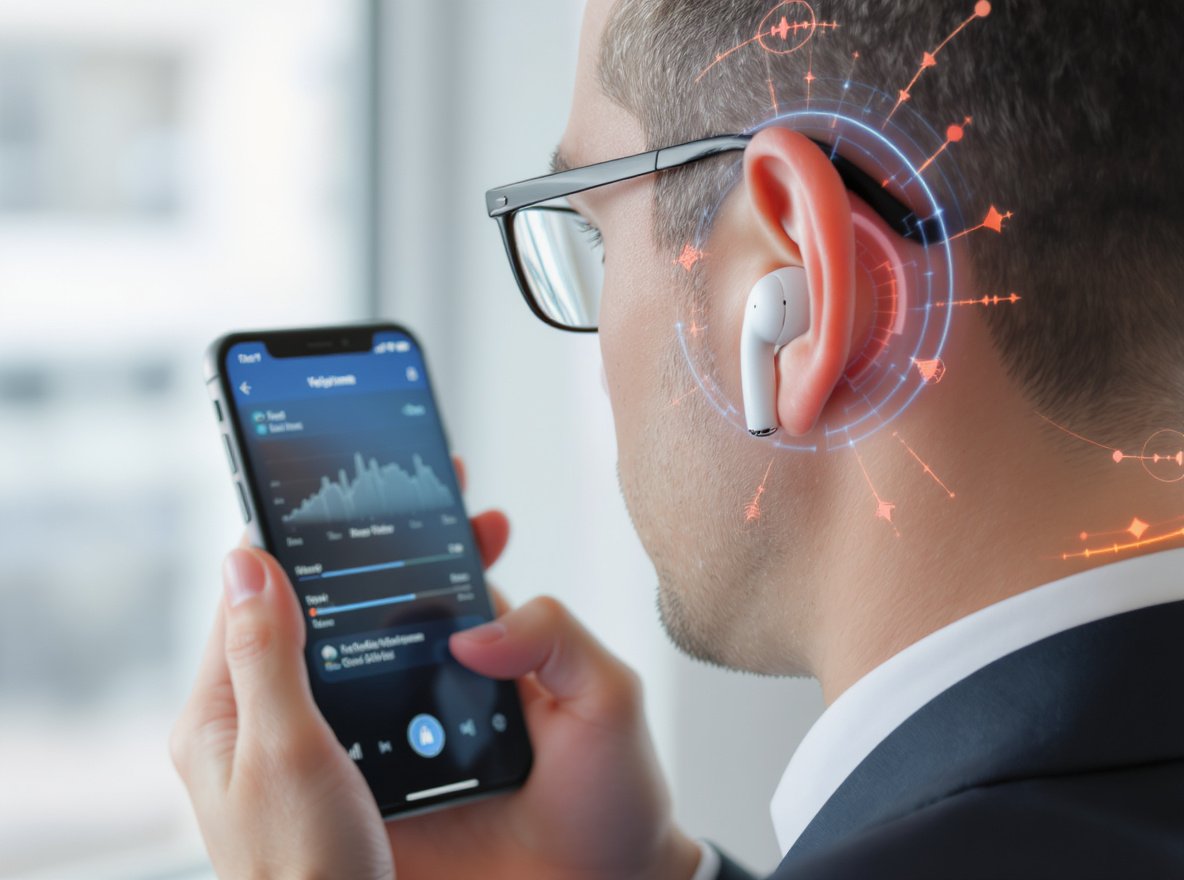
Struggling with wireless earbuds that sound too quiet? You’ve invested in a quality pair, but the volume just isn’t cutting through your daily noise. Whether you’re commuting, working out, or trying to enjoy your favorite playlist, low volume kills the experience.
The most effective ways to make wireless earbuds louder include disabling volume limiters, using volume-boosting apps, cleaning earwax buildup, optimizing equalizer settings for 2-5kHz frequencies, ensuring proper ear canal seal, fixing Bluetooth connection issues, and choosing earbuds with sensitivity ratings above 110 dB/V.
Let’s dive deeper into these proven methods that will transform your listening experience and help you get the most out of your investment.
Why Are My Wireless Earbuds So Quiet?
Understanding the root causes helps you choose the right solution. Most people assume their earbuds are defective, but volume issues often stem from simple fixable problems.
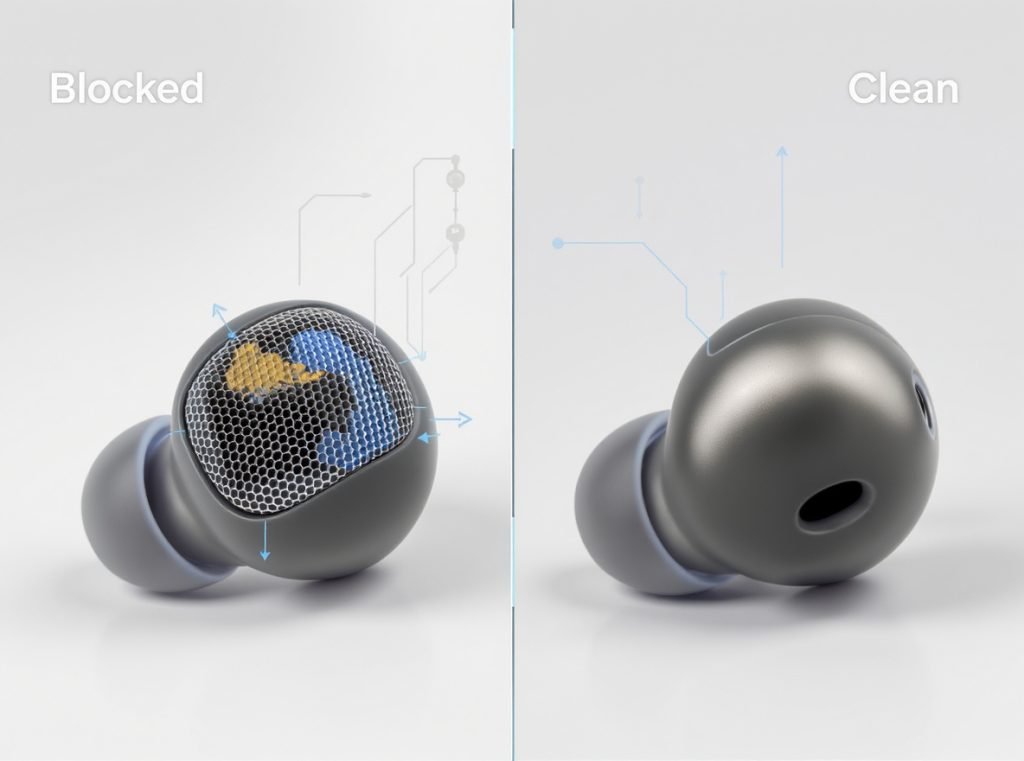
Connectivity problems represent one of the main causes of low volume in wireless earbuds, along with earwax blockage in earbud vents and low battery levels that significantly impact sound quality and volume output.
The three main categories affecting earbud volume are:
- Hardware issues: Earwax buildup, damaged drivers, or poor electrical connections blocking sound transmission
- Software settings: Device volume limits, equalizer configurations, and hearing protection features
- Connection problems: Poor Bluetooth connections, codec mismatches, and hands-free mode activation
| Issue Type | Typical Symptoms | Fix Difficulty |
|---|---|---|
| Hardware Blockage | Gradual volume decrease, muffled sound | Easy to Medium |
| Software Settings | Sudden volume drop, 85dB limitations | Easy |
| Bluetooth Issues | Intermittent quiet periods, call-quality audio | Medium |
How Do I Disable Volume Limiters and Safety Features?
Modern devices include built-in volume limiters designed to protect your hearing, but these often cap volume at 85 decibels—well below what many users prefer for noisy environments.
For iPhone users, navigate to Settings > Sounds & Haptics > Headphone Safety and disable ‘Reduce Loud Sounds’ to remove the default 85dB limit and achieve significantly higher volume levels.
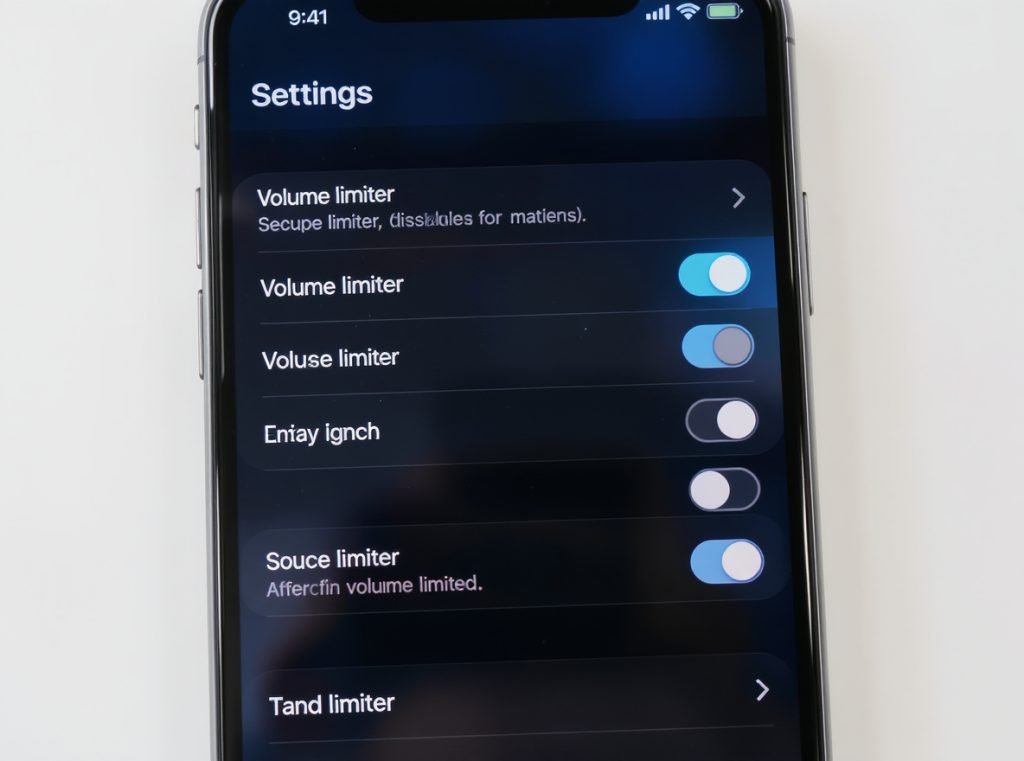
iPhone volume limiter removal:
- Settings > Sounds & Haptics > Headphone Safety > disable “Reduce Loud Sounds”
- Settings > Music > EQ > select “Late Night” preset for dynamic range compression
- Settings > Accessibility > Audio/Visual > enable “Headphone Accommodations” for additional boost options
Android volume optimization:
- Access Developer Options > disable “Disable absolute volume” for full Bluetooth control
- Samsung devices: Press volume buttons > tap three dots > ensure all sound levels are maximized
- Settings > Sound Quality > Equalizer > create custom boost profile
Audio format optimization on Windows:
Settings > Bluetooth & devices > Devices > select earbuds > Advanced sound properties > set to “2 channels, 16 bit, 48000Hz (DVD Quality)” or “24 bit, 192000 Hz (Studio Quality)” for premium setups.
Can Volume-Boosting Apps Provide Real Improvements?
Third-party applications can genuinely boost your earbuds beyond standard system limitations, though effectiveness varies by platform and implementation method.
Volume Booster GOODEV for Android maintains a 4.6/5 rating and can boost sound up to 70% while remaining simple and ad-free, while Volume Booster – Sound Booster offers up to 200% boost with advanced equalizer features.
Top-rated volume boosting apps:
Android Options:
- Volume Booster GOODEV: Up to 70% boost, maintains audio clarity, ad-free experience
- Volume Booster – Sound Booster: Up to 200% amplification with 10-band equalizer
- Equalizer FX: Combines volume boost with comprehensive sound effects
iOS Solutions:
- Volume Booster: Amplifies sound up to 1000% while maintaining fidelity
- Equalizer + Pro: Provides volume enhancement plus 20+ sound effects
Platform effectiveness comparison:
| Platform | Maximum Gain | Audio Quality Impact | Hardware Bypass |
|---|---|---|---|
| Android | 70-200% boost | Moderate distortion at extremes | Limited |
| iOS | Up to 1000% | Better quality preservation | Apple restrictions apply |
| Windows/Mac | Variable | Minimal quality loss | Full system access |
Remember that these apps work by processing audio signals digitally and cannot exceed your device’s fundamental hardware output limits without potential distortion.
What’s the Most Effective Way to Clean Earwax Buildup?
Earwax buildup represents one of the most common yet overlooked causes of quiet earbuds, often building gradually until volume becomes noticeably compromised.
Remove detachable ear tips and use a soft toothbrush or cotton swab to gently clean mesh screens, applying 3% hydrogen peroxide to stubborn earwax buildup and letting it sit for 5 minutes before gentle scrubbing.
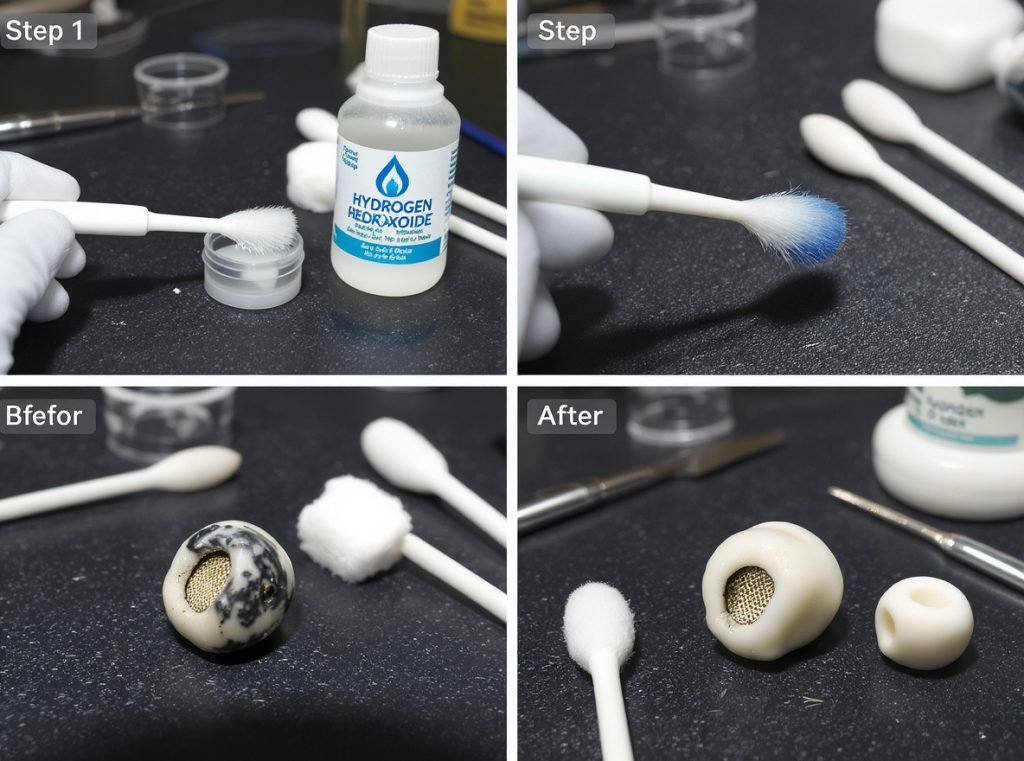
Professional cleaning process:
- Power off and disassemble: Remove ear tips and inspect mesh grilles for visible debris
- Initial cleaning: Use soft-bristled toothbrush to remove surface buildup, working from outside edges inward
- Deep cleaning: Apply 3% hydrogen peroxide to stubborn wax, wait 5 minutes for breakdown
- Final scrubbing: Gentle brush work to remove softened material, avoiding pushing debris deeper
- Thorough drying: Allow complete moisture evaporation in open air before reassembly
Warning signs requiring immediate cleaning:
- One earbud significantly quieter than the other
- Gradual volume decrease over weeks or months
- Muffled or distorted sound quality
- Visible wax or debris accumulation on speaker mesh
Professional cleaning tools worth investing in:
- Silicone cleaning putty for tight spaces
- Specialized earbud cleaning kits with appropriate brushes
- Alcohol-free wipes to avoid damaging rubber and plastic components
Regular cleaning every 2-3 weeks prevents serious buildup and maintains optimal acoustic performance.
How Can Smart Equalizer Settings Boost Perceived Volume?
Your ears are most sensitive to frequencies between 2,000Hz to 5,000Hz, perceiving these as significantly louder than other frequency ranges—a phenomenon you can exploit for apparent volume increases.
Boost frequencies between 4kHz to 16kHz by 3dB for enhanced clarity and apparent loudness, while cutting competing frequencies around 300-500Hz to make overall audio seem more prominent and clear.
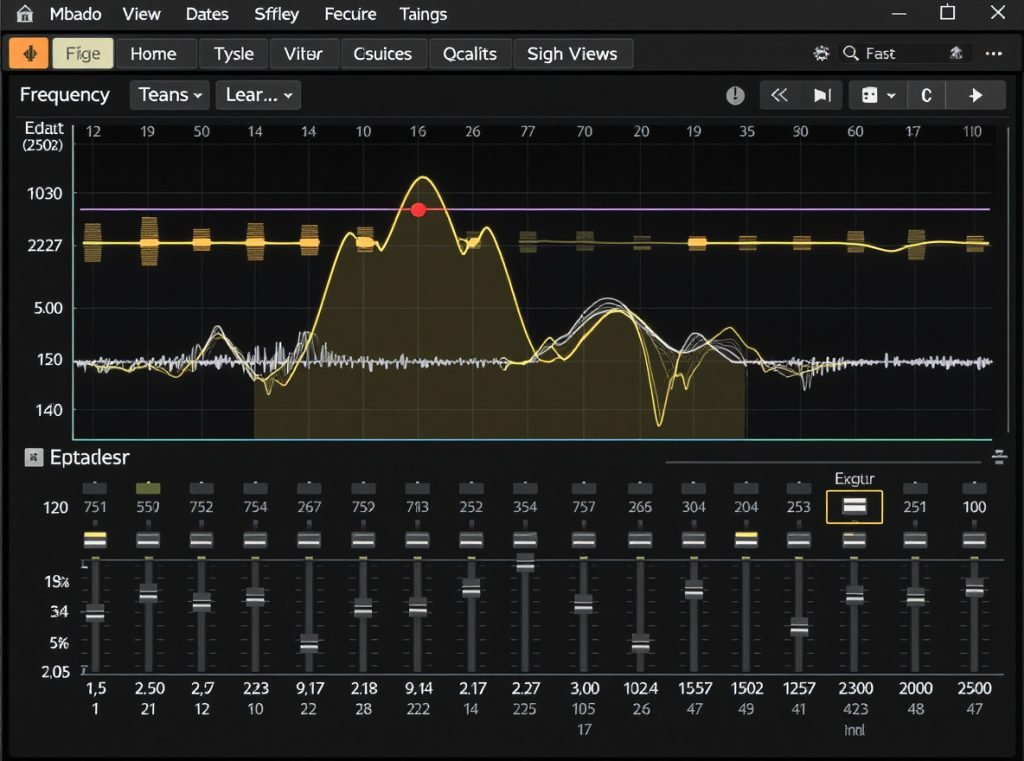
Optimal EQ strategies for perceived loudness:
Frequency-specific adjustments:
- Cut 300-500Hz by -2 to -4dB to reduce muddiness and make other frequencies more prominent
- Boost 2-5kHz range by +3 to +6dB where ear sensitivity peaks for natural loudness increase
- Enhance 4-16kHz by +2 to +4dB for presence and clarity without harshness
Platform-specific EQ access:
| App/Platform | EQ Location | Best Preset | Custom Options |
|---|---|---|---|
| Spotify | Settings > Audio Quality > Equalizer | “Vocal Booster” | 6-band custom |
| Apple Music | Settings > Music > EQ | “Late Night” | Fixed presets only |
| YouTube Music | Settings > Audio Quality | Custom profile | Full manual control |
| Android System | Settings > Sound > Equalizer | User-defined | Platform dependent |
EQ best practices:
Start with flat settings and make small adjustments within ±6dB range. Cut competing frequencies before boosting desired ones—often more effective than pure amplification. Test across multiple music genres since optimal settings vary by content type.
Why Is Proper Fit Critical for Maximum Volume?
Poor earbud fit doesn’t just affect comfort—it directly impacts volume by allowing sound to leak out instead of creating the sealed acoustic environment necessary for full sound reproduction.
A poor seal results in significant loss of bass response, making audio seem quiet and thin, while proper ear canal sealing can increase perceived volume by 10-15dB while dramatically improving overall sound quality.
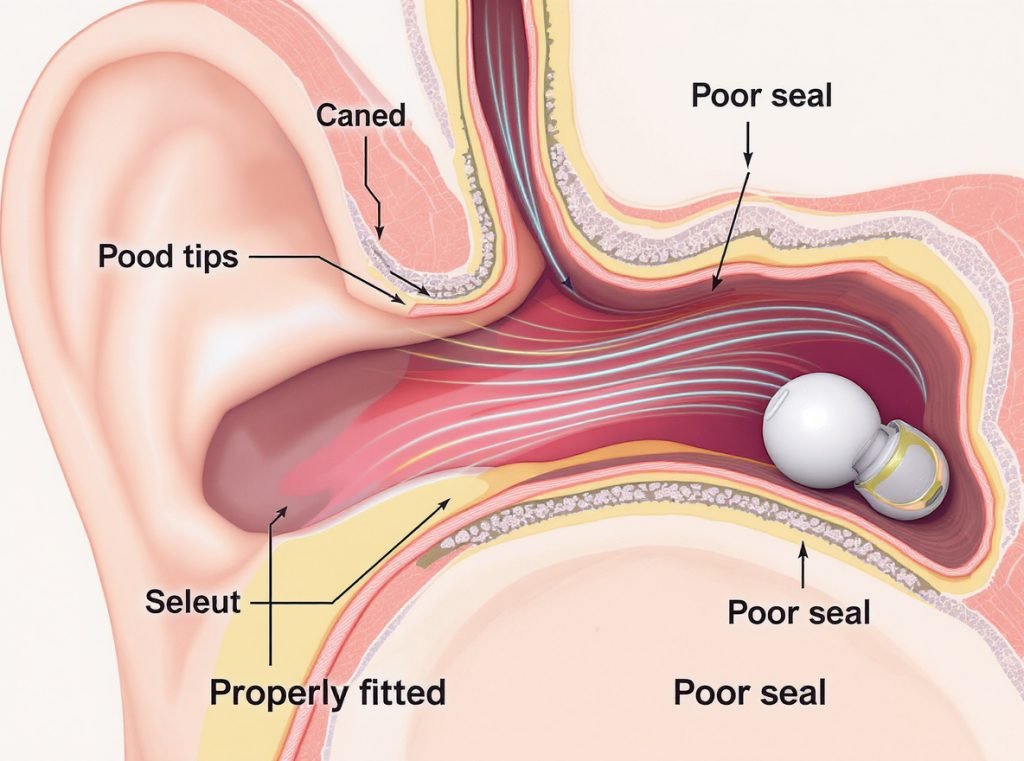
Signs indicating poor fit:
- Constant readjustment needed during use
- Lack of bass response even with bass-heavy music
- Outside noise easily bleeding through
- Frequent volume adjustments required for consistent loudness
Comprehensive fit optimization:
Ear tip experimentation:
Try all included sizes (S/M/L) and consider mixing different sizes for each ear since ears aren’t necessarily symmetrical. The correct size should seal against your ear canal without the tip folding in on itself.
Material alternatives:
Foam tips often create superior seals compared to silicone by expanding to fill your ear canal completely. However, they may slightly reduce high-frequency response due to material properties.
Insertion depth testing:
Many users don’t insert earbuds deeply enough. The entire ear tip should sit securely within your ear canal, not just rest at the entrance.
Professional seal testing:
Use audio tracks with 50Hz and 500Hz tones—these should sound equally loud when properly sealed. Significant volume differences indicate seal problems requiring fit adjustment.
How Do I Fix Bluetooth Connection Issues Affecting Volume?
Poor Bluetooth connectivity frequently causes volume inconsistencies, with earbuds sometimes defaulting to hands-free mode that severely compromises audio quality and perceived loudness.
Bluetooth headphones may automatically switch to hands-free mode during calls, drastically reducing audio quality because A2DP high-quality audio protocol cannot handle bidirectional communication required for microphones.
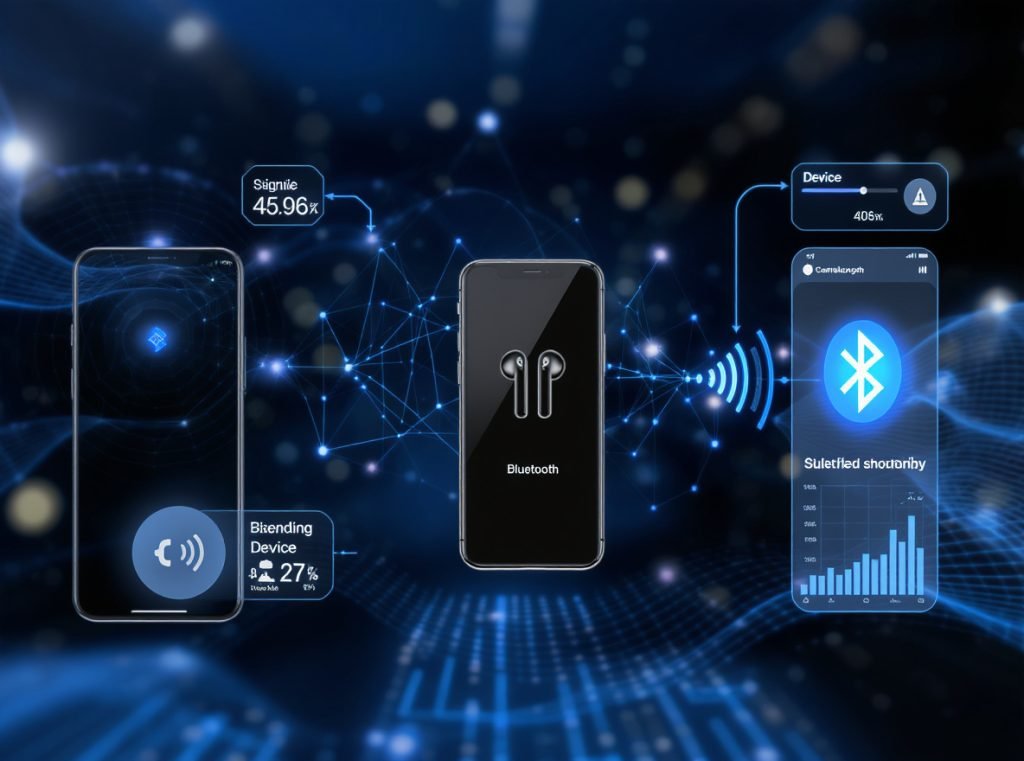
Complete Bluetooth optimization process:
Connection reset procedure:
- Complete unpairing: Bluetooth settings > find earbuds > select “Forget” or “Unpair”
- Clear system cache (Android): Settings > Apps > Bluetooth > Storage > Clear Cache
- Reset network settings (iOS): Settings > General > Reset > Reset Network Settings
- Hardware reset: Follow manufacturer’s earbud reset procedure (typically 10+ second button hold)
- Fresh pairing: Start pairing process completely fresh as new device
Advanced connection optimization:
- Disable hands-free services in device properties if microphone functionality isn’t needed
- Update Bluetooth drivers and ensure A2DP protocol support for maximum quality streaming
- Minimize interference by turning off nearby Bluetooth devices during critical listening
- Maintain proximity by keeping devices within 3 feet for strongest signal quality
Protocol and codec optimization:
Ensure your device supports high-quality Bluetooth codecs like aptX or LDAC for better audio transmission that maintains volume levels and reduces compression artifacts.
When Should I Consider Hardware Upgrades for Maximum Volume?
If software solutions prove insufficient, hardware limitations might be the fundamental bottleneck preventing adequate volume levels from your current setup.
Focus on sensitivity ratings above 110 dB/V and impedance under 32Ω when shopping for naturally louder earbuds, as these specifications directly determine maximum volume output capability.
Critical specifications for loud earbuds:
Sensitivity ratings (most important):
Higher sensitivity means louder output with identical power input. Look for earbuds with sensitivity ratings above 110 dB/V for significantly louder performance than typical 95-105 dB/V models.
Impedance considerations:
Choose low-impedance earbuds (under 32Ω) for smartphone and portable device use. Low-impedance headphones are more sensitive and produce louder volumes with less power demand.
Driver technology impact:
| Driver Type | Volume Capability | Bass Response | Detail Level |
|---|---|---|---|
| Dynamic (10-15mm) | Highest sensitivity | Excellent | Good |
| Balanced Armature | Lower sensitivity | Limited | Excellent |
| Hybrid Design | High sensitivity | Very good | Excellent |
| Planar Magnetic | Variable | Excellent | Superior |
External amplification options:
For users requiring maximum volume, external headphone amplifiers provide substantial boosts. Desktop amplifiers can increase power from ~30mW to ~125mW, translating to approximately 6dB louder output—a significant perceived volume increase.
Mobile amplification solutions:
Portable headphone amplifiers designed for mobile use plug between your audio source and earbuds, providing additional clean power for louder, clearer sound without requiring desktop setups.
What Are the Best Safety Practices for High-Volume Listening?
While pursuing louder audio, protecting your long-term hearing health remains paramount for continued enjoyment of music and audio content.
Prioritize safe listening levels below 85dB for extended periods, use noise-cancelling earbuds to achieve perceived loudness without high actual volume levels, and monitor daily audio exposure through device hearing health features.
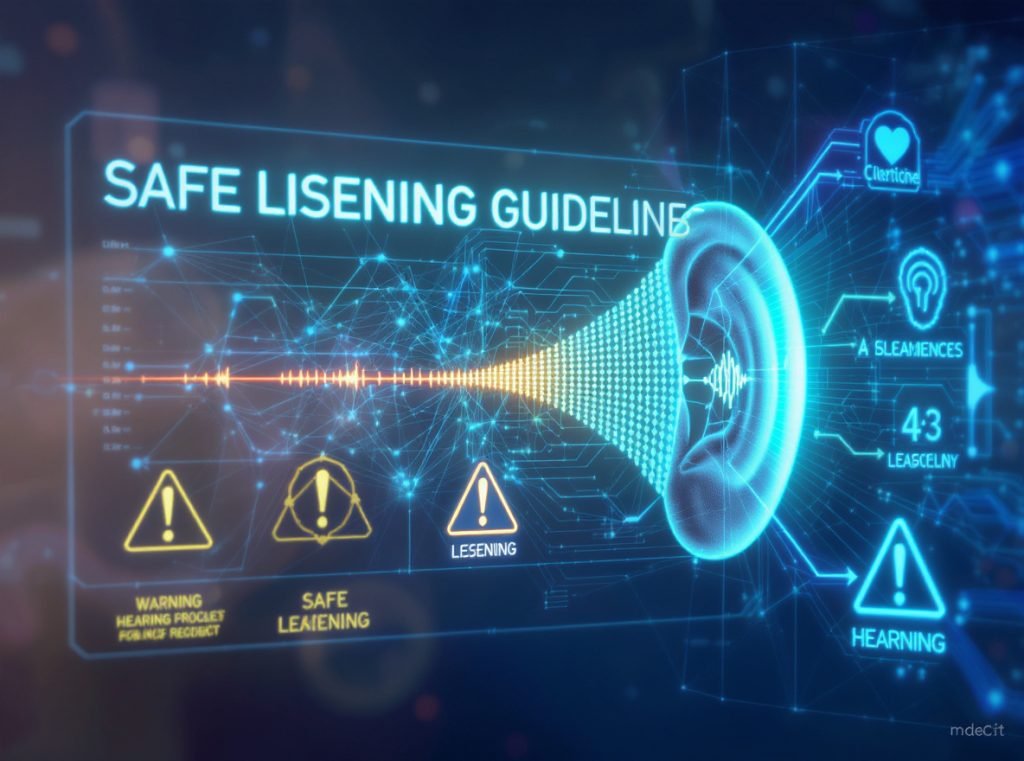
Volume safety guidelines:
- 85dB maximum: Safe for 8-hour daily exposure without hearing damage risk
- 90dB limit: Maximum 2.5 hours daily exposure recommended
- 95dB ceiling: Limit to 47 minutes daily to prevent permanent hearing loss
- 100dB+ dangerous: Avoid sustained exposure above this level
Protective listening strategies:
- Take regular breaks: 15-minute breaks every hour during loud listening sessions
- Use noise cancellation: Active noise cancelling reduces need for high volumes in noisy environments
- Monitor exposure: Pay attention to device hearing health warnings and daily exposure tracking
- Gradual increases: Slowly adjust to higher volumes rather than sudden jumps
Device monitoring tools:
Many modern smartphones include hearing health monitoring that tracks daily audio exposure. Use these warnings to adjust listening habits and maintain long-term hearing health while enjoying enhanced volume levels.
Summary
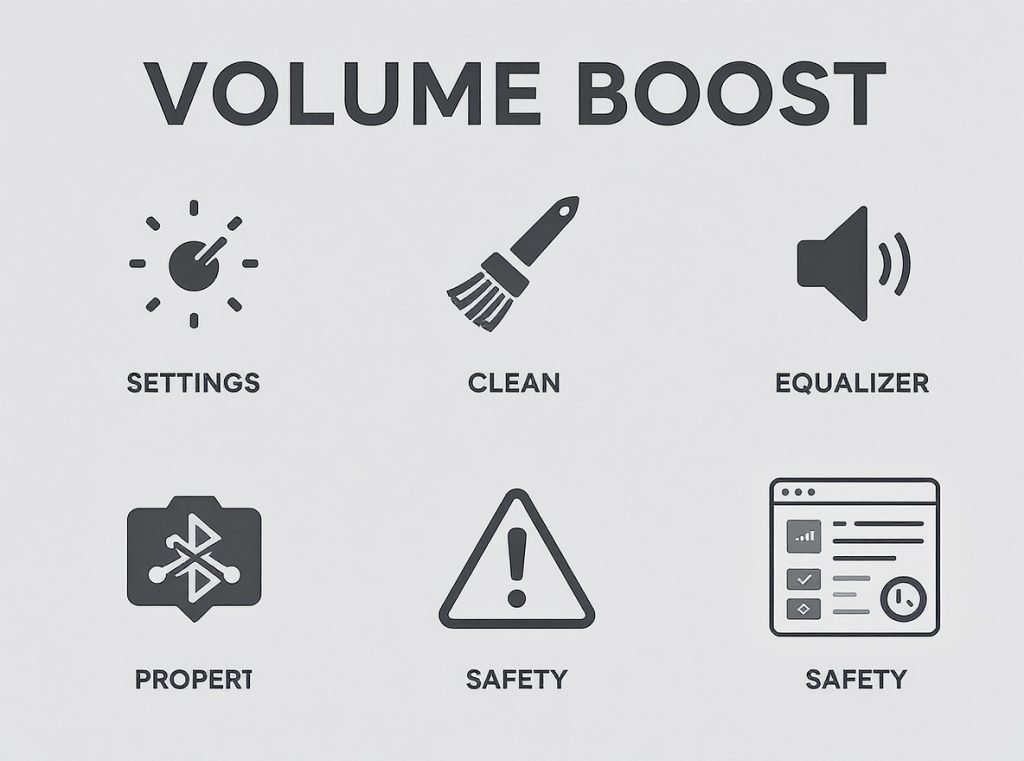
Achieving louder wireless earbuds involves strategic combination of software optimization, hardware maintenance, and smart equipment choices. Start with disabling volume limiters and cleaning buildup—these free solutions resolve most volume problems immediately. For persistent issues, use targeted EQ adjustments, volume apps, or consider hardware upgrades based on your specific requirements.
Ready to source premium wireless earbuds with superior volume output for your business? Osmarto specializes in manufacturing high-sensitivity earbuds with exceptional volume capability and consistent performance standards. Our experienced engineering team helps wholesalers, distributors, and retailers develop audio products with optimal volume characteristics for their target markets. Contact us today for technical specifications and wholesale pricing—let’s discuss how Osmarto can deliver the loud, clear wireless earbuds your customers demand for their listening experience.