Skip to content
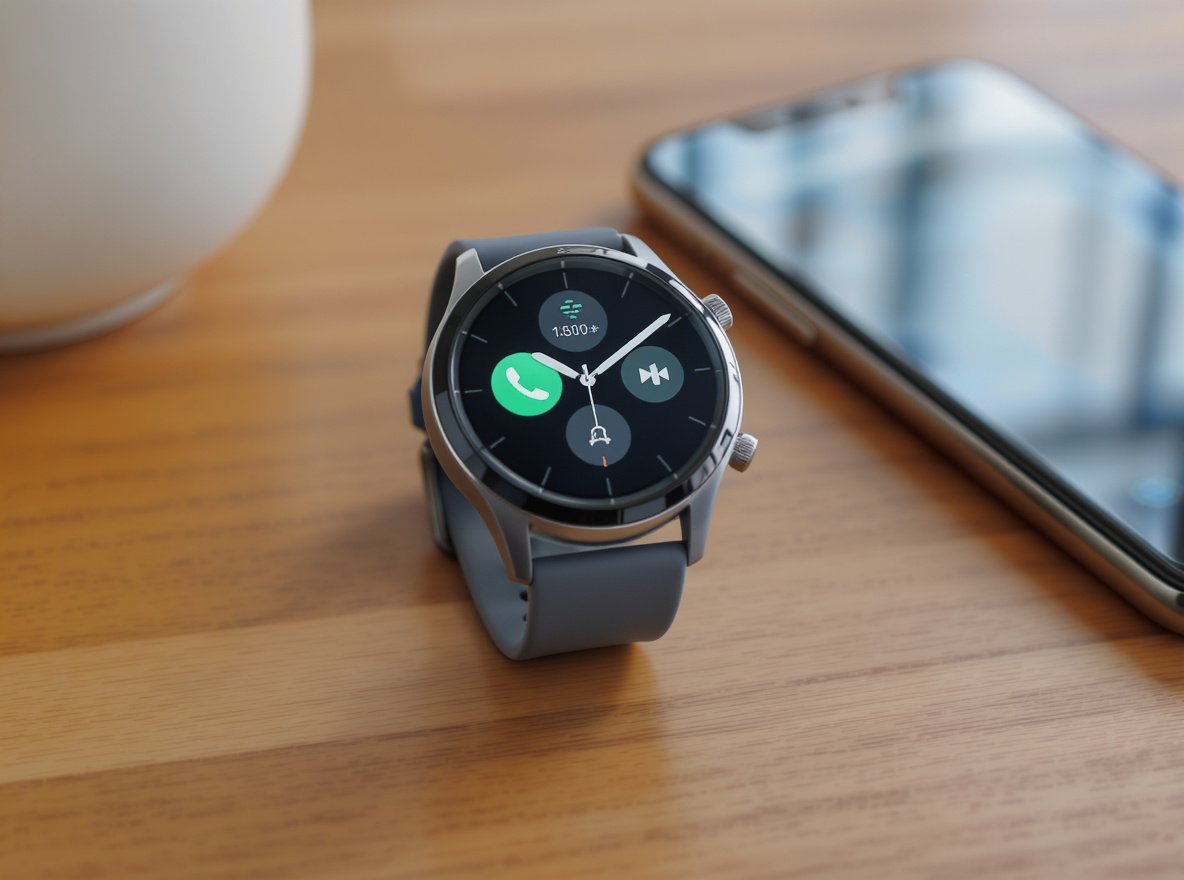
Are you tired of constantly checking your phone for messages, calls, and app alerts? You’re not alone. Many people want a simple smartwatch that delivers notifications without the complexity and battery drain of advanced features. The constant phone checking disrupts productivity and creates unnecessary stress throughout your day.
The best smartwatches for notifications prioritize battery life, clear display quality, reliable connectivity, and simple user interfaces. Top models include the Amazfit Bip 6 (best budget under $100), Samsung Galaxy Watch 8 (best for Android), Google Pixel Watch 3 (refined Wear OS), and Apple Watch Series 10 (premium iOS integration).
Keep reading to discover which notification-focused smartwatch matches your specific needs and budget requirements.
Which Features Matter Most for Notification Smartwatches?
Understanding the essential features helps you avoid paying for unnecessary complexity while ensuring reliable notification delivery throughout your day.
Notification-focused smartwatches need brightness levels of at least 1,000 nits for outdoor visibility, always-on display capability, customizable screen timeout settings, and auto-brightness functionality. These core features determine notification readability and battery performance.
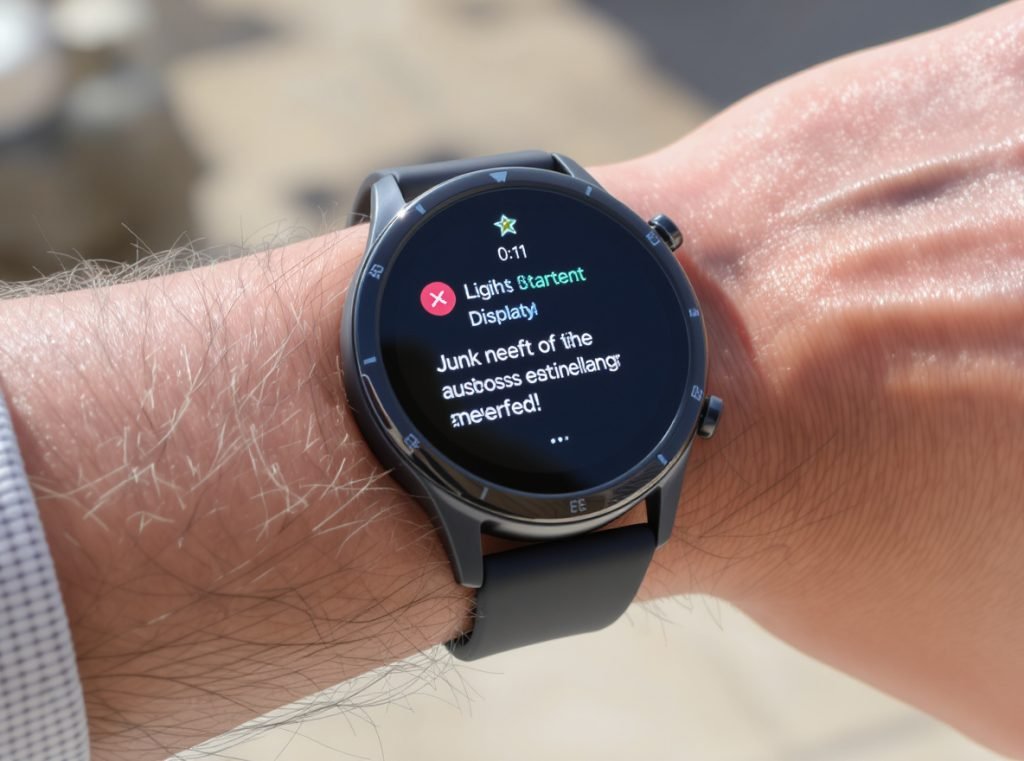
Essential Display Requirements
Screen brightness directly impacts your notification experience in various lighting conditions. Modern notification smartwatches require minimum 1,000 nits brightness for outdoor visibility, with premium models like the Galaxy Watch Ultra reaching up to 3,000 nits for exceptional clarity.
Always-on display capability allows instant notification viewing without wrist gestures or button presses. However, this feature can reduce battery life by 5-15% daily, making customizable timeout settings crucial for power management.
Auto-brightness functionality balances visibility with power consumption, automatically adjusting screen brightness based on ambient light conditions. This feature significantly extends battery life while maintaining optimal readability.
| Feature | Recommended Specification | Impact on Battery |
|---|---|---|
| Brightness | 1,000+ nits minimum | Moderate |
| Always-On Display | Customizable on/off | 5-15% daily drain |
| Screen Timeout | 10-15 seconds maximum | Significant savings |
| Auto-Brightness | Enabled at 50% max | 10-20% improvement |
Advanced Notification Management
Modern smartwatches offer sophisticated notification controls beyond basic alert delivery. App-specific notification filtering allows you to show only essential alerts, reducing information overload while preserving important communications.
Custom vibration patterns and sounds help differentiate between app types without looking at your watch. You can assign unique vibration patterns for calls, texts, emails, and other applications through companion apps or third-party solutions.
What Are the Top Budget-Friendly Notification Smartwatches?
Budget-conscious buyers can access excellent notification functionality without premium pricing when choosing the right models.
The Amazfit Bip 6 leads budget options under $100 with week-long battery life, SpO2 tracking, and temperature monitoring. The CMF Watch Pro 2 offers built-in GPS and Bluetooth calling, while the TicWatch E3 provides full Wear OS experience under $75.
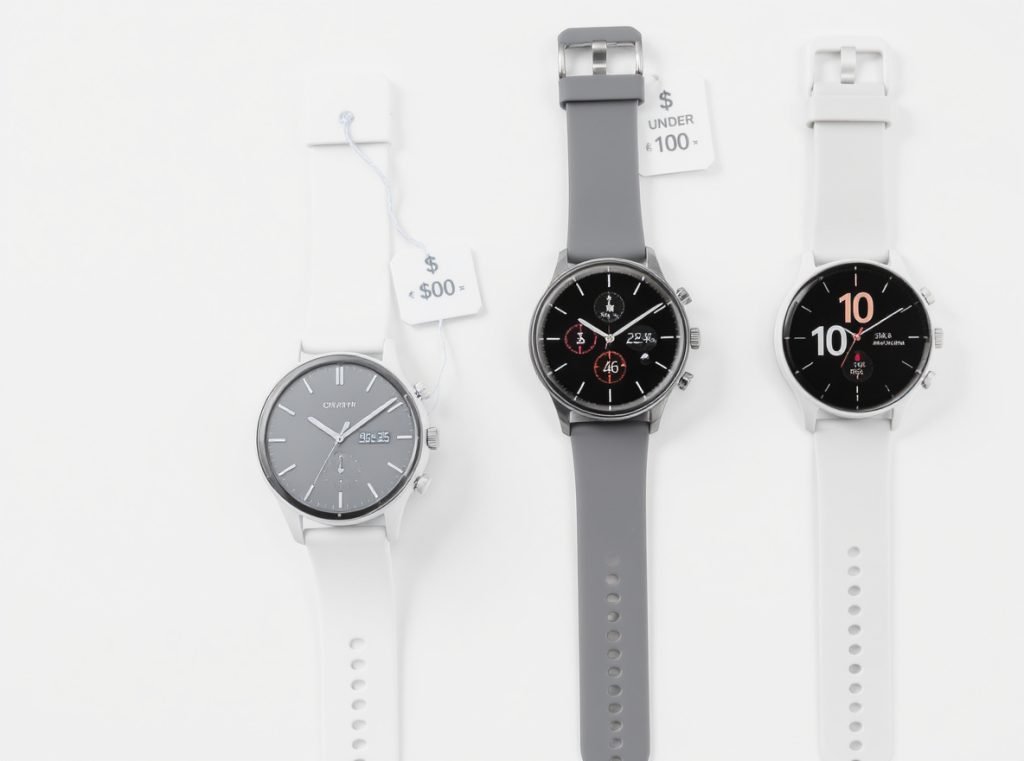
Best Value Under $100
The Amazfit Bip 6 stands out as the best budget option for notification-only users, delivering features typically found in watches costing twice as much. You get over a week of battery life with heavy notification use, making it ideal for users prioritizing longevity.
The CMF Watch Pro 2 provides impressive value with built-in GPS, Bluetooth calling capabilities, and 7-day battery life. This model excels at delivering clear notifications while maintaining essential smartwatch functionality.
Cross-platform compatibility makes the Amazfit Active 2 excellent for users switching between iOS and Android devices. At just $99, it delivers reliable notification capabilities across different smartphone brands.
Budget advantages include:
- Lower replacement costs if damaged
- Extended battery life from simplified features
- Reduced learning curve with intuitive interfaces
- Focus on core notification functionality
$100-200 Range Options
The Samsung Galaxy Watch FE provides core Wear OS functionality for Android users seeking premium notification management at accessible pricing. You get comprehensive Google integration and reliable alert delivery.
The TicWatch E3 offers full Wear OS experience despite some design compromises, making it extremely budget-friendly for users wanting advanced notification features without premium costs.
How Do Premium Smartwatches Handle Notifications Differently?
Premium models offer advanced notification management features that justify higher prices through superior user experiences and ecosystem integration.
Premium smartwatches provide seamless ecosystem connectivity, enhanced AI assistants like Google Gemini, deep app integration for better context, and superior hardware including brighter displays up to 3,000 nits and improved haptic feedback for more noticeable alerts.
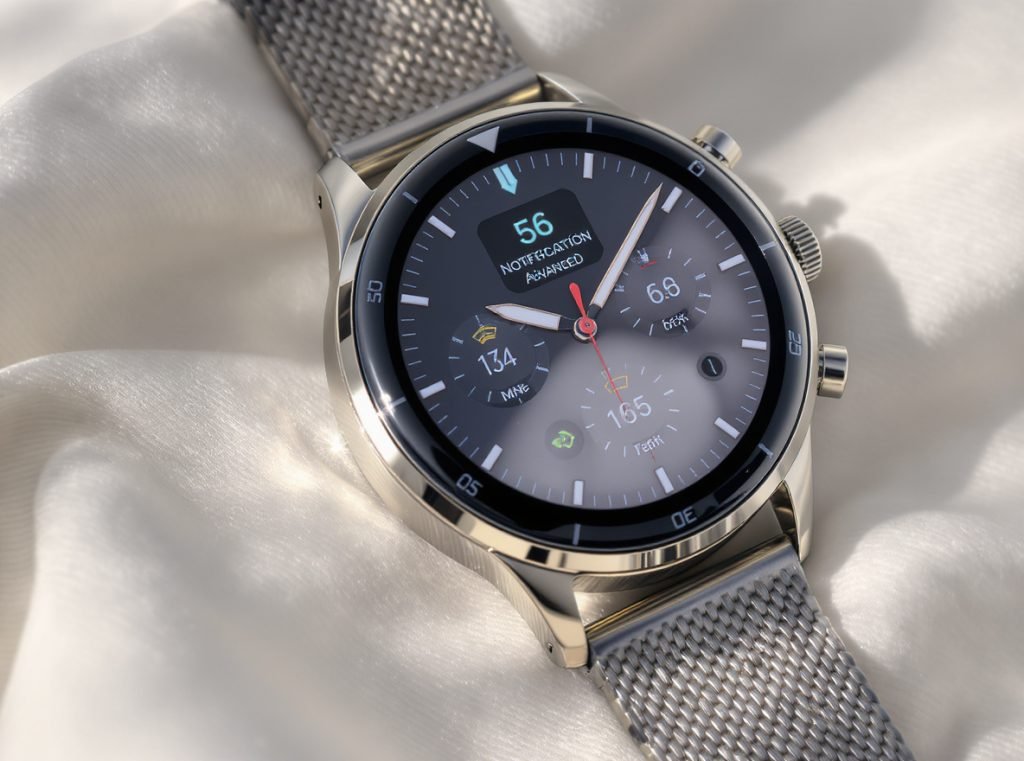
Advanced Integration Benefits
The Apple Watch Series 10 offers unmatched ecosystem integration for iPhone users, providing sophisticated notification handling through Siri integration and comprehensive app ecosystem support. You get voice dictation for message replies and intelligent notification prioritization.
The Samsung Galaxy Watch 8 features Google Gemini AI assistant integration, learning your preferences to surface important alerts while filtering less critical messages. This AI-powered approach provides personalized notification management based on usage patterns.
Google Pixel Watch 3 delivers refined Wear OS experience with excellent Android integration, supporting seamless contact synchronization and comprehensive notification customization options.
Premium notification advantages:
- Voice dictation for quick message responses
- Smart notification grouping and prioritization
- Do Not Disturb automation based on calendar events
- App-specific notification rules and customization
- Integration with productivity and calendar applications
Superior Hardware Performance
Premium models excel through better haptic feedback systems that ensure you never miss important alerts, especially in noisy environments or during physical activities. Enhanced speakers provide clearer audio notifications for hands-free communication.
Brighter displays reaching up to 3,000 nits on models like the Galaxy Watch Ultra ensure perfect visibility in direct sunlight, making notification reading effortless regardless of environmental conditions.
| Premium Model | Key Notification Feature | Battery Life | Price Range |
|---|---|---|---|
| Apple Watch Series 10 | Siri voice responses | 18-24 hours | $400-600 |
| Samsung Galaxy Watch 8 | Google Gemini AI | 2-3 days | $300-450 |
| Google Pixel Watch 3 | Refined Wear OS | 24-48 hours | $350-500 |
Which Smartwatches Work Best with Android Phones?
Android users need smartwatches optimized for Google’s ecosystem to ensure reliable notification delivery and comprehensive management capabilities.
The Samsung Galaxy Watch 8 offers the most comprehensive Android integration with Google Gemini AI assistant and Samsung Galaxy phone exclusive features. Cross-platform options like Amazfit series and Huawei watches provide reliable notification support for both iOS and Android.
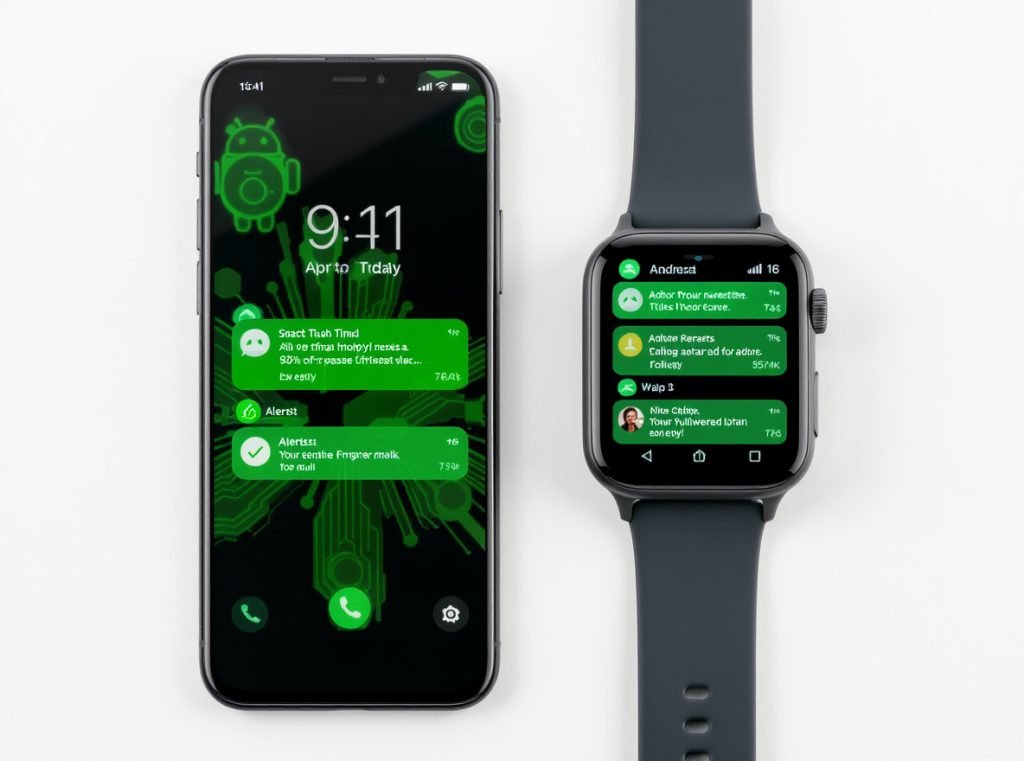
Best Overall Android Integration
The Samsung Galaxy Watch 8 provides superior notification handling through Google Gemini integration and exclusive Samsung Galaxy phone features like ECG and blood pressure monitoring. You get excellent notification management through Wear OS with deep Android system integration.
Galaxy Watch models integrate seamlessly with Android’s notification system, supporting Smart Reply suggestions and comprehensive call handling. You can customize notification behavior for each installed app through the Galaxy Wearable companion app.
Wear OS devices offer the most comprehensive Android integration available. You receive notifications for texts, missed calls, calendar events, and app reminders with consistent behavior matching your phone’s notification settings.
Android optimization benefits:
- Google Assistant voice commands for hands-free responses
- Gmail and Google Workspace app integration
- Android Auto connectivity for automotive notifications
- Google Play Store app notification support
- Seamless contact and calendar synchronization
Cross-Platform Compatibility
For users switching between platforms or managing multiple devices, the Amazfit series (Bip 6, Active 2) works reliably with both iOS and Android systems. These watches maintain consistent notification delivery regardless of connected smartphone brand.
Huawei watches provide consistent cross-platform notification support, ensuring reliable alert delivery whether connected to Android or iOS devices. This flexibility appeals to users with mixed device ecosystems.
What About Battery Life for Notification-Only Users?
Battery performance becomes the deciding factor when notifications are your primary smartwatch function, with proper optimization extending usage significantly.
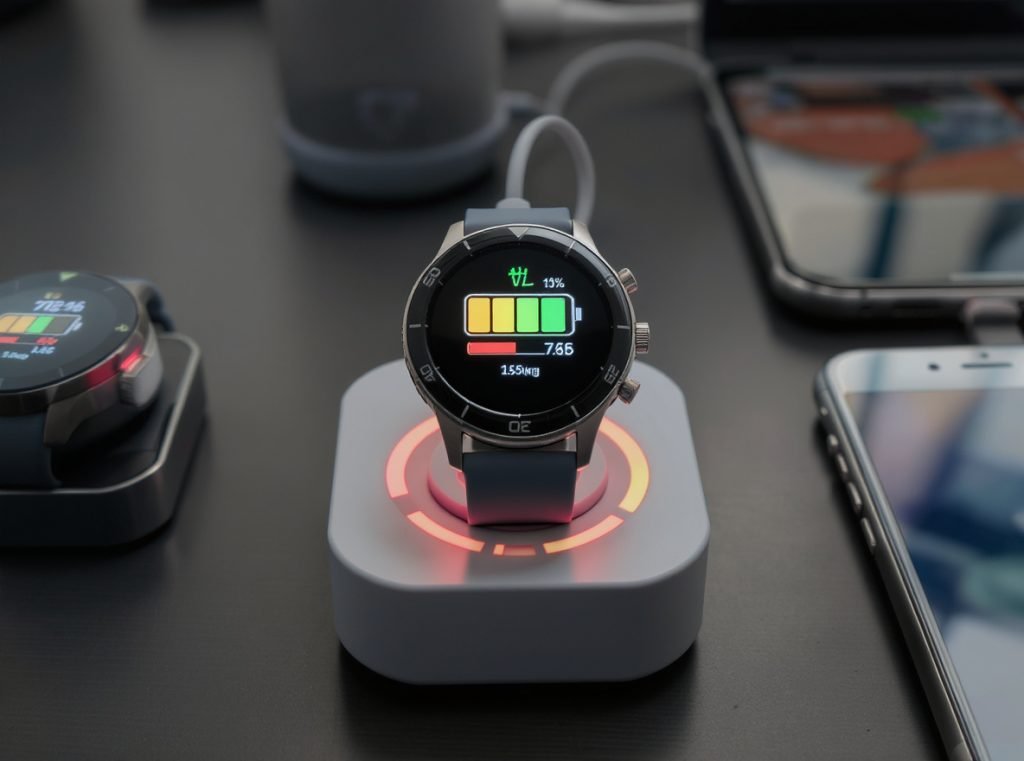
Notification-heavy users can achieve 5-14 days of battery life through strategic power management. The Amazfit Bip 6 delivers 7+ days with heavy notification use, while disabling always-on display saves 5-15% daily battery consumption.
Power Management Strategies
Always-on display functionality significantly impacts battery life, consuming 5-15% additional power daily. Disabling this feature while maintaining notification effectiveness can dramatically extend usage between charges.
Screen timeout settings directly affect power consumption. Reducing timeout to 10-15 seconds maximum provides optimal balance between usability and battery conservation for notification-focused usage.
Auto-brightness or manual brightness control at 50% or lower significantly improves battery performance while maintaining adequate notification visibility in most lighting conditions.
Battery optimization techniques:
- Disable always-on display for 5-15% daily savings
- Reduce screen timeout to 10-15 seconds maximum
- Customize notification frequency to essential apps only
- Use auto-brightness or 50% manual brightness setting
- Turn off unused health sensors and GPS tracking
Long-Lasting Options
The Amazfit Bip 6 leads battery performance with 7+ days of heavy notification use, making it ideal for users prioritizing longevity over advanced features. This exceptional battery life eliminates daily charging concerns.
Garmin Vivoactive series provides multi-week battery life in smartwatch mode, appealing to users wanting extended usage without frequent charging interruptions.
New Pebble Core models offer 30-day battery life with e-paper displays, representing the ultimate in notification-focused longevity for users willing to sacrifice color displays for extended operation.
| Battery Category | Duration | Best For | Example Models |
|---|---|---|---|
| Ultra Long | 14+ days | Minimal feature users | Pebble Core, E-ink watches |
| Extended | 7-14 days | Notification-focused | Amazfit Bip 6, Garmin series |
| Standard | 3-7 days | Balanced usage | Mid-range smartwatches |
| Premium | 1-3 days | Feature-rich | Apple Watch, Galaxy Watch |
How Do You Set Up Notifications Properly?
Proper notification setup ensures you receive important alerts while avoiding information overload that can reduce productivity and increase stress.
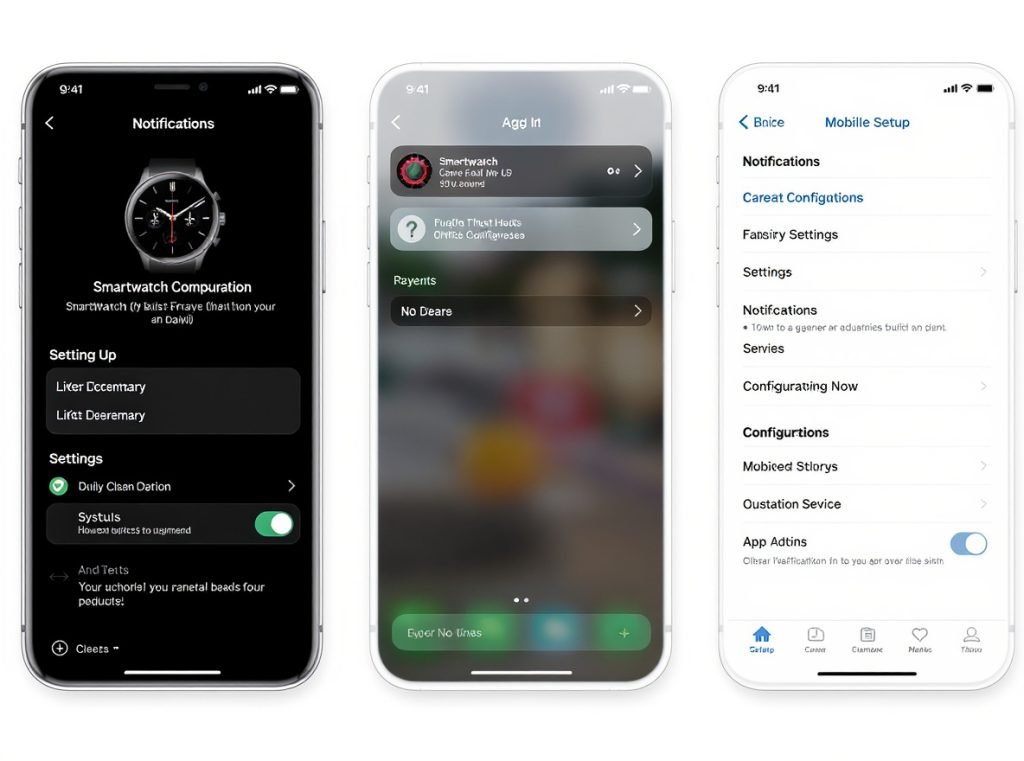
Effective notification setup involves installing companion apps, enabling Bluetooth and location permissions, pairing devices, configuring app-specific permissions, and customizing vibration patterns. Advanced users can implement custom notification grouping and Do Not Disturb scheduling.
Android Setup Process
Start by installing the appropriate companion app such as Galaxy Wearable for Samsung watches, Wear OS for Google-compatible devices, or brand-specific applications for other manufacturers.
Enable Bluetooth and location permissions on your smartphone to ensure reliable pairing and notification delivery. These permissions are essential for maintaining consistent connectivity between devices.
Pair your watch through the companion app’s device search function, following the on-screen prompts to establish secure connection. Most modern watches use simple pairing processes with automatic device discovery.
Android configuration steps:
- Install companion app from Google Play Store
- Enable Bluetooth and location permissions
- Pair watch through app’s device search
- Configure notification permissions for specific apps
- Customize vibration patterns and sound alerts
Advanced Configuration Options
Custom vibration patterns help differentiate between app types using third-party solutions like Custom Wear Notifications. You can assign unique vibration patterns for calls, texts, emails, and other applications.
Notification grouping organizes alerts by category or priority, reducing screen clutter while maintaining access to important information. This feature helps manage high-volume notification environments.
Do Not Disturb scheduling prevents notifications during specific hours like sleep time or important meetings, while allowing emergency contacts to bypass restrictions for critical communications.
Smart configuration features:
- Custom vibration patterns through third-party apps
- Notification grouping by category or priority
- Do Not Disturb scheduling for specific hours
- Emergency contact bypass settings
- App-specific notification rules and timing
What Should Wholesale Buyers Consider?
Wholesale buyers need smartwatches that balance notification functionality with market appeal, profit margins, and reliable performance across diverse customer bases.
Wholesale considerations include minimum order quantities typically ranging from 100-1000 units, price breaks at 1K, 3K, and 5K unit quantities, custom branding availability with 1000+ unit MOQs, and focus on cross-platform compatibility for broader market appeal.
Key Wholesale Factors
Minimum order quantities vary by manufacturer and established brand recognition. Entry-level orders typically start at 100-1000 units, with significant price breaks occurring at higher volume thresholds.
Custom branding opportunities become available with orders of 1000+ units, allowing retailers to develop private label smartwatch lines focused on notification functionality rather than advanced features.
Cross-platform compatibility ensures broader market appeal by supporting both iOS and Android users. This compatibility reduces inventory complexity while maximizing potential customer base.
Wholesale priorities:
- MOQ requirements from 100-1000 units for established brands
- Price breaks at 1K, 3K, and 5K unit quantities
- Custom branding availability with higher volume orders
- Cross-platform compatibility for market coverage
- Reliable companion apps with regular updates
Quality Assurance Priorities
Focus on suppliers offering established companion apps with regular updates to ensure consistent notification delivery and user experience. Outdated or abandoned apps create customer satisfaction issues.
Quality displays with adequate brightness for outdoor use are essential for notification readability. Minimum 1,000 nits brightness ensures customer satisfaction across various usage environments.
Consistent Bluetooth performance prevents notification gaps that can frustrate users and lead to product returns. Reliable connectivity is fundamental for notification-focused devices.
Essential quality factors:
- Established companion apps with ongoing support
- Reliable notification delivery across smartphone brands
- Quality displays with minimum 1,000 nits brightness
- Consistent Bluetooth performance and connectivity
- Long-term software support and security updates
Contact Osmarto today to explore our comprehensive smartwatch catalog designed for notification-focused users. Our wholesale team provides competitive pricing, quality assurance, and market insights to help your business succeed in the growing wearable technology market.
Summary
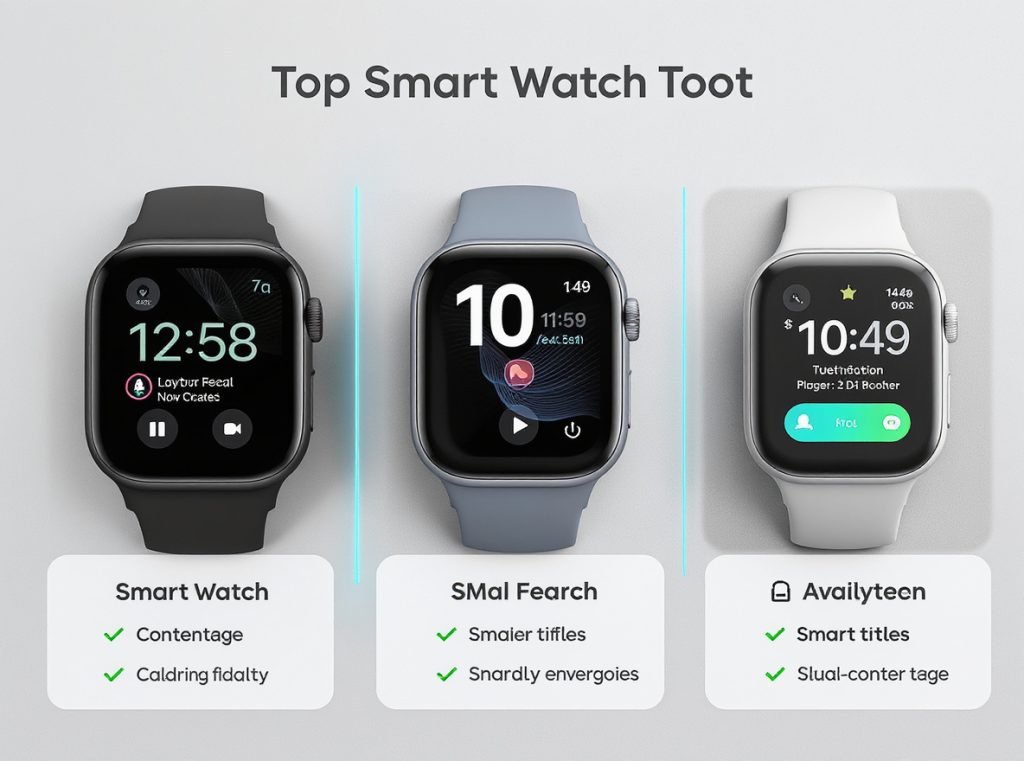
The best notification smartwatches balance display brightness, battery life, and reliable connectivity without unnecessary complexity. Top choices include Amazfit Bip 6 for budget users, Samsung Galaxy Watch 8 for Android integration, and Apple Watch Series 10 for premium iOS experience. Proper setup and power management ensure optimal notification delivery.
Ready to stock notification-focused smartwatches for your customers? Contact Osmarto’s wholesale team to discover our latest inventory and competitive pricing options tailored for retailers and distributors worldwide.