Skip to content
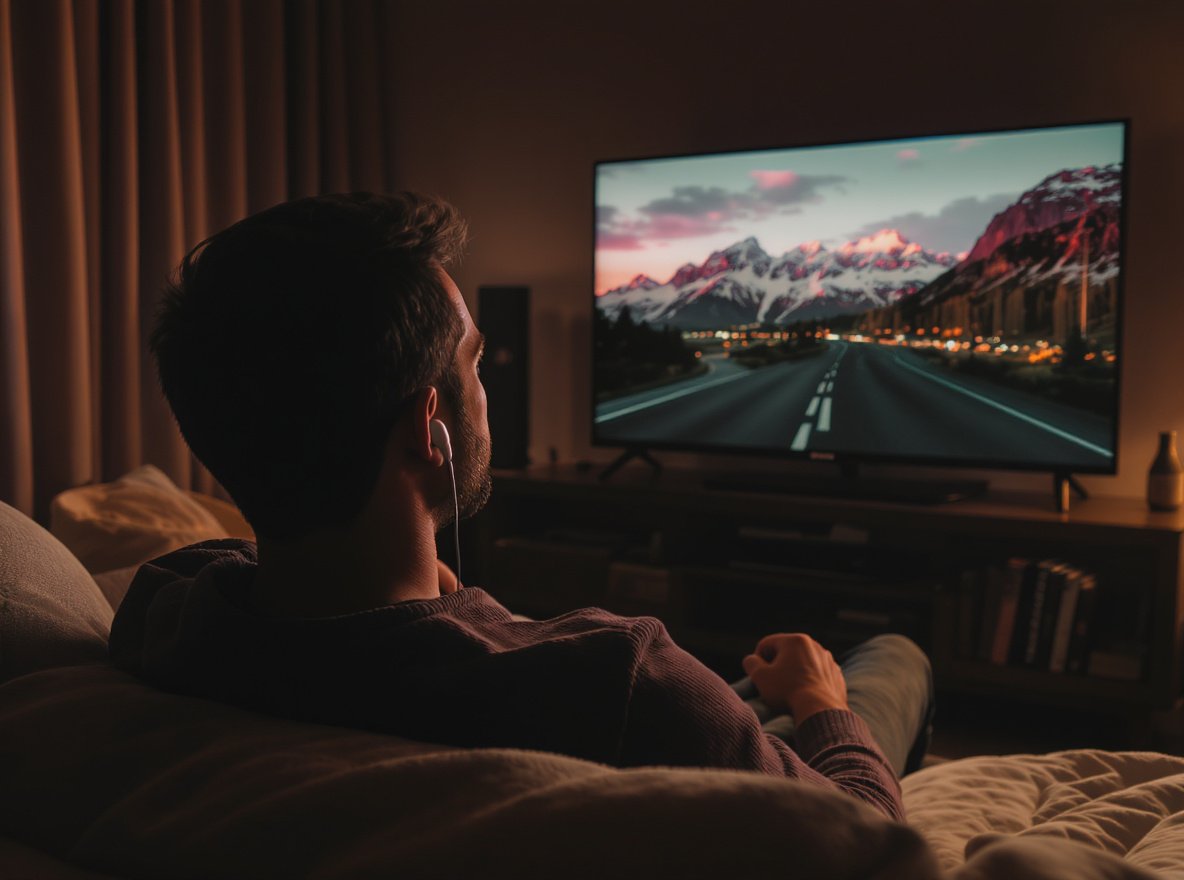
Late-night movie sessions, early morning news watching, or binge-watching your favorite series while others sleep nearby – we’ve all been there. Finding the right earbuds for TV watching can transform your entertainment experience without disturbing family members or neighbors.
The best earbuds for TV watching are the Sony WF-1000XM5 for premium performance, Soundcore Space A40 for exceptional value, and Avantree HT4186 for specialized TV use. Look for models supporting aptX Low Latency codec (under 40ms delay), 8+ hour battery life, and comfortable ergonomic design for extended viewing sessions.
Keep reading to discover why these specific models excel for TV watching and how to choose the perfect earbuds for your viewing habits.
What Makes Earbuds Ideal for TV Watching?
TV watching presents unique challenges compared to music listening. Audio-video synchronization becomes critical when you can see lips moving on screen, and comfort matters during extended viewing sessions.
Ideal TV earbuds must have ultra-low latency (under 40ms using aptX Low Latency codec), extended battery life (8+ hours minimum), and lightweight ergonomic design. The HUAWEI FreeBuds Pro 3 achieves exceptional 100ms latency for precise lip-sync accuracy.
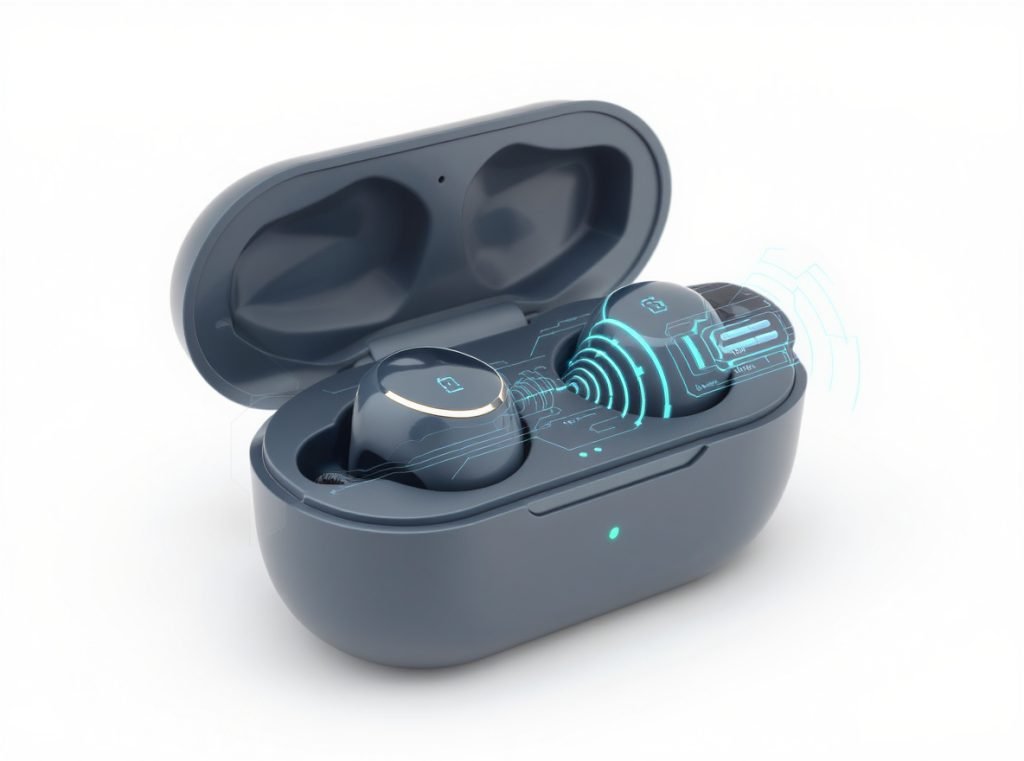
The most important factor is latency – the delay between audio transmission and what you hear. Unfortunately, standard Bluetooth can have delays of 200-500ms, making dialogue appear completely out of sync. However, aptX Low Latency reduces this to approximately 40ms, which is barely perceptible to most viewers.
Battery life becomes crucial during marathon viewing sessions. Fortunately, the best TV earbuds now offer impressive endurance:
- Technics EAH-AZ100: Delivers 10 hours with noise cancellation active
- JBL Tour Pro 3: Provides up to 48 hours total with charging case
- Avantree HT4289: Achieves exceptional 40 hours total battery life
Furthermore, comfort matters significantly during extended use. The Soundcore Space A40 weighs just slightly more than “squashed marbles” while maintaining all-day comfort, preventing the ear fatigue common with heavier models.
| Feature | Minimum Requirement | Optimal Performance |
|---|---|---|
| Latency | Under 40ms | Under 20ms (RF systems) |
| Battery Life | 6 hours | 8+ hours continuous |
| Weight | Under 10g per earbud | Under 7g per earbud |
| Codec Support | aptX Low Latency | aptX Adaptive or LDAC |
Which Bluetooth Codec is Best for TV Audio?
Audio codecs determine how sound travels from your TV to earbuds, with different codecs offering varying levels of quality and latency performance. For TV watching, synchronization takes priority over pure audio quality.
aptX Low Latency is essential for TV viewing, reducing delay to 40ms for imperceptible lip-sync issues. LDAC offers superior audio quality but may introduce latency. For TV content, aptX Low Latency takes priority over audio quality because synchronization is crucial for enjoyable viewing.
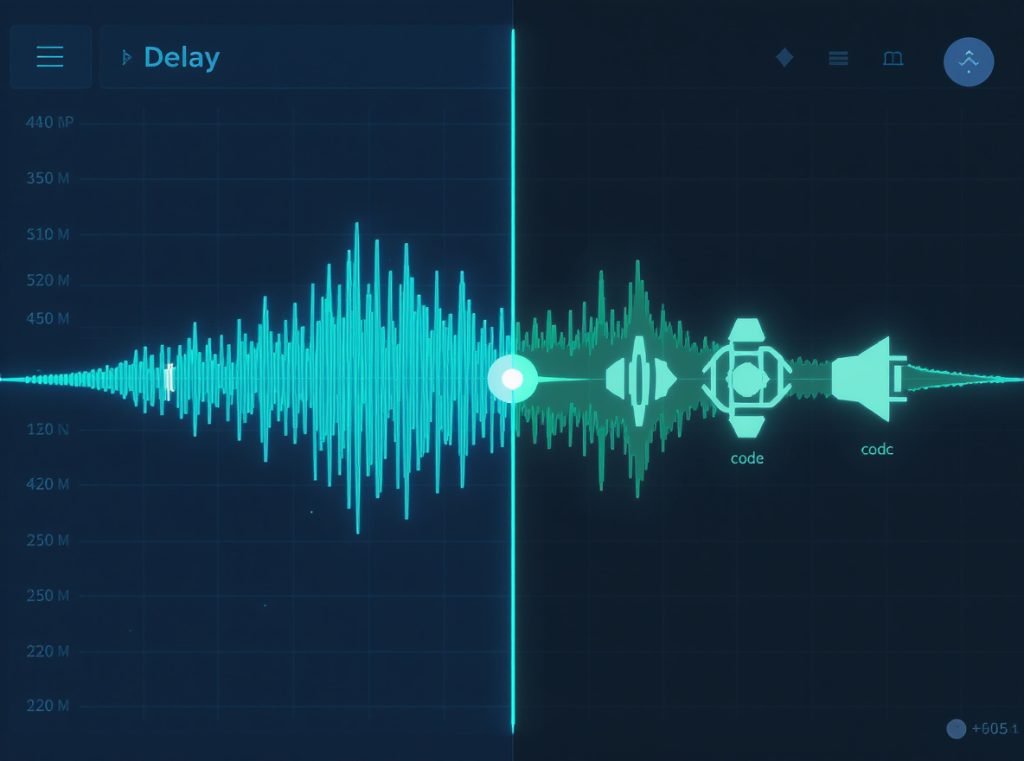
The codec hierarchy for TV watching differs significantly from music listening priorities. While LDAC supports up to 990 kbps and 24-bit/96kHz audio, its potential latency issues make it less suitable for video content. In contrast, aptX Low Latency’s consistent 40ms performance makes it ideal for TV viewing.
Here’s how different codecs perform for TV use:
| Codec | Latency | Bit Rate | TV Suitability |
|---|---|---|---|
| SBC | 200-500ms | 328 kbps | Poor – noticeable sync issues |
| AAC | 150-300ms | 250 kbps | Fair – better for Apple devices |
| aptX | 120-180ms | 352 kbps | Good – some delay visible |
| aptX Low Latency | ~40ms | 352 kbps | Excellent – seamless sync |
| aptX HD | 120-180ms | 576 kbps | Good – quality over sync |
| LDAC | 100-200ms | Up to 990 kbps | Fair – depends on implementation |
Most TVs don’t support advanced codecs natively, especially older models. Fortunately, quality Bluetooth transmitters like the Avantree DG60P USB transmitter can upgrade your TV’s capabilities, supporting dual headphones with consistent 40ms latency performance.
How Do I Connect Earbuds to My TV?
TV connection methods vary significantly depending on your television’s age and built-in features. Modern smart TVs often include Bluetooth, while older models require additional equipment for wireless connectivity.
Modern TVs support direct Bluetooth pairing through Settings > Sound > Bluetooth or Settings > Remotes and Accessories. For TVs without Bluetooth, use dedicated transmitters connected via optical (TOSLINK), 3.5mm, or RCA outputs. The Avantree DG60P supports dual headphones with 40ms latency.
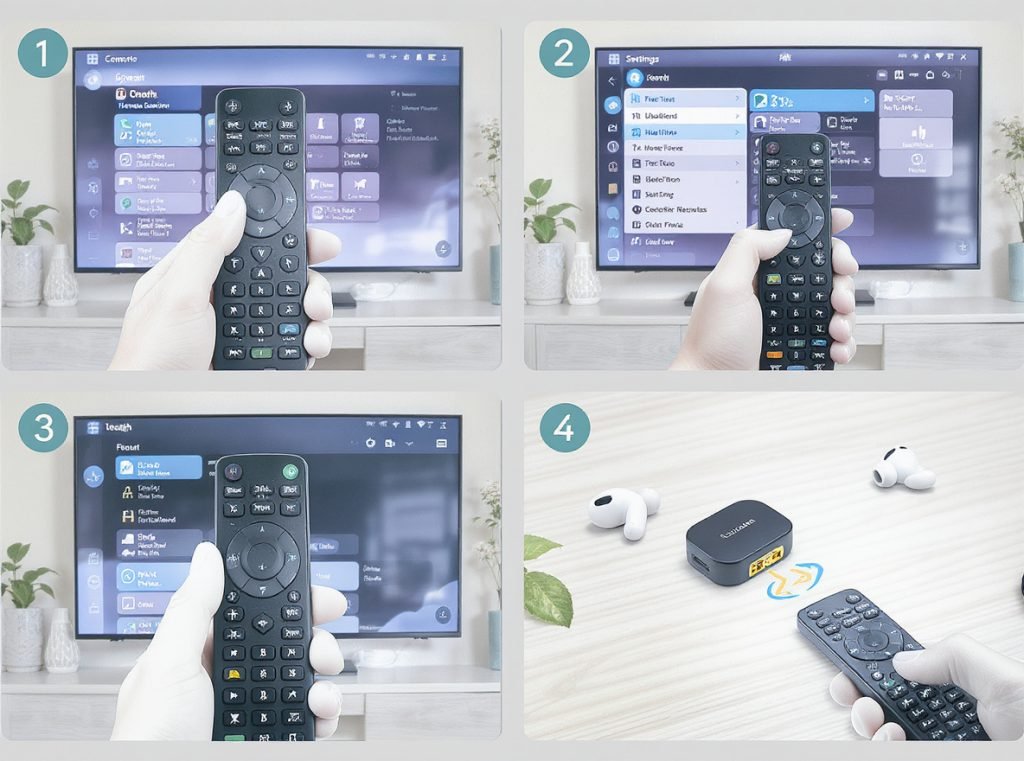
Smart TV pairing follows a consistent process across most brands. First, enable pairing mode on your earbuds by holding the pairing button. Next, navigate to your TV’s Bluetooth settings. Then, select “Add Device” or “Pair New Device.” Finally, choose your earbuds from available devices and confirm pairing.
For non-Bluetooth TVs, several reliable connection options exist:
Optical Audio Transmitters: These connect to digital TOSLINK outputs found on most modern TVs. Additionally, they provide the cleanest audio signal and often support advanced codecs like aptX Low Latency.
3.5mm Transmitters: Alternatively, these plug directly into headphone jacks or use with RCA-to-3.5mm adapters. However, setup is simple but may have slightly higher latency than optical connections.
USB Transmitters: Meanwhile, models like the Avantree DG60P plug into TV USB ports, drawing power directly while providing low-latency transmission to multiple earbuds simultaneously.
Setup considerations:
- Initially, test audio delay after pairing and adjust TV settings if lip-sync correction is available
- Subsequently, position transmitters within direct line-of-sight for optimal range
- Furthermore, ensure transmitter codec support matches your earbuds’ capabilities
- Finally, consider models supporting multiple simultaneous connections for shared viewing
What Are the Top TV Earbuds for 2024?
Current market leaders offer different strengths depending on your specific needs, budget, and viewing patterns. Professional testing consistently highlights several models for TV-optimized performance.
The Sony WF-1000XM5 leads overall for TV watching with industry-leading noise cancellation, 8-hour battery life, and LDAC support. The Soundcore Space A40 provides exceptional value with 10-hour battery and effective ANC. The Bose QuietComfort Ultra excels in spatial audio but commands premium pricing.
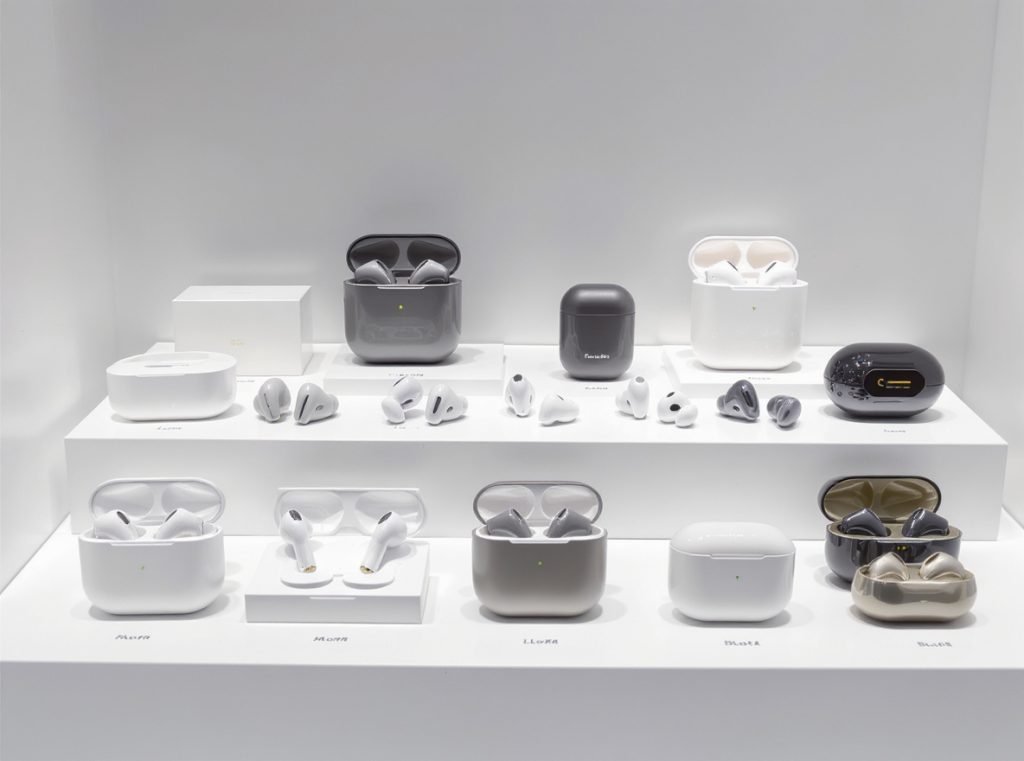
The Sony WF-1000XM5 represents the current gold standard for TV earbuds, combining superior noise cancellation with 24-hour total battery life. Moreover, their refined midrange response enhances dialogue clarity, while LDAC support delivers audiophile-quality sound when supported by your TV or transmitter.
Premium TV Earbuds (₹15,000+):
- Sony WF-1000XM5: Best overall performance, exceptional ANC
- Bose QuietComfort Ultra: Superior noise cancellation and spatial audio
- Technics EAH-AZ100: Audiophile-grade sound, 10-hour battery life
Mid-Range Champions (₹8,000-15,000):
- Soundcore Space A40: Outstanding value with 10-hour battery
- Sennheiser Momentum True Wireless 4: Natural sound signature
- HUAWEI FreeBuds Pro 3: Ultra-low 100ms latency performance
Budget Excellence (Under ₹8,000):
- EarFun Air 2S: Best performance under ₹4,000
- Anker Soundcore Liberty 4 Pro: Surprising sound quality for price
For specialized TV use, consider the Avantree HT4186 with dedicated TV transmitters and up to 32 hours total battery life. Specifically, this model is engineered for television viewing rather than adapted from music-focused designs.
Nevertheless, the choice depends heavily on your TV’s capabilities. If your television lacks advanced Bluetooth codec support, investing in ultra-premium earbuds may provide diminishing returns compared to pairing mid-range models with quality transmitters.
Should I Choose Earbuds or Over-Ear Headphones for TV?
Both form factors offer distinct advantages for television watching, with your choice depending on comfort preferences, usage duration, and specific viewing environments. Modern premium earbuds have largely closed the performance gap with over-ear designs.
Earbuds excel in portability, temperature regulation, and precise detail reproduction through direct ear canal placement. Over-ear headphones provide wider soundstages, superior comfort during extended sessions, and better bass response from larger drivers. For most TV watching, quality earbuds perform equivalently while offering superior convenience.
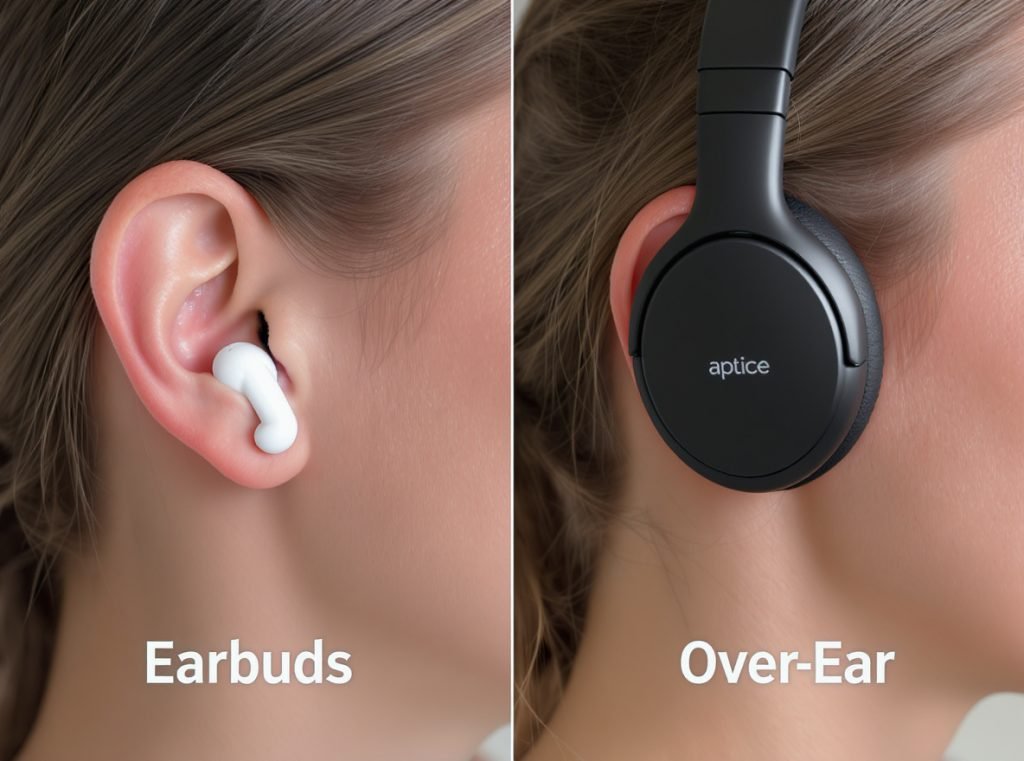
Over-ear headphones traditionally dominated TV listening due to larger drivers and passive isolation advantages. However, modern premium earbuds like the Sony WF-1000XM5 deliver comparable performance in more convenient packages.
Earbuds Advantages:
- Minimal heat buildup: Furthermore, they prevent sweating during extended viewing sessions
- Portability: Additionally, they’re easily stored and transported between rooms
- Precise detail: Moreover, direct ear canal placement enhances mid-range clarity
- Hair and glasses friendly: Most importantly, they won’t disturb styling or comfort
Over-Ear Headphone Benefits:
- Wider soundstage: In contrast, they provide more immersive cinematic experiences
- Enhanced dialogue clarity: Similarly, open-back designs excel for speech reproduction
- Superior comfort: However, they offer less ear canal pressure during marathon sessions
- Better bass response: Finally, larger drivers produce deeper low frequencies
| Factor | Earbuds | Over-Ear Headphones |
|---|---|---|
| Weight | 10-15g total | 250-400g |
| Heat Buildup | Minimal | Moderate to High |
| Soundstage Width | Good | Excellent |
| Portability | Excellent | Poor |
| Long-Session Comfort | Very Good | Variable by model |
The decision often comes down to usage patterns. Specifically, for viewers who frequently change locations, travel, or share living spaces, earbuds provide unmatched convenience. Conversely, for dedicated home theater setups with consistent viewing positions, over-ear headphones may deliver slightly more immersive experiences.
How Important is Battery Life for TV Earbuds?
Battery performance directly determines whether earbuds suit your viewing patterns and affects the overall user experience. Different viewing habits require vastly different power requirements.
TV earbuds require minimum 8-hour battery life for serious viewing, with 10+ hours being ideal for heavy users. The Soundcore Space Q45 achieves exceptional 50 hours total with quick charging providing 4 hours from just 5 minutes charging. Extended battery life is critical for uninterrupted viewing experiences.
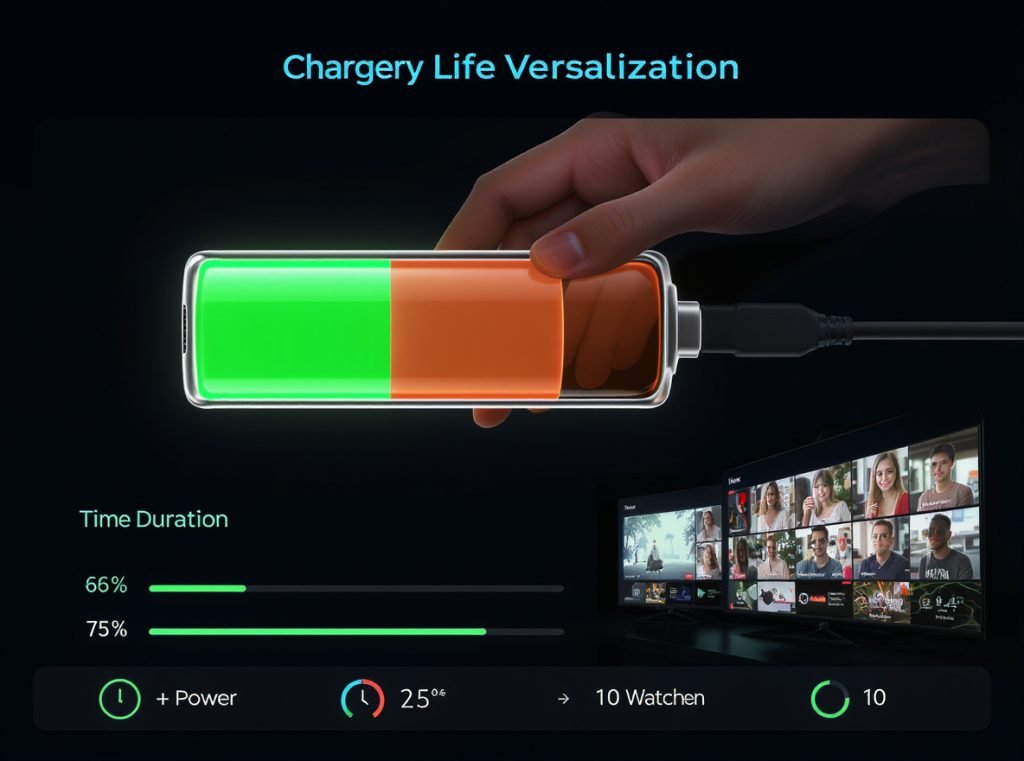
Television viewing sessions vary dramatically between users. Generally, casual viewers might watch 1-2 hours daily, while dedicated streamers often exceed 6-8 hours during weekends, sick days, or binge-watching marathons. Ideally, your maximum typical session should fit comfortably within the earbuds’ rated continuous playbook.
Modern TV earbuds offer impressive endurance:
Extended Battery Champions:
- JBL Tour Pro 3: Remarkably, provides up to 48 hours total with case
- Avantree HT4289: Additionally, delivers 40 hours total battery life
- Soundcore Space A40: Furthermore, offers 10 hours continuous, 50 hours with case
Quick Charge Leaders:
- Soundcore models: Impressively, provide 4 hours playback from 5-minute charge
- Sony WF-1000XM5: Similarly, deliver 3 hours from 3-minute quick charge
- Bose QuietComfort Ultra: Meanwhile, offer 2 hours from 20-minute charge
Battery life considerations by viewing pattern:
For light viewers (1-2 hours daily), most quality earbuds exceed requirements. Focus on sound quality and comfort over extended battery specifications.
For moderate viewers (3-5 hours daily), prioritize models offering 8+ hour continuous playback with reliable quick-charge capabilities for emergency power.
For heavy viewers (6+ hours daily), seek premium models with 10+ hour ratings and high-capacity charging cases supporting multiple full charges between wall connections.
What About Audio Quality for TV Content?
Television audio differs significantly from music in frequency emphasis, dynamic range, and mixing priorities. Understanding these differences helps choose earbuds optimized for video content rather than music reproduction.
TV content prioritizes clear dialogue reproduction in midrange frequencies (200Hz-4kHz). The Sennheiser HD series excels at dialogue with refined midrange emphasis. Many modern TVs offer “Clear Voice” modes that boost dialogue frequencies, working synergistically with quality earbuds.
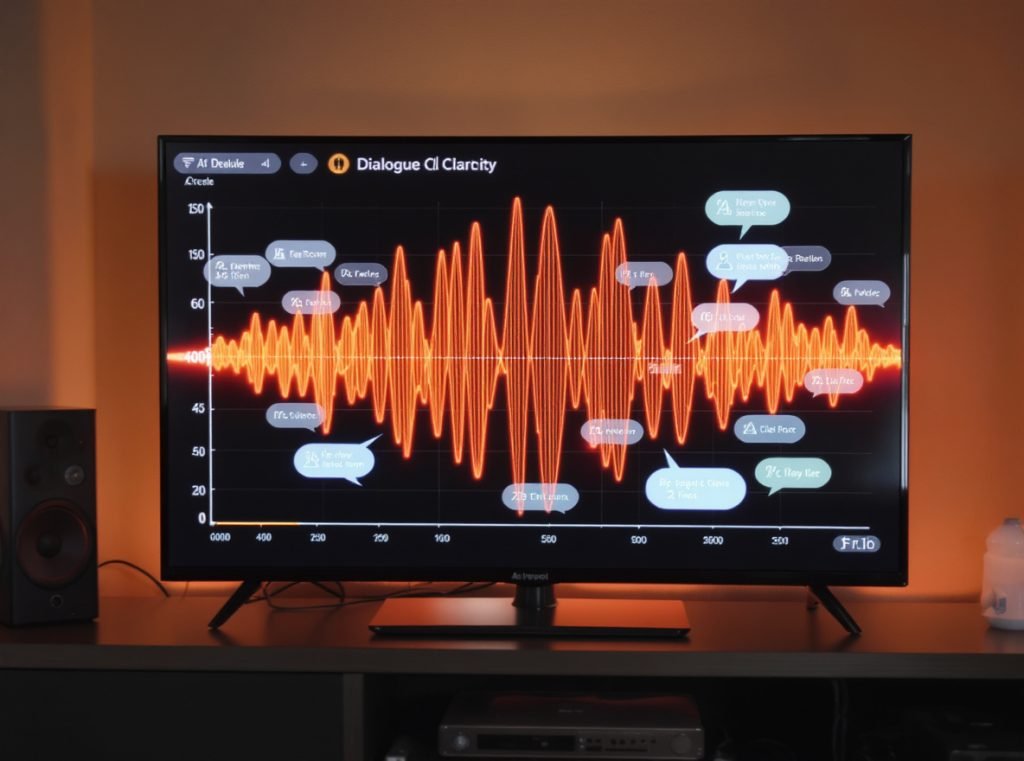
Television mixing emphasizes different frequency ranges compared to music production. Specifically, dialogue occupies the critical 2-4kHz spectrum for speech intelligibility, while sound effects and music fill higher and lower ranges. Unfortunately, earbuds with excessive bass emphasis can muddy dialogue, making speech harder to understand during complex scenes.
Frequency Priority for TV Audio:
- 200Hz-800Hz: Male voice fundamentals and presence
- 800Hz-4kHz: Critical speech clarity and consonant definition
- 4kHz-8kHz: Dialogue detail and sibilance control
- Above 8kHz: Environmental ambiance and spatial cues
Modern streaming services use audio compression optimized for dialogue clarity over audiophile-quality music reproduction. Netflix, Amazon Prime, and other platforms prioritize speech intelligibility, and quality earbuds should complement these optimizations.
Dynamic range management becomes crucial for TV content. Particularly, modern shows use wide dynamic ranges that can make dialogue quiet relative to action sequences. Fortunately, quality earbuds with good midrange response help balance these levels without constant volume adjustments.
Additionally, models with companion apps offering TV-specific EQ presets often outperform manual adjustments. Sony’s app includes “Clear Bass” and “Clear Voice” options, while Bose offers conversation mode optimizations specifically designed for video content.
Do I Need Active Noise Cancellation for TV Watching?
Active Noise Cancellation (ANC) can significantly enhance TV viewing in certain situations while potentially hindering the experience in others. The benefits depend heavily on your viewing environment and personal preferences.
ANC excels in noisy environments like apartments with thin walls or busy households, blocking distractions by 20-30dB. However, it may create unnaturally isolated feelings and can affect spatial audio processing. The Sony WF-1000XM5 and Bose QuietComfort Ultra offer the best ANC performance for TV watching.
In quiet home environments, ANC provides minimal benefits since there’s little external noise to cancel. Additionally, the digital signal processing required for noise cancellation can sometimes introduce subtle audio artifacts, though this is rare in premium models from Sony and Bose.
ANC Excels in These Scenarios:
Apartment Living: Neighbor conversations, traffic noise, or building HVAC systems create constant background interference. Quality ANC can reduce these distractions significantly, allowing comfortable TV viewing at lower volumes.
Multi-Person Households: Family conversations, kitchen activities, or simultaneous entertainment in open floor plans benefit from moderate ANC to maintain focus without complete isolation.
Late-Night Viewing: ANC reduces the need for higher volume levels that might disturb sleeping family members, creating a more considerate viewing environment.
When ANC May Not Be Necessary:
In quiet environments, passive isolation from proper earbud fit often suffices. However, safety concerns arise when you need to hear doorbells, phone calls, or emergency alerts. Furthermore, ANC reduces total battery life by 15-25% compared to passive listening.
Transparency or “passthrough” modes offer excellent compromise solutions. These features allow important environmental sounds while reducing less important background noise, maintaining situational awareness during TV viewing.
Some users report feeling psychologically disconnected from their environment with strong ANC during TV watching. This varies between individuals – some enjoy complete immersion while others prefer maintaining subtle environmental awareness.
How Do I Optimize Earbuds for TV Dialogue Clarity?
Clear dialogue reproduction is crucial for TV enjoyment, especially with complex plots, foreign content, or varying audio quality across streaming platforms. Several optimization strategies can dramatically improve speech intelligibility.
Optimize dialogue clarity by boosting 2-4kHz frequencies in EQ settings, ensuring proper ear tip fit for optimal seal, and enabling TV “Clear Voice” modes when available. Physical positioning and regular ear canal cleaning also significantly impact dialogue reproduction quality.
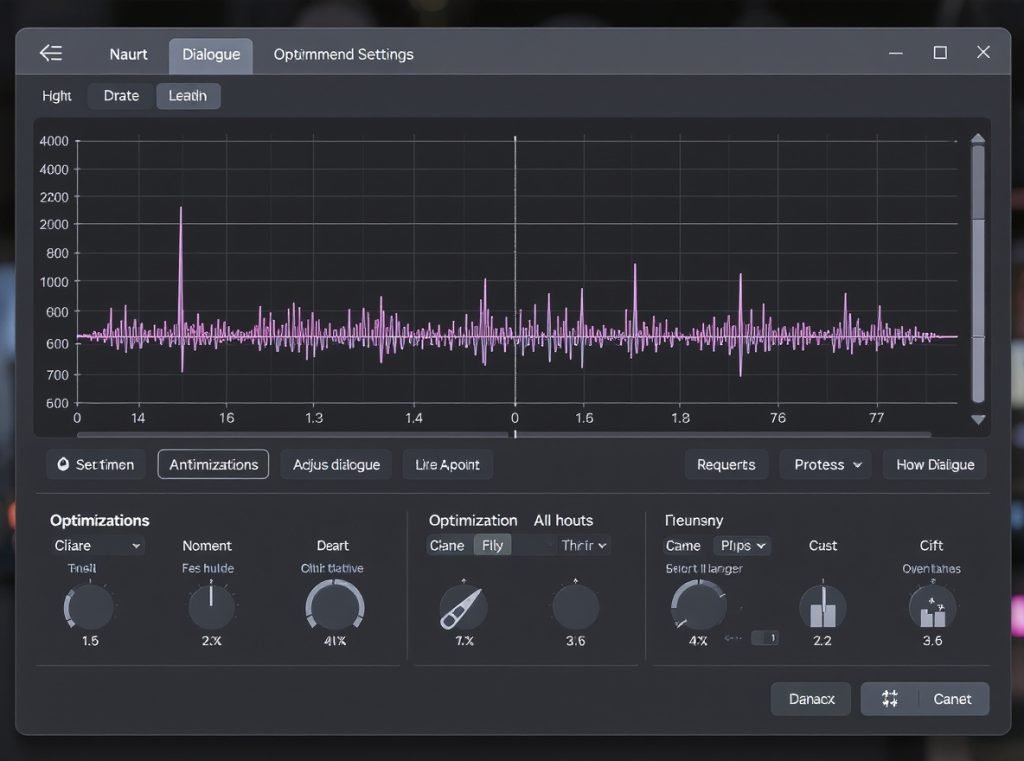
Many streaming platforms include audio options specifically designed for dialogue clarity. Netflix offers dialogue-focused audio tracks on select content, while Amazon Prime includes similar features. These platform-level optimizations work before audio reaches your earbuds, providing foundational improvements.
EQ Optimization Strategies:
Start with flat frequency response, then make subtle adjustments. Boost frequencies around 2-3kHz by 2-3dB to enhance speech presence without creating harshness. Reduce excessive bass below 200Hz if it’s masking vocals during action sequences.
High frequencies above 6kHz can be slightly attenuated if sibilance (harsh ‘s’ sounds) becomes problematic, though this varies by individual hearing characteristics and earbud tuning.
App-Based Enhancement Features:
Premium earbuds often include manufacturer-tuned dialogue presets. Sony’s companion app features “Clear Voice” optimizations, while Bose offers conversation mode settings. These professional presets frequently outperform manual EQ adjustments.
Physical Optimization Factors:
Proper earbud fit dramatically affects dialogue clarity. Poor seal allows bass frequencies to leak, forcing higher volumes and potential distortion. Experiment with different ear tip sizes and materials – foam tips often provide superior seal compared to silicone for certain ear shapes.
Forward-facing earbud orientation maximizes driver efficiency toward your ear canal. Regular ear canal cleaning maintains consistent audio quality, as earwax buildup can significantly muddy dialogue reproduction.
TV Settings Integration:
Enable dialogue enhancement in your TV’s audio settings if available. Disable unnecessary audio processing that might muddy speech clarity. Set audio output to stereo rather than surround sound for earbud listening, as surround processing can negatively affect dialogue positioning.
What’s the Difference Between RF and Bluetooth TV Earbuds?
Two primary wireless technologies serve TV audio applications: traditional Radio Frequency (RF) systems and modern Bluetooth solutions. Each technology offers distinct advantages and limitations for television viewing.
RF systems like Sennheiser’s RS series offer virtually zero latency (<10ms) and unlimited range within homes, while Bluetooth provides device versatility without dedicated base stations. RF excels for stationary TV watching with perfect synchronization, while Bluetooth suits multi-device users despite potential latency challenges.
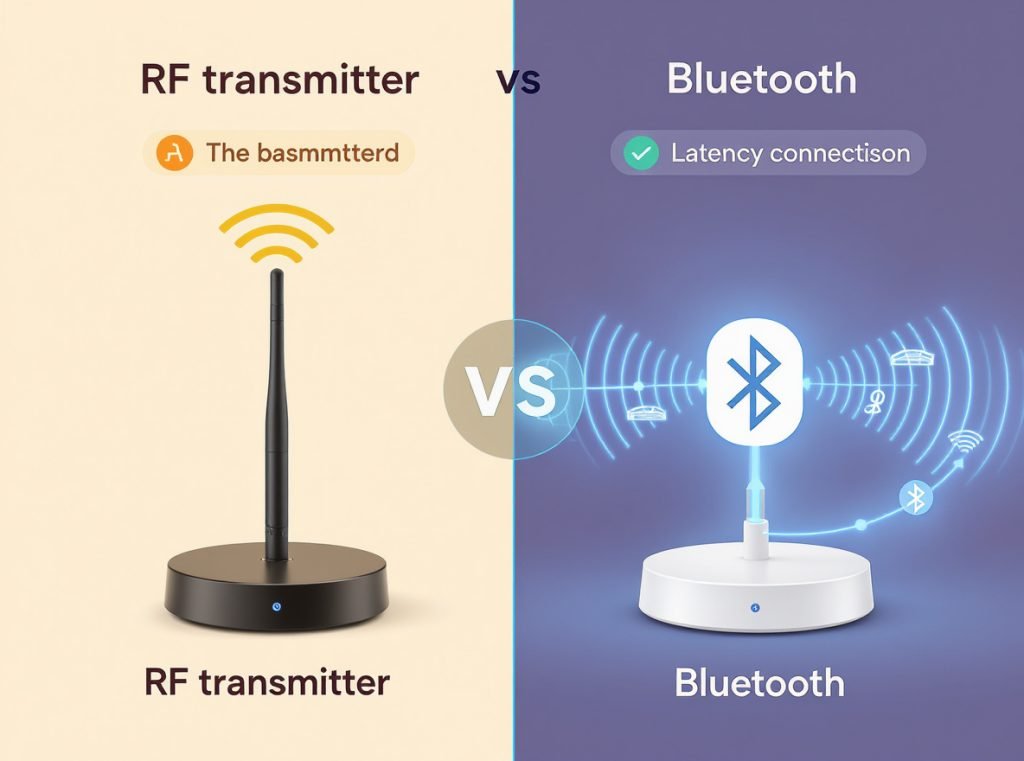
RF headphone systems operate on dedicated frequency bands separate from Wi-Fi and Bluetooth, avoiding interference from smartphones, tablets, and other wireless devices. The Sennheiser RS 195 RF Wireless represents the gold standard for dedicated TV listening, offering audiophile-quality sound with zero perceivable delay.
RF System Advantages:
- Zero latency: <10ms delay, completely imperceptible
- Extended range: Up to 300 feet vs Bluetooth’s 50-160 feet
- No pairing required: Automatic connection after initial setup
- Multiple listeners: Support for 4+ simultaneous connections
- Immunity to interference: Dedicated frequency bands avoid conflicts
Bluetooth System Benefits:
- Universal compatibility: Works with phones, tablets, laptops seamlessly
- No base station required: Direct TV connection when supported
- Portable form factor: Convenient for travel and room-to-room use
- Advanced codec support: LDAC, aptX, and other high-quality options
- Smart ecosystem integration: Works with voice assistants and apps
Latency Performance Comparison:
| Technology | Typical Latency | Visual Sync Quality |
|---|---|---|
| RF Systems | <10ms | Perfect – imperceptible |
| aptX Low Latency | ~40ms | Excellent – barely noticeable |
| Standard Bluetooth | 200-500ms | Poor – clearly visible delay |
RF systems typically require higher initial investment but provide dedicated TV-optimized experiences. The base station handles all audio processing and transmission, ensuring consistent performance regardless of TV model or capabilities.
Bluetooth solutions offer superior versatility but depend on your TV’s built-in capabilities. Older televisions require separate transmitters, potentially matching RF system costs while delivering less optimized performance for TV-specific use cases.
Recommendation Strategy: Choose RF systems for dedicated home theater setups with stationary viewing positions where perfect lip-sync is non-negotiable. Select Bluetooth for versatile use across multiple devices and locations, accepting minor latency compromises for enhanced flexibility.
Summary
Choosing the best earbuds for TV watching requires balancing latency performance, battery life, and comfort. The Sony WF-1000XM5 leads for premium users, while Soundcore Space A40 offers exceptional value. Prioritize aptX Low Latency support and 8+ hour battery life for optimal viewing experiences.
Ready to upgrade your customers’ TV watching experience? Contact Osmarto today for wholesale pricing on professional-grade earbuds optimized for television viewing. Our specialized B2B team understands the technical requirements for TV audio and can recommend models perfectly suited for your retail market. Send us your inquiry for competitive wholesale rates and detailed technical specifications.
Partner with Osmarto’s wholesale division to offer your customers cutting-edge TV earbuds with low-latency performance and extended battery life. We serve distributors, retailers, and brand manufacturers worldwide with competitive pricing, reliable supply chains, and technical support for TV-optimized audio products. Contact us today to discuss bulk orders and private label opportunities.